
Best Travel Apps Every Digital Nomad Needs in 2026
Some links on this page earn us a small commission, at no extra cost to you. Full disclosure.
Quick answer
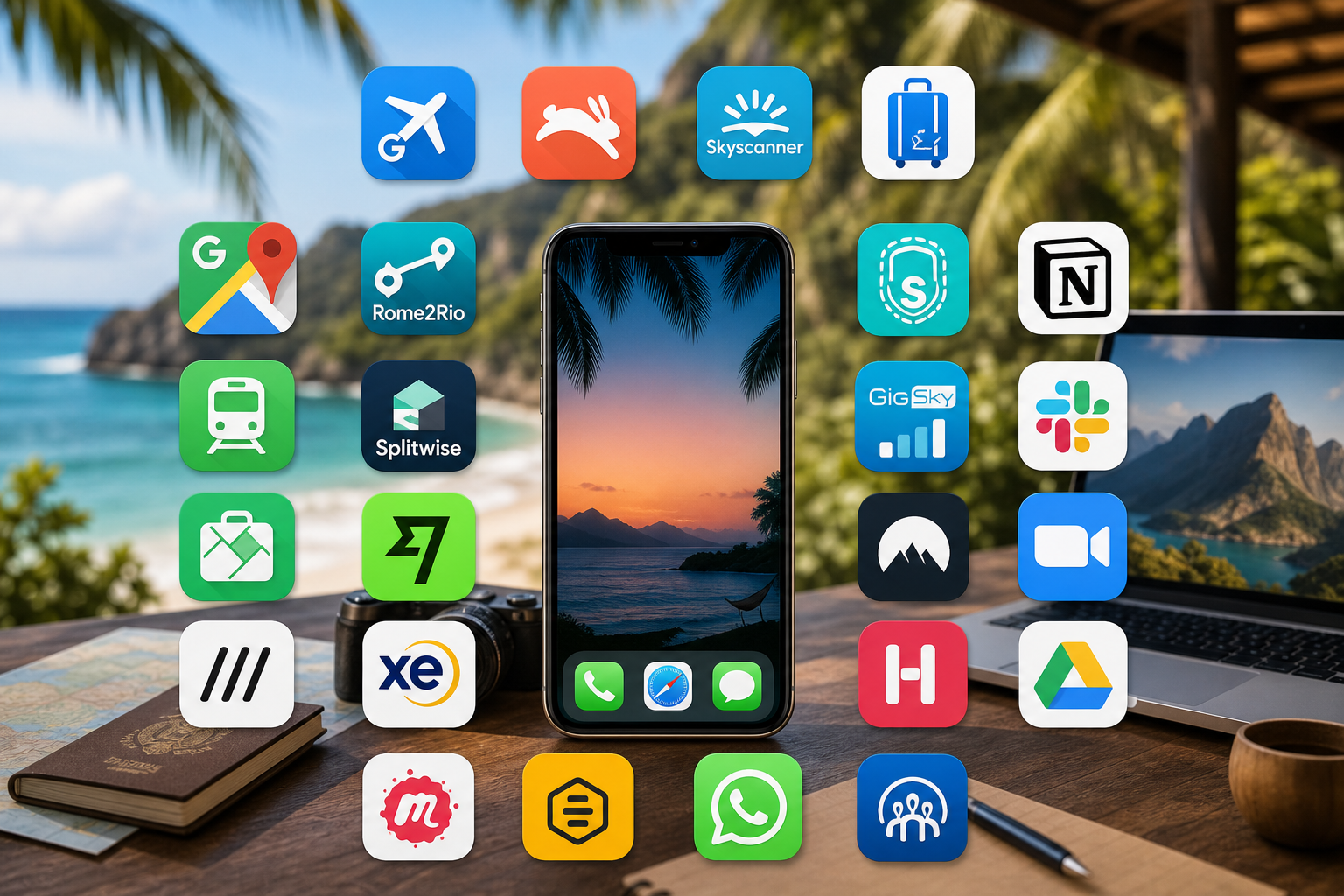
If you keep only five apps on your phone: Skyscanner for cheap flights, Google Maps for navigation, Revolut for money, WhatsApp for communication and a notes app for planning. Twenty of the best travel apps for digital nomads are covered below, in seven groups, and you do not need all of them.
Checked on 5 October 2026 against Proton VPN's own page: its free plan covers 1 device with no data or speed limits and no ads, and its paid plans list 140+ countries and up to 10 devices.

One of the things that makes the biggest difference in nomad life is having the right apps on our phone: the ones that save money, time and stress when you move constantly. For the setup beyond apps, see our digital nomad setup guide, our eSIM comparison, and our travel credit cards and banking guide.
Here are the best travel apps for digital nomads in 2026, the ones that earn a place in any digital nomad toolkit because they work every day.
Flight Booking Apps: Finding Cheap Flights
1. Skyscanner
Skyscanner is great for flexible travel dates. You can set price alerts, search across entire months to find the cheapest days, and compare hundreds of airlines simultaneously. The "Everywhere" search finds unexpected deals to new countries.
Wondering if Skyscanner is still the best flight search engine? Our Skyscanner review answers that.
Completely free to use.
For routing across several stops, see multi-city flight routing and how to find cheap flights as a digital nomad.
2. Google Flights
Google Flights shows you when prices are typically lowest for your route. Its price insights tell you whether current prices are low, typical or high. The visual calendar makes it easy to see pricing trends across an entire month.
Completely free. No subscriptions, no hidden fees.
3. Hopper
Hopper predicts flight price changes. Let it watch a flight you are interested in, and it notifies you when prices drop and tells you when to buy.
Free with optional paid features.
Accommodation Apps: Where to Sleep
4. Airbnb
Airbnb is where you find apartments and houses with kitchens, which is crucial for long-term nomads who want to save money on food. The search filters let you find properties with reliable WiFi, workspaces, and self-check-in, essentials for remote workers. Many hosts offer monthly discounts.
Paid platform with varying nightly rates. Good value for longer stays.
5. Booking.com
Booking.com often has better hotel rates than other platforms, especially in Southeast Asia and Europe. Free cancellation on many properties gives you flexibility when plans change.
Paid platform with competitive pricing across regions.

6. Hostelworld
For short stays or meeting other travelers, Hostelworld is the go-to. The app shows real reviews from other backpackers and nomads. You can filter for hostels with private rooms and read reviews about WiFi and atmosphere.
Paid bookings with budget-friendly options.
Why We Put This List Together

Chenzo, founder of NomadsToolsLab
Chenzo has been on the road for 27 years, including 11 years backpacking through South America. His own travel stack includes Windscribe for a VPN, Revolut for banking, and Skyscanner for flights.
Translation Apps: Breaking Language Barriers
7. Google Translate
Google Translate is reliable and free. The real-time camera translation feature is magic, point your phone at a menu or sign and it translates instantly.
Completely free.
8. DeepL
For more nuanced translations, especially when writing emails or messages to locals, DeepL is superior to Google Translate. The translations feel more natural and contextually accurate.
DeepL and Google Translate are also compared in our guide to the best AI tools for digital nomads.
Free version works well for most translations.
Navigation Apps: Finding Your Way
9. Google Maps
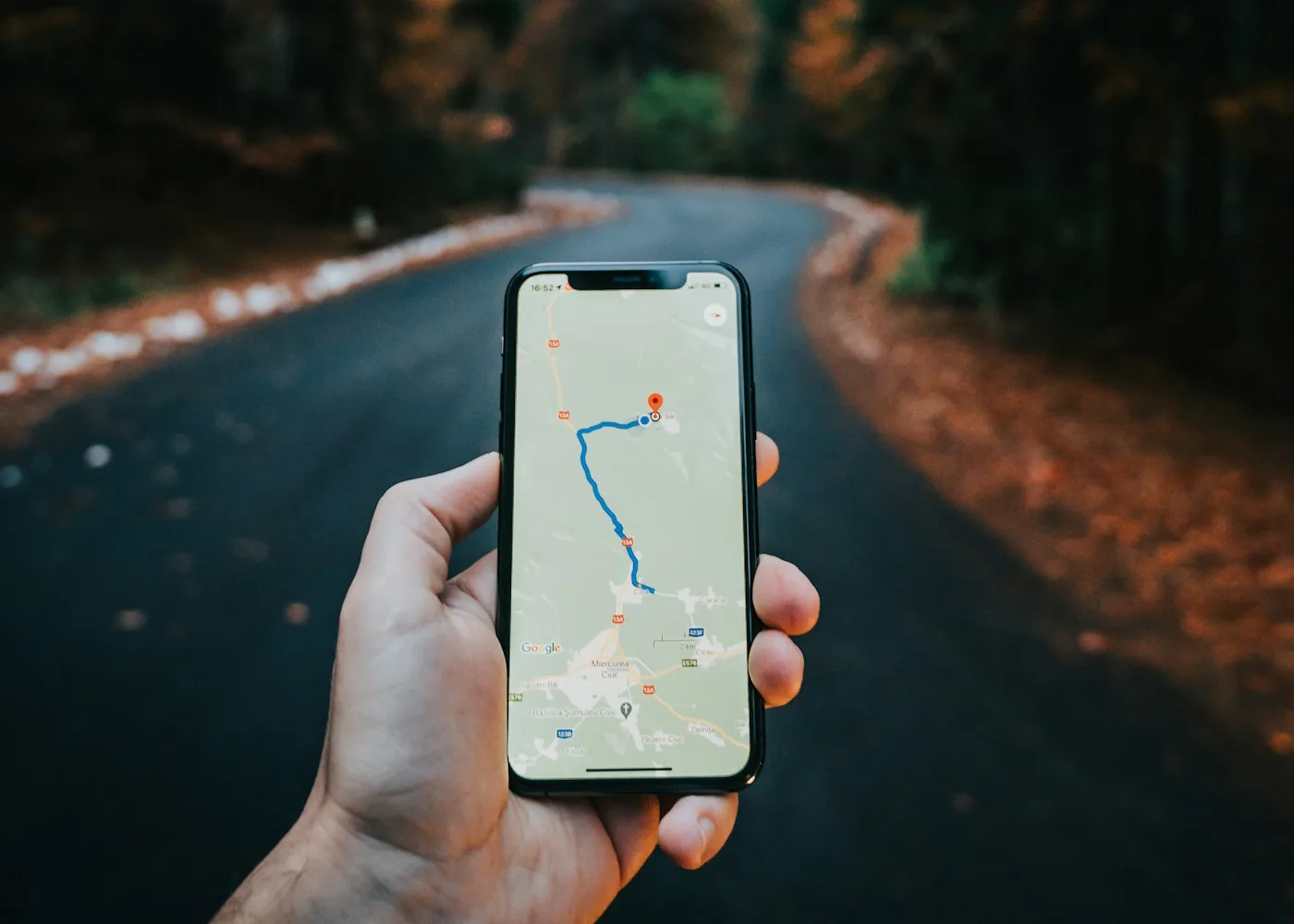
Google Maps is the main navigation tool for most travelers. It works offline if you download maps in advance, shows real-time transit options, and includes user reviews of restaurants and attractions. The ability to save places and create lists is invaluable for planning your next destination.
Free with optional premium features.
10. Maps.me
Maps.me is a good backup when you don't have data. All maps are available offline, which is perfect for traveling in areas with spotty connectivity. It's lightweight and works great for hiking and exploring off-the-beaten-path locations.
Free. (The app itself is now proprietary; its open-source fork is Organic Maps.)
11. Citymapper
In major cities, Citymapper is excellent for public transit. It shows real-time arrivals and alternative routes. It covers many major cities worldwide and is especially helpful in European cities with complex transit systems.
Free version is comprehensive.
Rides are the other half of getting around. Ride-hailing apps show the price before you get in, and our guide on how to avoid taxi scams covers when to pre-book instead.
Money Apps: Managing Finances Across Borders

12. Wise (formerly TransferWise)
Wise is essential for international money transfers. The mid-market exchange rates are transparent and fair, with low fees. The multi-currency account lets you hold and spend money in different currencies without conversion penalties.

Fee-based service but the fees are reasonable compared to traditional banks.
13. Revolut
Revolut works well as a travel debit card: hold many currencies, exchange in the app and withdraw cash from ATMs worldwide. You get both a digital and a physical card.
Freemium model. The free version covers daily travel needs perfectly.
14. XE Currency Converter
XE provides real-time exchange rates with no markup. At a market, XE helps you check quickly whether a price is a good deal. It works offline too, which is helpful.
Completely free.
Security and Communication Apps
15. NordVPN
NordVPN protects your data and passwords on public WiFi in coffee shops and coworking spaces, and has a large server network (8,000+ servers).
Paid subscription, cheapest on longer plans.
16. Proton VPN
Proton VPN earns its spot because of its free tier. No ads, no data cap, and a genuine no-logs policy, you just get one device and a small pick of countries. Upgrade and you get thousands of servers across 140+ countries and up to 10 devices at once.
Free tier available. Paid plans on top.
A VPN is one layer. Pair it with a password manager: see our best VPNs for digital nomads and best password managers.

17. WhatsApp
WhatsApp is how most travelers stay in touch with family and make local calls. Most people outside the US use WhatsApp, so having it is essential. Voice and video calls over WiFi are reliable and free.
Free.
18. Telegram
Telegram is a good backup messaging app and is especially popular in certain regions, with many travel and digital nomad groups.
Free.
Productivity Apps: Stay Organized on the Move
Managing work while traveling requires good organizational tools. These two cover the basics.

19. A Notes App
A simple notes app works as a digital brain: travel itinerary, project tracking, expense logs and content calendar, all in one place. The built-in notes app already on your phone handles this well enough for most solo nomads, and it syncs automatically so you can update information on the go.
Free version works well. Paid plans for teams.
20. Todoist
Todoist keeps you on track with daily tasks. The natural language input (just type "fix website tomorrow at 2pm") is fast, and it syncs across all our devices.
Free version is excellent.
Top 5 Must-Have Travel Apps
If you could only keep five apps on your phone:
| App | Primary Use | Cost |
|---|---|---|
| Skyscanner | Finding cheap flights | Free |
| Google Maps | Navigation and exploration | Free |
| Revolut | Money management | Free/Premium |
| Communication | Free | |
| A Notes App | Organization and planning | Free |
- If you could only keep five apps: Skyscanner, Google Maps, Revolut, WhatsApp and a notes app.
- Skyscanner and Google Flights are completely free; Hopper is free with optional paid features.
- Google Maps works offline if you download maps in advance, and Maps.me is the offline backup.
- Google Translate handles menus and signs with the camera; DeepL is better for emails and messages.
- You do not need all twenty. Start with the top five and add others as you need them.

Final Thoughts: Pack Light, App Smart
The right apps change how you travel: they save money, get you past language barriers and keep you organized across continents. You do not need all twenty. Start with the top five and add others as you need them, choosing tools that work in real travel situations, not just on stable home WiFi.

Want the apps that still work when the signal drops? Read our guide to the best offline travel apps.
FAQ
What are the most essential travel apps for digital nomads?
If you keep only five: Skyscanner for cheap flights, Google Maps for navigation, Revolut for money, WhatsApp for communication and a planning app for organization.
Which app is best for finding cheap flights?
Skyscanner for flexible dates and price alerts, Google Flights for price calendars and predictions, and Hopper to watch a specific flight and get notified when prices drop.
Which navigation app works offline?
Google Maps works offline if you download maps in advance, and Maps.me has all maps available offline as a backup when you have no data.
Which translation app should I use while traveling?
Google Translate for everyday use and its camera translation of menus and signs, and DeepL for more natural translations of emails and messages.
Updated:
Affiliate disclosure. This post contains affiliate links. If you click and buy something, this site earns a small commission at no extra cost to you. Picks are based on published specs, independent reviews and manufacturer information, and we only recommend what we would use ourselves. As an Amazon Associate I earn from qualifying purchases. Read the full affiliate disclosure.






One Comment