Best Vanlife Internet Setup 2026: Routers, eSIMs and Starlink Compared
As an Amazon Associate I earn from qualifying purchases. Some links on this page earn us a small commission, at no extra cost to you. Full disclosure.
Quick answer
The best vanlife internet setup layers three things: Starlink Roam as the always on primary connection, a cellular router like the GL.iNet Spitz AX with local SIMs as backup, and a GL.iNet Beryl AX travel router to manage everything and run the VPN.
Our top picks
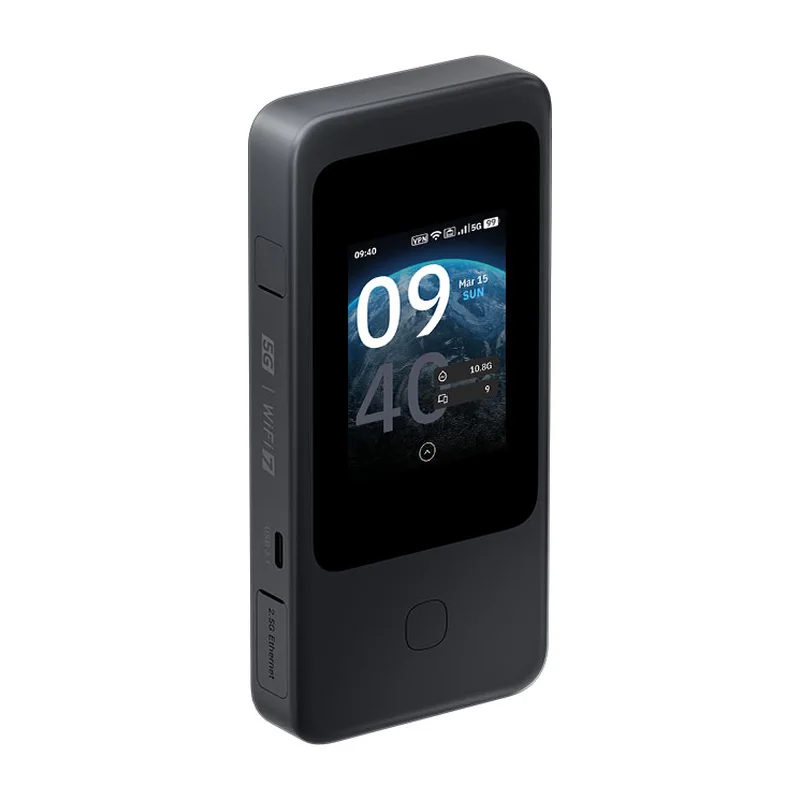
GL.iNet Mudi 7
The premium pick: 5G, Wi-Fi 7, dual SIM plus eSIM and a built-in battery Read more
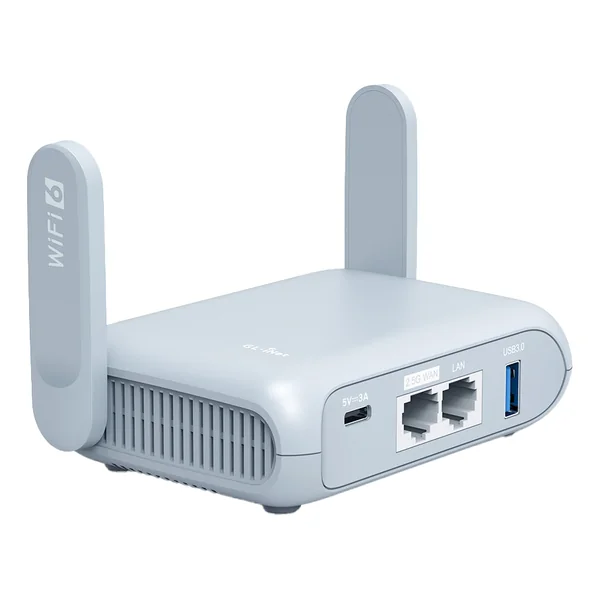
GL.iNet Beryl AX
Supports WireGuard VPN, captive portal handling, and load balancing between sources Read more

aloSIM
Country packs from $3.50 for 7 days and 1 GB, for example in Thailand (Indonesia is $4.50 for the same pack; checked on 4 October 2026 on aloSIM's own site, in USD, prices differ per country), 200+ countries, install straight from the app
Gear at a Glance
| Gear | Role | Shop |
|---|---|---|
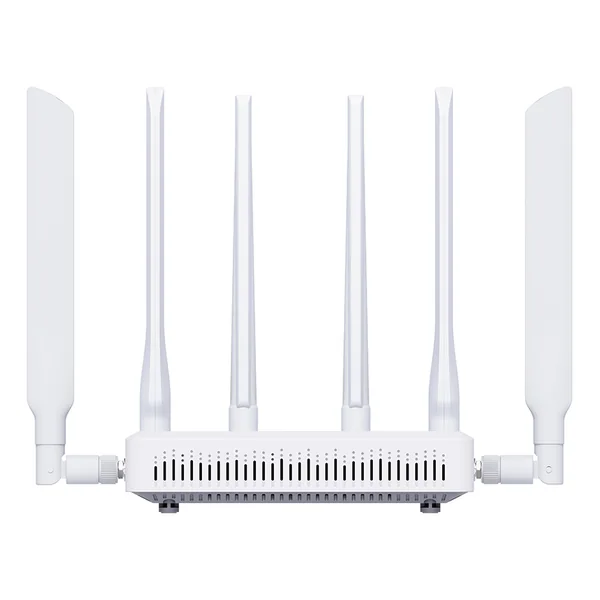 | Backup cellular, budget pick | Get yours on Amazon |
| GL.iNet Mudi 7 | Premium 5G with battery, dual SIM plus eSIM | Get yours on Amazon |
| Travel router with VPN | Get yours on Amazon |
Working from a van is the dream a lot of people chase. Then they get on the road and find out that internet is the make or break factor that nobody talked about in the YouTube videos. A bad connection means missed calls, broken video meetings, and the slow realization that the dream lifestyle is being undermined by 4 Mbps wifi in a campground.
The good news is that vanlife internet has gotten dramatically better in 2026. Starlink is mainstream, eSIMs work in most countries, and modern travel routers make it easy to combine multiple sources for one solid connection. This is the setup that works for actually getting real work done from a van.
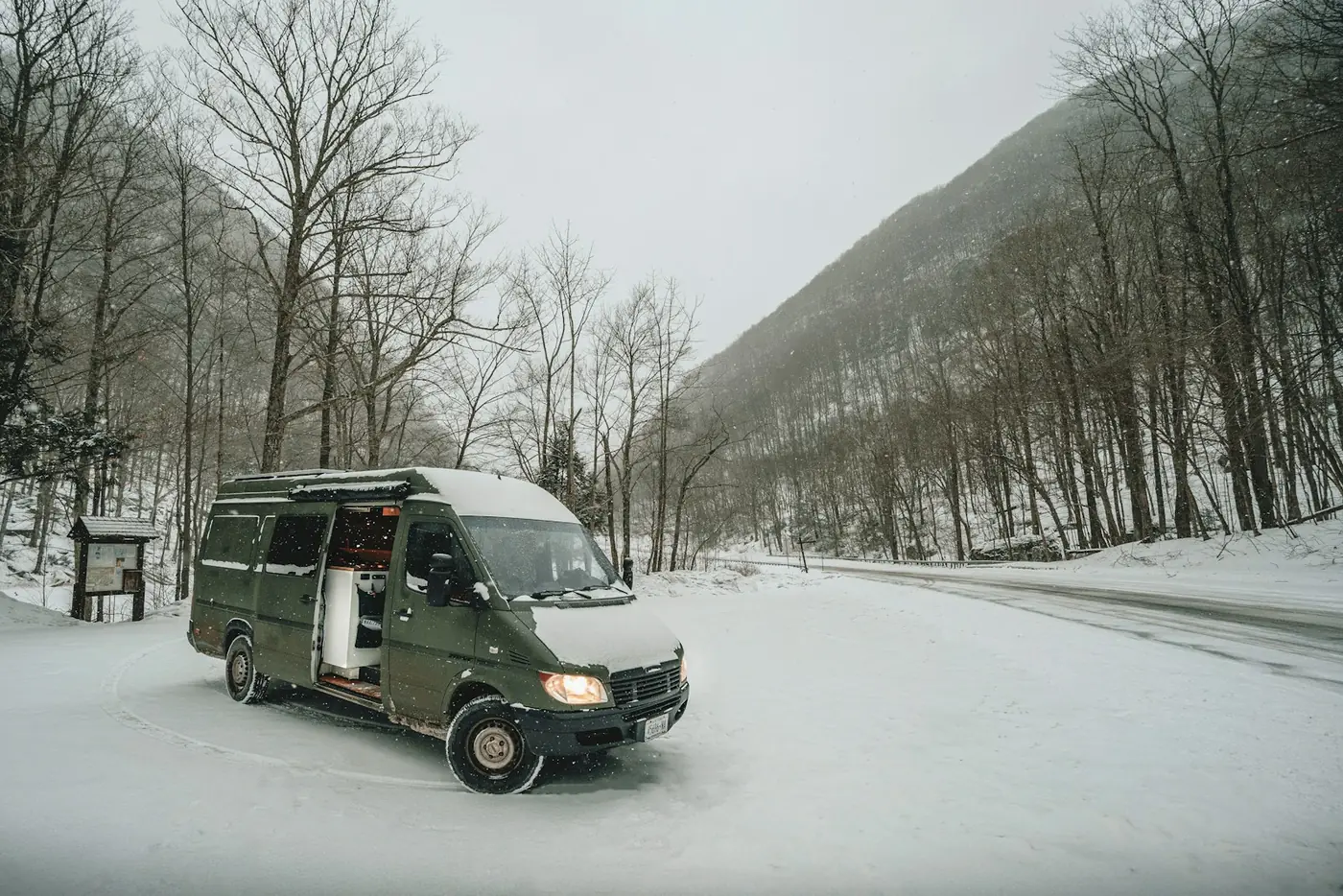
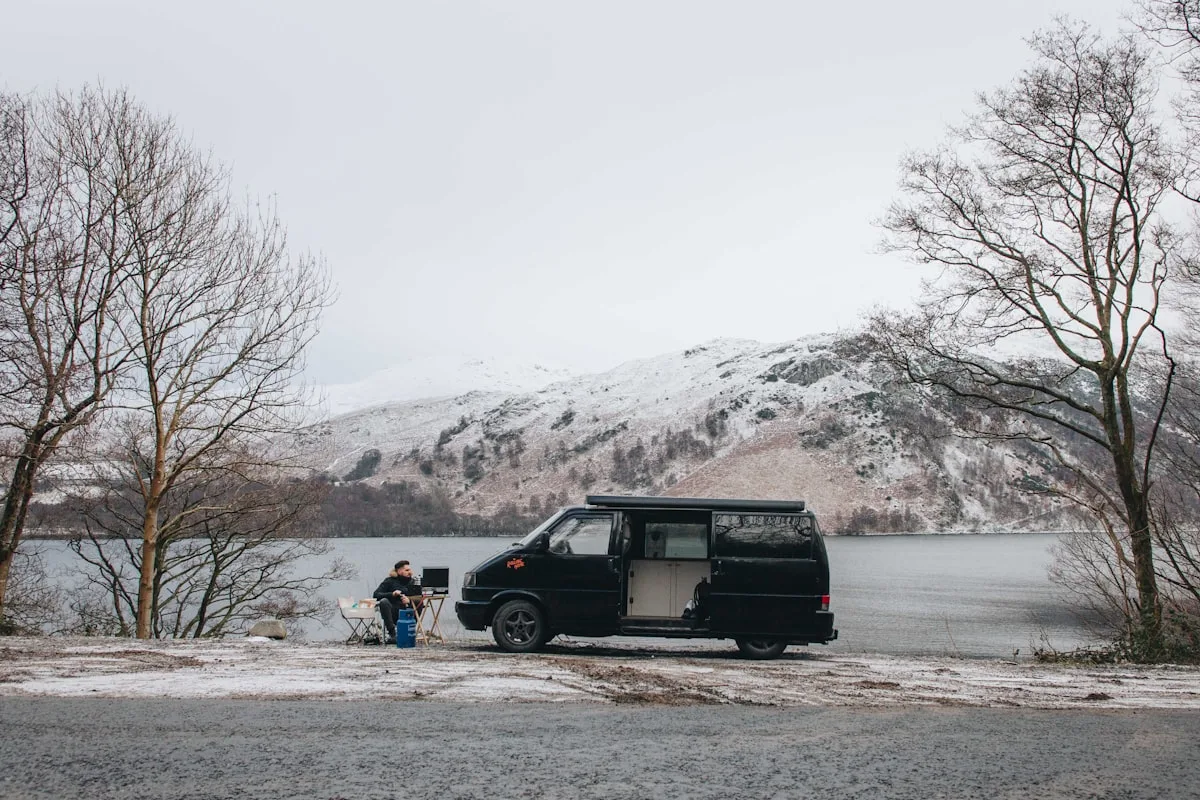
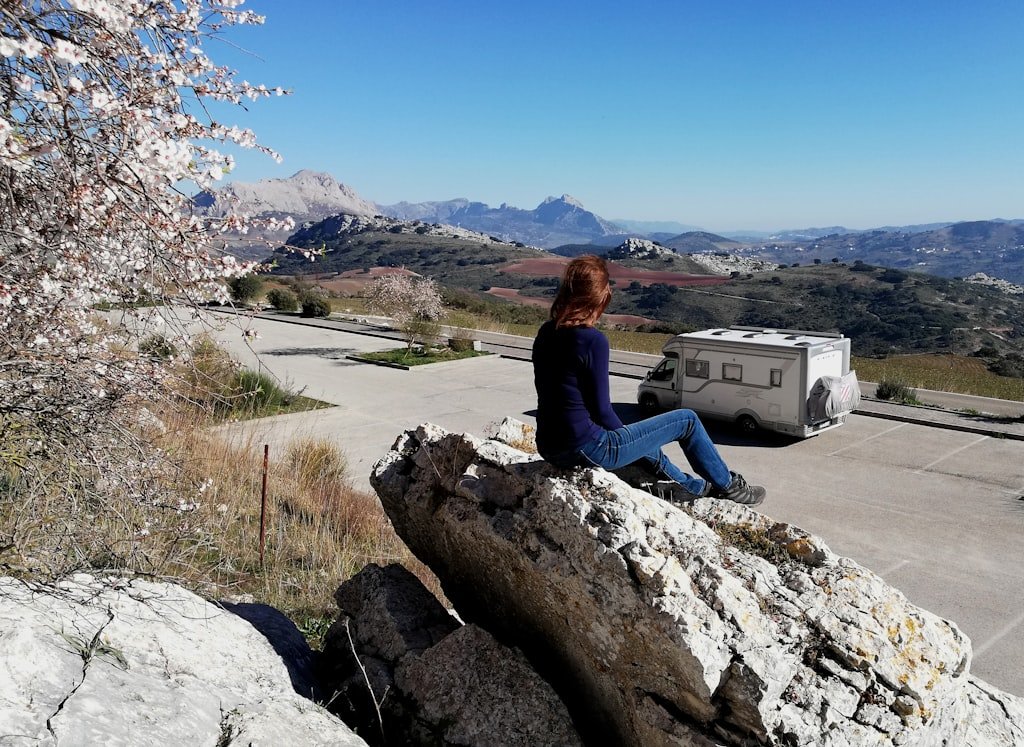
From the road: I traveled in a campervan and caravan for seven years, and the internet signal decided where we parked to work.

Chenzo, founder of NomadsToolsLab, staying connected on the road.
The Short Answer
The best vanlife internet setup in 2026 combines three layers. Starlink Roam for the primary always on connection. Two local SIM cards (or eSIMs) in a cellular router as backup. A travel router to manage everything and broadcast a single wifi network inside the van.
This setup costs several hundred to well over a thousand USD upfront, plus monthly plans that depend on the country. For full time vanlife remote work, it is the price of admission.
Layer 1: Starlink Roam
Starlink changed vanlife internet completely. Before Starlink, your only options were cellular signal (which was patchy outside cities) or campground wifi (which was unreliable). Starlink delivers video call grade internet almost anywhere with a clear view of the sky. Not sure which kit to buy? Our Starlink Mini vs Standard comparison sets the two side by side.
What Starlink Roam offers:
- Speeds and latency good enough for video calls in most locations with a clear sky view
- Works in remote areas where cellular signal is dead
- Pause and resume monthly billing if you take long breaks
- Roam plans made for use on the move
The cost. Hardware and monthly Roam prices differ per country and change often, so check the current prices on starlink.com for the country where you will use it. Also check the rules for using a Roam plan outside your home country before a long trip abroad.
What to watch out for. Power draw is real, so check the spec sheet of your kit and plan for solid solar or shore power. The dish needs clear sky view, so heavy tree cover or canyon walls block it. Weather can affect performance during heavy rain or snow.
Layer 2: Cellular (Local SIM or eSIM)
Cellular is your backup when Starlink is not available. It is also faster than Starlink in cities where the cellular network is strong. The setup that works:
- A 4G or 5G cellular router with one or two SIM slots (GL.iNet Spitz AX or GL.iNet Mudi 7)
- Local prepaid SIMs in each country you travel to (or Airalo eSIMs for short stays)
- Unlimited data plans where available (in the US, check the tablet and hotspot plans of the big carriers)
The cost. A quality cellular router is a few hundred USD. Data prices vary a lot by country, so compare local plans where you drive.
What to watch out for. Cellular signal varies massively by location. Rural areas can drop to 1 to 5 Mbps. Some campgrounds in valleys have no signal at all. This is why Starlink is the better primary.
Choosing a campsite? Here is how to spot a real eco campsite.
For more on eSIMs, see our Airalo review.
Layer 3: Travel Router
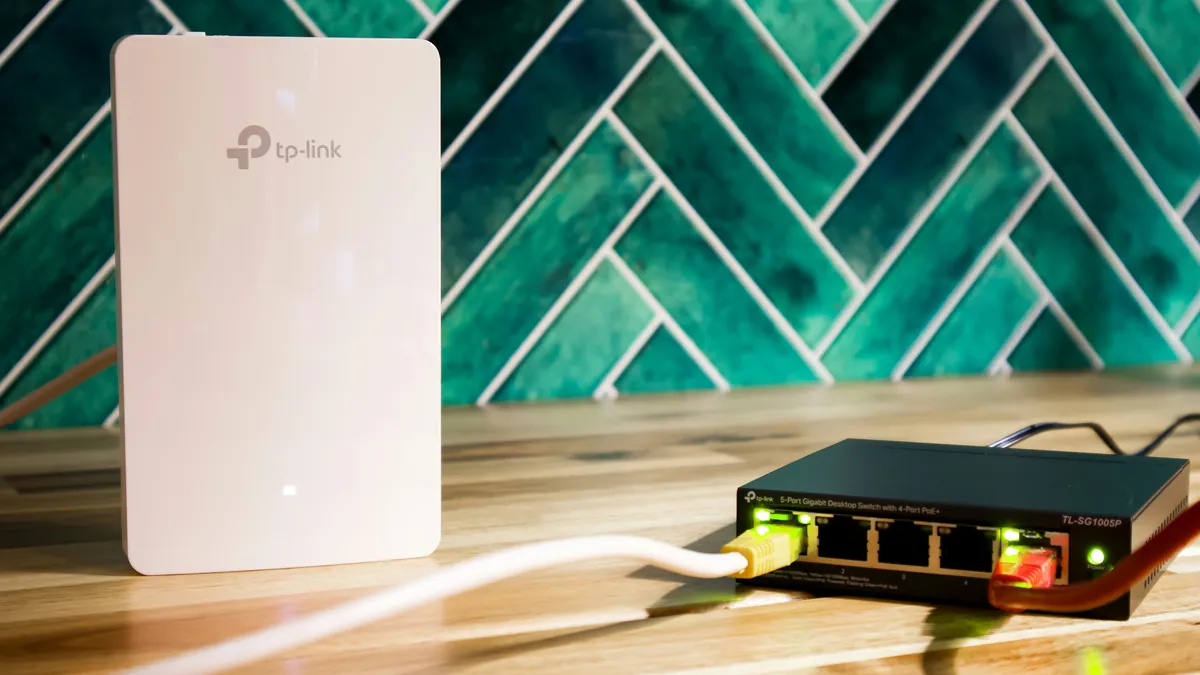
A travel router is the glue that holds the whole setup together. It connects to Starlink, the cellular router, or any campground wifi and broadcasts a single wifi network inside the van that all your devices connect to. It also runs a VPN at the router level, protecting every device.
The travel router we recommend for vans is the GL.iNet Beryl AX. It supports WireGuard VPN, captive portal handling for campground wifi, and load balancing between multiple internet sources on the higher end models.
Checked on 5 October 2026 on GL.iNet's own Beryl AX page: Wi-Fi 6, a 2.5G WAN port, USB 3.0, WireGuard and OpenVPN support, captive portal handling, and multi-WAN and repeater modes.
For more on travel routers, see our travel router guide.
Side By Side
| Source | Speed | Reliability | Cost/Month | Best Use |
|---|---|---|---|---|
| Starlink Roam | Video call grade | High (sky view needed) | Check starlink.com for your country | Primary always on |
| Cellular (local SIM) | Varies a lot | Varies | Varies by country | Cities, backup |
| Campground wifi | 1-50 Mbps | Low | Free | Last resort |
| Public wifi (cafes) | 10-100 Mbps | Mid | Free | Stopovers |
The Power Equation
Internet pulls real power. Here is what to expect:
- Starlink: check the spec sheet of your kit (the biggest draw in this list)
- Cellular router with active 4G or 5G: 5 to 15 W
- Travel router: 3 to 8 W
- Laptop: 30 to 60 W in use
- External monitor: 15 to 30 W
A full work setup with Starlink runs at 100 to 200 W during work hours. Over an 8 hour workday that is around 1 to 1.5 kWh, which is realistic on a 400 W solar plus 200 Ah battery setup. If your van has less power than that, you might need to run Starlink only during peak work hours and rely on cellular the rest of the time.
Power is the part people underbuild. Our guides to a portable power station for van life and to solar panels for a camper van help you size the battery side before you buy any router.
The Setup We Would Build Today
For full time remote work from a van in 2026, this is the system that works:
| Component | Pick | Cost |
|---|---|---|
| Primary connection | Starlink with a Roam plan | Kit plus monthly plan, check starlink.com |
| Backup connection | GL.iNet Spitz AX (dual SIM 4G/5G) | Check current price |
| Primary SIM | Local plan with lots of data | Varies by country |
| Travel router | GL.iNet Beryl AX | Check current price |
| Antenna upgrade (optional) | External MIMO antenna for cellular | Optional |

Country Considerations
Vanlife internet works differently by region.
USA and Canada: Starlink works well, cellular is mostly strong, campground wifi is mostly weak. The 3 layer setup above is ideal.
Western Europe: Cellular is excellent in most countries, Starlink is available. You can sometimes skip Starlink and run on cellular alone, except in mountain areas. Local SIMs are usually affordable.
Mexico and Latin America: Cellular varies widely. Starlink is available in most countries now. Bring it.
Eastern Europe: Cellular is excellent and cheap. Starlink is available in most countries. Data plans are often cheap, so compare local offers.
Australia and New Zealand: Starlink is the killer feature here because so much of the country has weak cellular. Bring it.
From the road
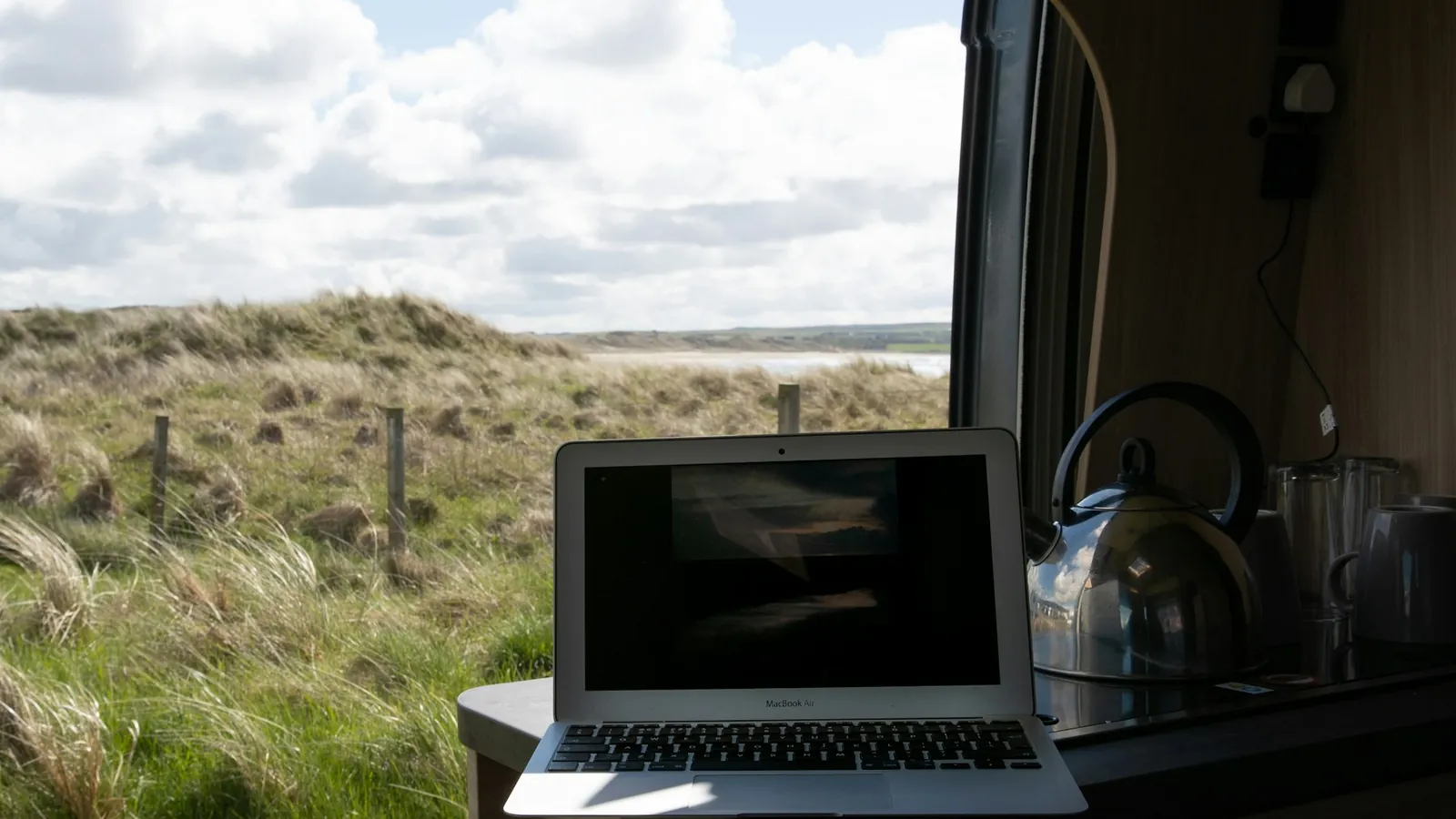
I spent seven years traveling in a campervan and caravan, and our internet ran on a hotspot. We drove to places where the signal was strong, checked it on our phones, and stopped where the connection was strongest to work. We always paid for the provider with the best coverage in that area. My advice: research and compare. Starlink is worth it if you have the budget, but the plan you need depends on where you drive: one country, the whole of Europe, or across to another continent, like Spain into Morocco. Use a local SIM for data and keep your home SIM for calls and texts. There are also eSIMs with worldwide coverage now.

The Mistakes Most New Vanlifers Make
Three common mistakes.
First, relying only on cellular. You will drive into a dead zone, lose your video call, and lose a client. Layer your internet from day one.
Second, undersizing the power system. Starlink and a full work setup pulls real power. If your battery dies at 2pm, your workday dies with it. Plan for 200 Ah of usable battery and 400 W of solar minimum for serious remote work.
Third, ignoring the VPN. Public wifi (campgrounds, cafes) is not safe. A travel router with a VPN at the router level protects every device.
Final Take
Vanlife remote work is really possible in 2026, in a way it was not five years ago. Starlink plus cellular plus a travel router is the holy trinity of mobile internet, and the setup costs about as much as a single month of rent in a Western capital.
If you are planning to work from a van full time, build the layered system from day one. Skipping it costs you in lost work hours and stressed clients.
For the rest of the off grid setup, our portable solar guide and travel router comparison cover the other pieces.

FAQ
Is Starlink worth it for vanlife?
For full time remote work from a van, yes. The reliability of always on high speed internet anywhere with sky view justifies the cost. For weekend vanlife, it is overkill and cellular plus eSIM is enough.
How much power does Starlink use?
It depends on the dish model and conditions (snow melting uses more). Check the power figures on Starlink's spec page for your exact kit and plan your battery and solar accordingly.
Can I use Starlink in multiple countries?
Roam plans are made for travel, but the rules for use outside your home country differ per plan and change over time. Check Starlink's current terms before a long trip abroad.
What is the best cellular router for vanlife?
GL.iNet Spitz AX is the budget pick. GL.iNet Mudi 7 is the premium pick: 5G, Wi-Fi 7, two SIM slots plus an eSIM and a built-in battery. Both support dual SIM and external antennas.
Do I need a VPN in my van?
Yes. Public wifi at campgrounds, cafes and rest stops is not safe. A travel router with a VPN at the router level protects every device in the van.
Does the GL.iNet Beryl AX support WireGuard and captive portals?
GL.iNet's own product page lists WireGuard and OpenVPN support, captive portal functionality, and multi-WAN and repeater modes for the Beryl AX (checked 5 October 2026).
Updated:
Affiliate disclosure. This post contains affiliate links. If you click and buy something, this site earns a small commission at no extra cost to you. Picks are based on published specs, independent reviews and manufacturer information, and we only recommend what we would use ourselves. As an Amazon Associate I earn from qualifying purchases. Read the full affiliate disclosure. Amazon and the Amazon logo are trademarks of Amazon.com, Inc. or its affiliates.
Want the whole van build around the internet setup? Read cargo van conversion for beginners in 5 steps.
Your next step