
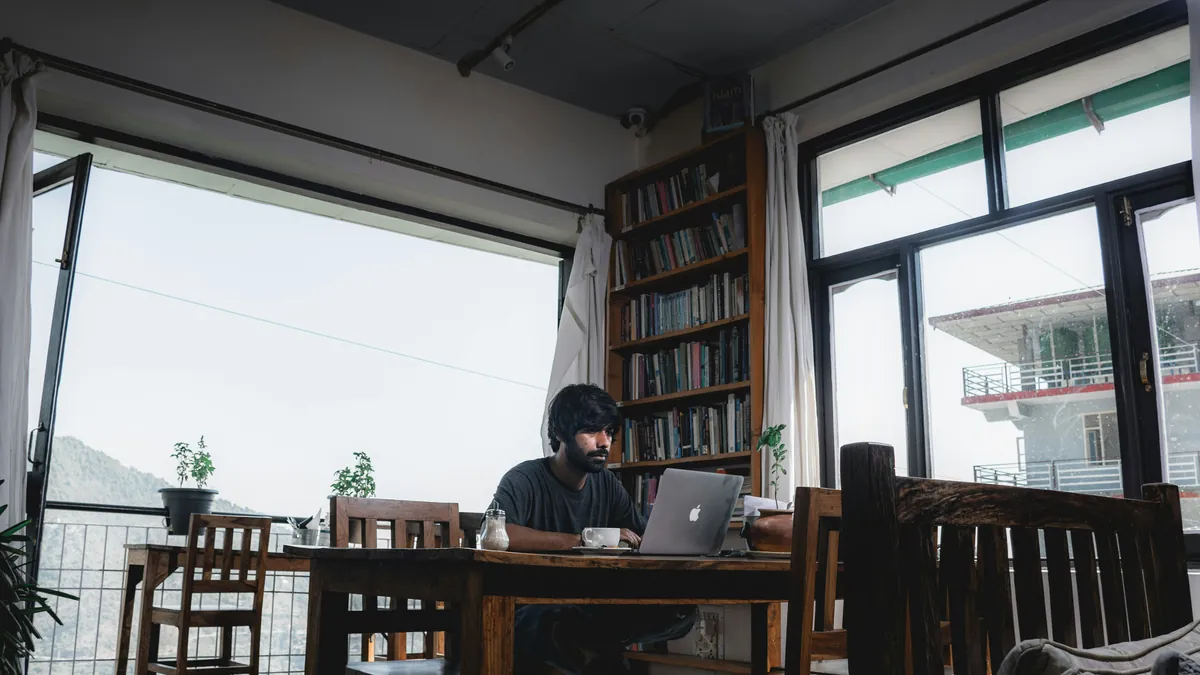
How to Stay Productive While Working From Cafes
As an Amazon Associate I earn from qualifying purchases. Some links on this page earn us a small commission, at no extra cost to you. Full disclosure.
Quick answer
Wondering how to stay productive working from cafes? Three things decide whether a cafe works as an office: noise, power and wifi. Fix those and almost any cafe is fine. Then protect the laptop itself: a cable lock for the walk to the counter and a privacy filter for the screen.
What we carry

Sony WF-1000XM5
Cuts the espresso machine and the chatter, so a loud cafe becomes a quiet office Read more
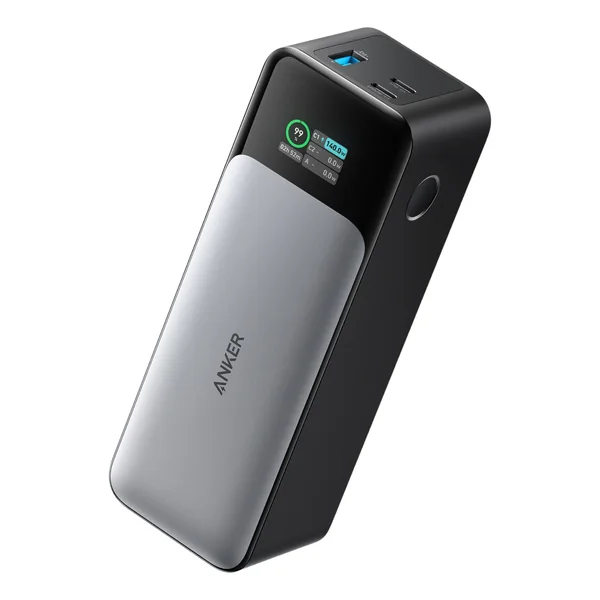
Anker 737 PowerCore 24K
Two full laptop top-ups, so the seat near the socket stops deciding your day Read more
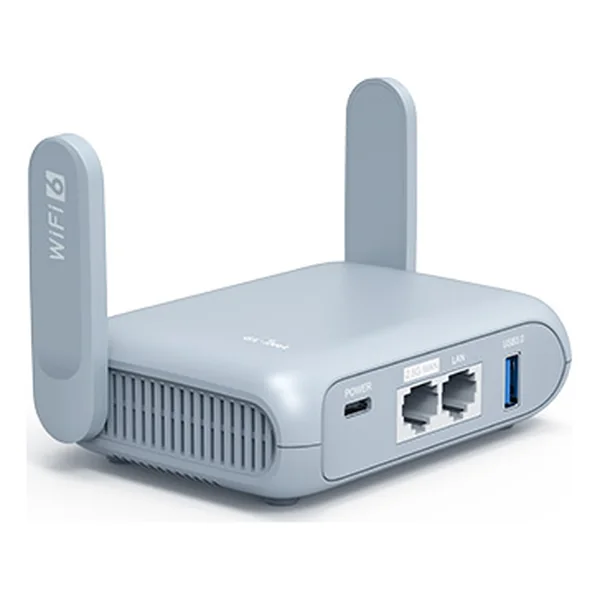
GL.iNet Beryl AX
Turns bad cafe wifi into your own network and takes your phone data when it drops Read more
To protect your laptop
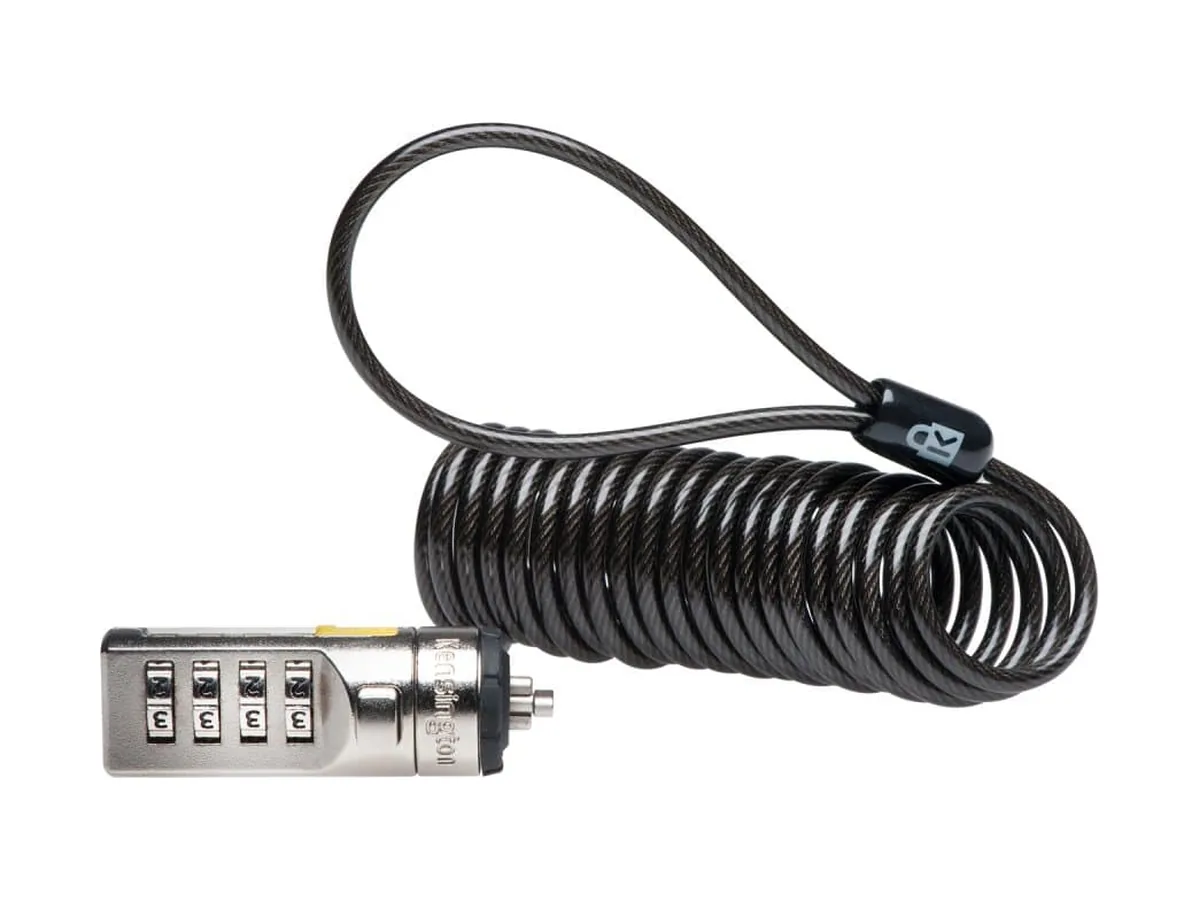
Kensington Portable Combination Laptop Lock
Clips into the security slot and loops round a table leg. Read more
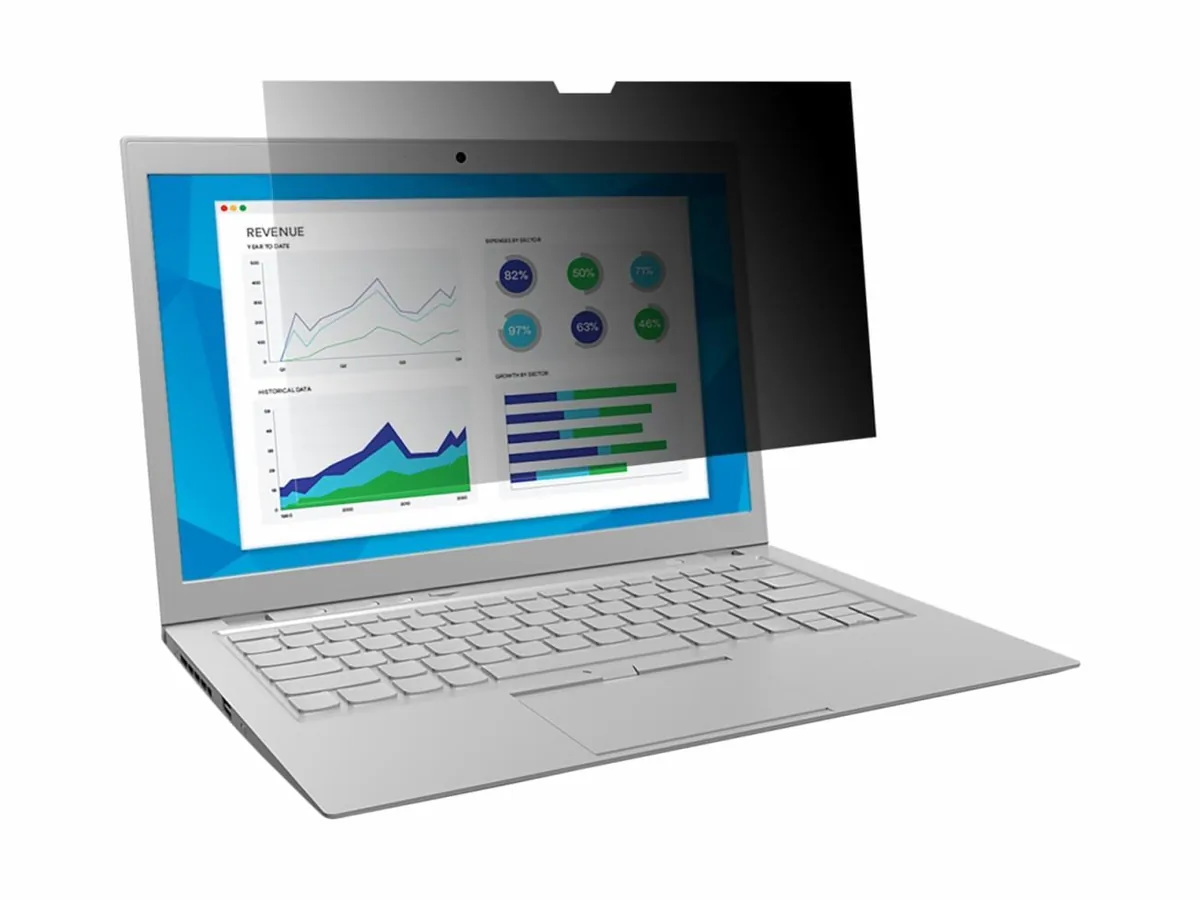
3M Privacy Filter for 14in Laptop
Blacks the screen out for anyone looking from the side. Read more
Master the art of productive cafe work: the real challenges and proven solutions from years on the road
Picture 9 AM in a tiny cafe: a corner table with a view of the street, a hot espresso, WiFi that actually works, and two hours of focused work done before 11. That is the dream.
But here’s the thing nobody talks about: cafe productivity takes strategy. It’s not like working from your home office or a dedicated co-working space. There are distractions, noise, people coming and going, and the pressure to keep buying things so you’re not that person taking up table space with a single cappuccino.
Here’s what actually works.
From the road: I’ve worked from cafes in hundreds of cities over 27 years of travel, and I only work from cafes that are fine with laptops, or I ask first.

Chenzo, founder of NomadsToolsLab, working on his laptop.
Choosing the Right Cafe
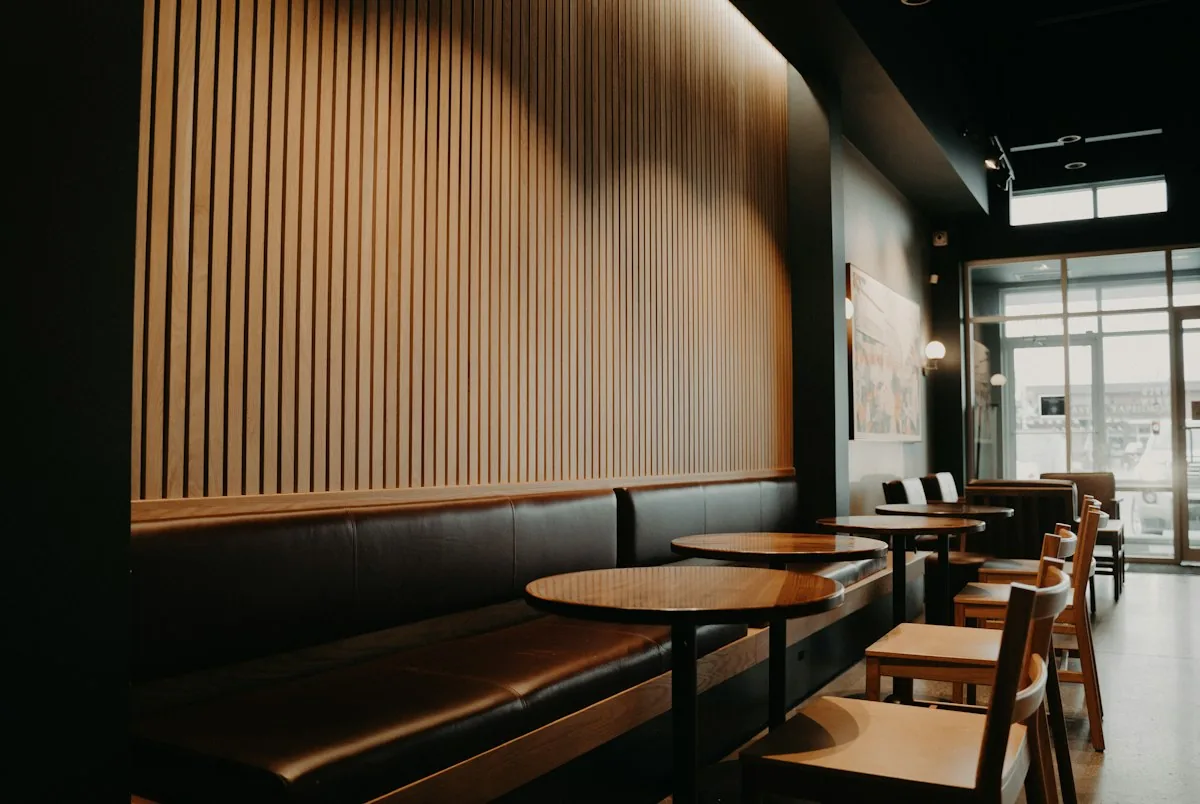
Not all cafes are created equal. The difference between a productive day and a wasted one often comes down to picking the right spot. Here’s what we look for:
WiFi That Actually Works
This is non-negotiable. Slow WiFi isn’t just annoying, it’s a productivity killer. When you try a new cafe, ask about the internet before you sit down, and run a quick speed test (speedtest.net) before committing to the table.
Pro tip: In countries where cafe WiFi is notoriously unreliable (looking at you, Southeast Asia), keep a backup, for example a hotspot on your phone or a mobile hotspot.
Is cafe WiFi safe? The US Federal Trade Commission says public Wi-Fi is usually safe today because most websites encrypt your data; look for the lock symbol or https in the address bar. Two catches from the same page: scammers can encrypt their fake sites too, so check the address before you log in, and strong passwords plus two-factor authentication matter more than any trick (consumer.ftc.gov, read 9 October 2026). A password manager handles the first part, and our VPN guide covers when a VPN adds something on top.
Accessible Power Outlets
You need to know where the outlets are before you sit down. Nothing is worse than finding a great table with a clear view and decent WiFi, only to realize the nearest outlet is on the other side of the cafe. We look for tables near corners or walls where outlets tend to cluster.
Pro tip: Carry a power bank and a multi-outlet adapter. They are lifesavers when outlets are scarce or already occupied by someone’s phone charger.
Manageable Noise Levels
Some background noise is fine, it’s actually part of the cafe experience. But if you can’t hear yourself think, you won’t get work done. We avoid peak hours (usually 11 AM to 1 PM and 5 PM to 7 PM). Early morning or mid-afternoon tends to be quieter.
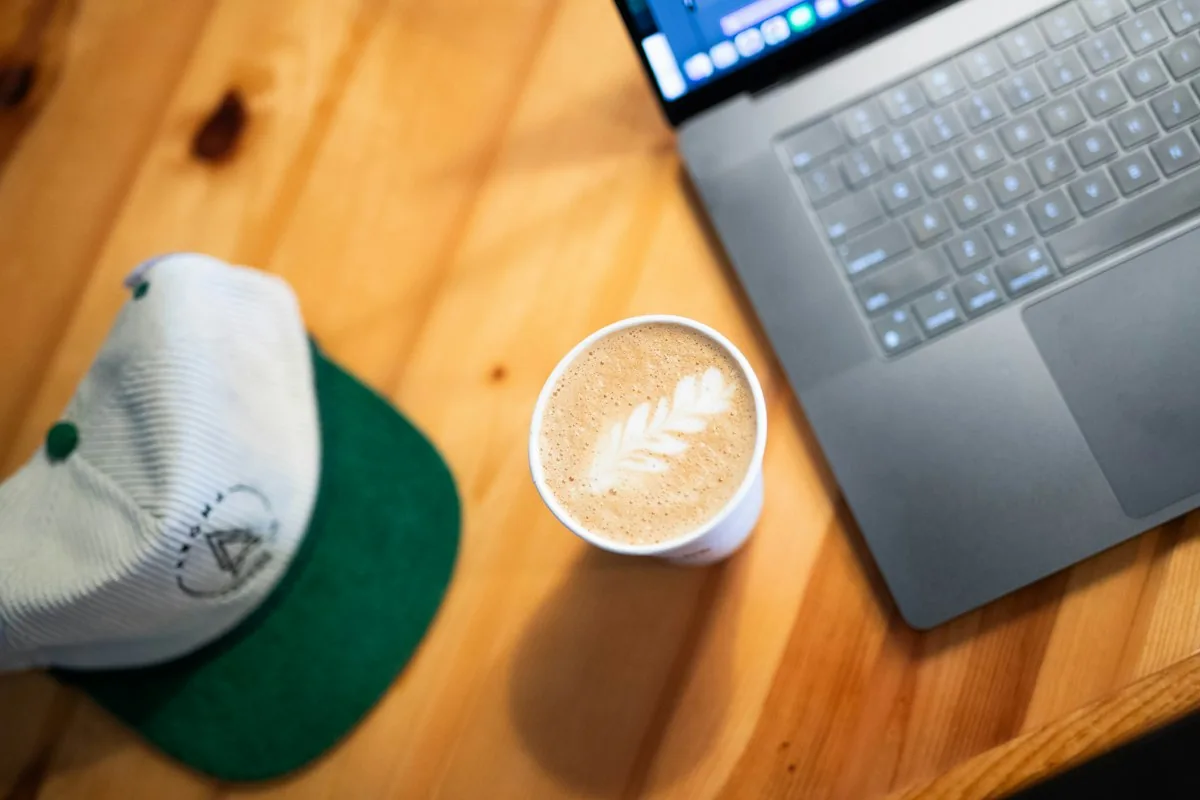
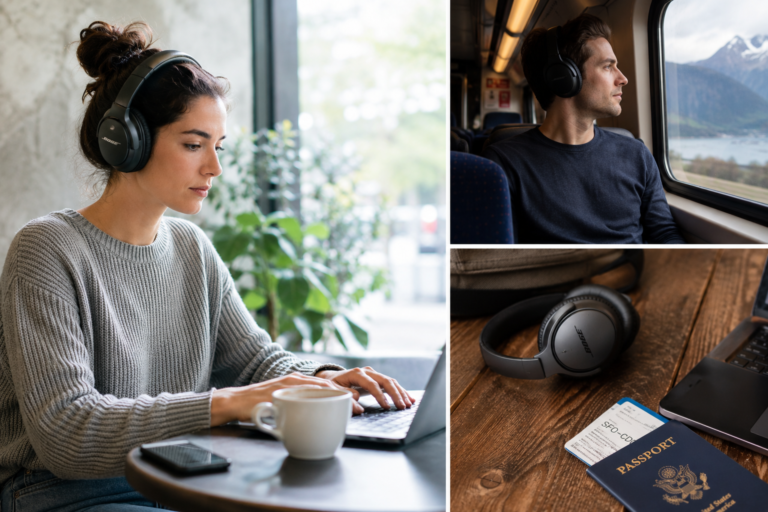
Pro tip: High-quality noise-canceling earbuds are a game-changer. Even without music, just having earbuds in signals to people that you’re focused, and it cuts down ambient noise enough to concentrate.
From the road
I’ve been traveling for 27 years and worked from cafes in hundreds of cities. The nicest ones are in places with lots of digital nomads and coworkings around. My kit is simple: headphones, chargers, my phone, and sometimes a second screen. I don’t carry a separate hotspot device, because in a laptop friendly cafe the internet is usually fast. The problems are always external: people talking next to you, music, wifi that drops. Especially in South America and Asia, but parts of Europe had bad internet too. For that I keep a backup hotspot on my phone. And if that doesn’t work either? I go to the beach, grab a coconut and relax. I usually stay two to three hours. Most cafes are fine with that as long as you order coffee or food now and then, and some actually like having you there.
Essential Gear to Bring
You don’t need much, but a few key items make a massive difference:
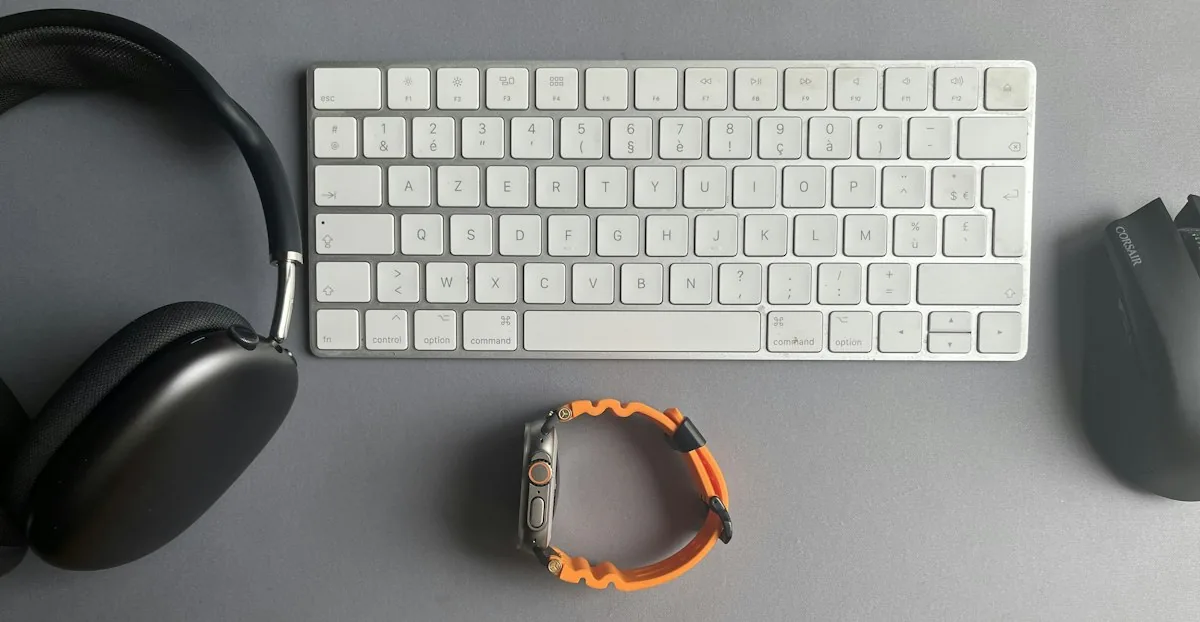
Laptop and charger: Obviously. Make sure your charger is compact and works in the local voltage.
Noise-canceling earbuds: For focus and to signal ‘don’t interrupt me’ to the world.
Portable charger: A quality power bank ensures you’re never caught without battery.
Water bottle: Stay hydrated. This also saves you from constantly buying drinks to justify your table.
Notebook and pen: For when you need to break from the screen or capture ideas fast.
Our picks for a cafe workday
Three items from the list above, each the top pick in its own full review on this site.
Noise cancelling earbuds
Sony WF-1000XM5
Our top pick in the earbuds review: the strongest noise cancelling of the five, in a case that fits any pocket.
Get yours on Amazon Full reviewPower bank
Anker 737 PowerCore 24K
Our top pick in the power bank review: 24,000mAh with enough output to charge a laptop, not just your phone.
Get yours on Amazon Full reviewTravel router
GL.iNet Beryl AX
Our top pick for solo nomads who work from hotels and cafes. Puts your devices on your own network, with VPN support.
Get yours on Amazon Full reviewBudget tip: a tiny USB light for your laptop
A small USB lamp plugs into your laptop or power bank and lights up your keyboard when the room is dark. Two kinds are worth knowing. The EBYPHAN dimmable USB lamp has a flexible gooseneck, 14 LEDs and three brightness levels. The Kyfreshpower flexible mini USB LED is the smallest option: a bendable strip with six LEDs. Both are powered straight from a USB port, so there is nothing to charge, and they weigh next to nothing in your bag.

Protect Your Laptop While You Work
The gear above helps you work. These two protect what you are working on: the laptop itself and what is on its screen. Both are small and neither takes much space in a bag. For the wider picture, see our guide to stopping pickpockets.
4. Laptop lock: for the walk to the counter or the bathroom
Kensington Portable Combination Laptop Lock
Leaving a laptop alone on a cafe table is a risk, and carrying it to the counter or the bathroom is awkward. The Kensington Portable Combination Laptop Lock clips into the Kensington Security Slot found on many laptops with one push, and its self-coiling steel cable stretches up to 6 feet, enough to loop around a table leg or a fixed post. The four-wheel code can be reset to any of 10,000 combinations, and Kensington backs it with a 2-year limited warranty. Be honest about the limit: a cable lock slows down an opportunist, it does not stop someone with cutters, and some thin laptops have no security slot at all, so check yours before you order.
5. Privacy filter: for the table next to the window
3M Privacy Filter for 14in Laptop
Cafe tables are close together and a bright screen is easy to read from the next chair. The 3M Privacy Filter for 14in Laptop sits over the screen and blacks it out for anyone looking from the side, outside a 60-degree viewing angle, while you still see it clearly head-on. It is reversible, glossy on one side and matte on the other to cut glare and fingerprints, and 3M says it reduces blue light. The COMPLY Flip Attach lets you take it off when you want to share your screen. Check two things before you order: this model is for 14-inch screens in 16:9, 3M lists other sizes and a 16:10 version, and it is not touch compatible. Not sure what size your next laptop will be? Start with our laptop guide.
Time Management Techniques
Cafes are inherently distracting. The trick is to work with your brain’s natural rhythms rather than against them:
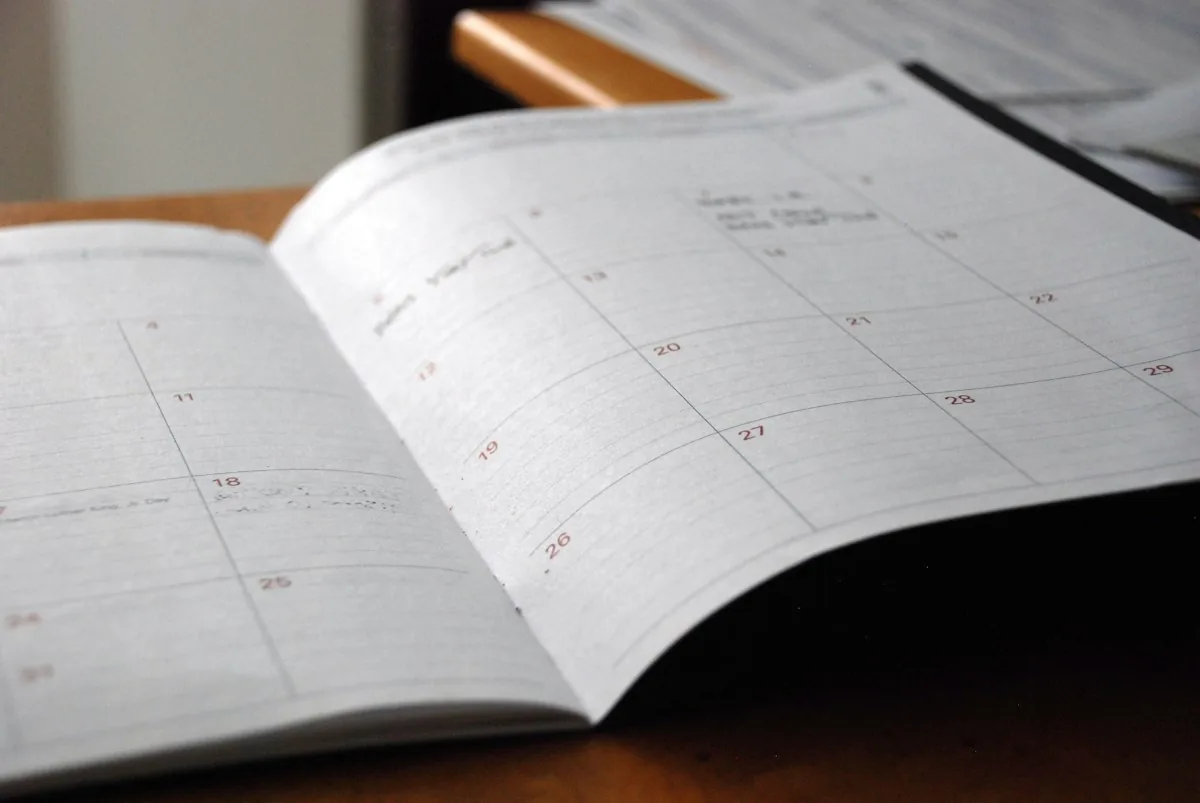
The Pomodoro Method
Work in focused 25-minute bursts, then take a 5-minute break. After four pomodoros, take a longer 15-minute break. This sounds simple, but it’s incredibly effective in a cafe environment. The structured breaks actually help you ignore distractions better because you know rest is coming.
Time Blocking
Before you go to the cafe, decide exactly what you’re going to work on and how long you’ll spend on each task. Write it down. This eliminates decision paralysis and keeps you on track when distractions emerge.
Batch Similar Tasks
If you’re going to write, write the whole morning. If you’re going to do deep focus work, block out multiple hours. Switching between email, Slack, and creative work in a cafe is a disaster. Pick one type of work and own it for the session.
Dealing with Distractions
The waiter comes by asking if you need anything. Your friend texts asking where you are. Someone drops a plate. You spot an interesting conversation at the next table.
Here’s our strategy: accept that distractions will happen, and build in buffers. If we plan to finish a task in 2 hours, we actually block out 2.5 hours. The extra time is our cushion for interruptions. We also use the ‘do not disturb’ mode on our phone and close all unnecessary browser tabs before we sit down. For the rest of the app setup, see the best productivity apps for digital nomads.
One more thing: Eye contact and a smile at the waiter is worth it. People are less likely to interrupt the person who’s friendly. It sounds weird, but it works.
Cafe Etiquette
You’re using their space. It’s fair to give something back:
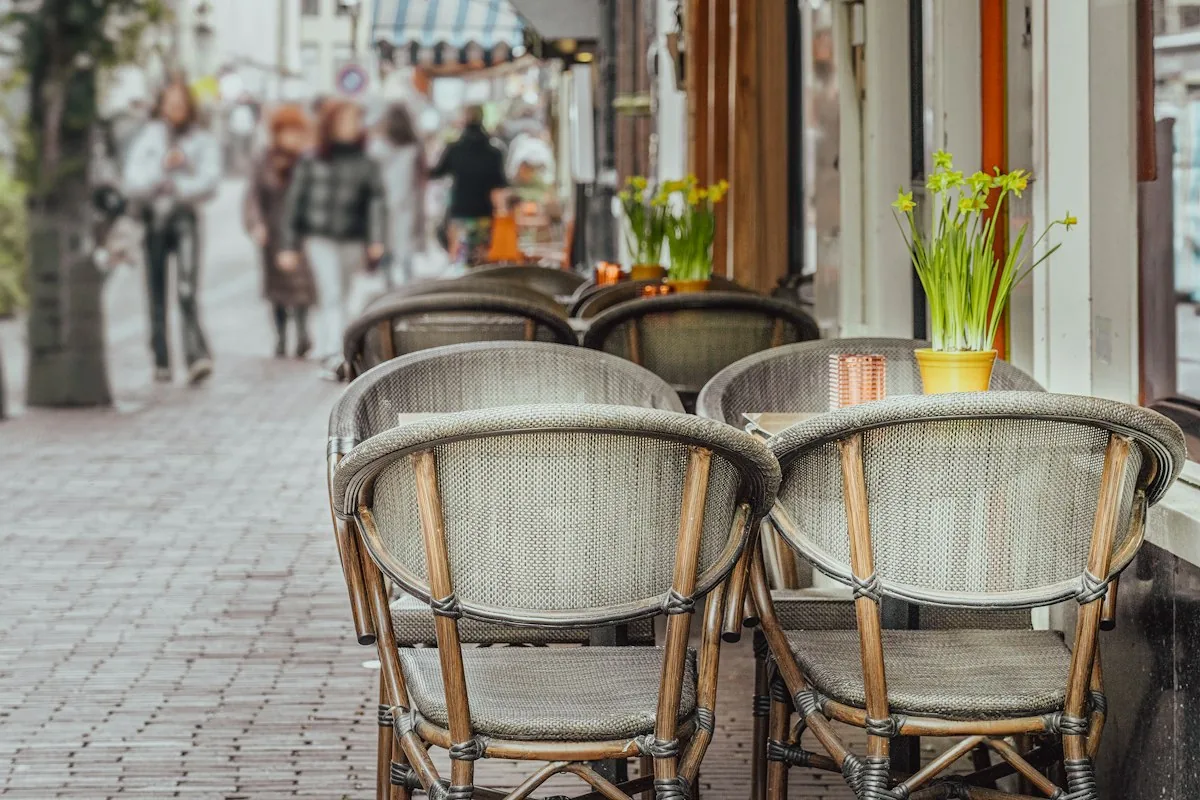
Buy something every hour: Coffee, juice, pastry, whatever. If you’re going to camp at a table for five hours, don’t just have one espresso.
Keep your volume down: No loud calls or typing on the mechanical keyboard.
Clean up after yourself: Push your chair in, wipe down your area, put your dishes on the edge of the table.
Leave a good tip: Even a small one. You’ll become a regular, and regulars get special treatment.
Apps That Help
Forest: Gamifies focus time. Plant a tree and it grows while you work. If you leave the app, it dies.
Freedom: Blocks distracting websites and apps on all your devices. Surprisingly helpful.
Toggl Track: Simple time tracking. See exactly what you spent your cafe time on.
AI tools can save time on a cafe workday too; see our guide to the best AI tools for digital nomads.
Taskade or Monday: Organize your work and tasks so you always know what to work on next.
Best Cities for Cafe Working
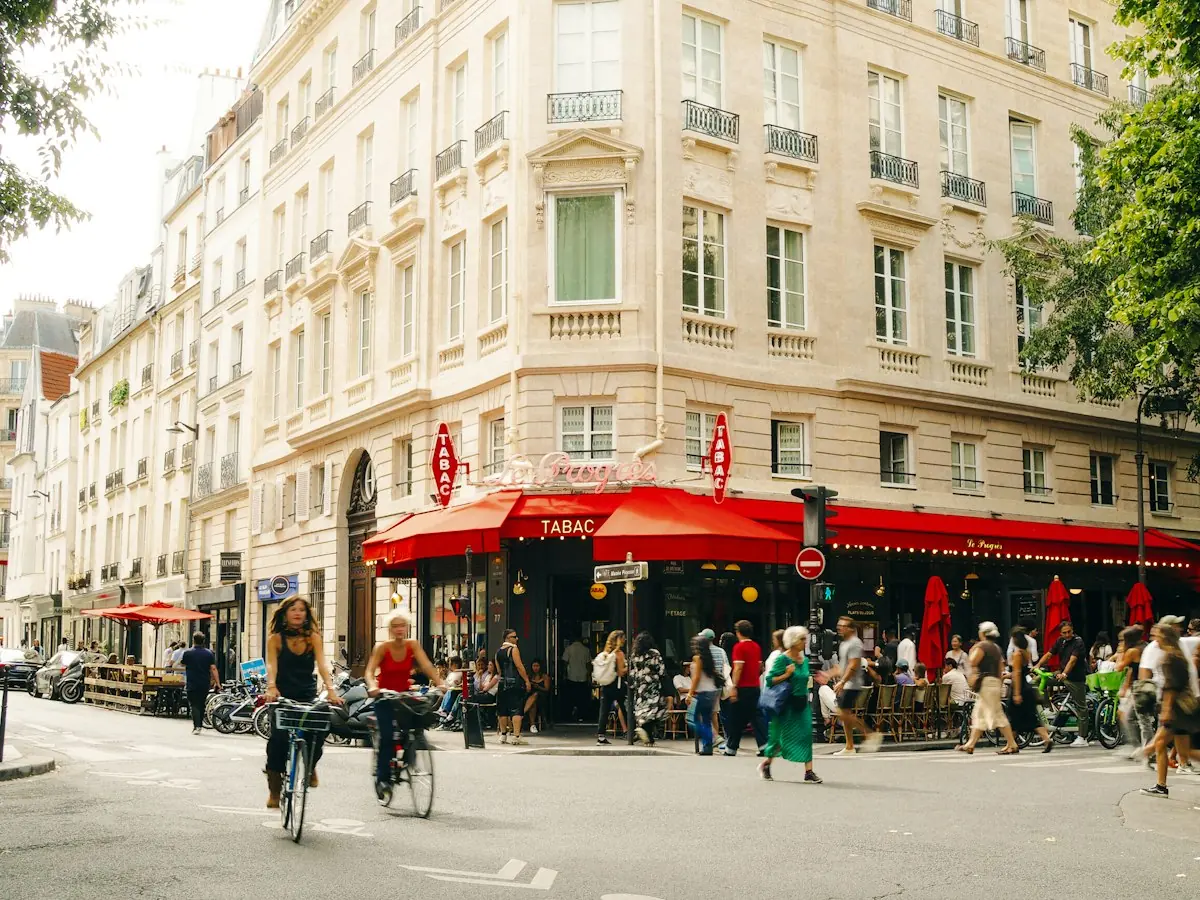
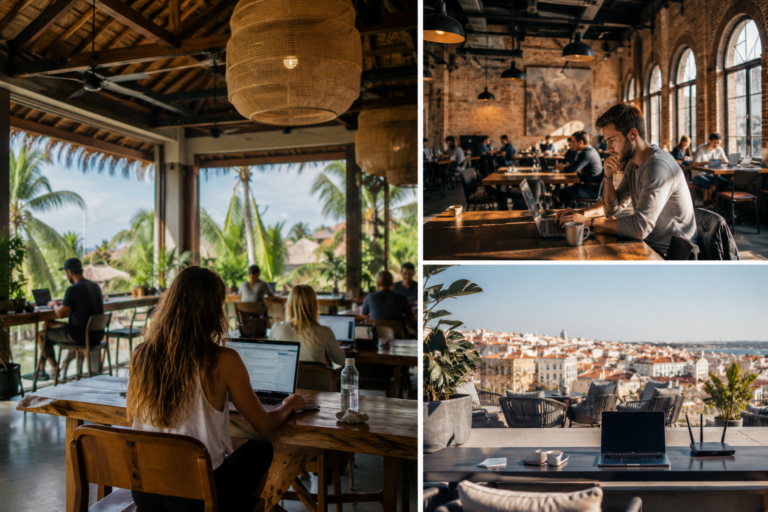
Lisbon, Portugal
Lisbon cafes are made for this. Good WiFi, cheap, friendly owners, and the light is incredible. Neighborhoods like Príncipe Real and Alcântara are full of spots designed for laptop workers.
Chiang Mai, Thailand
Coffee culture is huge here. Espresso is fantastic and ridiculously cheap. The nomad community means cafes are set up for long-term workers with reliable WiFi and plenty of seating.
Bali, Indonesia
Ubud especially has become a creative hub. Tons of specialty coffee shops catering to digital nomads. Beautiful surroundings and genuinely excellent coffee.
Medellin, Colombia
Colombia is a coffee paradise. The weather is perfect year-round. Cafes in Laureles and Poblado are trendy, vibrant, and full of other remote workers and creatives.
Our remote work setup
The gear guides we compare for working from cafes, coliving rooms and rentals:
The Bottom Line
Cafe productivity is possible. It just takes intentionality. Pick your location carefully, bring the right gear, use time management techniques, and respect the space. Do that, and you’ll find that some of your best work comes from that corner table with a view, a fresh coffee, and the gentle hum of a city waking up around you.
If focus is hard because something bigger is on your mind, our list of free personal growth resources for digital nomads is a gentle place to start.
Coffee is part of the routine too: see our best travel coffee makers for digital nomads. On hotel and cafe wifi, a VPN adds a layer of protection: see our NordVPN vs ExpressVPN vs Proton VPN comparison. Want the full setup in one place? Grab the Free Digital Nomad Setup Guide.
The Nomad Toolkit
Tools We Recommend on the Road
These four cover the boring but essential parts of nomad life. These are the four we recommend first for most nomads:
- SafetyWing, monthly nomad insurance, subscribe once, keeps running as you move country to country
- Airalo, eSIM for 200+ countries, activate before you land, no more SIM card hunting
- Revolut, multi-currency account with real exchange rates, my daily card abroad
- DiscoverCars, best car rental prices worldwide, filter for automatic and unlimited km

Updated:
Affiliate disclosure. This post contains affiliate links. If you click and buy something, this site earns a small commission at no extra cost to you. Picks are based on published specs, independent reviews and manufacturer information, and we only recommend what we would use ourselves. As an Amazon Associate I earn from qualifying purchases. Read the full affiliate disclosure. Amazon and the Amazon logo are trademarks of Amazon.com, Inc. or its affiliates.
Your next step
 Best Coworking Apps
 Best Noise Cancelling Earbuds

One Comment