microSD for Action Camera: 3 Cards Compared
As an Amazon Associate I earn from qualifying purchases. Some links on this page earn us a small commission, at no extra cost to you. Full disclosure.
Choosing a microSD for action camera use can leave you staring at three cards with the same labels. Before your next trip, focus on the exact card capacity and its stated write speed. These three options share several labels, but their listings need a closer look.
Quick answer
Checked on 19 October 2026. Pick SanDisk Extreme for an action camera or drone if its exact capacity matches your camera maker's recommendations, but check the listed write speed. Pick Extreme PRO for an Osmo Action 5 Pro after matching DJI's recommended card, but smaller capacities have lower ratings. Samsung positions PRO Plus for drones and action cameras, with up to 180 MB/s read and 130 MB/s write speeds.
All 3 picks at a glance
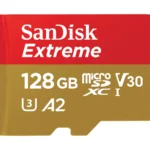
SanDisk Extreme microSDXC (128 GB)
SanDisk lists capacities from 32 GB to 2 TB for this line. Read more
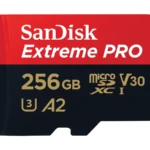
SanDisk Extreme PRO microSDXC (256 GB)
DJI includes a SanDisk Extreme PRO card among its Osmo Action 5 Pro recommendations. Read more
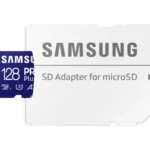
Samsung lists up to 180 MB/s read and 130 MB/s write for drones and action cameras. Read more
How we compared them
The NomadsToolsLab team read the SanDisk, Samsung and DJI pages on 19 October 2026 and checked each Amazon US listing with a US address. The comparison covered speeds, labels, capacities and warranty information. All three share the same labels, making capacity-specific write ratings a more useful distinction.
Write speed, capacity and the U3, V30, A2 labels
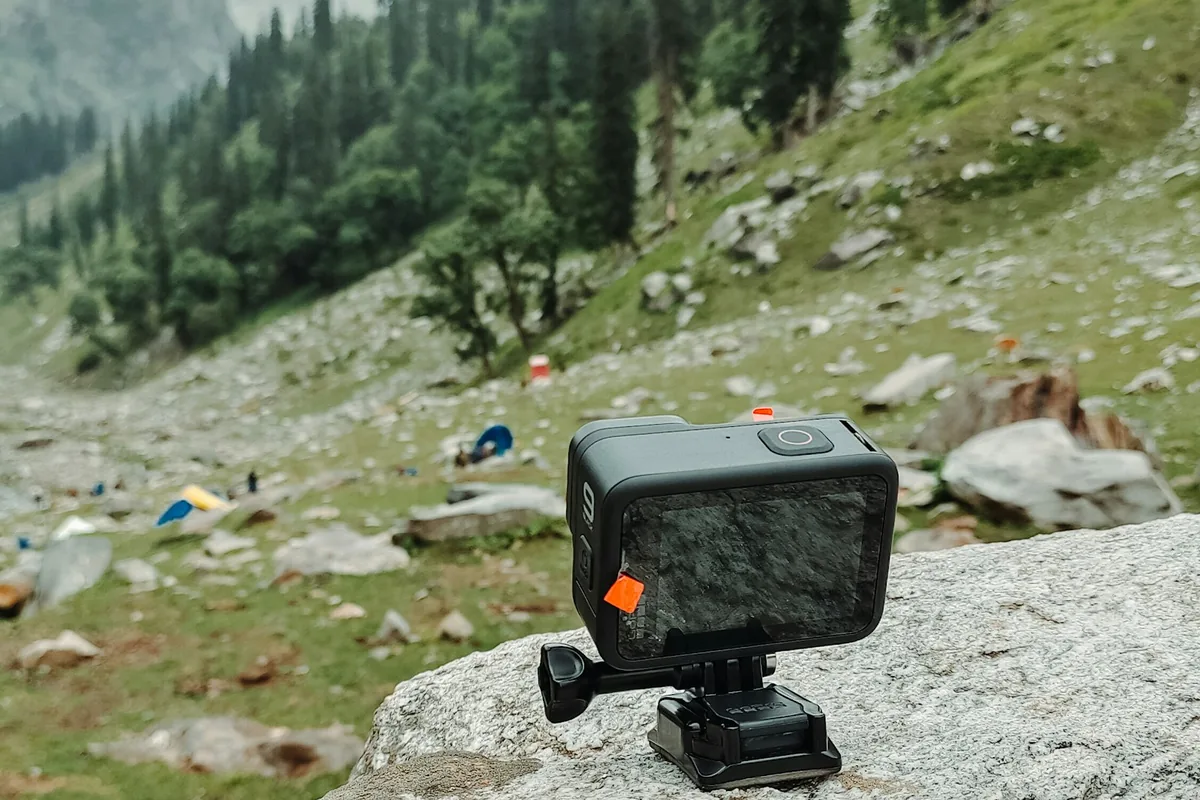
Each card carries U3, V30 and A2 labels. Choosing by those labels alone leaves all three on your shortlist. DJI lists its recommended cards per camera, for example on the Osmo Action 5 Pro specs page.
SanDisk rates smaller capacities in these lines lower, so a headline speed needs context. Read the exact listing, then check your camera maker's recommendations before choosing.
The three cards side by side
| Card | Max read (maker) | Max write (maker) | Speed class | Warranty (maker) |
|---|---|---|---|---|
| SanDisk Extreme | Max read (maker): up to 190 MB/s | Max write (maker): Depends on capacity; check the listing | Speed class: U3, V30, A2 | Warranty (maker): Lifetime Limited |
| SanDisk Extreme PRO | Max read (maker): up to 200 MB/s | Max write (maker): up to 140 MB/s (lower on small capacities) | Speed class: U3, V30, A2 | Warranty (maker): Lifetime Limited |
| Samsung PRO Plus | Max read (maker): up to 180 MB/s | Max write (maker): up to 130 MB/s | Speed class: U3, V30, A2 | Warranty (maker): Ten-year limited (Samsung newsroom) |
From the makers' pages, read on 19 October 2026: SanDisk Extreme, SanDisk Extreme PRO and Samsung PRO Plus, plus the Samsung newsroom for the PRO Plus warranty.
SanDisk Extreme for action cameras and drones
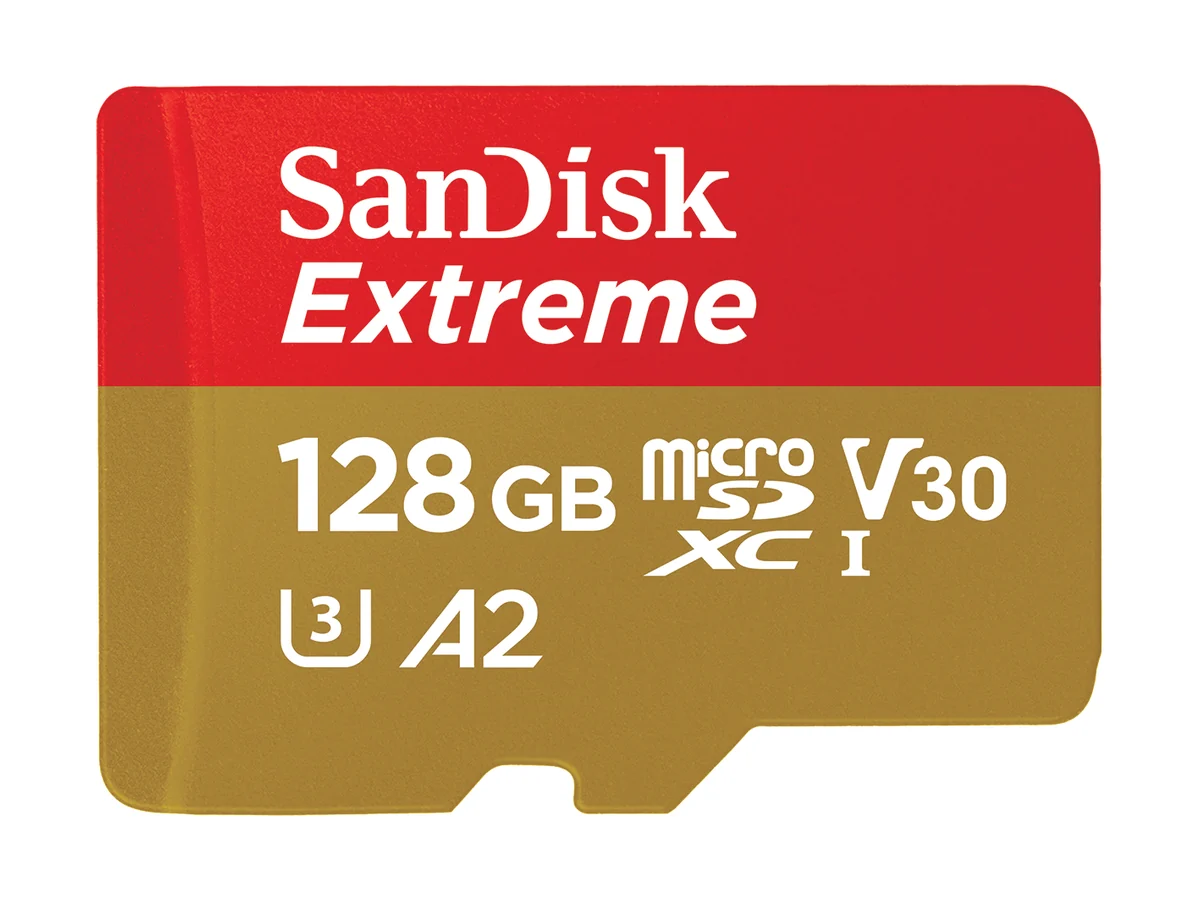
SanDisk Extreme microSDXC (128 GB)
Pick SanDisk Extreme microSDXC UHS-I if you want a line the maker explicitly lists for action cameras and drones. That gives you a relevant starting point, but the exact write figure depends on capacity and card generation.
SanDisk lists protection against water, shock, temperature and X-rays, plus a Lifetime Limited Warranty. Those are useful details to compare, but they do not resolve which capacity matches your camera's requirements.
SanDisk Extreme PRO for a DJI shortlist
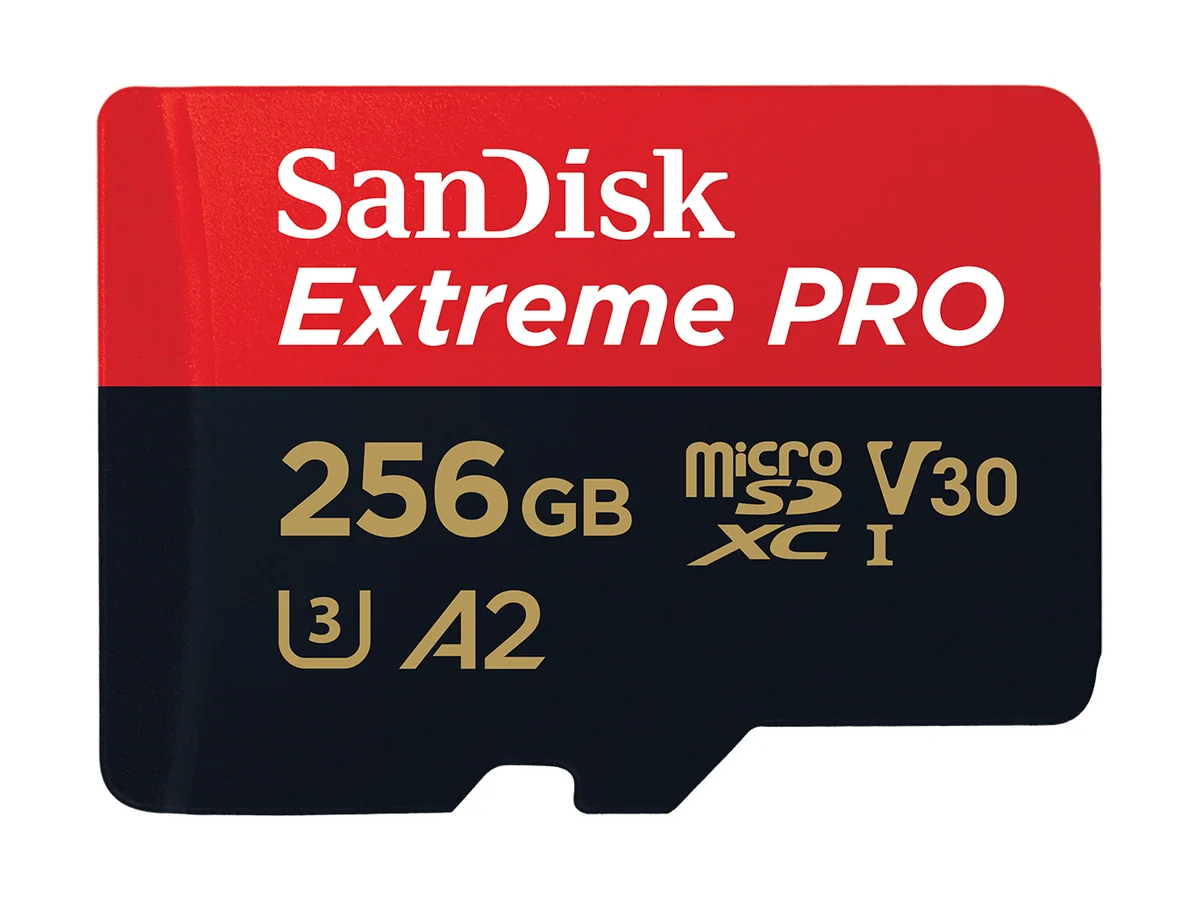
SanDisk Extreme PRO microSDXC (256 GB)
Pick SanDisk Extreme PRO microSDXC UHS-I if you use an Osmo Action 5 Pro and the exact card matches DJI's recommendation. That gives your choice a camera-specific reference, but smaller capacities carry lower speed ratings.
SanDisk states write speeds up to 140 MB/s for this line. Treat that as an upper figure to check against your chosen listing, rather than a rating for every capacity.
Samsung PRO Plus with an SD adapter
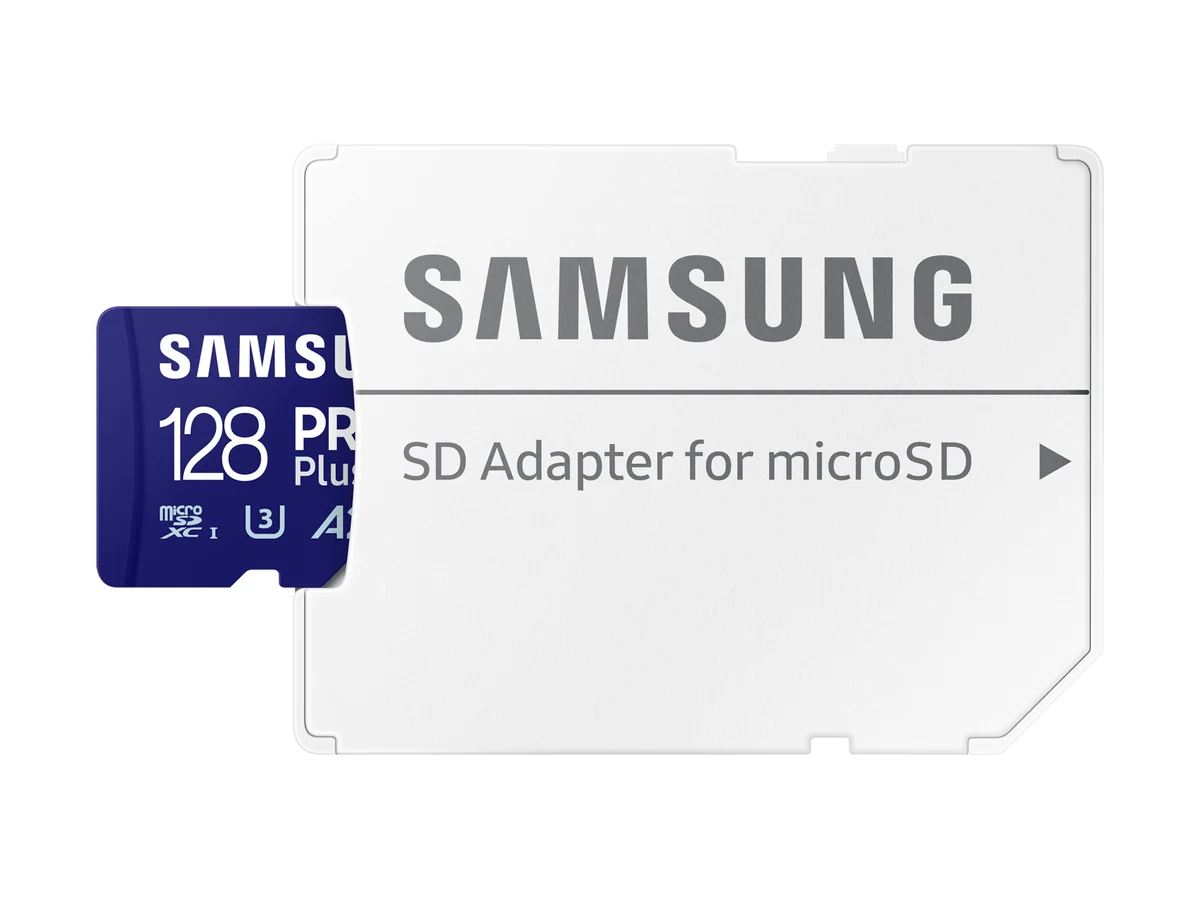
Samsung positions Samsung PRO Plus microSDXC with SD adapter for drones and action cameras, with up to 180 MB/s read and 130 MB/s write speeds. Samsung's newsroom states a ten-year limited warranty for this generation, with terms that can differ by generation and region.
Samsung publishes a ten-year limited warranty for PRO Plus. Check the exact card generation and regional terms before buying.
Choose the exact card for your camera
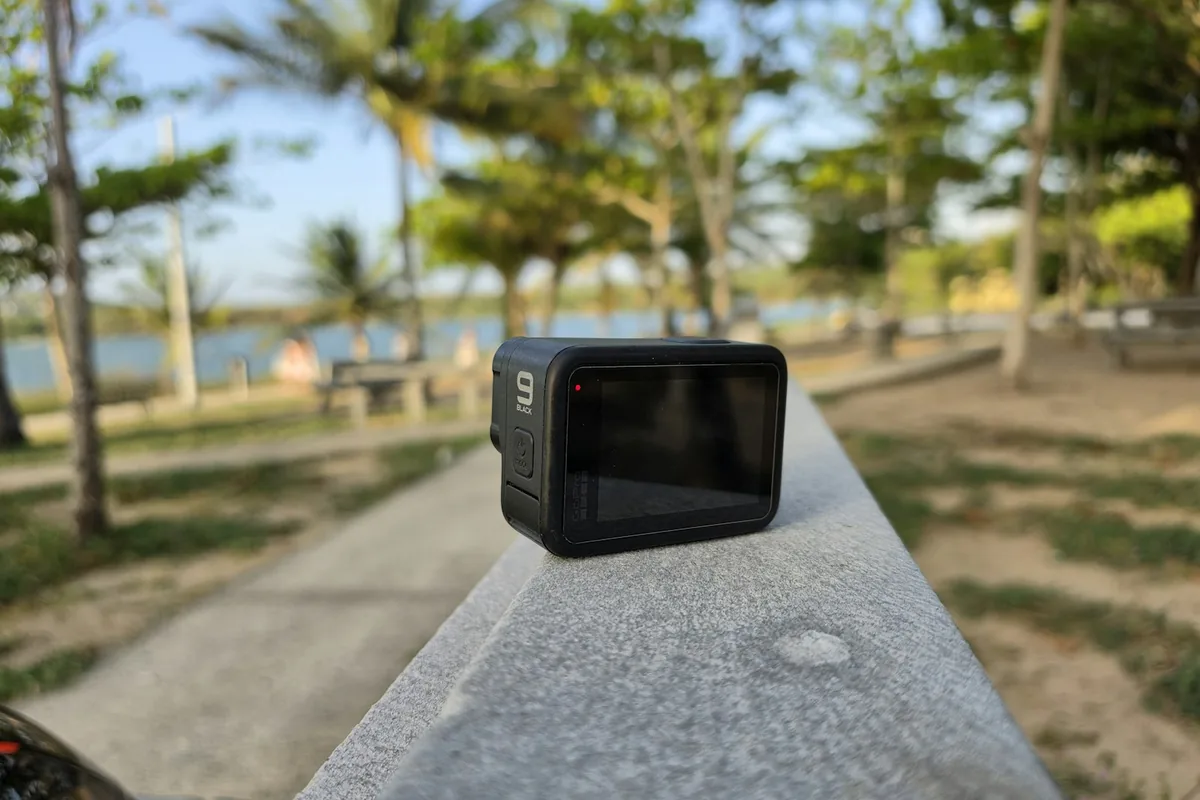
For a GoPro-style camera, a DJI action camera or a drone, start with the camera maker's recommended cards. Match the specific card and capacity, then compare the relevant write rating.
Keep Extreme on the shortlist for its maker-stated action camera and drone use, and Extreme PRO where the exact card matches DJI's recommendation. Choose PRO Plus when the included adapter matters, while keeping its missing product-page details in view. Check the current Amazon listing for the exact variant before ordering. Choosing the camera too? See DJI Osmo Action 5 Pro vs GoPro HERO13 and how to back up photos while traveling.
- All three share U3, V30 and A2 labels. Those labels alone do not distinguish them.
- Compare the write rating for the capacity you buy, especially with the SanDisk lines.
- DJI recommends a SanDisk Extreme PRO card for the Osmo Action 5 Pro. Match the exact recommendation.
- Samsung's newsroom states a ten-year limited warranty for the 180/130 MB/s PRO Plus generation. Confirm the terms for your card generation and region.
Watch: the Extreme PRO from the maker
This short maker video introduces SanDisk Extreme PRO microSDXC UHS-I. It is SanDisk's 2024 product presentation.
Video by SanDisk.
See the SanDisk Extreme PRO on Amazon.
FAQ
Do U3, V30 and A2 labels distinguish these cards?
No. All three carry those labels. Compare the stated write speed and the exact capacity instead.
Which card has a DJI recommendation?
DJI lists a SanDisk Extreme PRO card among its recommended cards for the Osmo Action 5 Pro. Check the exact card against that recommendation before buying.
Does every capacity have the same advertised speed?
No. SanDisk rates smaller capacities lower in these lines. Read the write figure for the exact capacity and card generation on the listing.
What warranty does Samsung PRO Plus include?
Samsung's newsroom states a ten-year limited warranty for the PRO Plus generation rated up to 180 MB/s read and 130 MB/s write. Terms can differ by card generation and region.
Affiliate disclosure. This post contains affiliate links. If you click and buy something, this site earns a small commission at no extra cost to you. Picks are based on published specs, independent tests and manufacturer information. As an Amazon Associate I earn from qualifying purchases. Read the full affiliate disclosure. Amazon and the Amazon logo are trademarks of Amazon.com, Inc. or its affiliates.
Your next step






Similar Posts
Pacsafe vs Travelon: Which Anti-Theft Backpack to Buy?
Checked on 5 October 2026. Choose the Pacsafe Metrosafe X 25L if you want the bigger bag (25 litres, 16 inch laptop) with lockable zips and a cut-resistant strap you can lock to a fixed object.
How to Stop Pickpockets: 6 Anti-Theft Travel Essentials
Three things do most of the work: a flat money belt under your clothes, a lockable slash-resistant daypack for crowds, and a retractable cable lock for a bag you cannot watch. Add an RFID sleeve, a decoy wallet and a door stop alarm depending on where you are staying and moving.
Best Beach and Rest Day Gear for Digital Nomads (2026)
A roll-top dry bag keeps your phone and passport dry on a boat or a swim, a mineral sunscreen without oxybenzone or octinoxate is the more reef-conscious choice near coral, and a pair of water shoes protects your feet on rocky or coral-strewn beaches where sandals do not.
Camping Table for Van Life: 3 Folding Tables Compared
Choose a camping table for van life by chair height, stove use and storage space. Compare Helinox, GCI Outdoor and Byliable.
The Ultimate Digital Nomad Packing List (2026)
On a digital nomad packing list, the one item worth spending on is the backpack: the Osprey Farpoint 40 is a strong carry-on pick. For work, the Anker Prime 26,250 mAh power bank and a lightweight mechanical keyboard round out the essentials. Taking a roller instead of a pack?
Southeast Asia Backpacking Gear: 6 Essentials for 2026
Three items solve the biggest, most common problems: packing cubes to keep a backpack organized in a humid climate, a quick-dry towel that actually dries between hostel stops, and a filter bottle so tap water stops being a daily decision.