Portable Video Call Light: 4 Picks for Remote Work
As an Amazon Associate I earn from qualifying purchases. Some links on this page earn us a small commission, at no extra cost to you. Full disclosure.
A portable video call light is worth considering when you open your laptop in a dark rented room and need to join a call. Before choosing one for a hostel or van, check where it will sit and how you will power it. Those details help narrow these four options.
Quick answer
Checked on 19 October 2026. For a workspace with USB power, choose the Logitech Litra Glow for its monitor mount or the HumanCentric bar for a stationary laptop setup. For battery power, consider the Lume Cube kit if you need a laptop clip, or the Ulanzi VL49 Pro if you can arrange a mount separately. Lume Cube publishes conflicting battery times, while Ulanzi does not list a laptop clip.
All 4 picks at a glance
Logitech Litra Glow
A telescoping extension gives you a way to adjust the light above your screen. Read more
Lume Cube Video Conference Lighting Kit
Combines a spring-loaded laptop clip with battery operation and a silicone diffuser. Read more
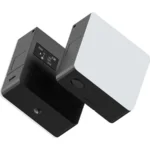
Ulanzi VL49 Pro
Offers a built-in battery and RGB colours, but no laptop clip is listed. Read more
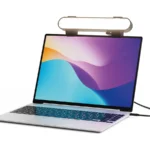
HumanCentric Video Conference Light Bar (Laptop Only)
Sits on the laptop screen without suction cups or adhesive. Read more
How we compared them
The NomadsToolsLab team read the four manufacturers' product pages and checked each Amazon US listing with a US address on 19 October 2026. We compared power source, battery time, colour temperature and mounting. Only the Lume Cube and Ulanzi have their own battery, making access to power a more useful starting point than brightness alone.
Battery or USB power, then colour and mounting
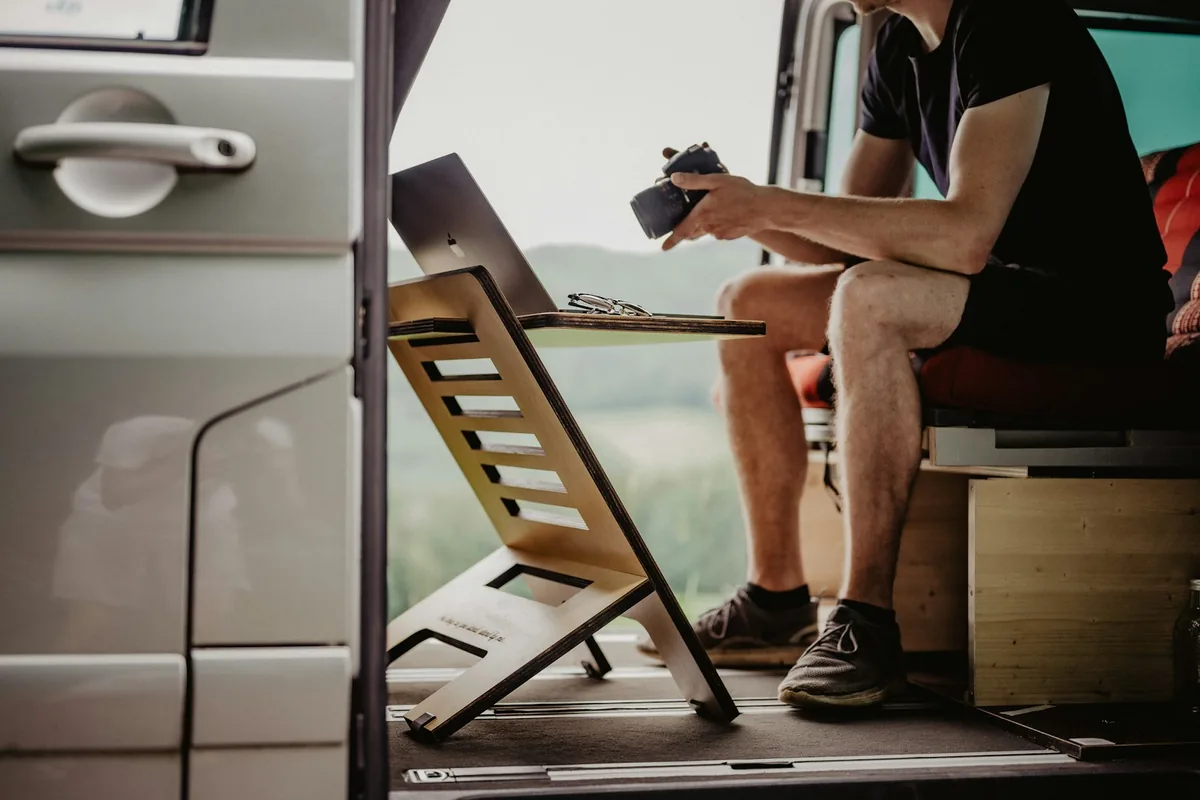
A battery lets the light operate without a USB connection during a call. The trade-off is a limited run time, so check the stated brightness setting behind any battery claim.
Mounting deserves the same attention as power. A listed laptop clip answers a different need from a monitor mount or a light that needs separate support. Colour adjustment matters too, but HumanCentric does not publish a Kelvin range for this bar.
The four lights side by side
| Light | Power | Battery runtime (maker) | Colour temperature | Mounting |
|---|---|---|---|---|
| Logitech Litra Glow | Power: USB, no battery | Battery runtime (maker): Not applicable | Colour temperature: 2700K to 6500K | Mounting: Monitor mount, 1/4-20 thread |
| Lume Cube kit (Panel Mini) | Power: Battery or USB | Battery runtime (maker): 1.5 h at 100%, 3 h at 50% | Colour temperature: 2700K to 7500K | Mounting: Laptop clip |
| Ulanzi VL49 Pro | Power: Built-in 2500 mAh, USB-C | Battery runtime (maker): 90 min at high brightness | Colour temperature: 2500K to 9000K + RGB | Mounting: Laptop clip not listed |
| HumanCentric light bar | Power: USB-C, no battery | Battery runtime (maker): Not applicable | Colour temperature: Not listed | Mounting: Sits on the laptop screen |
From the makers' pages, read on 19 October 2026: Logitech, Lume Cube Panel Mini, Lume Cube kit, Ulanzi and HumanCentric.
Logitech Litra Glow for a USB-powered workspace
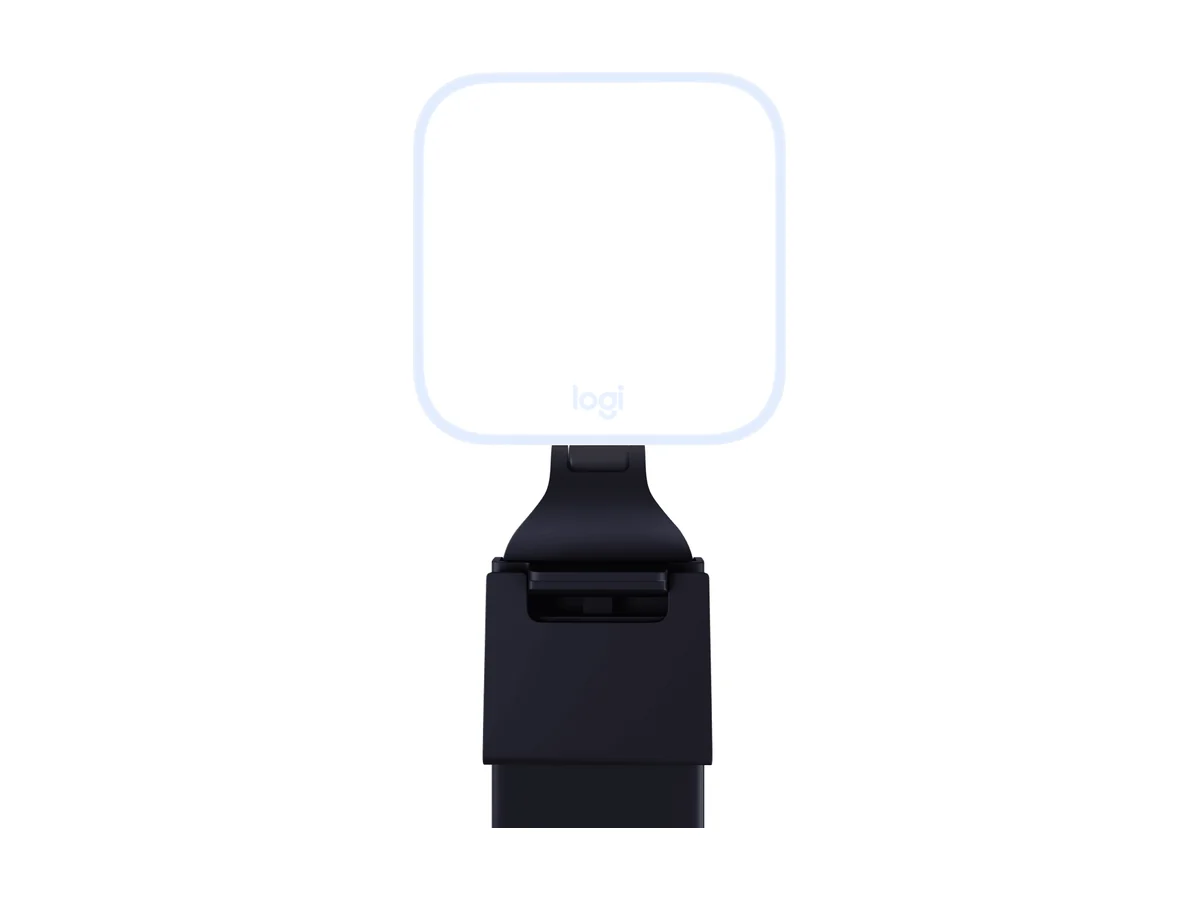
Logitech Litra Glow
For a desk with a spare USB port, the Litra Glow can stay plugged in throughout a call. Its monitor mount keeps the light above the screen. It has no battery for use away from USB power.
The removable monitor mount also gives you a tripod mounting option. That offers a different way to position the light if the screen is not where you want it. Logitech recommends a USB 3.0 port.
Lume Cube for battery power with a laptop clip
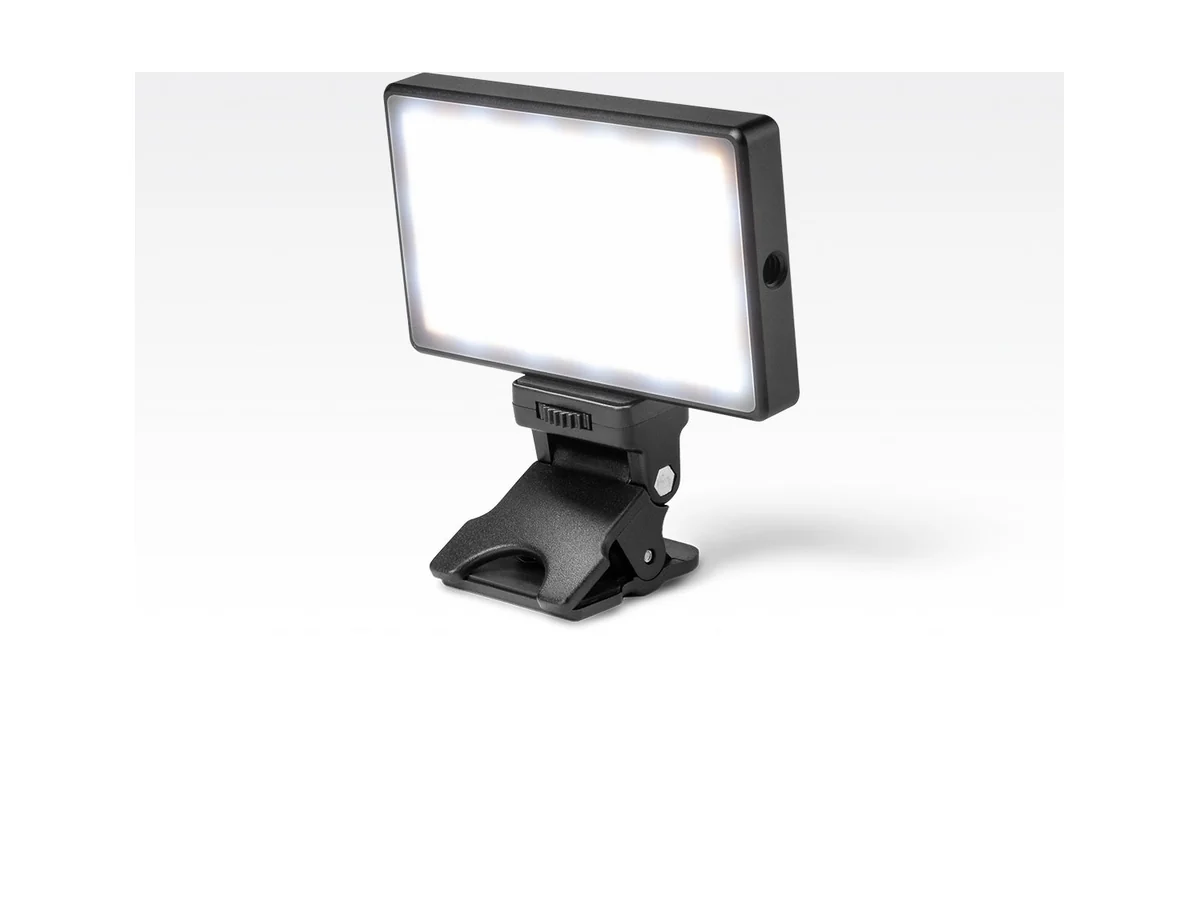
Lume Cube Video Conference Lighting Kit
Pick the Lume Cube Video Conference Lighting Kit if you want battery operation with a laptop clip, because both are included in this setup. That gives you a way to work without keeping the light plugged in. The limitation is conflicting battery information across Lume Cube's pages.
The Panel Mini page states up to 3 hours at half brightness and 1.5 hours at full brightness. The kit page gives a much longer run time, so do not plan a call around that longer claim. USB operation is available, while weight is not listed.
Ulanzi VL49 Pro when you can arrange a mount
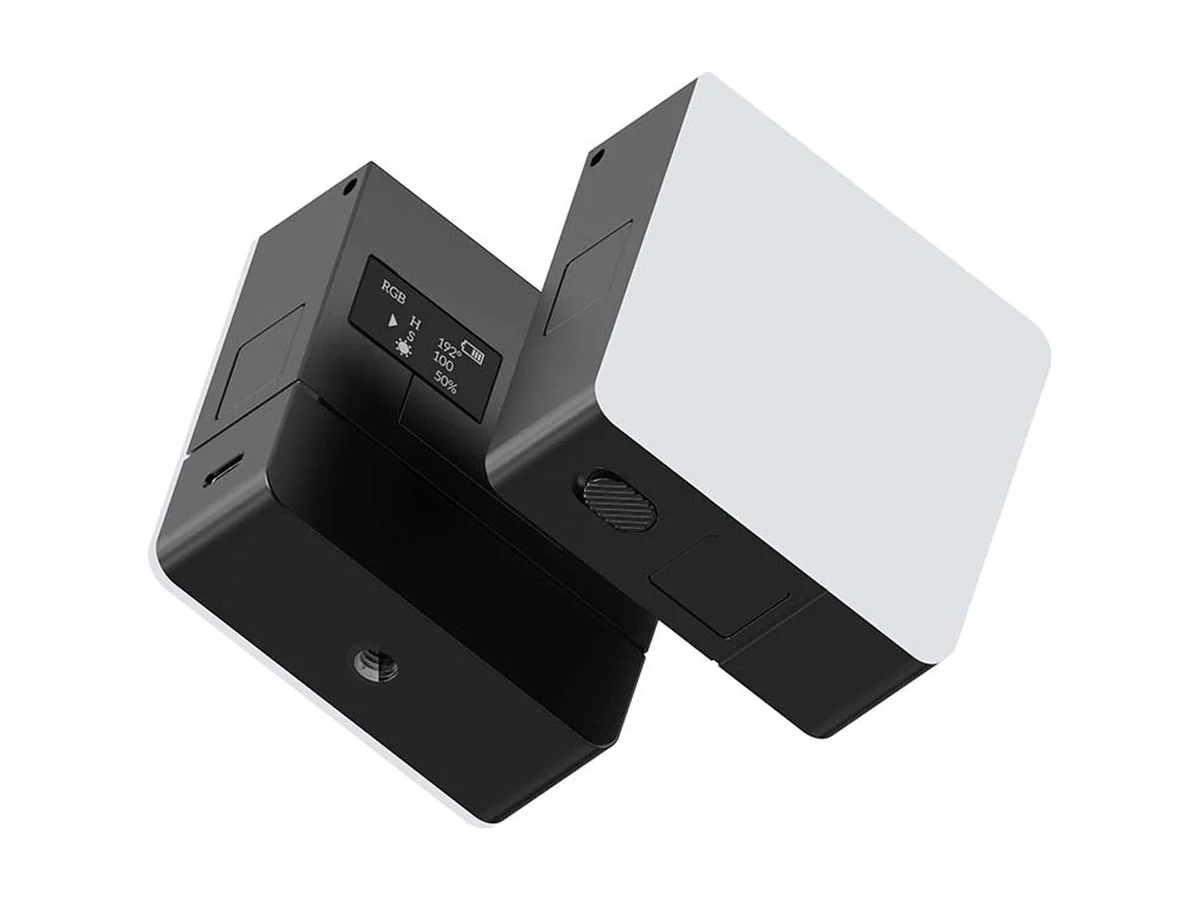
Ulanzi VL49 Pro
The VL49 Pro is an option when you already have a suitable support and want battery-powered light. Confirm the mount before choosing it for laptop calls. You can use the light without a power cable during the call. The limitation is no listed laptop clip, so do not assume it will attach to your screen.
Ulanzi states 90 minutes of battery life at high brightness and about 4 hours to charge. That makes charging time relevant if you have calls spread across the day. It also offers RGB colours alongside its adjustable white light.
HumanCentric for a stationary laptop workspace
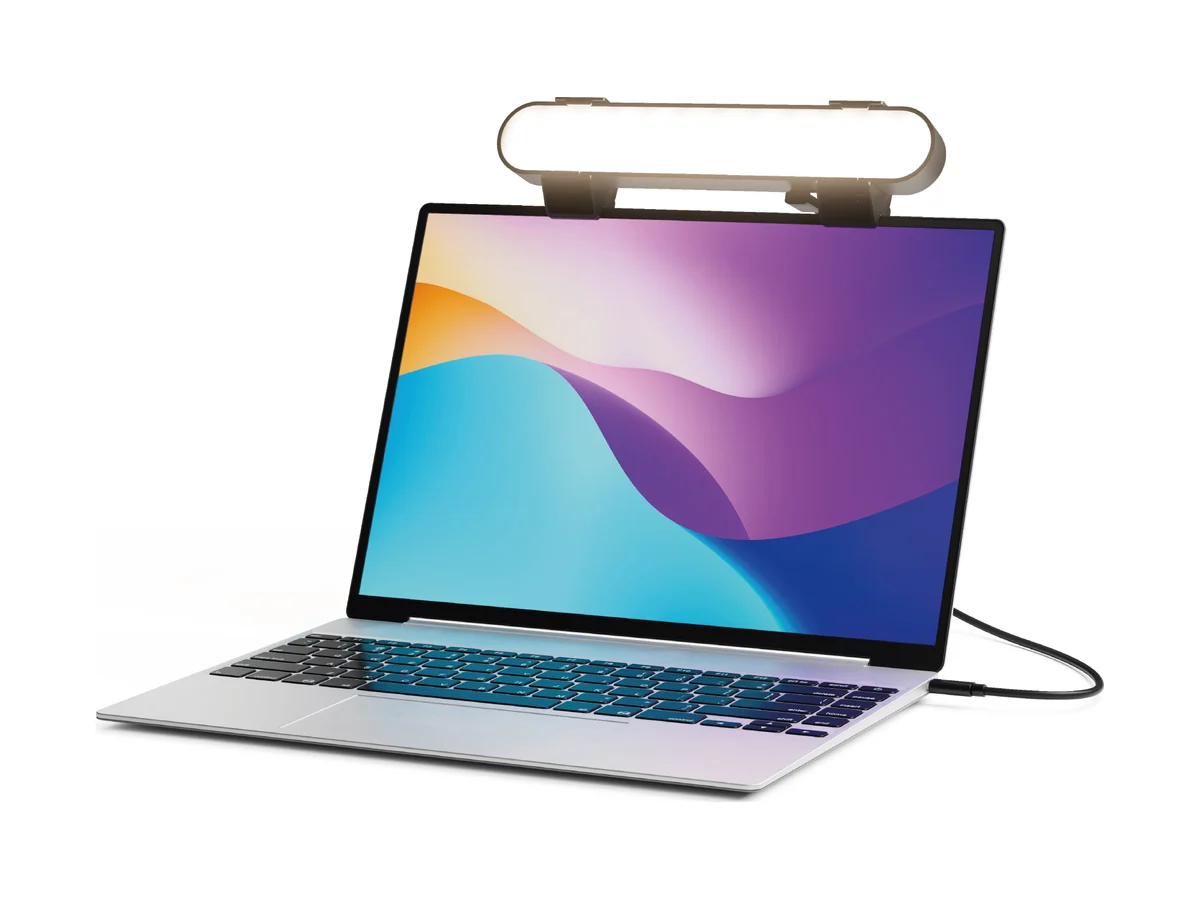
HumanCentric Video Conference Light Bar (Laptop Only)
Pick the HumanCentric Video Conference Light Bar, Laptop Only if you want a light that sits on top of your laptop screen, because it needs no suction cups or adhesive. It suits a stationary laptop workspace. HumanCentric describes it as intended for stationary use, and it has no battery.
Brightness and colour temperature are adjustable, and the diffuser is pre-installed. However, the maker does not list lumen output, a Kelvin range or weight. Those gaps limit a direct comparison with the other lights.
Choose around the workspace you will actually use
Start with your power access. If a USB connection will be available throughout calls, consider the Logitech or HumanCentric. If you need the light to run on its own battery, narrow the choice to Lume Cube and Ulanzi.
Then decide how it will stay in position. Lume Cube includes a laptop clip, Logitech has a removable monitor mount, and HumanCentric sits on the laptop screen. With Ulanzi, resolve mounting before choosing it for laptop calls. Working from anywhere? See our power banks for hand luggage and the budget noise cancelling headphones.
- Only Lume Cube and Ulanzi have built-in batteries among these four options.
- Logitech and HumanCentric need USB power from a laptop or power bank.
- Lume Cube's published battery times conflict. Use the Panel Mini figures for planning rather than relying on the longer kit-page claim.
- Check mounting before choosing. Ulanzi does not list a laptop clip, and HumanCentric specifies stationary use.
Watch: two of the lights up close
For another source on the Logitech option, see Cameron Dougherty Tech's “Logitech Litra Beam & Litra Glow Review” from 2023. The video covers both named Logitech lights.
Video by Cameron Dougherty Tech.
See the Logitech Litra Glow on Amazon.
For another source on the Lume Cube option, see GetMojo's “5 Things to Know About the Lume Cube Video Conference Light” from 2023. Check battery details against the current manufacturer pages, which give conflicting run times.
Video by GetMojo.
See the Lume Cube kit on Amazon.
FAQ
Which of these video call lights have a battery?
The Lume Cube Panel Mini and Ulanzi VL49 Pro have built-in batteries. The Logitech Litra Glow and HumanCentric bar require USB power.
Which option includes a laptop clip?
The Lume Cube kit includes a spring-loaded laptop clip. HumanCentric's bar sits on top of the laptop screen without suction cups or adhesive. Ulanzi does not list a laptop clip.
How long does the Lume Cube battery last?
The Panel Mini page states up to 3 hours at half brightness and 1.5 hours at full brightness. The kit page states a much longer run time, so the manufacturer's information is inconsistent.
Which lights let you adjust colour temperature?
All four offer adjustable colour temperature. Logitech, Lume Cube and Ulanzi publish Kelvin ranges. HumanCentric does not list a Kelvin range for this bar.
Affiliate disclosure. This post contains affiliate links. If you click and buy something, this site earns a small commission at no extra cost to you. Picks are based on published specs, independent tests and manufacturer information. As an Amazon Associate I earn from qualifying purchases. Read the full affiliate disclosure. Amazon and the Amazon logo are trademarks of Amazon.com, Inc. or its affiliates.
Your next step