How to Back Up Photos While Traveling: 4 SSD Picks
As an Amazon Associate I earn from qualifying purchases. Some links on this page earn us a small commission, at no extra cost to you. Full disclosure.
How to back up photos while traveling comes down to one rule: keep a second copy that does not live in the same bag as the first. A phone, a camera card or a laptop can be lost, stolen or break in one bad minute. This guide gives you a simple routine with a rugged portable SSD and a cloud copy, plus four SSDs with the specs their makers list.
Quick answer
Copy your photos to a rugged SSD every few days, add a cloud copy when the Wi-Fi is good, and keep the drive apart from your phone and laptop. Our pick: the SanDisk Extreme Portable SSD, which SanDisk lists with a rugged build and 256-bit AES encryption.
All four drives, with a buy button each
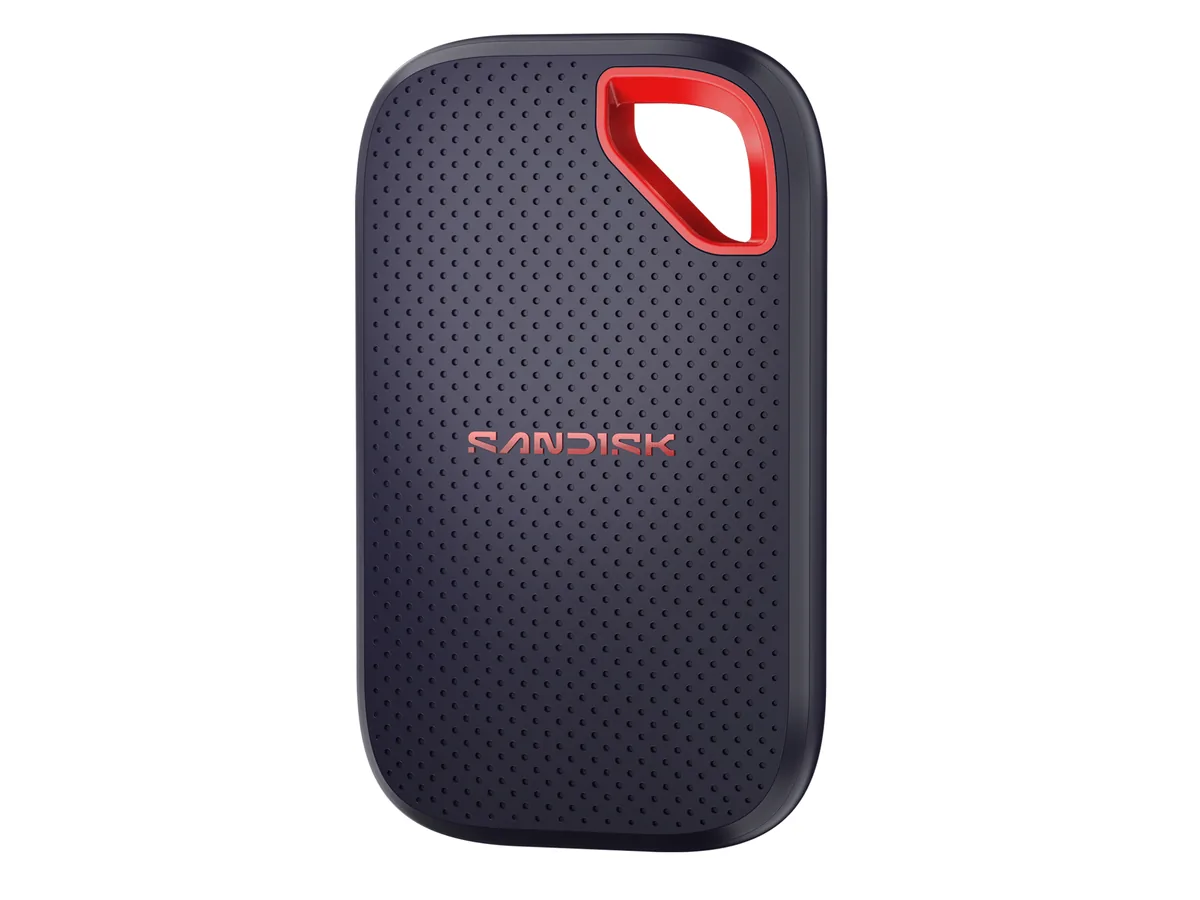
SanDisk Extreme Portable SSD
Up to 3 m drop, IP65 and 256-bit AES encryption listed. Read more
Where to go deeper


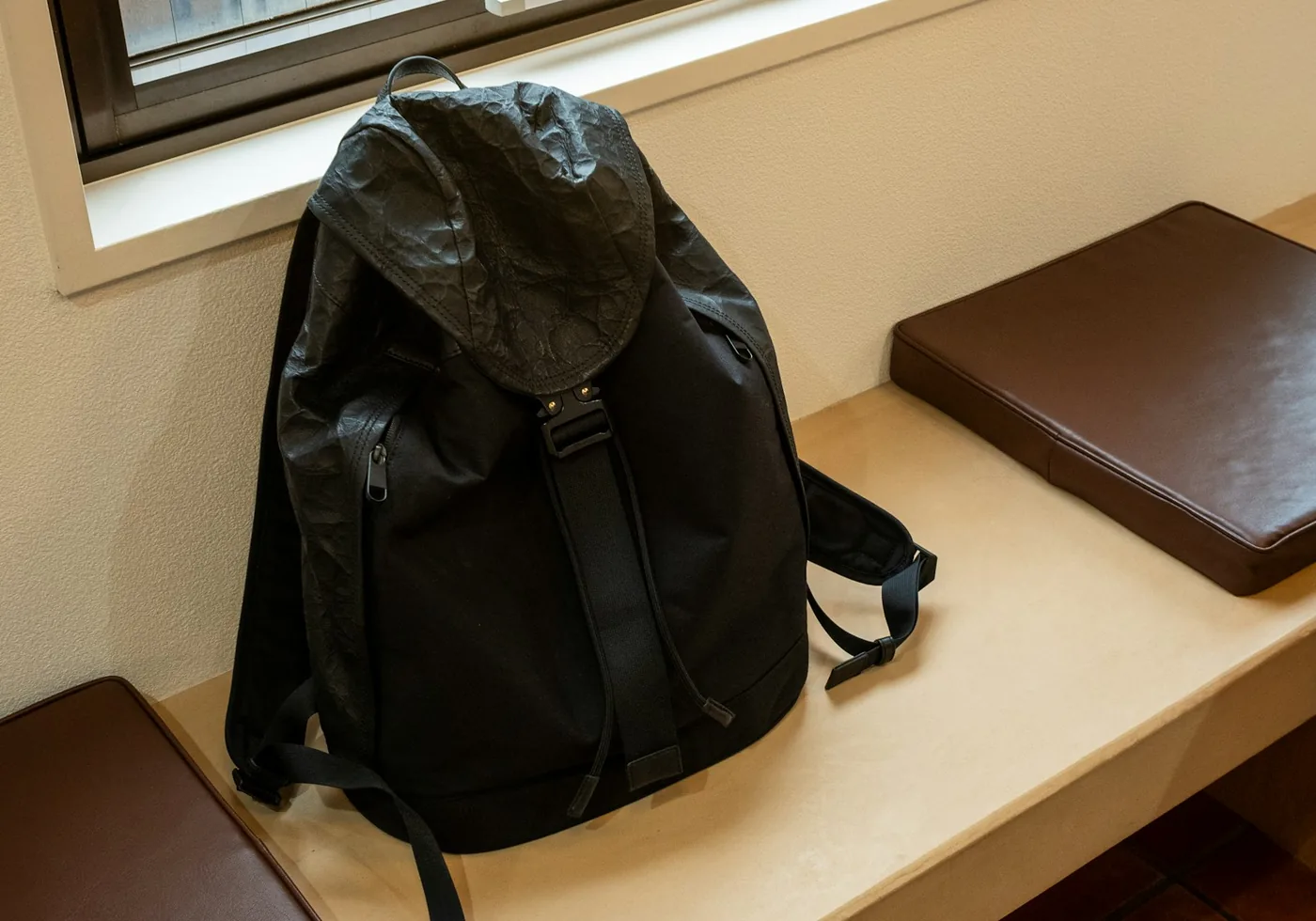
From the road: Someone stole my backpack in South America. In it were clothes, a second phone, a tablet, money, shoes, crystals and my tarot deck, and probably my macrame things too. I did not do anything about it. I took my losses, and that was okay. It was actually good, because from then on I traveled lighter. You do not need all that stuff, and you do not miss it.
Our takeaway: clothes and shoes are easy to rebuy, so letting them go is easy too. Photos and work files are the part of a bag you cannot rebuy. That is the part worth a second copy.
Action cameras fill a drive fast: our DJI Osmo Action 5 Pro vs GoPro HERO13 comparison lists the 5.3K and 4K modes and the built-in storage of each camera.
Why one copy is not a backup
The UK National Cyber Security Centre defines a backup as a copy of your important data that is stored in a separate safe location. Its list of reasons you may need one includes a device that is lost or stolen and a device that breaks. Its rule of thumb: back up anything you value.
For a traveler that gives a simple test. If someone takes your bag tonight, do you still have your photos? If not, you have one copy. Our rule is two copies at least, and never both in the same bag.
Step 1: copy your photos to a rugged SSD
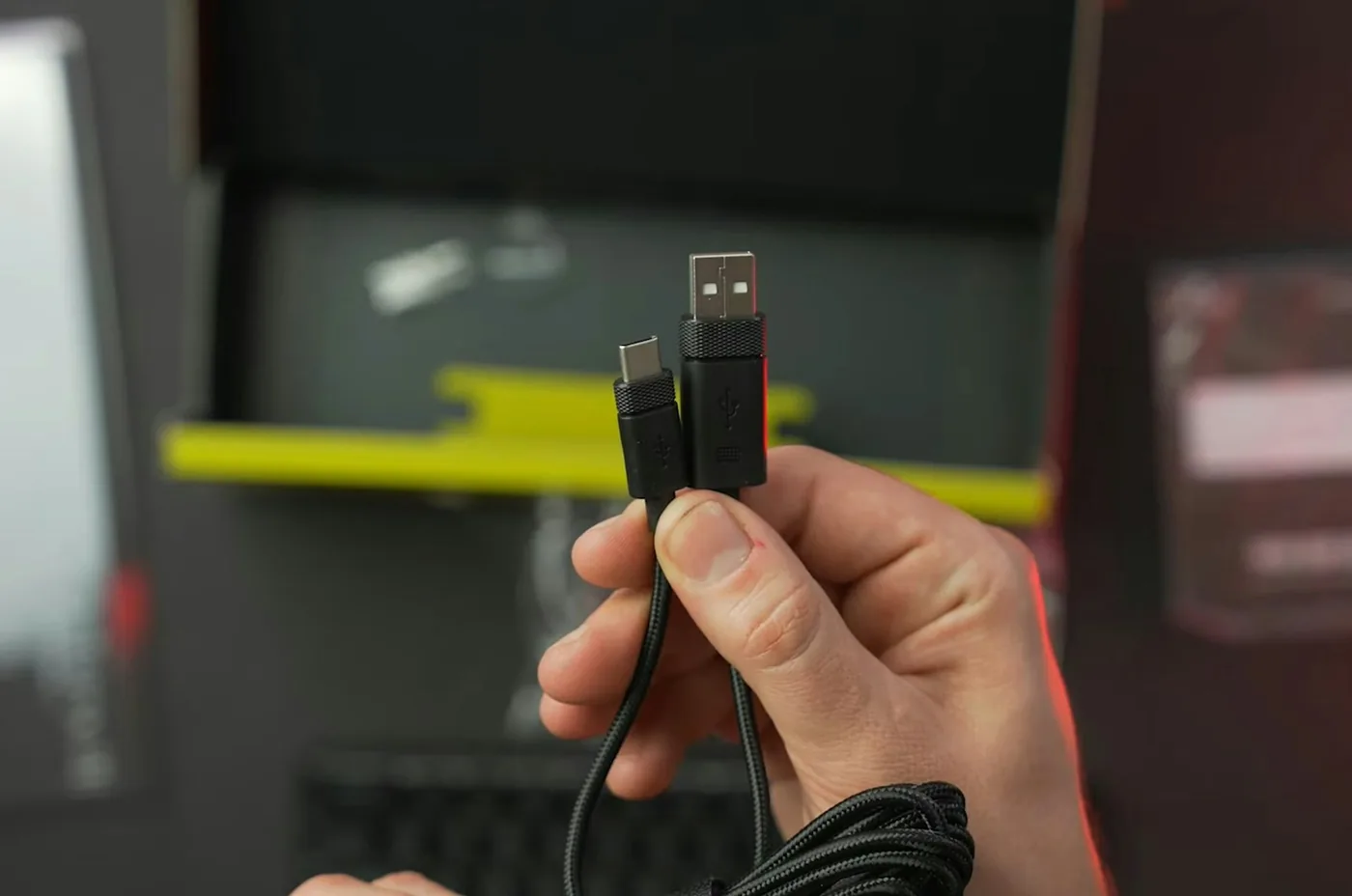
Compare the drop height and the water and dust rating: each maker tested its own drive.
On an iPhone, Apple says you can connect an external storage device such as a USB drive and use the Files app to copy files to it, and that you may need a cable adapter. On iPhone models with a USB-C port, the Files app can also format the drive as APFS, ExFAT or MS-DOS (FAT). See Apple's guide for the steps.
On Android, read the compatibility line on the maker's page. SanDisk lists Android 10 or newer for the Extreme and Android 13 or newer for its Portable SSD. Samsung's product photos carry a "Galaxy & iPhone 15 and newer" badge. We did not test any of these drives on a phone ourselves.
Copying works the same on a laptop: drag the photo folder to the drive, then open a few files from the drive to check them. When the drive is not in use, NCSC says to disconnect it. Malware on a computer can spread to a connected drive.
Step 2: add a cloud copy when the Wi-Fi is good
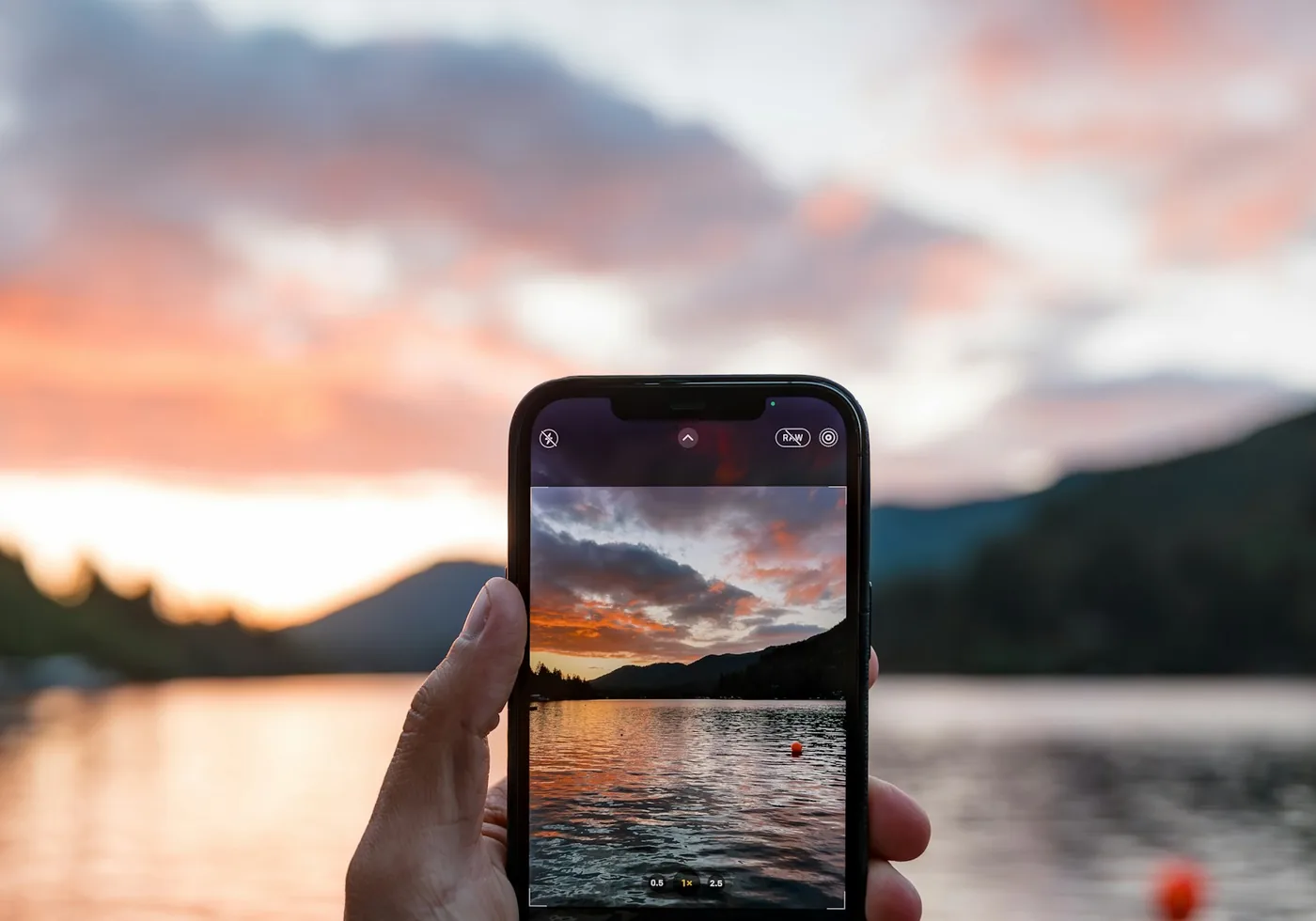
NCSC says cloud storage may not suit you if your internet connection is slow or unreliable, if you use a metered connection, or if your backups are large, for example with a lot of video. It then suggests removable media. That fits life on the road: hostel Wi-Fi, a data cap, a 4K clip.
Free space is small. Apple says iCloud gives you 5 GB for free. Google says a Google Account has up to 15 GB shared between Drive, Gmail and Photos. Check both pages for today's numbers, because they can change. We list no paid plans here.
Protect the account too. NCSC says anyone who can get into your cloud account also reaches your backups, so use a strong password and turn on 2-step verification.
The 4 SSD picks, one by one
1. SanDisk Extreme Portable SSD: the best all-round pick
SanDisk Extreme Portable SSD (new model)
SanDisk lists up to 2,000 MB/s read, up to 3-meter drop protection, IP65 water and dust resistance, and a 5-year limited warranty. It weighs 46.9 g. It also lists password protection with built-in 256-bit AES encryption, which SanDisk says helps keep your content private even if the drive is lost or stolen. For a drive that lives in a bag, that is the feature we care about most.
One catch: an older Extreme with up to 1,050 MB/s is still sold. The new model number starts with SDSSDE70, so check it before you pay. Choosing between the two brands? See Samsung T7 Shield vs SanDisk Extreme.
If I bought one today: This is the one I would pick: the SanDisk Extreme Portable SSD.
2. Samsung T7 Shield: the tough alternative
Samsung T7 Shield
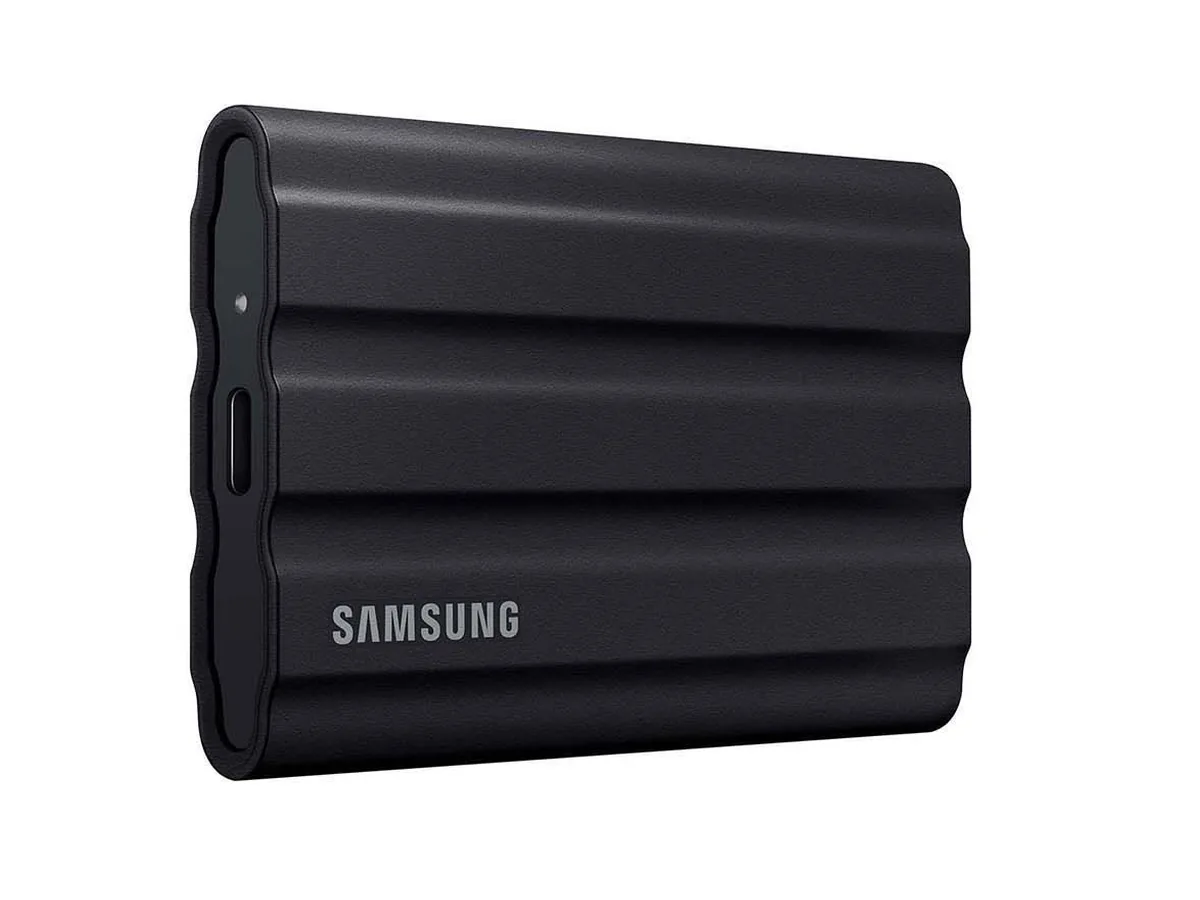
Samsung lists up to 1,050 MB/s read and 1,000 MB/s write, a drop of up to 9.8 ft (about 3 m), IP65 and USB 3.2 Gen 2, in 1, 2 and 4 TB. We found no password or encryption claim on the page we read. If you want that, lock your files another way or pick the SanDisk Extreme.
3. SanDisk Portable SSD: the simple one
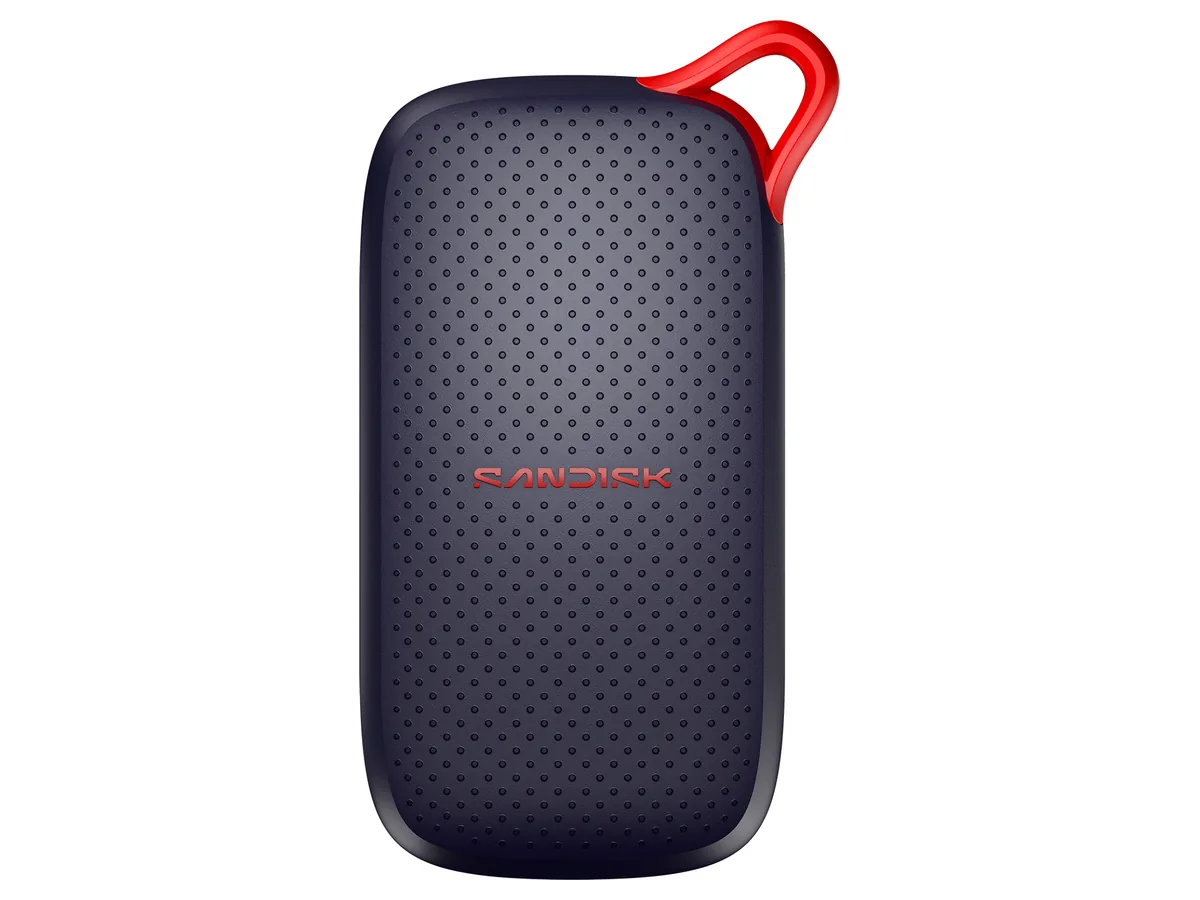
SanDisk Portable SSD (new model)
SanDisk lists up to 1,000 MB/s read, USB 3.2 Gen 2, drop protection up to 2 meters and a 3-year limited warranty, in 500 GB, 1 TB and 2 TB. The 1 TB size showed as unavailable on amazon.com on 5 October 2026, so the button goes to the 500 GB size, which was in stock (the 2 TB size was too). The page lists no water or dust rating, so keep it in a dry pouch. Compatibility listed: Android 13 or newer, iPadOS 15 or newer, macOS 13 or newer and Windows 10 or newer.
4. Samsung T9: for big video files
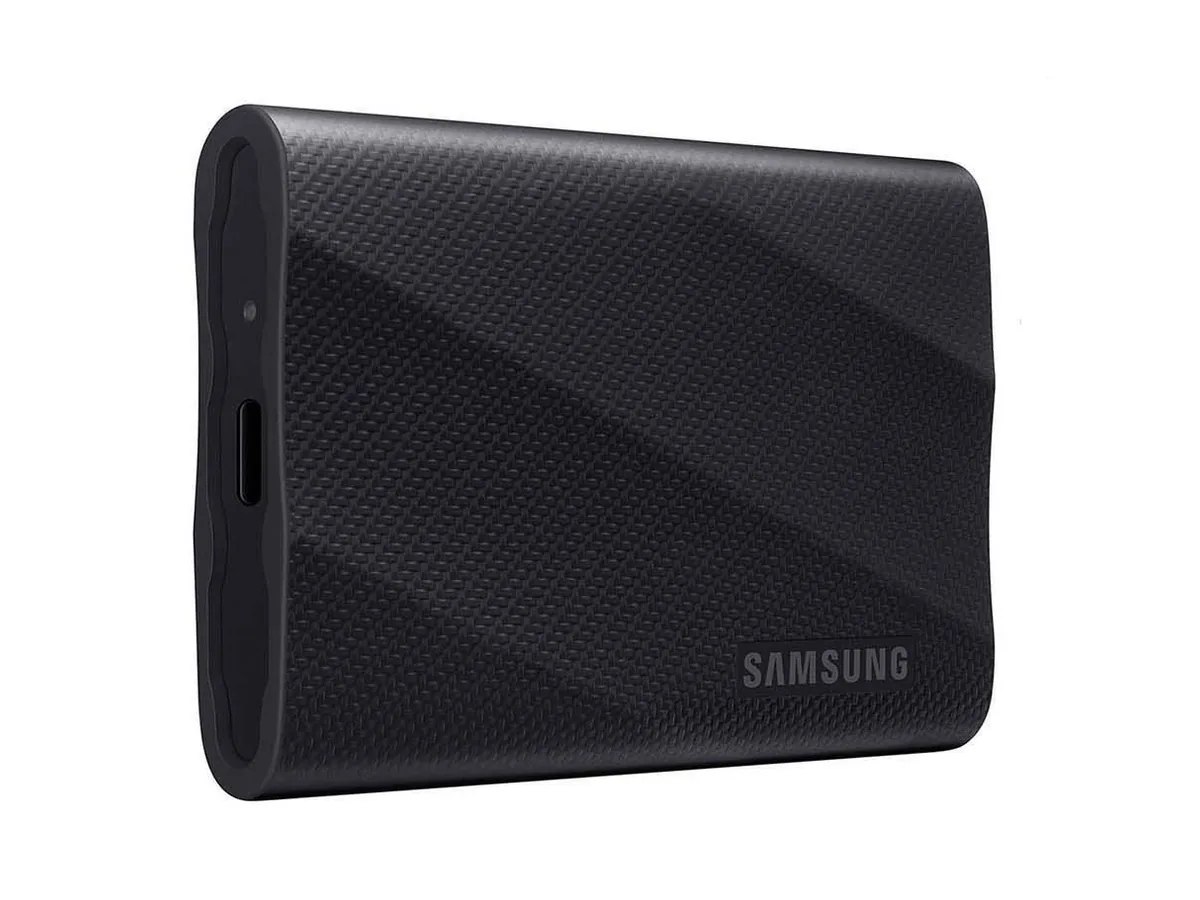
Samsung T9
Samsung lists up to 2,000 MB/s read and 2,000 MB/s write on USB 3.2 Gen 2x2, a drop of up to 9.8 ft and Dynamic Thermal Guard. The page we read lists no water rating or encryption. It is the pick if you shoot a lot of video and want the copy to finish fast.
| SanDisk Extreme | Samsung T7 Shield | SanDisk Portable | Samsung T9 | |
|---|---|---|---|---|
| Read speed (up to) | 2,000 MB/s | 1,050 MB/s | 1,000 MB/s | 2,000 MB/s |
| Drop protection | up to 3 m | up to 9.8 ft | up to 2 m | up to 9.8 ft |
| Water and dust | IP65 | IP65 | none listed | none listed |
| Encryption listed | 256-bit AES | none listed | none listed | none listed |
| Warranty listed | 5 years | not read | 3 years | not read |
Prices change daily, so we list none: check the current one on Amazon.
Where to keep the drive
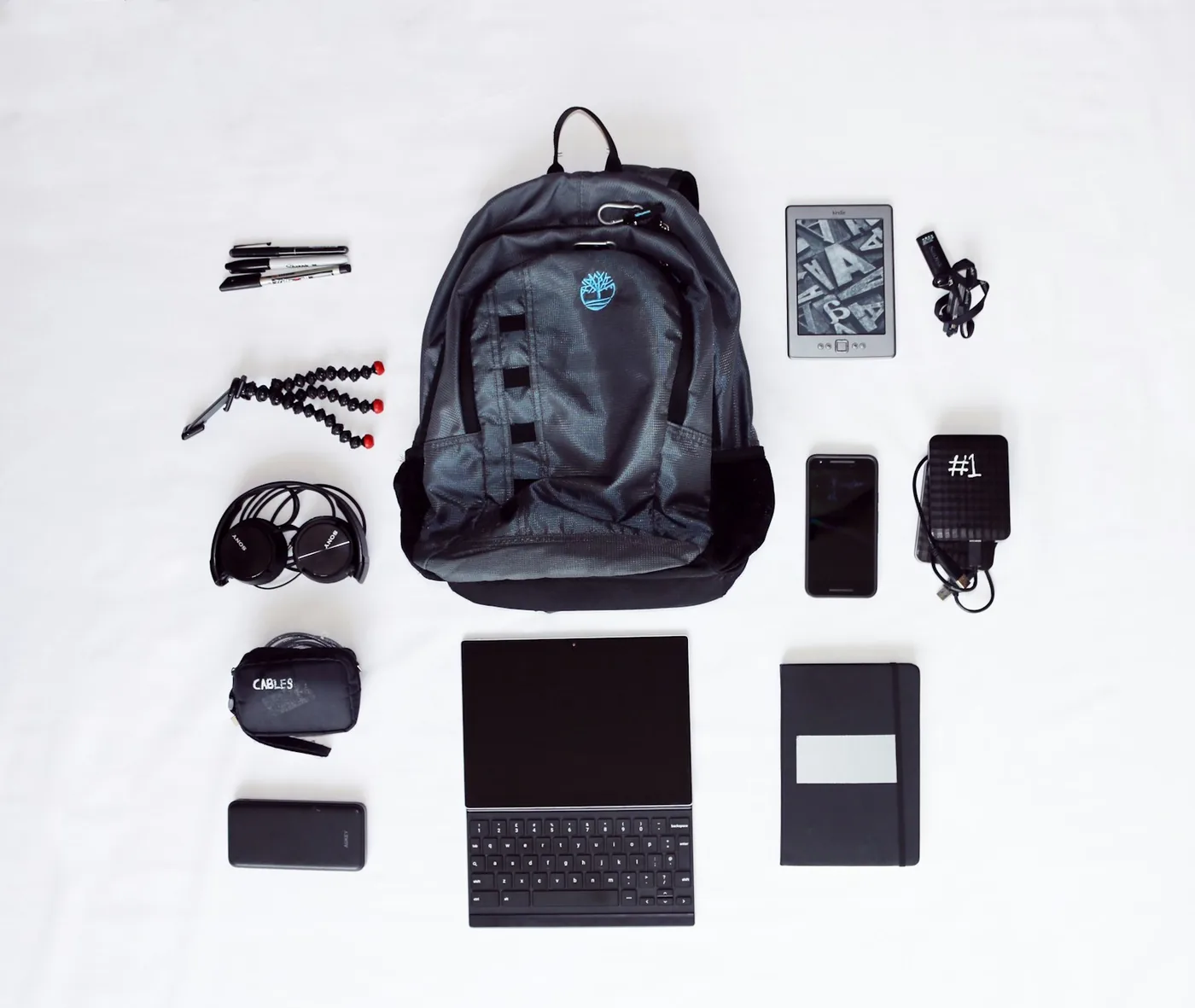
If the SSD and the laptop share a bag, one theft takes both. Put the drive in a different bag, in a small pouch on you, or in a locker you lock. Our guide to stopping pickpockets covers money belts and sneaky pouches, and the stolen backpack guide covers what to do in the first hour.
A drive is also a single point of failure. If you only have one drive, you have one copy. That is why the cloud copy in step 2 matters.
Work files follow the same rule
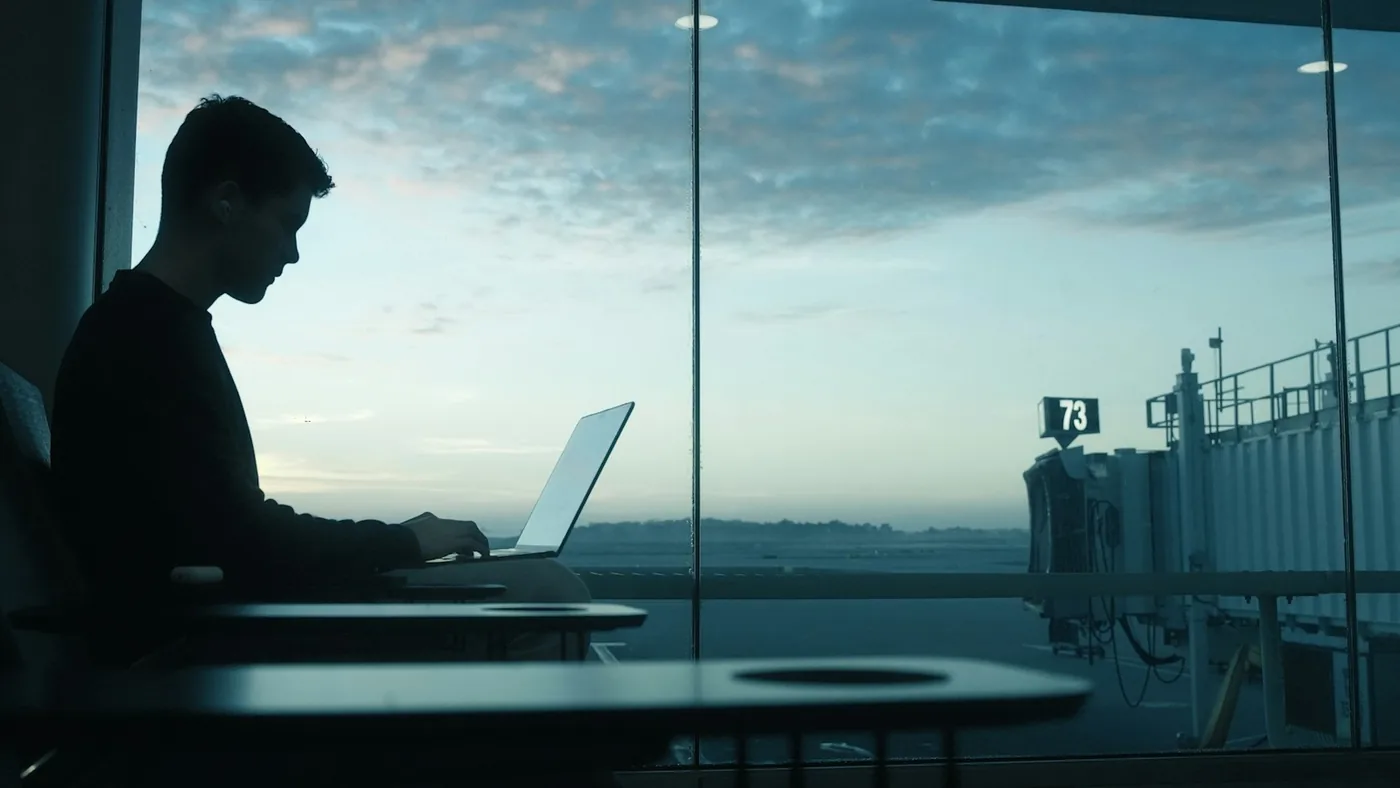
Keep your working folder in cloud sync, and copy the full folder to the same SSD when you copy your photos. Then open a file on a second device once, so you know the copy works. Our laptop guide and remote work gear guide cover the rest of a laptop setup, and the camera guide lists what camera shooters carry.
A 10-minute routine
Copy
Copy the new photos and your work folder to the SSD.
Check
Open a few files from the drive. Only then delete anything from the phone.
Upload and store
Let the cloud upload run on good Wi-Fi. Disconnect the drive and store it apart.
- A backup is a second copy in a separate place. Two copies in one bag are still one bad day.
- Copy photos to a rugged SSD every few days, and check that the copy opens before you delete anything.
- Add a cloud copy when the Wi-Fi is good. NCSC says cloud may not suit a slow, metered or very large backup.
- Of our four picks, only the SanDisk Extreme lists encryption on the pages we read. All numbers are the makers' own claims.
- Keep the drive apart from your phone and laptop, and protect your cloud account with 2-step verification.

Chenzo, founder of NomadsToolsLab
These days my backpack holds toiletries, a few clothes, a thick sweater, socks, a few extra shoes, slippers, chargers and a laptop. That's it.
Where to go next
Packing for a long trip? See what to actually pack for South America and comfort gear for long flights, buses and trains. Setting up your work life on the road? Start with the complete digital nomad setup guide. Hostel dorm? Pair the drive with a lock: the best padlock for hostel lockers.
Filming on an action camera fills memory cards fast. Insta360 Ace Pro 2 vs GoPro HERO 13 covers two popular cameras and what they record to.
FAQ
How do I back up photos while traveling without a computer?
Apple says you can connect an external storage device to an iPhone and copy files to it with the Files app, and that you may need a cable adapter. On Android, check the compatibility list of the drive you pick.
Is cloud storage enough for travel photos?
Not always. NCSC says cloud storage may not suit a slow, unreliable or metered connection, or a large backup. Free space is small: 5 GB on iCloud, up to 15 GB shared on a Google Account.
Do I need an encrypted SSD for travel?
Whoever finds a lost drive can open your files unless they are locked. SanDisk lists 256-bit AES encryption for the Extreme. We found no encryption claim on the other three pages we read.
How often should I back up my travel photos?
Every few days, or after a big day of shooting. NCSC says to back up anything you value.
Should I keep the SSD in the same bag as my laptop?
We would not. If one bag is stolen, you lose both copies. Keep the drive in another bag, a pouch on you or a locker.
Watch: Samsung T7 Shield vs SanDisk Extreme compared
Video by The Review Rewind.
Seen enough? Here is the Samsung T7 Shield from this article.
Samsung T7 Shield
Affiliate disclosure. This post contains affiliate links. If you click and buy something, this site earns a small commission at no extra cost to you. Picks are based on published specs, independent tests and manufacturer information. As an Amazon Associate I earn from qualifying purchases. Read the full affiliate disclosure. Amazon and the Amazon logo are trademarks of Amazon.com, Inc. or its affiliates.
Your next step