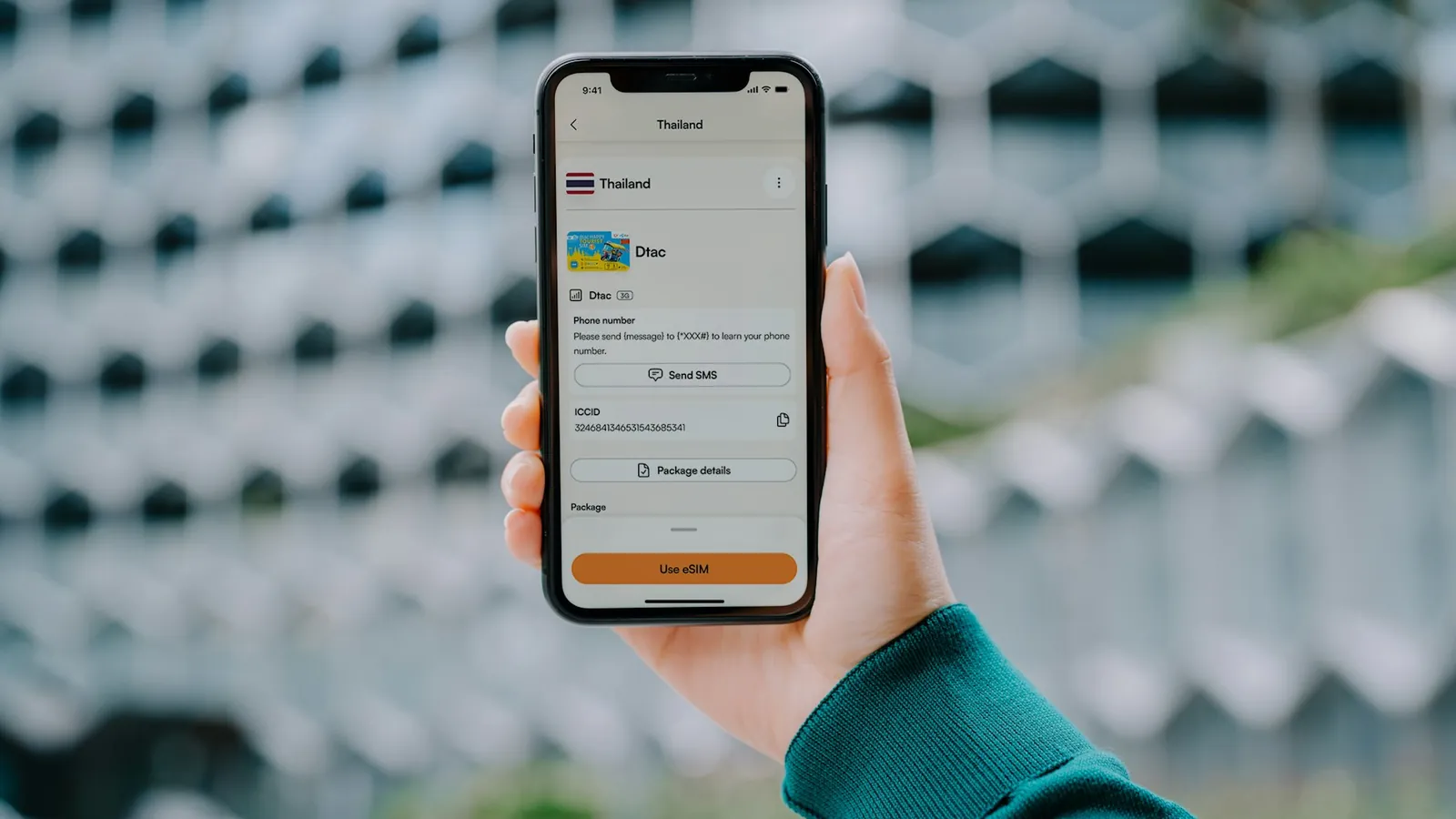
How to Set Up Your eSIM Before Flying (5-Minute Guide)
Some links on this page earn us a small commission, at no extra cost to you. Full disclosure.
The first 3 hours after landing in a new country are when most nomads lose hours of work. No data, no maps, no Uber. Setting up an eSIM before you fly solves most of this. Here is the exact process to set up an eSIM before you fly.
Quick answer
Download the Airalo app, buy the data pack for your destination and install the eSIM profile before you fly. If Airalo does not cover your destination, try DrimSim.
Checked on 5 October 2026: phone compatibility on Apple's and Google's own help pages, Airalo coverage on airalo.com (200+ destinations).
What you need

aloSIM
Country packs from $3.50 for 7 days and 1 GB, for example in Thailand (Indonesia is $4.50 for the same pack; checked on 4 October 2026 on aloSIM's own site, in USD, prices differ per country), 200+ countries, install straight from the app Read more
Step by step (5 minutes)
The five steps
- 1Check eSIM compatibility
- 2Download Airalo app
- 3Buy the data pack for your destination
- 4Install the eSIM profile
- 5Activate when you land
Step 1: Check eSIM compatibility
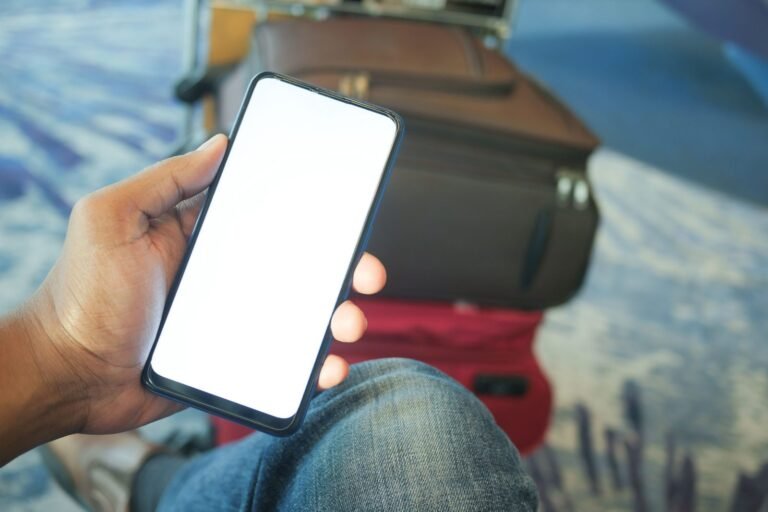
iPhones from the XS and XR onwards support eSIM (except models sold in mainland China), and so do Google Pixel phones from the Pixel 3a onwards. Many recent Samsung Galaxy phones do too. If unsure, type into Google: "[your phone model] eSIM support".
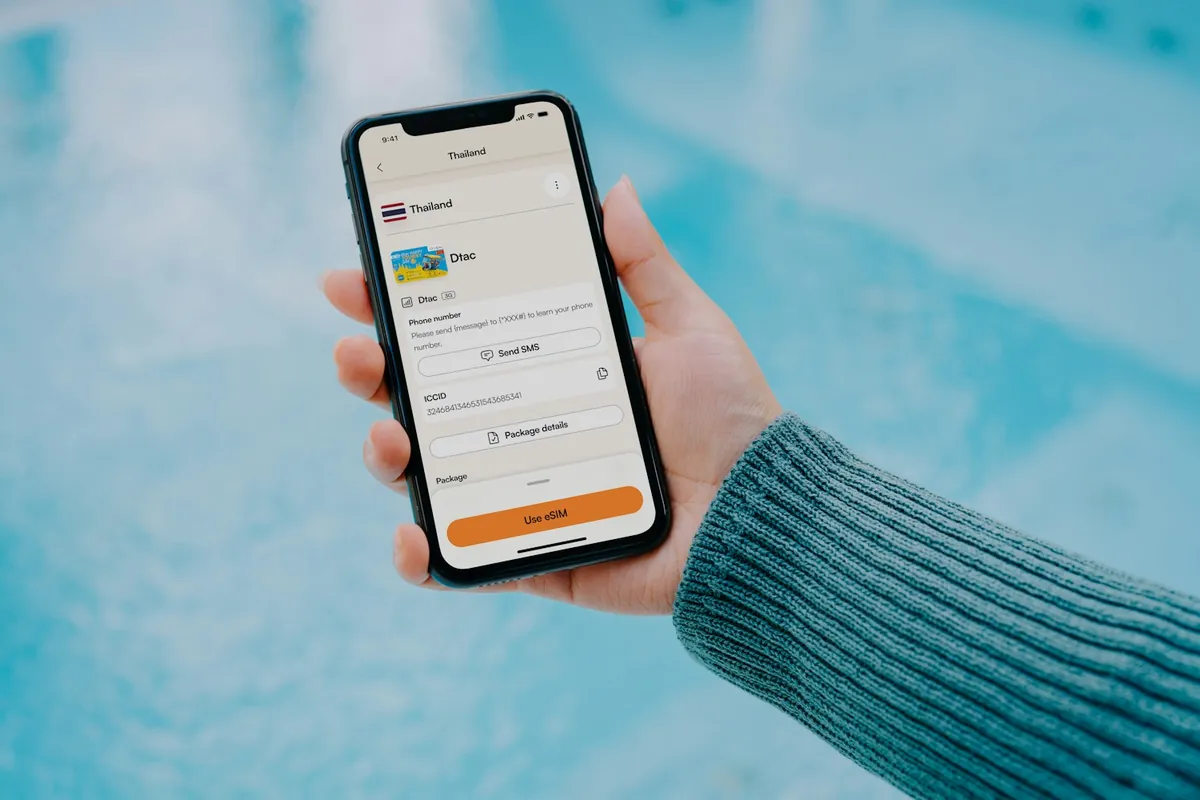
Step 2: Download Airalo app
Go to App Store or Google Play. Search Airalo. Download. Create account.

Step 3: Buy the data pack for your destination
Through the app or via web: Airalo data packs. Choose your destination country. Pick a data pack (1GB, 3GB, 5GB, etc). Pay.


Airalo
Step 4: Install the eSIM profile
After payment, Airalo gives you an installation profile. Tap install. The profile usually downloads within a minute or two. Done.
Step 5: Activate when you land
When you land, go to Settings > Cellular > Airalo eSIM > Turn on Data Roaming. The eSIM connects to a local network once you are in the destination country.
Why This Has To Happen Before You Fly
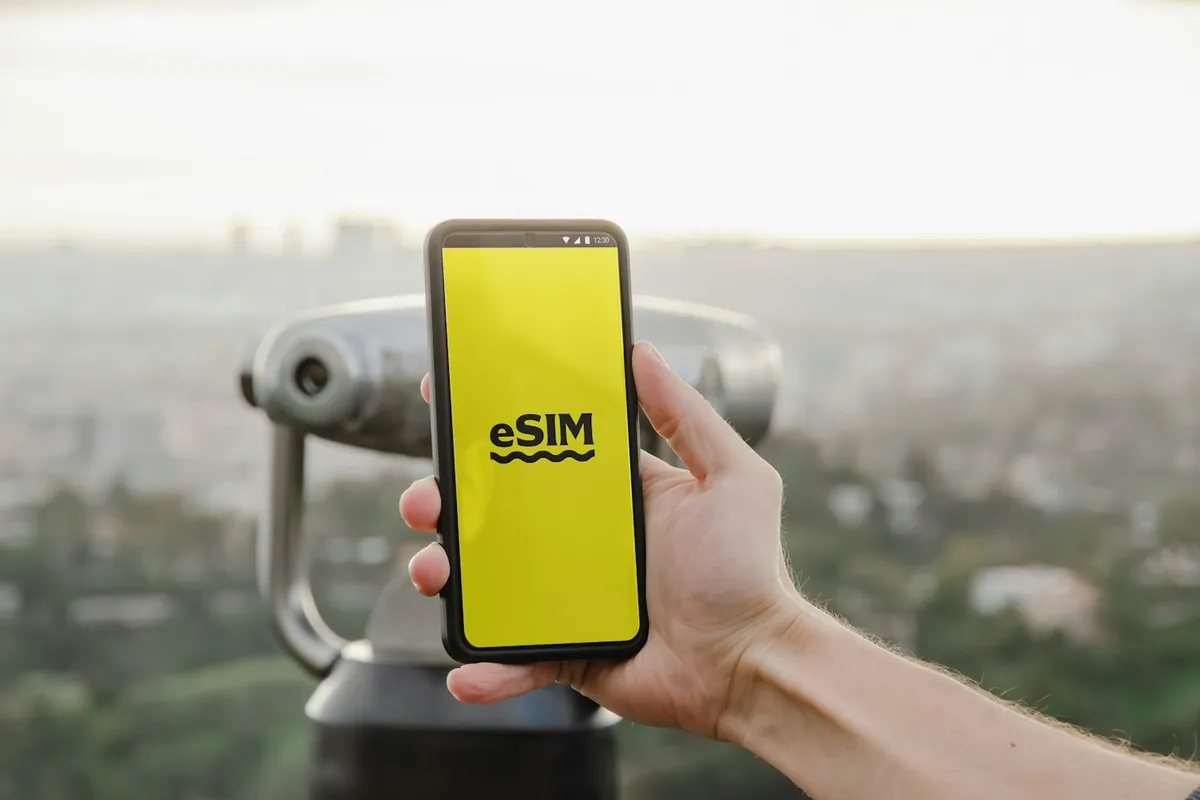
The setup itself only takes 5 minutes, but it depends on a working wifi or data connection to download the app, create an account and pull the data pack. None of that is available the moment you land in a new country, which is exactly when you need it most. Airport wifi is often slow or behind a login wall, and your home SIM may already be roaming at a painful per-megabyte rate the second the plane touches down.
Heading to a remote crag or trail? Set the eSIM up before you leave; our guide to climbing while traveling covers where to climb.

Doing this from your hotel room or your own home wifi the night before removes the time pressure. You can double check the destination is spelled correctly, confirm the data pack size actually covers your trip, and troubleshoot any install issue without a queue of people waiting for a taxi behind you.

From the road
My rule: use a local SIM or an eSIM for internet, and keep your home SIM for texts and calls. There are also eSIMs with worldwide coverage.
In the van we had SIM cards and a router with a SIM card, and we always paid for the provider with the best coverage where we were.
If The eSIM Will Not Activate
Most failed activations come down to one of a handful of causes. Working through these in order solves the large majority of cases.
- Phone is locked to a carrier. A carrier-locked phone can block eSIM installation entirely, even on a device that technically supports eSIM. Check with your carrier or in your phone's settings under Cellular or Mobile Network for a lock status.
- No wifi or data during install. The install step needs an active internet connection to download the profile. A weak or captive-portal wifi network (the kind that needs a browser login) can silently fail the download.
- The QR code or install link was already used. Most eSIM profiles are one-time use. If you reset your phone or tried installing twice, request a fresh profile from the provider's app or support chat rather than reusing the old code.
- Airplane mode is on during setup. Turn it off while installing, then back on if needed, and make sure data roaming is enabled for the new eSIM line specifically, not just the physical SIM.
- Too many eSIMs already installed. Most phones cap the number of eSIM profiles they can store, even if only one or two can be active at a time. Delete an old, unused travel eSIM before adding a new one.

Airalo vs aloSIM vs Drimsim, Side By Side
| Feature | Airalo | aloSIM | Drimsim |
|---|---|---|---|
| Coverage | 200+ destinations | 200+ countries | Many countries, check its coverage list |
| Pricing style | Fixed data packs per country | Packs from $3.50 for 7 days and 1 GB, e.g. Thailand (checked 4 October 2026) | Check its current rates |
| Best for | Most trips, widest coverage | Short trips, light data use | Backup when an eSIM is not an option |
| Setup | App, 5 minutes | App, install straight from the app | App or physical backup SIM |
- Download the Airalo app, buy the data pack for your destination and install the eSIM profile before you fly.
- The setup only takes 5 minutes, but it needs a working wifi or data connection, so do it at home or in your hotel the night before.
- Activate the eSIM when you land: Settings > Cellular > Airalo eSIM > Turn on Data Roaming.
- If it will not activate, check for a carrier-locked phone, a failed install connection, a used QR code, airplane mode and too many eSIMs.
- If Airalo does not cover your destination, try DrimSim.
Once the eSIM is set up, download the rest before you leave: our guide to the best offline travel apps lists seven.
Common questions
Which phones support eSIM, and what are the exceptions?
iPhone XS, XS Max, XR and later support eSIM (Apple, read on 5 October 2026), but in mainland China only a few newer models do, and some Hong Kong and Macao models have two nano-SIM slots instead. Pixel 3a and later mostly work, with exceptions for some carrier and Japan models (Google). Still choosing? See our eSIM comparison.
Will my home SIM still work?
Yes. Modern phones support dual SIM (one physical + one eSIM, or two eSIMs). Your home number stays active for SMS/calls.
What if Airalo does not cover my destination?
Try DrimSim as an alternative. It is a physical SIM, so compare its coverage list with Airalo for your destination.
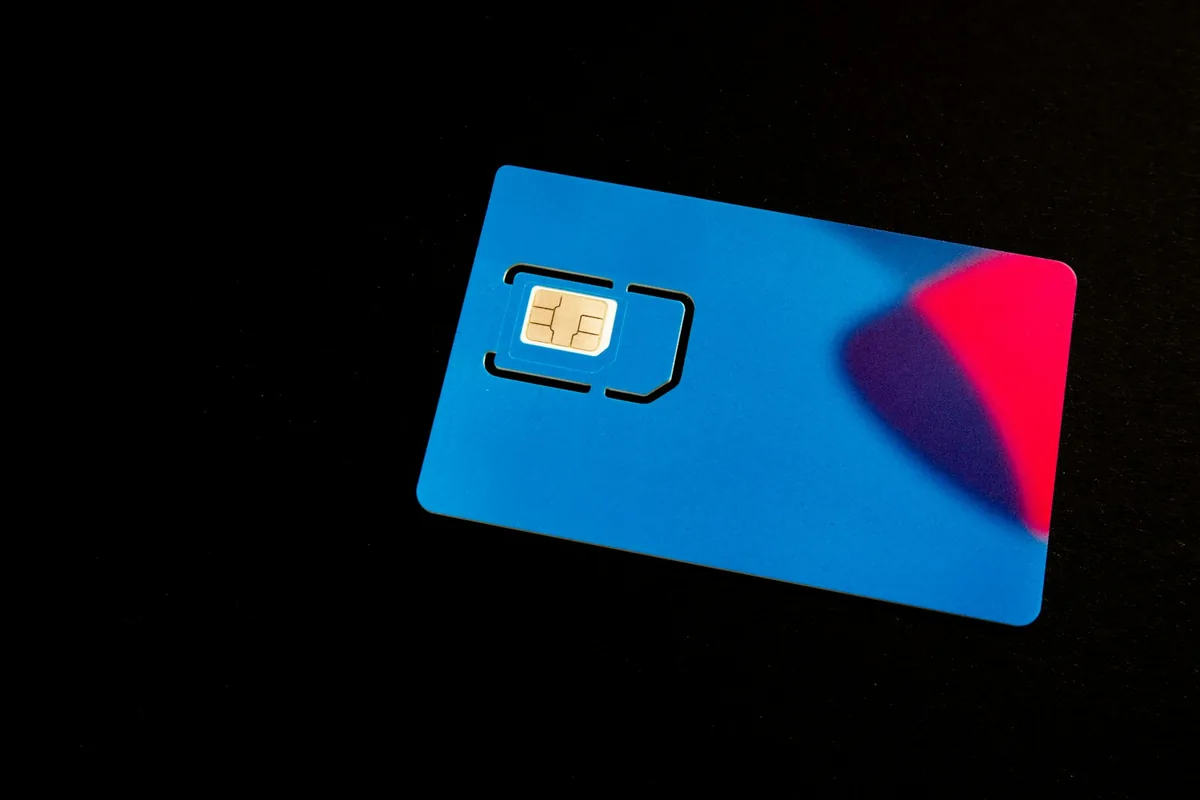

Drimsim
Another eSIM option is Holafly, which sells unlimited data plans.

Holafly
Code NOMADSTOOLSLAB gives 5% off at checkout.
How much data do I actually need?
- 1GB: 3-5 days of light usage (maps, messaging, light browsing)
- 3GB: 1-2 weeks of moderate usage
- 5GB+: 2-3 weeks heavy usage (video calls, streaming)
- 10GB+: digital nomad with heavy video work
Does an eSIM drain the battery faster than a physical SIM?
No meaningful difference. An eSIM is a digital profile stored on the same modem hardware a physical SIM uses, so it does not add extra battery drain on its own. Battery use during travel usually comes from constant network searching in low signal areas, not from the SIM type.
Can I install the eSIM on more than one device?
Usually only one active device per eSIM profile, and most providers limit how many times you can transfer or reinstall it. If you travel with a phone and a tablet, buy a separate data pack for each device rather than trying to share one profile between them.
Updated:
Not sure which eSIM to install? Read our Airalo review. Or compare the options in our Airalo vs Holafly vs Nomad eSIM comparison.
Affiliate disclosure. This post contains affiliate links. If you click and buy something, this site earns a small commission at no extra cost to you. Picks are based on published specs, independent reviews and manufacturer information, and we only recommend what we would use ourselves. As an Amazon Associate I earn from qualifying purchases. Read the full affiliate disclosure.
Your next step