Best USB C Hub for Travel: 5 Hubs Compared
As an Amazon Associate I earn from qualifying purchases. Some links on this page earn us a small commission, at no extra cost to you. Full disclosure.
Looking for the best USB-C hub for travel when your screen, charger and accessories all need a connection? Start with the ports you actually use. These five hubs offer different combinations of HDMI, USB, charging, card readers and ethernet.
Quick answer
Checked on 19 October 2026. The Anker 332 covers basic connections, while the 341 adds card readers. For ethernet and more display options, consider the Anker 555, UGREEN Revodok 107 or Satechi V3, subject to their compatibility requirements. Check that your laptop's USB-C port supports the video output you need. Charging through the hub also depends on the host and power supply.
All 5 picks at a glance
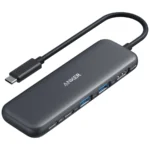
Anker 332 USB-C Hub (5-in-1)
Two USB-A ports, a USB-C data port and HDMI up to 4K at 30 Hz, without ethernet or card readers. Read more
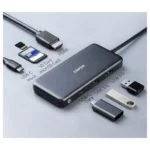
Anker 341 USB-C Hub (7-in-1)
SD and microSD readers alongside HDMI up to 4K at 30 Hz, with no ethernet. Read more
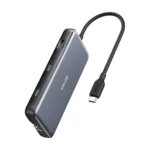
Anker 555 USB-C Hub (8-in-1)
HDMI up to 4K at 60 Hz, gigabit ethernet, card readers and three 10 Gbps USB data ports. Read more
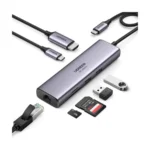
UGREEN Revodok 107 7-in-1 USB-C Hub
Gigabit ethernet and card readers, with HDMI up to 4K at 60 Hz if your laptop supports DisplayPort 1.4. Read more
Satechi 8-in-1 USB-C Hub V3 (8K, Ethernet)
Gigabit ethernet, SD UHS-II and HDMI options up to 8K at 30 Hz, depending on your laptop and screen. Read more
How we compared them
Connecting a screen, memory card or ethernet cable means checking which ports a hub includes. The NomadsToolsLab team compared makers' pages and Amazon US listings using a US address on 19 October 2026. The Anker 332 has the most basic connections here. The 341 adds card readers while keeping 4K at 30 Hz, while the 555, compatible UGREEN setup and Satechi offer 4K at 60 Hz alongside ethernet.
Which ports a nomad actually needs
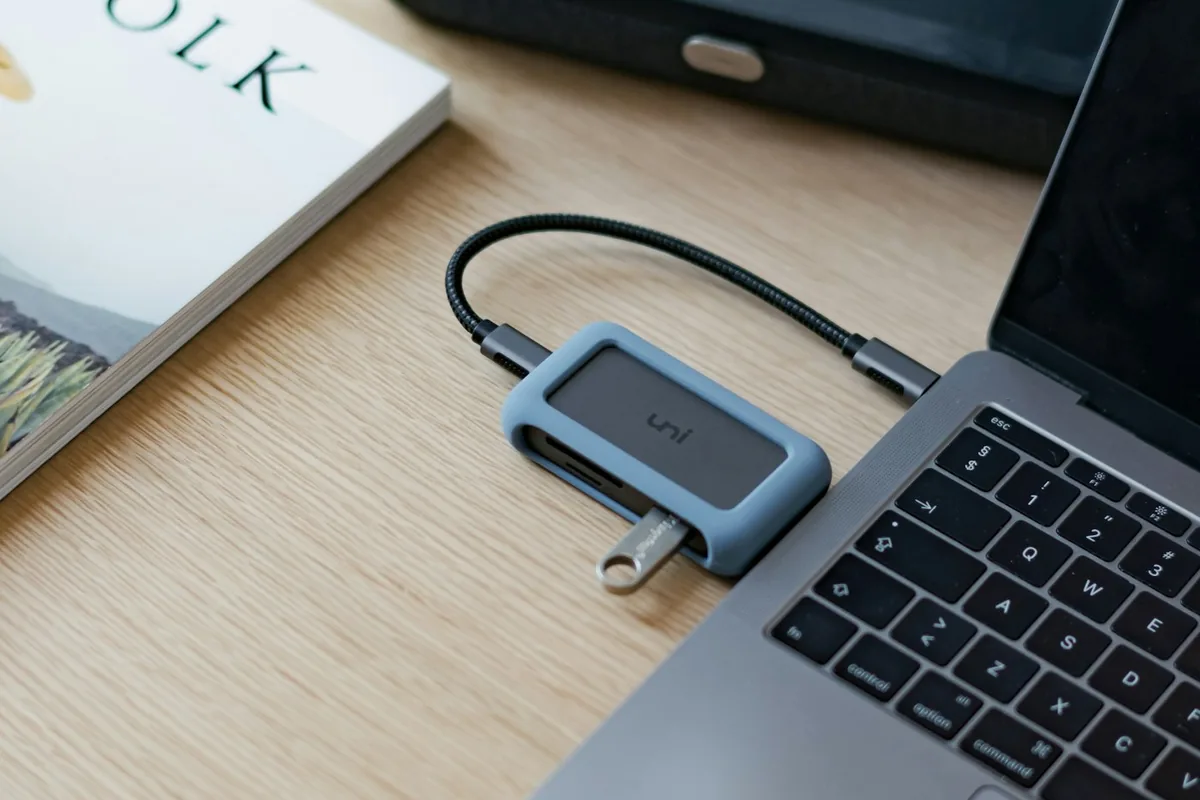
A charger, an external screen and a few USB accessories may be all you need to connect. The Anker 332 covers those connections, but its HDMI output stops at 4K at 30 Hz. It has no ethernet port or card reader.
If your setup includes memory cards or an ethernet cable, make those ports part of your shortlist. The Anker 341 adds SD and microSD readers. For ethernet and HDMI at 4K at 60 Hz, look at the Anker 555, UGREEN or Satechi, with the stated compatibility conditions.
The five hubs side by side
| Hub | HDMI (maker) | Laptop charging | Ethernet | Card reader |
|---|---|---|---|---|
| Anker 332 | HDMI (maker): 4K at 30 Hz | Laptop charging: Up to 85 W | Ethernet: No | Card reader: No |
| Anker 341 | HDMI (maker): 4K at 30 Hz | Laptop charging: Up to 85 W | Ethernet: No | Card reader: SD and microSD |
| Anker 555 | HDMI (maker): 4K at 60 Hz | Laptop charging: Up to 85 W | Ethernet: Gigabit | Card reader: SD and microSD |
| UGREEN Revodok 107 | HDMI (maker): 4K at 60 Hz (with DisplayPort 1.4) | Laptop charging: 100 W pass-through | Ethernet: Gigabit | Card reader: SD and TF |
| Satechi 8K V3 | HDMI (maker): Up to 8K at 30 Hz or 4K at 144 Hz | Laptop charging: 85 W out | Ethernet: Gigabit | Card reader: SD (UHS-II) |
Specs from the makers' pages, read on 19 October 2026: Anker 332, Anker 341, Anker 555, UGREEN and Satechi.
Anker 332: basic ports for a simple setup
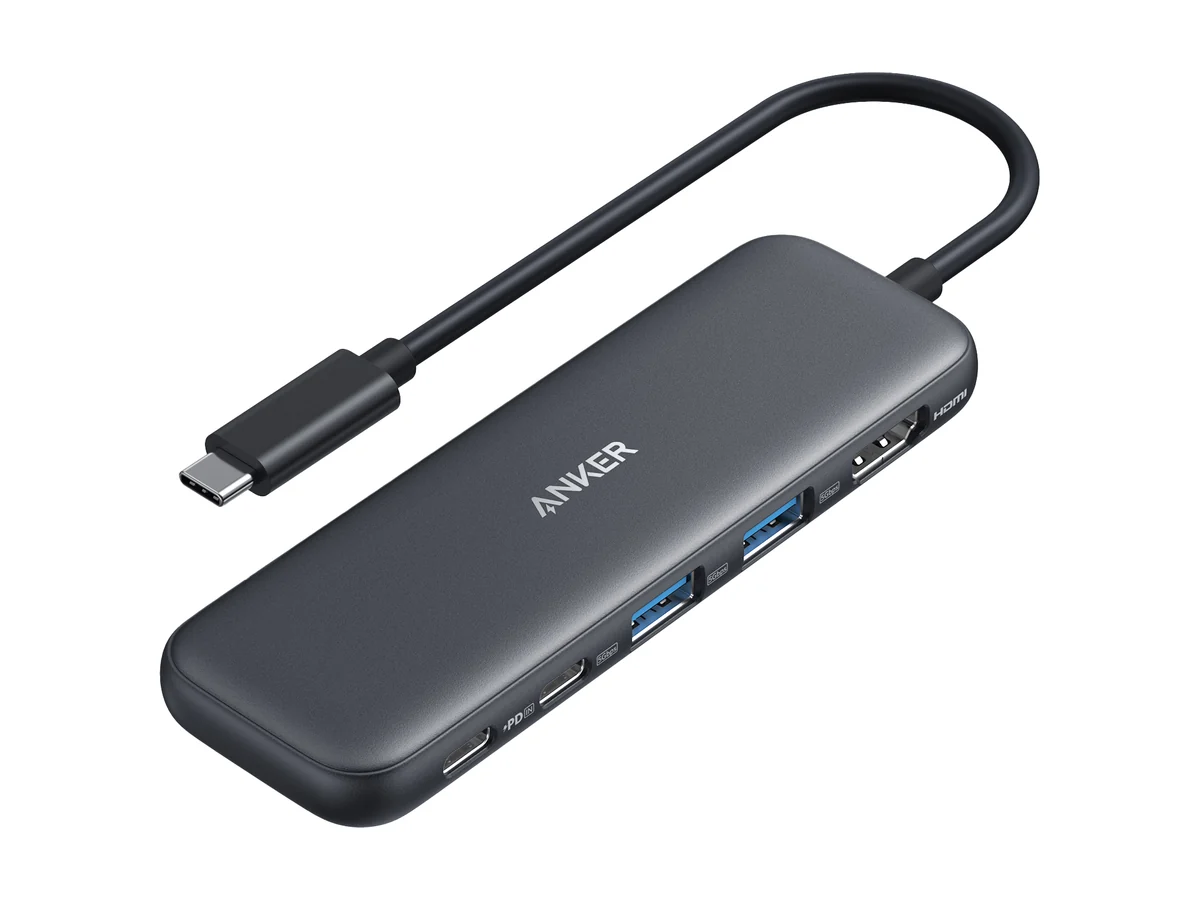
Anker 332 USB-C Hub (5-in-1)
The Anker 332 USB-C Hub (5-in-1), model A8355, has two USB-A ports and one USB-C data port, all rated at 5 Gbps. Its USB-C power delivery input supplies up to 85 W to the laptop.
HDMI 1.4 supports up to 4K at 30 Hz. There is no ethernet or card reader, so choose another hub here if either belongs in your setup.
Anker 341: card readers with basic HDMI
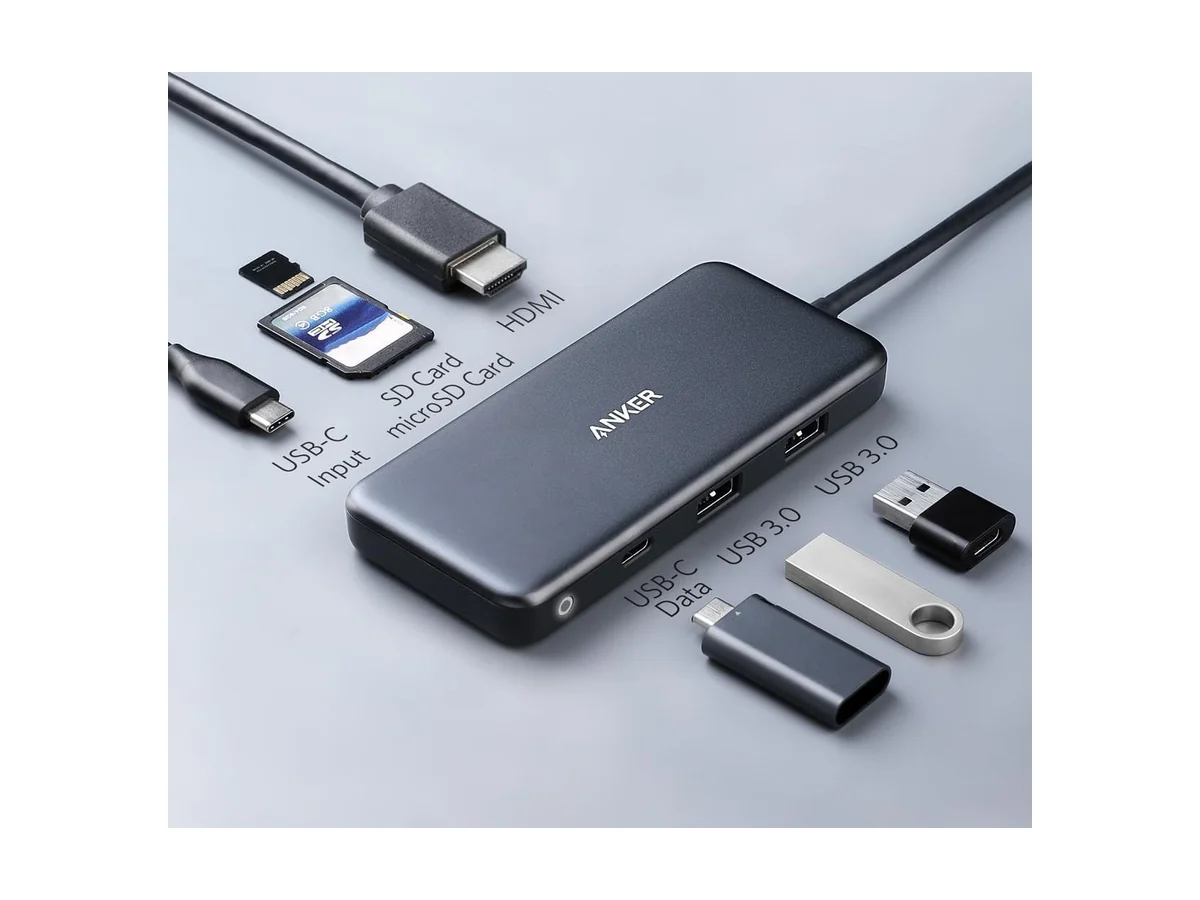
Anker 341 USB-C Hub (7-in-1)
The Anker 341 USB-C Hub (7-in-1), model A8346, adds SD and microSD readers alongside two USB-A ports rated at 5 Gbps. Its USB-C data port runs at USB 2.0 speed, up to 480 Mbps.
HDMI supports up to 4K at 30 Hz, and there is no ethernet port. The power delivery input accepts 100 W and supplies up to 85 W to the laptop. Its USB-C data connection is slower than the 332's.
Anker 555: 4K at 60 Hz and ethernet
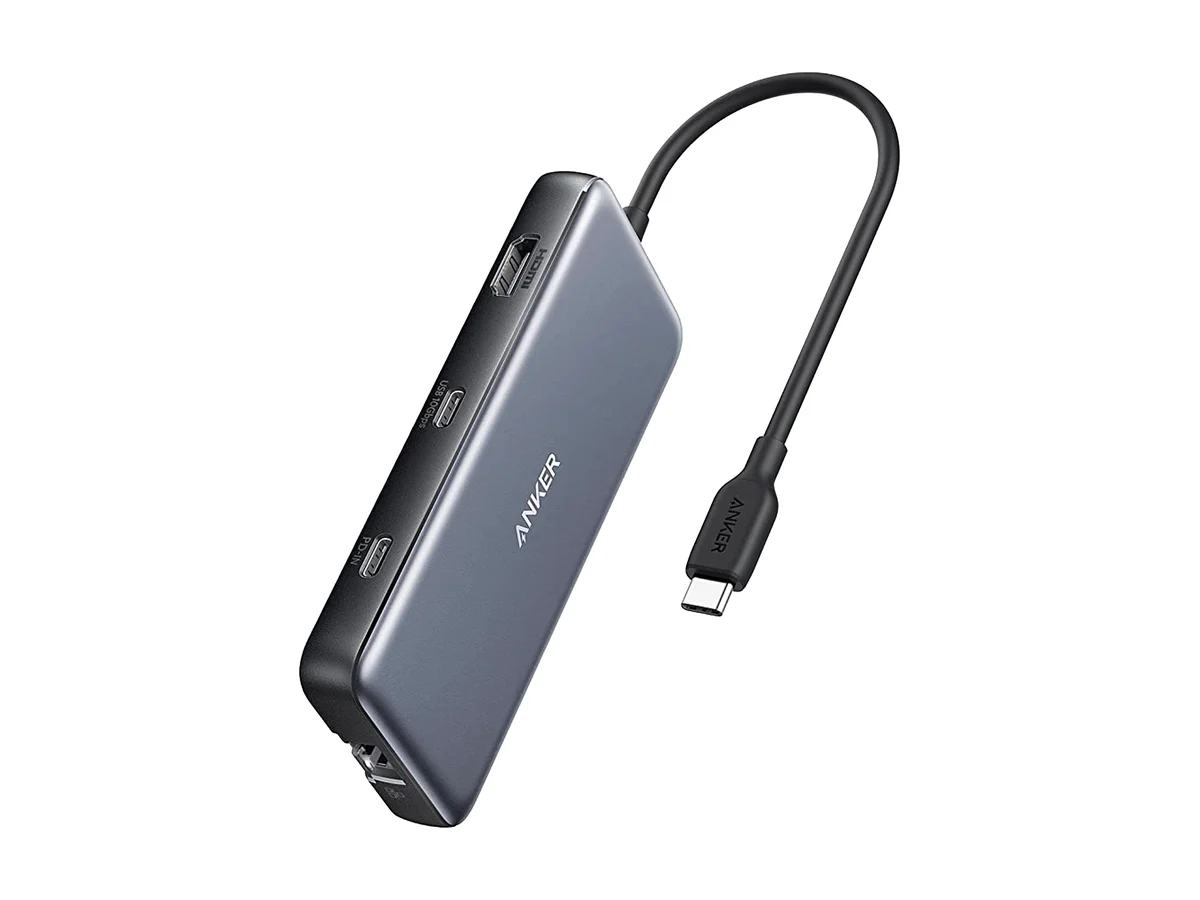
Anker 555 USB-C Hub (8-in-1)
The Anker 555 USB-C Hub (8-in-1), model A8383, combines HDMI up to 4K at 60 Hz with gigabit ethernet and SD and microSD readers. Its two USB-A ports and one USB-C data port are rated at 10 Gbps.
Power delivery accepts up to 100 W and supplies up to 85 W to the laptop. The hub weighs 4.5 oz, and its USB-C data port does not carry video. Connect your external screen through HDMI.

UGREEN Revodok 107: check your laptop first
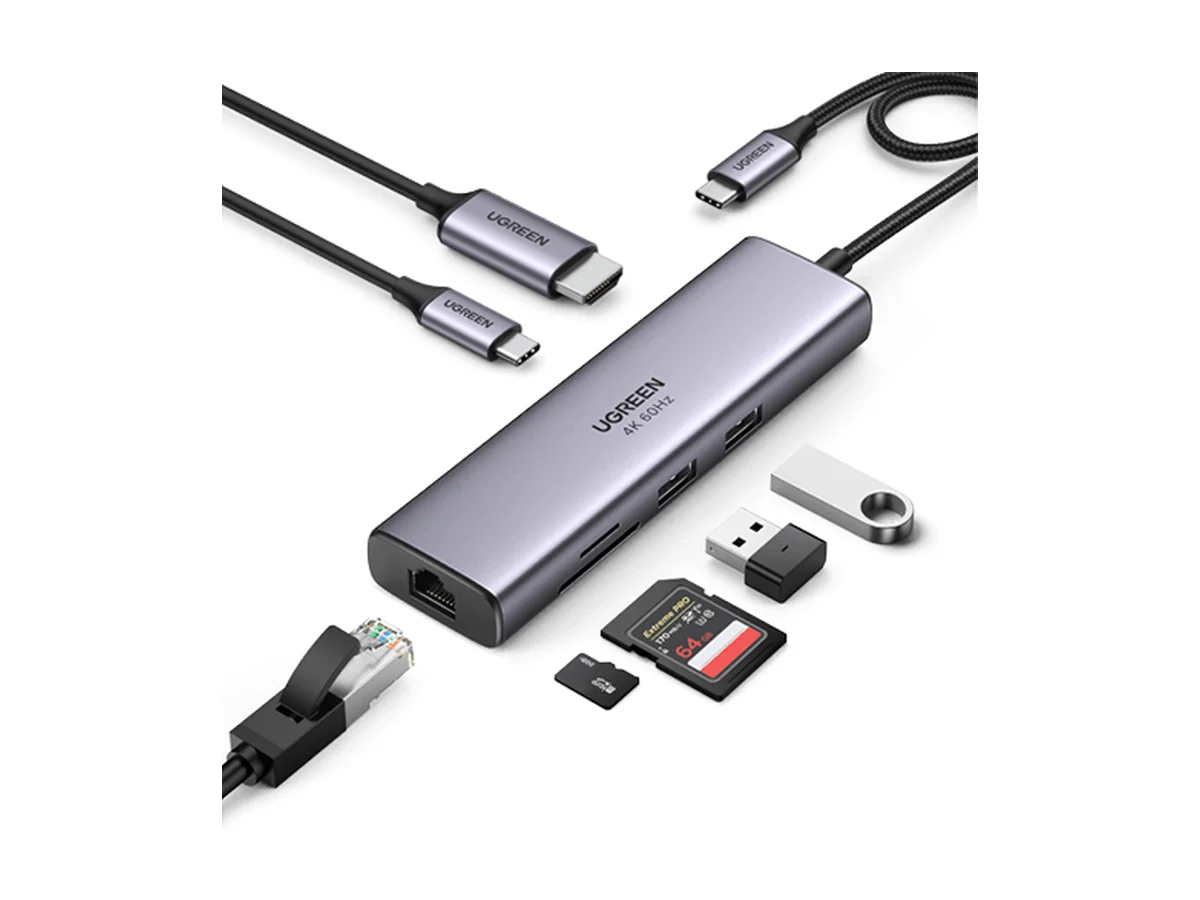
UGREEN Revodok 107 7-in-1 USB-C Hub
The UGREEN Revodok 107 7-in-1, model 60515, includes two USB-A ports, gigabit ethernet and SD and TF readers. It also supports 100 W power delivery pass-through.
Its HDMI output reaches 4K at 60 Hz only if your laptop supports DisplayPort 1.4. Check that laptop specification before choosing it for an external screen. The HDMI figure alone does not confirm what your setup can deliver.
Satechi V3: more HDMI display options
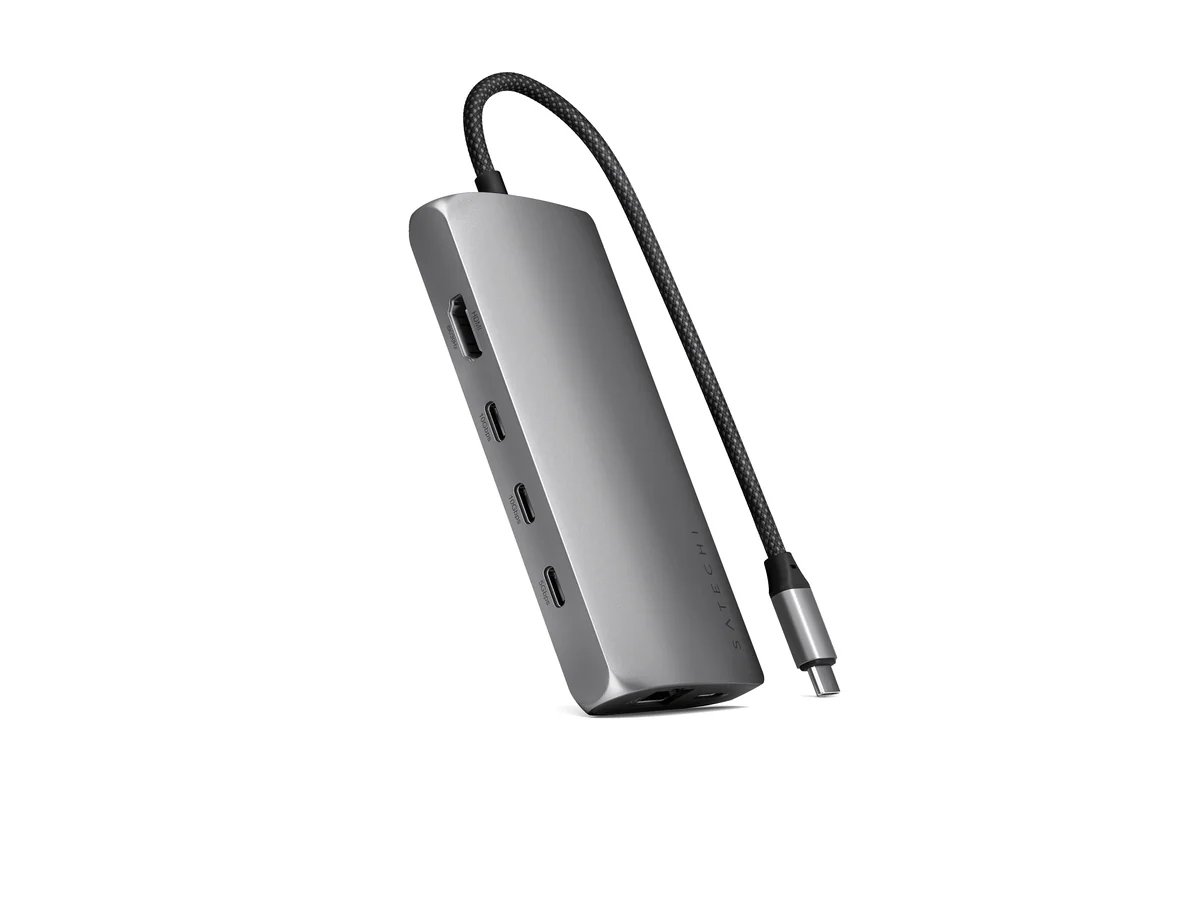
Satechi 8-in-1 USB-C Hub V3 (8K, Ethernet)
The Satechi USB-C Multiport Adapter 8K with Ethernet V3, model ST-P8KEM, supports HDMI at 4K at 60, 120 or 144 Hz, or 8K at 30 Hz, depending on the laptop and screen. It includes three USB ports rated at 10 Gbps and one rated at 5 Gbps.
Gigabit ethernet and an SD 4.0 UHS-II reader complete its data connections. The power delivery port accepts 100 W and supplies 85 W to the laptop, with no data or video through that port. The adapter weighs 4.25 oz and has a 6.63 inch cable.
Choose the hub that matches your connections
Start with the Anker 332 if you need USB accessories and HDMI up to 4K at 30 Hz. Move to the 341 if you also need SD and microSD readers. Keep in mind that the 341's USB-C data port is rated at 480 Mbps.
For 4K at 60 Hz and ethernet, consider the Anker 555, UGREEN Revodok 107 or Satechi V3. Check that your laptop's USB-C port supports the video output you need. The UGREEN requires DisplayPort 1.4 for that HDMI output, while Satechi's display modes depend on your laptop and screen. Charging through the hub also depends on the host and power supply. Setting up a full mobile desk? Our laptop stands and portable monitors guides cover the rest.
- The Anker 332 covers basic connections but has no ethernet or card reader.
- The Anker 341 adds SD and microSD readers while keeping HDMI at 4K at 30 Hz.
- The Anker 555 combines HDMI at 4K at 60 Hz, gigabit ethernet, card readers and 10 Gbps USB data.
- Check laptop compatibility for the UGREEN's 4K at 60 Hz output and laptop and screen compatibility for the Satechi's display modes.
Watch: a travel USB-C hub up close
A short video look at one of the Anker hubs from this list.
Video by PcShopHub.
FAQ
Which hubs here support HDMI at 4K at 60 Hz?
The Anker 555 supports HDMI up to 4K at 60 Hz. The UGREEN Revodok 107 supports it if your laptop supports DisplayPort 1.4. The Satechi V3 also lists 4K at 60 Hz, with display modes depending on your laptop and screen.
Which hubs have an ethernet port?
The Anker 555, UGREEN Revodok 107 and Satechi V3 have gigabit ethernet. The Anker 332 and 341 do not.
Is the Anker 341's USB-C data port as fast as the 332's?
No. The Anker 341's USB-C data port is rated at 480 Mbps, while the Anker 332's is rated at 5 Gbps. Both have two USB-A ports rated at 5 Gbps.
Can every USB-C port on these hubs carry video?
No. The Anker 555's USB-C data port does not carry video. The Satechi V3's power delivery port carries neither data nor video. Use the listed HDMI connection for your external screen.
Affiliate disclosure. This post contains affiliate links. If you click and buy something, this site earns a small commission at no extra cost to you. Picks are based on published specs, independent tests and manufacturer information. As an Amazon Associate I earn from qualifying purchases. Read the full affiliate disclosure. Amazon and the Amazon logo are trademarks of Amazon.com, Inc. or its affiliates.
Your next step