Best Password Managers
Some links on this page earn us a small commission, at no extra cost to you. Full disclosure.
Our pick
NordPass
Password manager from the makers of NordVPN, with passkeys and a data breach scanner Read more
Reusing one password across accounts is one of the most common ways people get hacked: one leak, and someone is in your email.
When you log in from WiFi hotspots all over the world, a password manager is not optional. Here is how five major platforms compare for nomads: the best password managers for digital nomads, side by side.

Prices and plans, checked on 5 October 2026 on each provider's own page:
| Password manager | What the provider's page says |
|---|---|
| 1Password | Individual $3.99 a month billed annually; a promotion for new customers listed $2.99 for the first year; 14-day free trial. |
| Bitwarden | Free plan with unlimited devices; Premium $19.80 a year; Families $47.88 a year for 6 accounts. |
| LastPass | Free plan limited to one device type (computers or mobile). Premium price not readable on the page. Its own 2022 notice says a backup of customer vault data was copied, with encrypted fields protected by each user's master password. |
| NordPass | Not checked: its pricing page refused our request. |
| Dashlane | Not checked: the page we could read showed business plans only. |
- 1Password is the best all-around pick: easiest to use, strong security track record and excellent support. Individual plan $3.99 a month billed annually (Sept 2026).
- Bitwarden is the free, open-source option for privacy purists. Premium is $19.80 a year (Sept 2026).
- NordPass is the budget pick for nomads, from the makers of NordVPN.
- Dashlane is the pick for security monitoring, with dark web alerts.
- LastPass is the best-known name, but its 2022 breach, in which vault data was stolen, is worth weighing.
1. 1Password: Best All-Around Password Manager
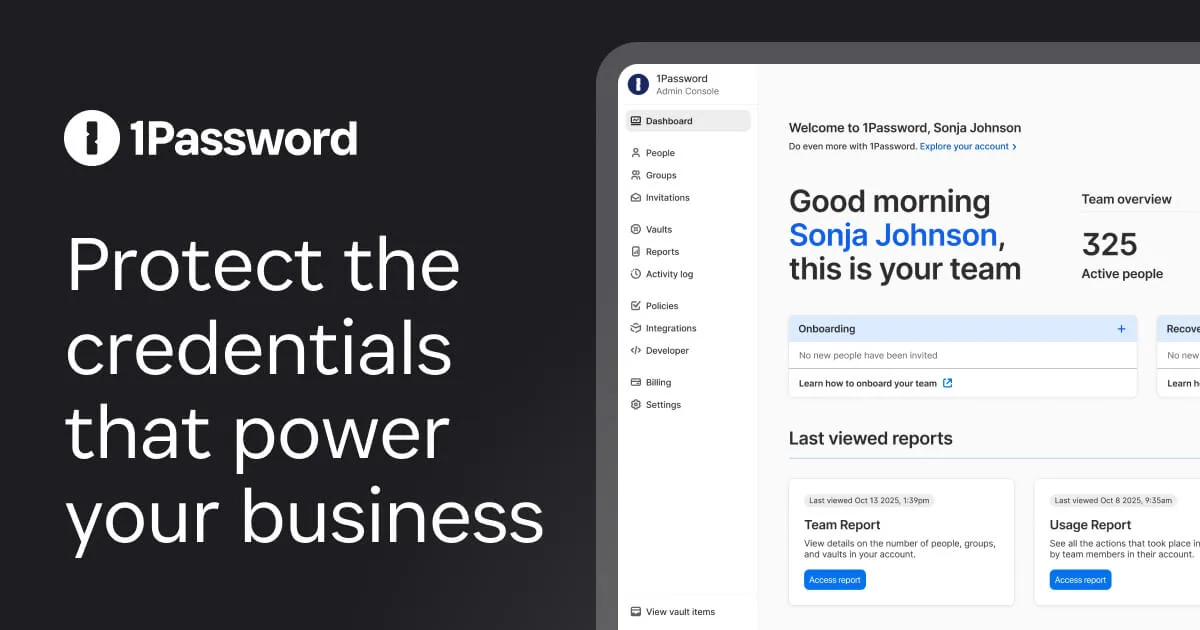
1Password is the gold standard. It is one of the most intuitive and reliable password managers available. It handles not just passwords, but also secure documents, credit cards, and digital IDs. For nomads managing complex accounts, this is it.
Pros
- Easiest to use of all options
- Excellent customer support (responsive)
- Unlimited devices at no extra cost
- Beautiful, intuitive interface
- Strong security track record
- Works everywhere (iOS, Android, Mac, Windows, Linux)
Cons
- Individual plan $3.99 a month billed annually (Sept 2026, promos sometimes lower)
- Closed-source (proprietary code)
- Requires 1Password account to use
Who It's Best For: Remote workers wanting simplicity and power, those syncing across many devices, anyone who values customer support.
2. Bitwarden: Best Open-Source Option
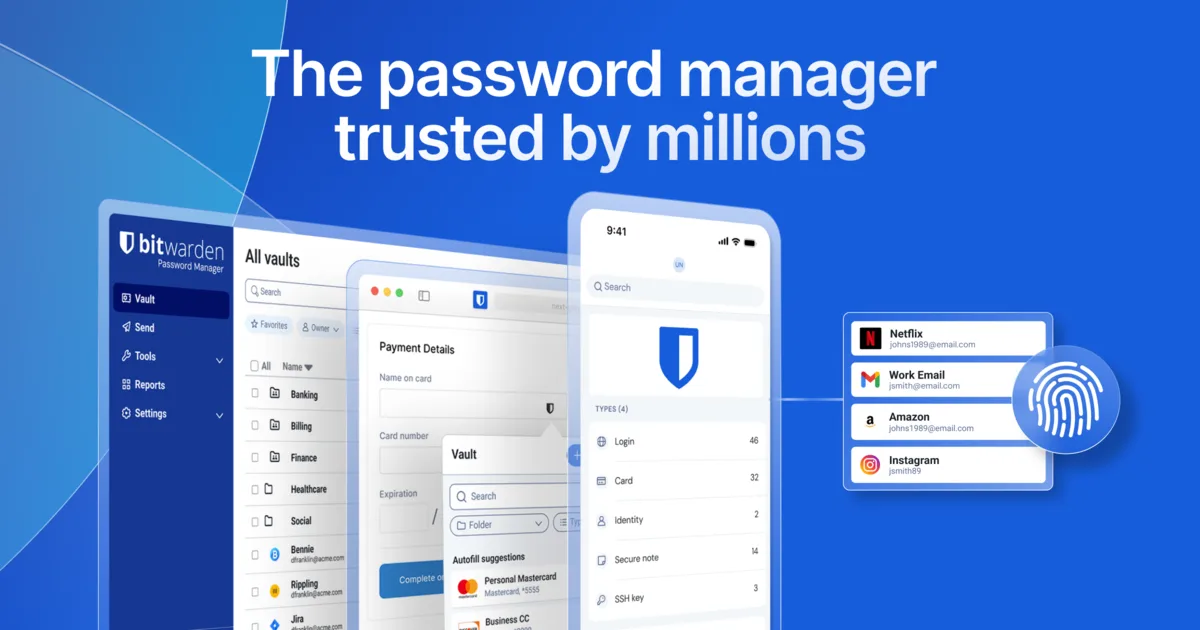
Bitwarden is the choice for privacy purists. It is open-source, meaning anyone can audit the code. You can run it yourself or use their cloud. The free version is genuinely feature-complete, which is rare in password managers.

Pros
- Completely free with most features
- Open-source (full transparency)
- Can self-host if you prefer
- Strong encryption and privacy
- Affordable Premium at $19.80 a year (Sept 2026)
- Active, trustworthy community
Cons
- Less polished interface than 1Password
- Smaller company (less funding for research)
- Community support slower than paid options
- Self-hosting requires technical knowledge
Who It's Best For: Privacy advocates, open-source enthusiasts, those on tight budgets, technically savvy users.
3. NordPass: Best Budget Pick for Nomads
NordPass is from the makers of NordVPN, and it shows. It is built with nomads and remote workers in mind. Its Premium plan is budget-friendly and still offers strong encryption and good features.
Pros
- Budget-friendly Premium plan
- Strong encryption (XChaCha20)
- Simple, clean interface
- Integrates well with NordVPN
- Breach monitoring alerts
- Works across all devices
Cons
- Fewer advanced features than 1Password
- Customer support slower than competitors
- Tied to NordVPN ecosystem (better if you use both)
- Less customization options
Who It's Best For: Budget-conscious nomads, NordVPN users, those who want solid security without complexity.
4. Dashlane: Best Security Monitoring
Dashlane goes beyond password storage. It monitors the dark web for breaches, notifies you if your accounts are at risk, and handles identity theft protection. For nomads working in insecure locations, this extra layer of security is valuable.

Pros
- Best-in-class dark web monitoring
- Excellent security dashboard
- Identity theft protection included
- Strong encryption (AES-256)
- Intuitive interface
Cons
- Dark web monitoring can create alert fatigue
- Fewer customization options
Who It's Best For: Security-conscious nomads, those in high-risk regions, people wanting proactive breach alerts.
5. LastPass: Most Established Option
LastPass has been around since 2008 and is one of the best-known password managers. It works everywhere and syncs across unlimited devices. But be aware: in its 2022 security incident, customer vault data was stolen, and many security experts advised users to change their passwords or switch.
Pros
- Most recognized brand globally
- Unlimited devices syncing
- Emergency access feature
- Solid multi-factor authentication
- Extensive browser extension support
Cons
- Serious 2022 breach in which vault data was stolen
- Less intuitive than 1Password
- Slower innovation than competitors
- Limited customer support for paid tier
Who It's Best For: Those familiar with LastPass, users wanting a known brand, people needing emergency access feature.

Password Managers Compared Side by Side
Security and encryption: 1Password and Bitwarden lead with strong encryption and transparent security practices. Dashlane and NordPass are equally secure. LastPass has recovered from past breaches but remains slightly less trusted.
Ease of use: 1Password wins by a wide margin. Bitwarden and NordPass are straightforward, Dashlane is good but dashboard-heavy, and LastPass feels dated.
Value for money: Bitwarden is free with most features, and its Premium plan is $19.80 a year. 1Password Individual is $3.99 a month billed annually. NordPass, Dashlane and LastPass change their prices and promos often, so check the current price before you buy (Sept 2026).
Cross-platform support: all five work on iOS and Android and have browser extensions; check desktop app support for your system.
Final Verdict
Best overall: 1Password. If you want one password manager that just works: best experience, security and support.
Best for budget: NordPass. An affordable Premium plan with solid security and nomad-friendly features.
Best for privacy: Bitwarden. Free, open-source and privacy-first, for complete transparency about your password security.

A strong password and 2-step verification also protect your cloud backups: see how to back up photos while traveling.
A password manager is one layer. For public WiFi, add the best VPNs for digital nomads, and see our travel apps guide for the other apps worth installing.
FAQ
Are password managers really secure if one company holds all my passwords?
Yes. They use zero-knowledge architecture, the company cannot see your passwords even if they wanted to. Encryption happens on your device.
What happens if the password manager gets hacked?
Your passwords stay encrypted. Hackers would get encrypted data they cannot decrypt without knowing your master password.
Can I use these on public WiFi safely?
Yes. Password managers use end-to-end encryption. Using public WiFi is safe because data is encrypted before leaving your device.
What if I forget my master password?
You are out of luck. Most cannot reset it, that is the security trade-off. Write it down or use a secure backup method.
Do I need a VPN and a password manager?
Yes, but different purposes. VPN hides your IP. Password manager keeps credentials secure. Both are essential for nomads.
Which password manager has a free plan for all my devices?
Bitwarden's pricing page says its free plan stores passwords across unlimited devices. LastPass Free is limited to one device type, so you pick computers or mobile. Checked on 5 October 2026.
Can I try 1Password before paying?
1Password's pricing page offers a 14-day free trial for its Individual and Families plans (checked 5 October 2026).
Affiliate Disclosure
NomadsToolsLab is a participant in affiliate programs for the products and services mentioned in this article. We earn a commission if you make a purchase through our links at no additional cost to you. We only recommend products we genuinely use and believe in.

The Nomad Toolkit
Tools We Recommend on the Road
These four cover the boring but essential parts of nomad life. These are the four we recommend first for most nomads:
- SafetyWing: monthly nomad insurance, subscribe once, keeps running as you move country to country
- Airalo: eSIM for 200+ countries, activate before you land, no more SIM card hunting
- Revolut: multi-currency account with real exchange rates, my daily card abroad
- DiscoverCars: best car rental prices worldwide, filter for automatic and unlimited km

SafetyWing
Airalo

Revolut
DiscoverCars
Updated:
Affiliate disclosure. This post contains affiliate links. If you click and buy something, this site earns a small commission at no extra cost to you. Picks are based on published specs, independent reviews and manufacturer information, and we only recommend what we would use ourselves. As an Amazon Associate I earn from qualifying purchases. Read the full affiliate disclosure.