ASUS ZenScreen vs ARZOPA: Which Portable Monitor to Pack?
As an Amazon Associate I earn from qualifying purchases. Some links on this page earn us a small commission, at no extra cost to you. Full disclosure.
ASUS ZenScreen vs ARZOPA comes down to ports, panel and speed. The ASUS ZenScreen MB16ACV has one USB-C port, a 60 Hz screen and no speakers. The ARZOPA Z1FC has two USB-C ports, a mini HDMI port and a 144 Hz panel. We read both maker pages and both Amazon pages on 5 October 2026 and put the numbers side by side.

Quick answer
Checked on 5 October 2026. Choose the ASUS ZenScreen MB16ACV if you want the simple one: one USB-C cable carries picture and power, the maker lists a typical 6.64 W draw, and the screen is TÜV certified for low blue light and flicker-free. Choose the ARZOPA Z1FC if you want 144 Hz, a second USB-C port and a mini HDMI port for a console or camera, and a brighter panel: PCWorld measured 337 nits against the 250 nits ASUS lists.
Both, with a buy button each
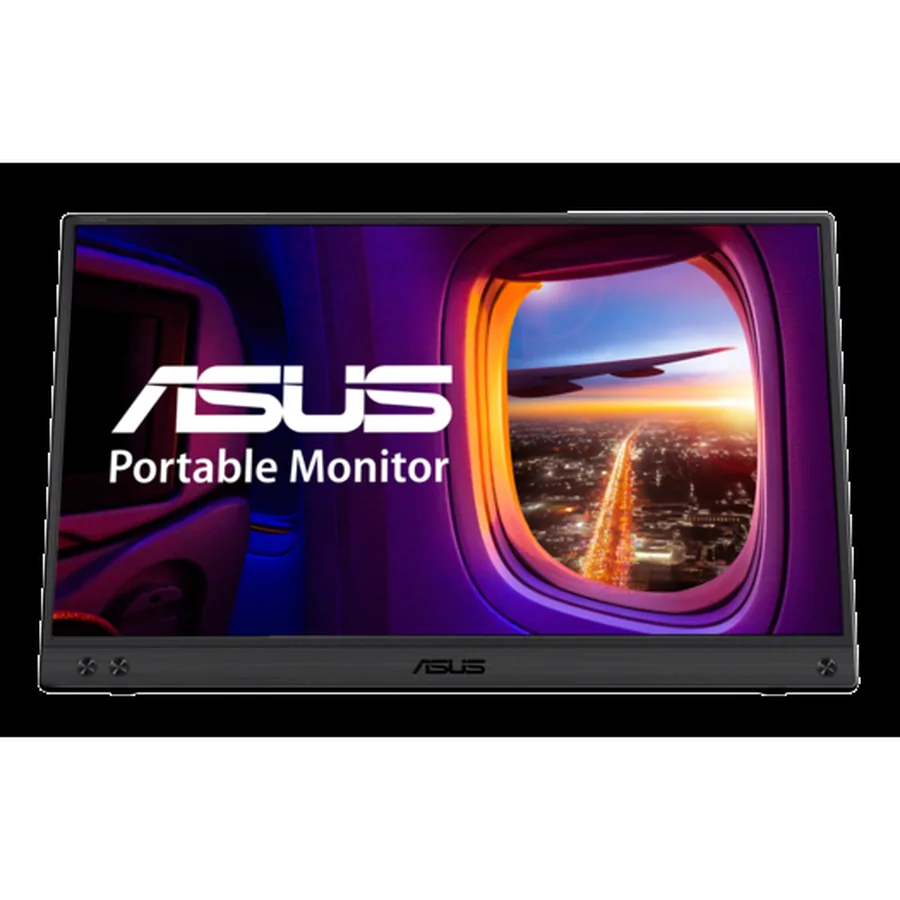
ASUS ZenScreen MB16ACV
Lists 15.6 inch Full HD, 60 Hz, 0.9 kg and no speakers. Read more
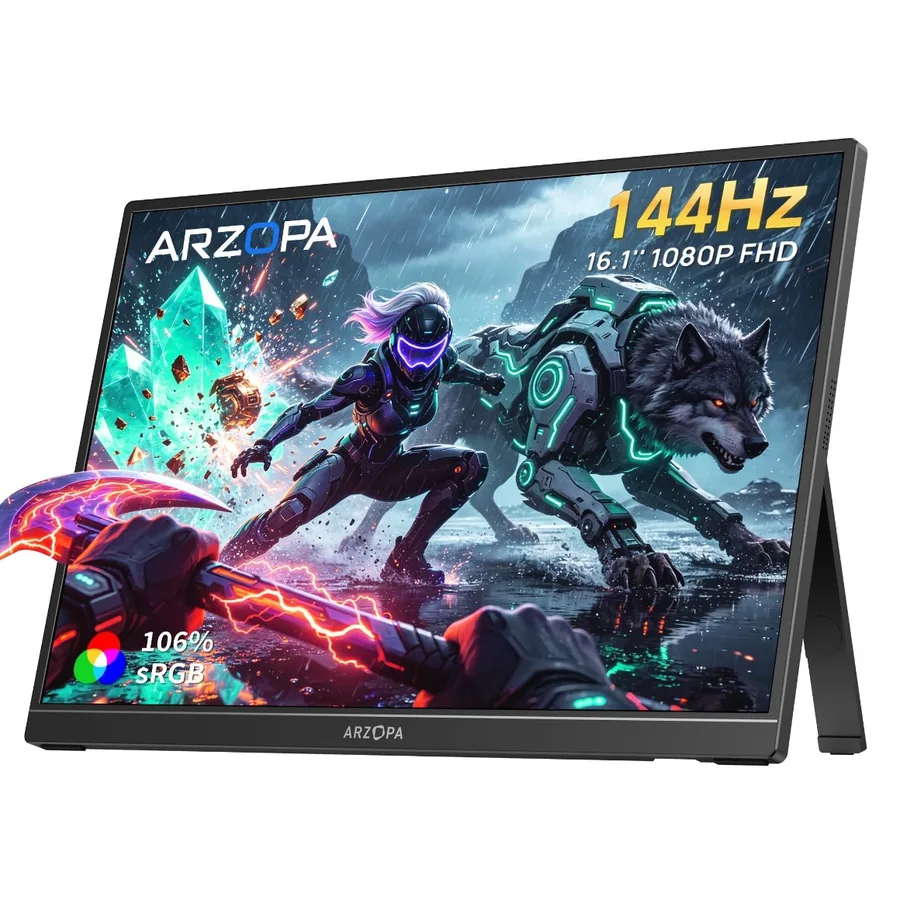
ARZOPA Z1FC
Lists 16.1 inch Full HD, 144 Hz, 106% sRGB, two USB-C and mini HDMI. Read more
How we compared them
The NomadsToolsLab team read the ASUS tech spec page and the ARZOPA product pages end to end on 5 October 2026, and checked both Amazon pages with a US address. What surprised us was the warranty. ARZOPA's page lists two years, but in the unboxing by Tech Check the box says 12 months, so confirm the term with the seller before you buy.
Testers help with what the spec sheets leave out. PCWorld measured 337 nits on the ARZOPA, noted that it has no adaptive sync, and called the two built-in speakers weak. Gareth at Tech Check found that the ARZOPA runs at 60 Hz out of the box until you switch it to 144 Hz in the computer's display settings, and that you can plug a power bank into it so the laptop battery is not drained. For the ASUS MB16ACV we found no published brightness measurement. A reviewer at Mini PC Reviewer liked the picture and the colours but said the kickstand could be sturdier. Every number in the table comes from the makers' own pages and listings.
Our conclusion: pick on your cables and your laptop, not on the spec sheet headline. On paper they look alike. In practice one is a one-cable office screen with no sound, and the other is a faster, brighter screen that wants more things plugged into it.

ASUS ZenScreen vs ARZOPA at a glance
| Pick | Screen | Ports | Weight | Stand | Shop |
|---|---|---|---|---|---|
| Screen: 15.6 in, 1080p IPS, 60 Hz | Ports: 1 USB-C | Weight: 0.9 kg (1.98 lb) | Stand: Tilt +15 to +35 degrees, tripod socket | Get yours on Amazon |
| Screen: 16.1 in, 1080p IPS, 144 Hz | Ports: 2 USB-C, 1 mini HDMI | Weight: 1.7 lb | Stand: Built in, landscape and portrait | Get yours on Amazon |
Both are 1920 x 1080 IPS panels. ASUS lists 250 cd/m² and a 5 ms response time. ARZOPA lists 106% sRGB and a 13 ms response time. Neither lists adaptive sync: the Amazon page for the ARZOPA says plainly that it has none.
1. ASUS ZenScreen MB16ACV: one cable, no speakers
ASUS ZenScreen MB16ACV
The ASUS ZenScreen MB16ACV lists a 15.6 inch 1920 x 1080 IPS panel with an anti-glare surface, 250 cd/m² and 60 Hz. There is a single USB-C port that carries DisplayPort Alt Mode and USB 3.2, so the laptop has to support video over USB-C. ASUS lists a typical power use of 6.64 W on 5 V and 3 A.

The body is 35.8 x 22.5 x 1.0 cm and weighs 0.9 kg (1.98 lb). The stand tilts from +15 to +35 degrees, has no height adjustment and the screen has a 1/4 inch tripod socket. The ASUS spec sheet lists speakers as "No", so plan on headphones. ASUS also lists TÜV Low Blue Light and Flicker-free certification, which is a statement about the screen, not a health promise. Read the ASUS tech spec page for the full list.
2. ARZOPA Z1FC: 144 Hz and three ports
ARZOPA Z1FC
The ARZOPA Z1FC lists a 16.1 inch Full HD IPS panel, 144 Hz, 106% sRGB, 0.3 inch thickness and a weight of 1.7 lb. The built-in stand works in landscape and portrait. The Amazon page lists two USB-C ports and a mini HDMI port, which means a console, a camera or a laptop with only HDMI can use it.

This is the gaming-leaning model of the brand. In his PCWorld review (9 June 2025), Matthew S. Smith found the HDR support poor and said the screen works better for productivity than for competitive gaming. Warranty terms differ between sources (two years on ARZOPA's page, 12 months on the box in the Tech Check video), so ask the seller.
Power, cables and the cafe table
A portable monitor adds to what your laptop battery has to carry. ASUS gives a typical figure of 6.64 W. We did not find a power figure on the ARZOPA pages we read, so check the manual before you plan a day on a small power bank. If you travel with a big pack, our Anker vs UGREEN power bank comparison covers two 25,000 mAh packs for laptops.

Chenzo, founder of NomadsToolsLab
I pack headphones, chargers and my phone, and sometimes a second screen. I keep it light.
The ASUS needs the laptop to output video over USB-C. The ARZOPA also takes a mini HDMI cable, which helps with older laptops, but you have to carry that cable. For the wider picture, see our best portable monitors for digital nomads and the remote work gear setup. Want a budget rival on the other side? Uperfect vs ARZOPA sets the Z1FC against a 15.6 inch Uperfect monitor.
Which one to pick
The minimalist with a modern laptop: the ASUS ZenScreen MB16ACV. One cable, a listed power draw and no speakers to worry about. The traveler with mixed gear: the ARZOPA Z1FC, because the mini HDMI port works with devices that cannot output video over USB-C. The person who scrolls and drags windows all day: 144 Hz is smoother on paper, and PCWorld said it noticed the crisper motion. The light packer: compare the weights above and remember the ASUS is thicker at 1.0 cm against 0.3 inch.
- ASUS ZenScreen MB16ACV: 15.6 inch, 60 Hz, one USB-C port, 0.9 kg, no speakers, 250 nits listed.
- ARZOPA Z1FC: 16.1 inch, 144 Hz, two USB-C ports plus mini HDMI, 1.7 lb, no adaptive sync.
- PCWorld measured 337 nits and weak 1 W speakers on the ARZOPA. We found no independent brightness number for the ASUS MB16ACV.
- The ARZOPA runs at 60 Hz until you switch it to 144 Hz, according to Tech Check.
- Check that your laptop can output video over USB-C before you buy either.
Watch: the ARZOPA Z1FC in action

Video by Tech Check on YouTube.
Where to go next
Want a camera on the same desk? See Logitech C920 vs Brio. For long cafe days read how to stay productive while working from cafes and the complete digital nomad setup guide.
FAQ
Does the ASUS ZenScreen MB16ACV have speakers?
No. The ASUS spec page lists speakers as "No". Use headphones or your laptop speakers.
Does the ARZOPA Z1FC have speakers?
Yes. PCWorld reports two 1 W speakers and calls them weak. Tech Check also shows a speaker on each side.
Can my laptop run the ASUS ZenScreen over one cable?
Only if its USB-C port supports video output. ASUS lists DisplayPort Alt Mode and USB 3.2 on its single port. Check your laptop's manual.
Is 144 Hz worth it on a portable monitor for work?
It makes motion look smoother. PCWorld said the 144 Hz panel gave noticeably crisper motion, and also said the screen suits productivity better than competitive gaming. Tech Check notes you have to switch it from 60 Hz to 144 Hz in the display settings. The ASUS is 60 Hz.
Does the ARZOPA Z1FC support adaptive sync?
No. The Amazon page says it has no adaptive sync, and PCWorld says the same.
Which is lighter, ASUS or ARZOPA?
ASUS lists 0.9 kg (1.98 lb) and ARZOPA lists 1.7 lb. ASUS is also thicker, at 1.0 cm against about 0.3 inch.
Affiliate disclosure. This post contains affiliate links. If you click and buy something, this site earns a small commission at no extra cost to you. Picks are based on published specs, independent tests and manufacturer information. As an Amazon Associate I earn from qualifying purchases. Read the full affiliate disclosure. Amazon and the Amazon logo are trademarks of Amazon.com, Inc. or its affiliates.
Your next step