Logitech MX Keys Mini vs Keychron K3: Which to Buy?
As an Amazon Associate I earn from qualifying purchases. Some links on this page earn us a small commission, at no extra cost to you. Full disclosure.
Logitech MX Keys Mini vs Keychron K3 is a choice between a quiet dished-key typist and a mechanical board you can plug in. The MX Keys Mini lists up to 10 days of battery, or up to 5 months with the backlight off. The Keychron K3 lists mechanical switches, a USB-C wired mode and a weight of 483 g, which is lighter than the Logitech. We read both maker pages on 9 October 2026, and the cheat sheet below shows who should pick which.

Quick answer
Checked on 9 October 2026. Pick the Logitech MX Keys Mini if comfort and quiet typing come first: RTINGS rates its typing quality higher and it comes with Logi Options+ software. Pick the Keychron K3 (Version 2) if you want mechanical keys, a USB-C wired mode and a lighter board: it lists 483 g and Bluetooth for up to three devices.
Both, with a buy button each
Logitech MX Keys Mini Wireless Keyboard
Dished keys, smart backlight, Logi Options+. Lists up to 10 days, or 5 months with the backlight off. Read more
Keychron K3 (Version 2) Wireless Mechanical Keyboard
Low-profile mechanical switches, Bluetooth for 3 devices or USB-C wired. 483 g, lists up to 34 hours. Read more
Where to go deeper
Keychron vs NuPhy: Which Slim 75% Keyboard to Travel With?
Want a thinner 75% board? We compared the Keychron K3 with the NuPhy Air75 V3. Read more
How we compared them
The NomadsToolsLab team read Logitech's MX Keys Mini page and Keychron's K3 Version 2 page end to end on 9 October 2026 and checked both Amazon pages with a US address. What surprised us: the Keychron is the lighter board, 483 g against the Logitech's 506 g, even though the Logitech is the one sold as the mini. Keychron's own page also shows the Version 2 as sold out and announces a Version 3, while Amazon still listed the Version 2 in stock.
Testers at RTINGS, who have bought and tested 300 keyboards, compared the two directly (page updated 28 May 2026): the Logitech has the better typing quality and companion software, the Keychron has better latency and two incline settings. Pete at Tom's Guide (May 2024) called the MX Keys Mini "undoubtedly the best keyboard I've ever used for typing" and recorded 93 words a minute on it, but marked it down for price, restrictive backlighting and awkward Bluetooth key placement for Mac users. On YouTube, Mindy C filmed both keyboards side by side in 2022.
Our reading: the Logitech is the typist's board and the Keychron is the one for people who want mechanical keys and a cable. Every number in the table comes from the makers' own pages.
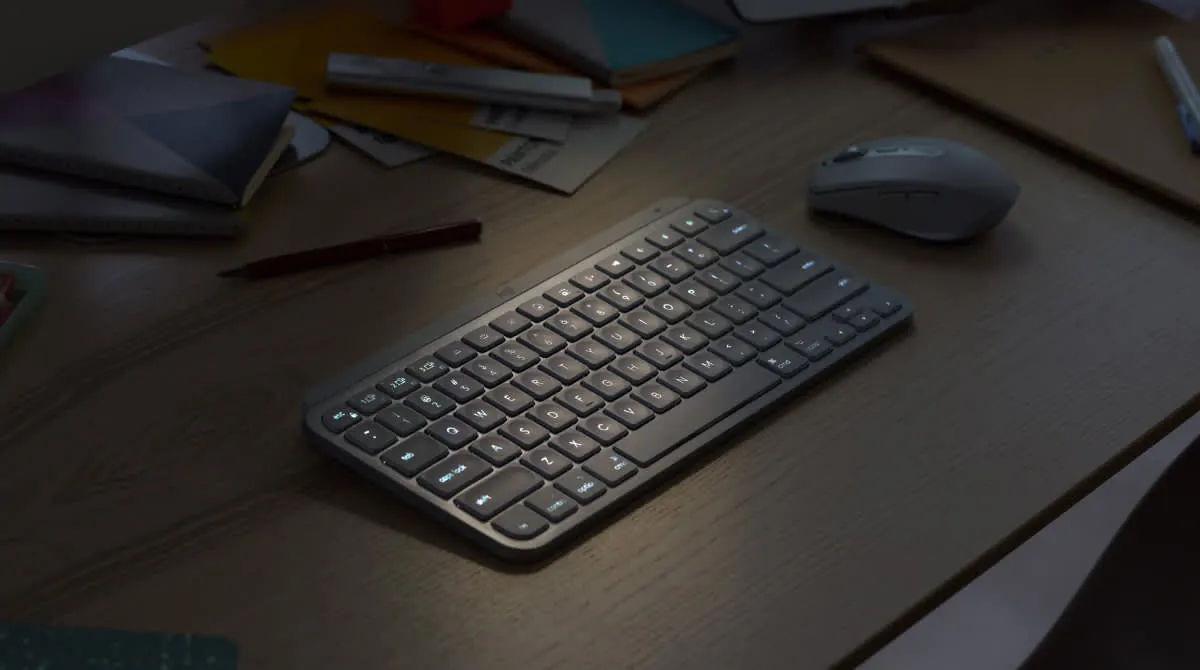
Logitech MX Keys Mini vs Keychron K3 at a glance
| Logitech MX Keys Mini | Keychron K3 (Version 2) | |
|---|---|---|
| Size (maker) | Logitech MX Keys Mini: 296 x 132 x 21 mm | Keychron K3 (Version 2): 306 x 116 mm, 17 mm front and 22 mm back height |
| Weight (maker) | Logitech MX Keys Mini: 506.4 g | Keychron K3 (Version 2): About 483 g |
| Keys (maker) | Logitech MX Keys Mini: Spherically dished keys | Keychron K3 (Version 2): Low-profile Gateron mechanical or Keychron optical switches |
| Connection (maker) | Logitech MX Keys Mini: Bluetooth Low Energy, up to 3 devices, 10 m range; Logi Bolt receiver sold separately | Keychron K3 (Version 2): Bluetooth 5.1 for up to 3 devices, or USB-C wired at 1,000 Hz |
| Battery (maker) | Logitech MX Keys Mini: Up to 10 days, up to 5 months with the backlight off | Keychron K3 (Version 2): 1,550 mAh, up to 34 hours at the lowest backlight |
| Backlight (maker) | Logitech MX Keys Mini: Smart illumination that reacts to your hands and the room | Keychron K3 (Version 2): Adjustable 4-level backlight, white or RGB |
| Software (maker) | Logitech MX Keys Mini: Logi Options+ for Windows and macOS | Keychron K3 (Version 2): Works with macOS and Windows; no app on the Version 2 page |
| Warranty (maker) | Logitech MX Keys Mini: 1-year limited hardware warranty | Keychron K3 (Version 2): Not on the page we read |
Read the table as direction. The two makers measure battery in different units, days against hours, and each assumes its own backlight setting, so the testers below say more about daily life.
1. Logitech MX Keys Mini: the quiet one
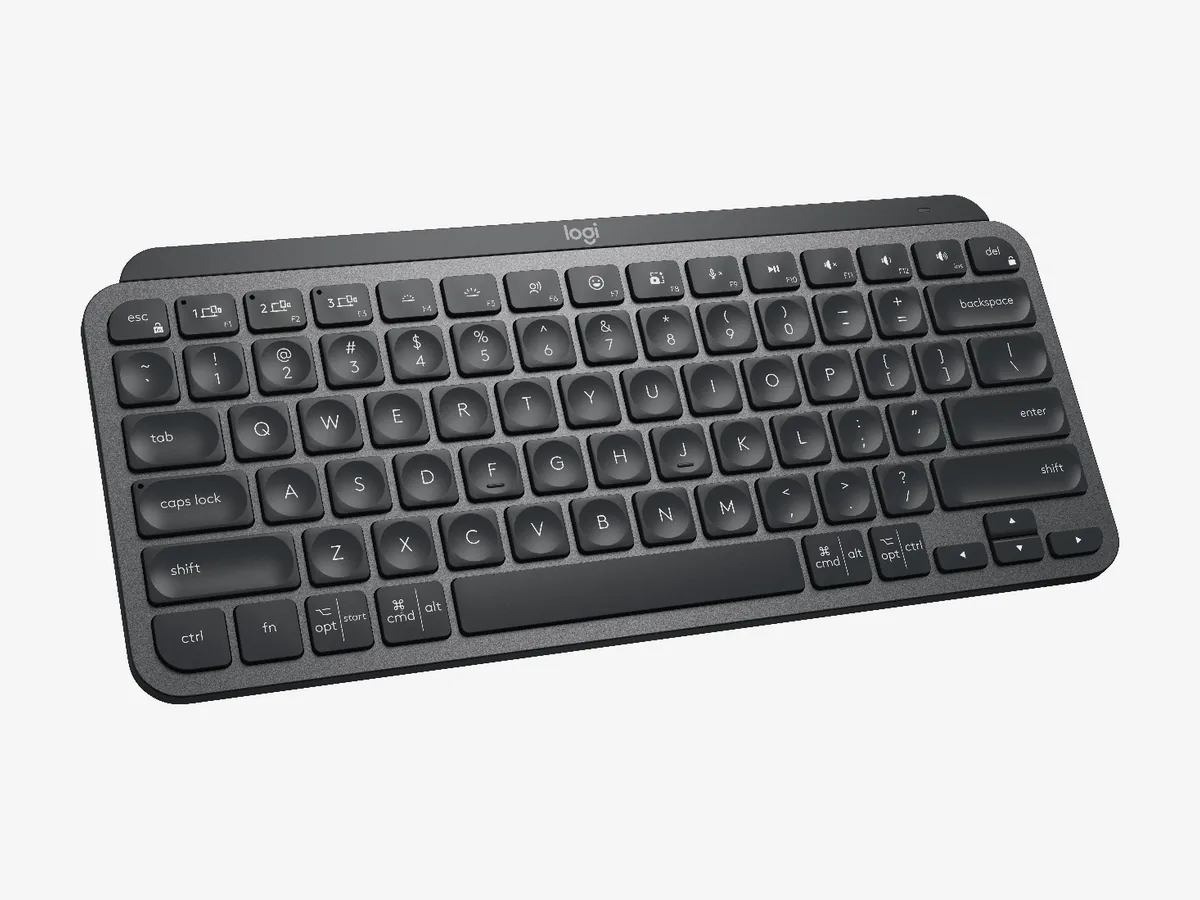
Logitech MX Keys Mini Wireless Keyboard
On Logitech's page the MX Keys Mini measures 296 by 132 by 21 mm and weighs 506.4 g. It lists spherically dished keys, smart illumination that lights up as your hands approach, and Bluetooth Low Energy for up to three devices within 10 m. Battery is up to 10 days, or up to 5 months with the backlight off, charged over USB-C. The Logi Bolt USB receiver is sold separately, and the warranty is one year.
The limits are on the same page and in the testers' notes. The Logitech has no wired mode listed and no layout figure; RTINGS and Tom's Guide both call it a compact 75% board. Tom's Guide marked it down for price, restrictive backlighting and some awkward Bluetooth key placement for macOS users, though its tester recorded 93 words a minute with 90.78% accuracy on it. The keys are not mechanical: RTINGS lists scissor switches.
2. Keychron K3: the mechanical one
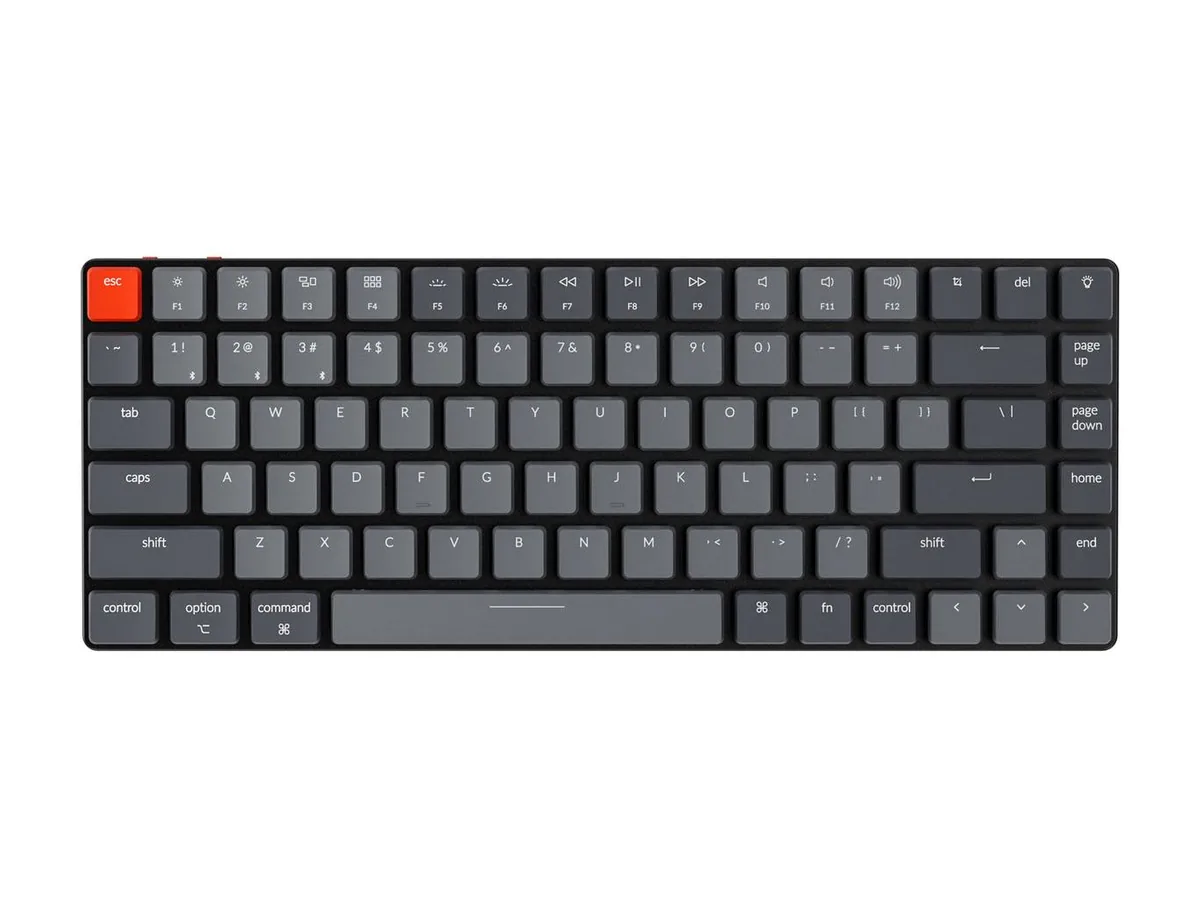
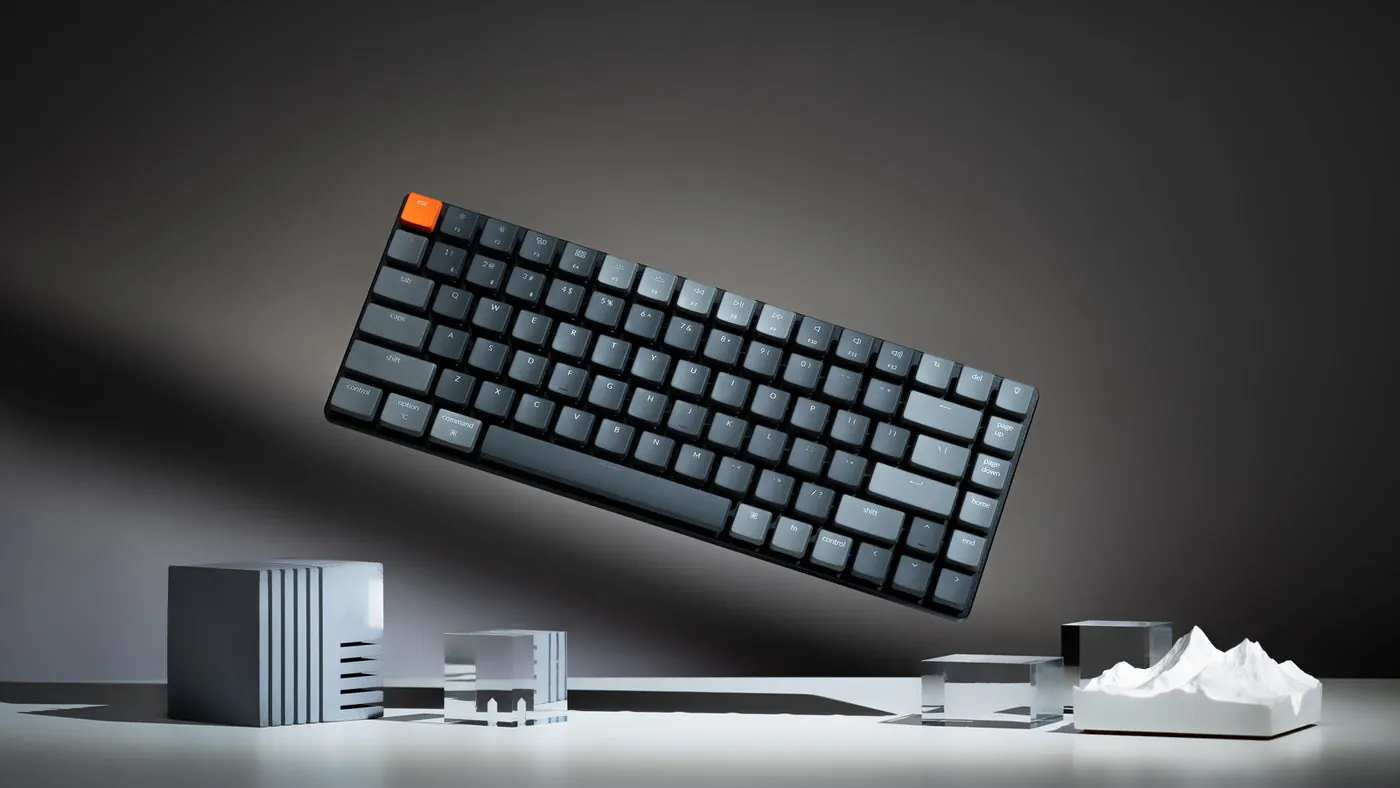
Keychron K3 (Version 2) Wireless Mechanical Keyboard
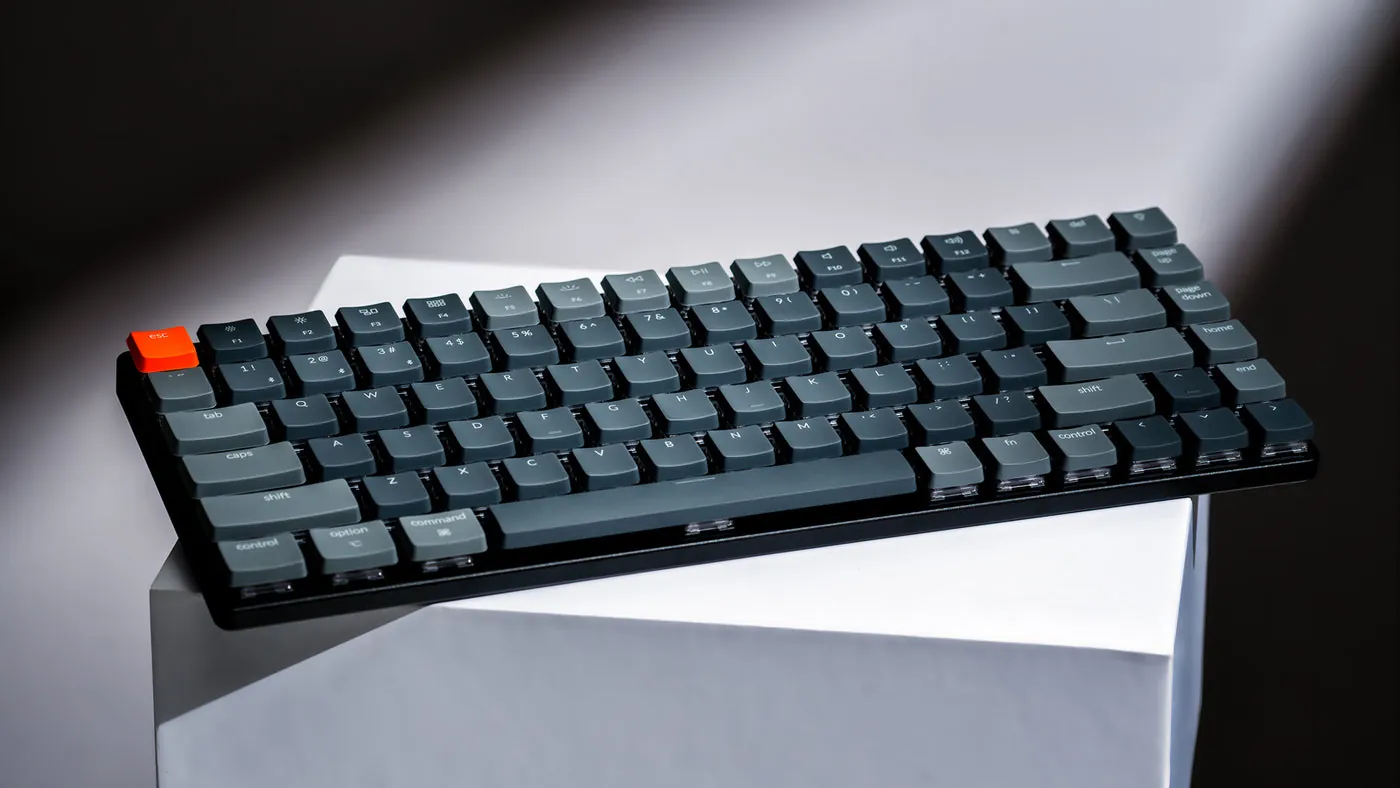
On Keychron's page the K3 Version 2 is a 75% ANSI board of 306 by 116 mm, 17 mm high at the front and 22 mm at the back with keycaps, and weighs about 483 g. It uses low-profile Gateron mechanical or Keychron optical switches, with hot-swappable switches on the optical version, an ABS and aluminum frame, and an adjustable 4-level backlight. Bluetooth 5.1 connects up to three devices, and a USB-C cable gives 1,000 Hz in wired mode, with 90 Hz listed over Bluetooth.
The limits: battery is listed at up to 34 hours at the lowest backlight, so you charge it far more often than the Logitech. The page lists no companion app for the Version 2 and no warranty term. RTINGS found the Keychron has better latency and two incline settings, and says the Logitech types better.
Typing, battery and software

Typing is where the testers split. RTINGS says both boards feel comfortable and low profile, but the Logitech's indented keycaps and scissor switches give it the better typing quality, and it has companion software for remapping keys. Tom's Guide agrees on comfort and says the concave keycaps reduce mistypes. If you want the clack of a mechanical switch, the Keychron is the one RTINGS describes as mechanical, and it lists 0.2 ms latency for its optical switches.
Battery and charging differ in unit and in habit. Logitech lists days and months, Keychron lists hours, so a week away from a charger is easier with the Logitech, and a cable is a normal part of life with the Keychron. For software, Logitech's Options+ covers Windows and macOS. Keychron's Version 2 page lists none, and RTINGS notes the Logitech is the one that remaps keys with an app.
Version 2 or Version 3?
Keychron's page says the K3 Version 3 adds QMK firmware, extra acoustic foam, Bluetooth 5.2 and shine-through PBT keycaps, and its own store showed the Version 2 as sold out on 9 October 2026. The Amazon listing we link is titled Version 2 and was in stock, shipped by Amazon and sold by Keychron Store, so read its details before you buy and check the Version 3 on Keychron's site if you want the newest model.
Pairing the keyboard with a mouse? See our MX Master 4 vs MX Master 3S comparison for the two Logitech mice most people choose between.
Which one to pick
Pick the Logitech MX Keys Mini if you type a lot, work in shared spaces and want a board that lasts a week or more between charges. It suits anyone who wants to remap keys and who likes dished keys over a mechanical click. Get yours on Amazon
Pick the Keychron K3 (Version 2) if you want a mechanical feel on a low profile, a USB-C cable for a stable wired connection, and a board that is lighter in the bag. Expect to charge it more often. Get yours on Amazon
For more options, see our guides to the best mechanical keyboard for nomads and the best travel keyboards, and the Keychron vs NuPhy comparison. For a full setup, see how to work remotely while traveling and the Logitech C920 vs Brio webcam comparison.
Watch them side by side
Video by Mindy C.
The video was filmed in 2022 and shows both keyboards typing, connecting and side by side. Here are the two from this article.
Logitech MX Keys Mini Wireless Keyboard
Keychron K3 (Version 2) Wireless Mechanical Keyboard
- The MX Keys Mini lists up to 10 days of battery (5 months with the backlight off) and 506.4 g; the Keychron K3 lists up to 34 hours and 483 g.
- RTINGS rates the Logitech higher for typing quality and software; the Keychron has better latency, two incline settings and a USB-C wired mode.
- The Logitech has scissor-style dished keys; the Keychron has low-profile Gateron mechanical or Keychron optical switches.
- Keychron's page shows the Version 2 as sold out and announces a Version 3; Amazon had the Version 2 in stock on 9 October 2026.
- Both connect to three devices over Bluetooth.

FAQ
Is the Logitech MX Keys Mini better than the Keychron K3?
It depends on what you want. RTINGS rates the Logitech higher for typing quality and software, and the Keychron higher for latency and incline settings. The Keychron has real mechanical switches and a wired mode.
Is the Logitech MX Keys Mini a mechanical keyboard?
No. Logitech lists spherically dished keys, and RTINGS describes it as a non-mechanical keyboard with scissor switches.
Can the Keychron K3 be used wired?
Yes. Keychron lists Bluetooth 5.1 for up to three devices and a USB-C wired mode with a 1,000 Hz polling rate.
Which has the longer battery life?
On the maker pages the Logitech, with up to 10 days or up to 5 months with the backlight off. Keychron lists up to 34 hours at the lowest backlight.
Which is lighter, the MX Keys Mini or the K3?
The Keychron K3 at about 483 g. Logitech lists 506.4 g for the MX Keys Mini.
Is there a newer Keychron K3 than Version 2?
Yes. Keychron's page says the K3 Version 3 adds QMK firmware, more acoustic foam, Bluetooth 5.2 and PBT keycaps, and shows the Version 2 as sold out on its own store.
Affiliate disclosure. This post contains affiliate links. If you click and buy something, this site earns a small commission at no extra cost to you. Picks are based on published specs, independent tests and manufacturer information. As an Amazon Associate I earn from qualifying purchases. Read the full affiliate disclosure. Amazon and the Amazon logo are trademarks of Amazon.com, Inc. or its affiliates.
Your next step
Keychron vs NuPhy: Which Slim 75% Keyboard to Travel With? Best Travel Keyboards Best Mechanical Keyboard for Digital Nomads: Compact, Portable, Quiet