Best Offline Travel Apps: 7 to Download Before You Leave
Some links on this page earn us a small commission, at no extra cost to you. Full disclosure.
The best offline travel apps are the ones you set up at home, because the download step needs a signal and the trip may not have one. This guide covers seven apps for the moment the signal drops on the road: two offline maps, offline translation, an itinerary, an eSIM, train and bus tickets and a flight claim app. For each we say what the maker says works offline, and what you have to do before you leave. Checked on 9 October 2026.

Quick answer
Checked on 9 October 2026. Maps: download an area in Google Maps (offline it gives driving directions only) and a region in Organic Maps, which its maker says supports 100% of its features offline. Translate: download Google Translate languages on Wi-Fi. Plans: TripIt keeps your itinerary, and Omio's help center says mobile tickets are available offline. Data: Airalo needs a stable connection to install an eSIM, so install it at home. Claims: AirHelp needs your boarding pass and booking confirmation, so save them before you fly.
All seven, with a button each

Google Translate
Download languages on Wi-Fi to translate without a connection. Read more
From the road: In the van I got my internet through a hotspot. I drove to places where the connection was strong, checked my phone and stopped where it was strongest to work. I always paid for the provider with the best coverage.
This is a different job from our list of the best travel apps for digital nomads, which is about which app does which task. This guide is about what still works when the signal drops, and what to set up before you leave. These seven are not a list of what Chenzo uses; we chose them because their makers say what works offline.
How we compared them
The NomadsToolsLab team read the makers' own pages and the App Store and Google Play listings of all seven apps on 9 October 2026. What surprised us: Google's own help page says that offline, Google Maps gives driving directions only. Transit, bicycling and walking directions are unavailable and you get no traffic info. And Airalo's help center says installing an eSIM requires a stable internet connection, so the one step you cannot do offline is the eSIM itself.
Testers at the YouTube channel MK Loves Tech compared six offline navigation apps and found that Google Maps lets you choose the area to download, switches to offline by itself when the connection drops and stops working offline if its maps are not updated in time. They found that Organic Maps asks you to download your region as soon as you open it and uses OpenStreetMap data, so its search is not the best. Every line in the table comes from the makers' own pages.
Offline is a set-up job
Download on Wi-Fi
Google says to connect to Wi-Fi before you download translation languages, and the same goes for map areas and eSIMs.
Test in airplane mode
Switch the connection off at home and open each app. If it shows your map, language or ticket, it works offline.
Update before it expires
Google says you must update downloaded maps before they expire. Maps expiring within 15 days update automatically on Wi-Fi.
That is our advice, built on what the makers say below. Where a maker says nothing about offline use, we say so instead of guessing.
What works offline, in one table
| Pick | Works offline | Do before you go | Platforms | Shop |
|---|---|---|---|---|
 | Works offline: Driving directions inside a downloaded area. No transit, bicycling or walking directions, no traffic info | Do before you go: Download the area, update before it expires | Platforms: App Store, Google Play | Get Google Maps |
 | Works offline: Maker: 100% of features offline, free | Do before you go: Download the maps for your region | Platforms: App Store, Google Play, F-Droid | Get Organic Maps |
| Works offline: The languages you downloaded | Do before you go: Download languages on Wi-Fi | Platforms: App Store, Google Play | Get Google Translate |
 | Works offline: Your itinerary, "even when you're offline" (App Store text) | Do before you go: Forward confirmations, add boarding passes and PDFs | Platforms: App Store, Google Play | Get TripIt |
 | Works offline: Not the install: it needs a stable internet connection | Do before you go: Install the eSIM at home on Wi-Fi | Platforms: App Store, Google Play | Check Airalo eSIM plans |
 | Works offline: Mobile tickets are available offline (help center) | Do before you go: Buy the ticket and open it once | Platforms: App Store, Google Play | Check Omio tickets |
 | Works offline: No offline claim from the maker | Do before you go: Save boarding pass, booking confirmation and receipts | Platforms: App Store, Google Play | Check an AirHelp claim |
Everything in this table is what the makers say, read on 9 October 2026. Where the maker says nothing about offline use, the table says so.
1. Google Maps: driving directions offline
Google Maps
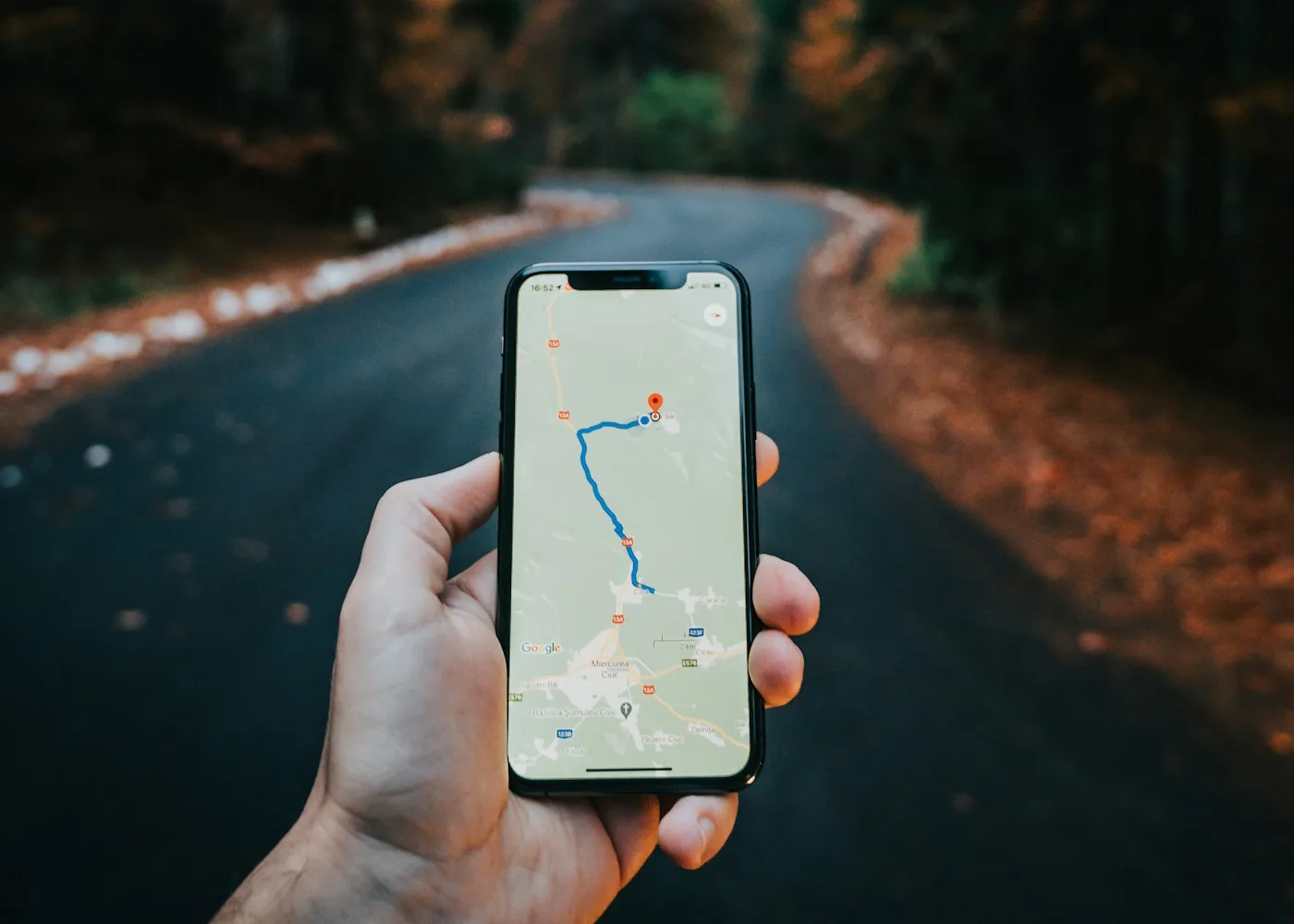
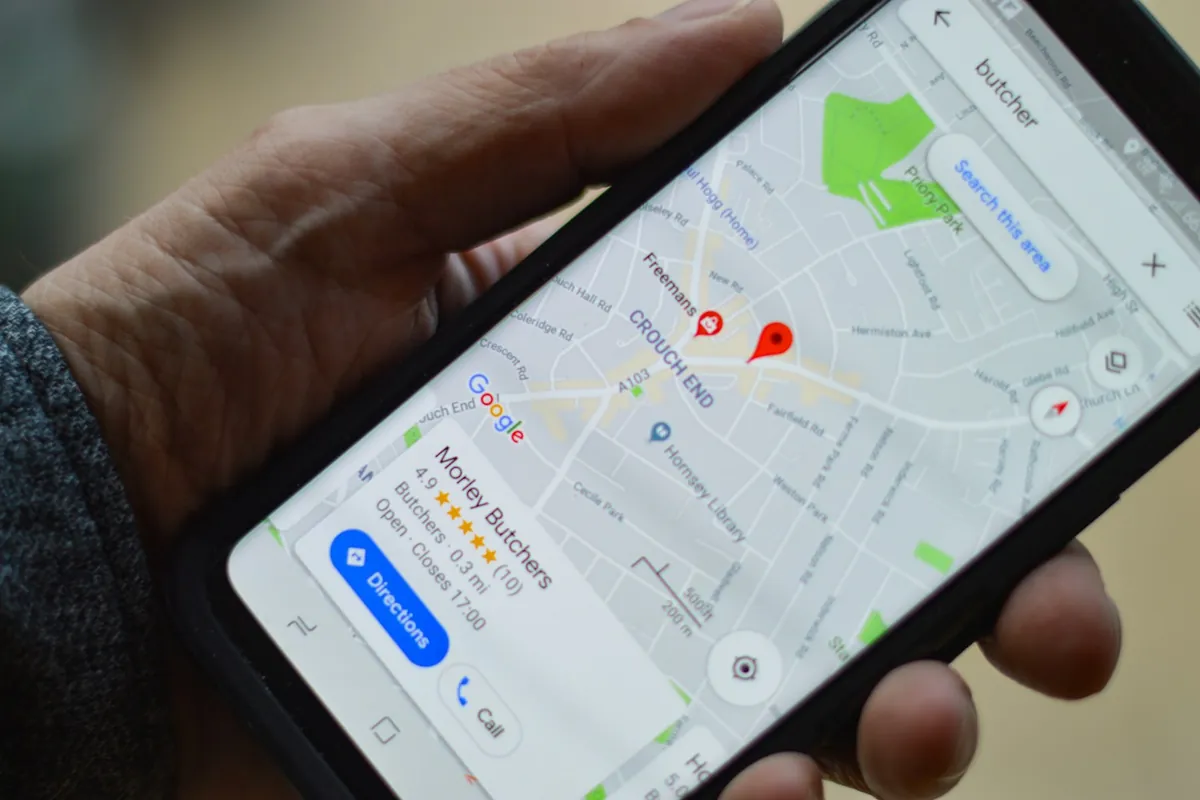
Google's help page says that after you download an area you use the app just as normal, and that your offline maps can guide you to your destination as long as the entire route is within the offline map. When you are offline, transit, bicycling and walking directions are unavailable, and when you drive you cannot get traffic info or alternate routes. You must update downloaded maps before they expire.
On Android you search for a place, open its place sheet, tap More and choose Download offline map. Get the app on the App Store and Google Play. The testers at MK Loves Tech add that Google Maps lets you pick the area rather than a whole country, and that it goes offline by itself when the connection drops.

2. Organic Maps: the free offline map
Organic Maps
Organic Maps says it is one of the few applications that supports 100% of its features without an active internet connection, and that the app is free for everyone. Its App Store text says the app works 100% offline, including search and navigation, and is built on OpenStreetMap data. It is on the App Store and Google Play, and the maker also lists F-Droid and Huawei AppGallery.
MK Loves Tech found that it asks you to download the maps for your region the second you open it, and that because it uses OpenStreetMap data its search is not the best, though the community adds addresses daily. That is a good reason to keep Google Maps as the second map.
3. Google Translate: download the languages
Google Translate
Google's help page says you can download languages onto your device, which lets you translate them without an internet connection, and that you should connect to Wi-Fi before you download. In the app you select the language at the bottom and tap Download. The App Store listing says feature support varies by language, and that camera translation works for certain languages only. Get it on the App Store and Google Play.

4. TripIt: your plans in one place
TripIt
TripIt's App Store text says you can find your plans in a flash with TripIt, even when you are offline. You forward a confirmation to plans@tripit.com and it is added to your itinerary, and you can upload PDFs, photos, boarding passes and digital passport QR codes. The App Store lists the app as free, and the maker page describes the free plan. Get it on the App Store and Google Play.
TripIt also sells a Pro upgrade with real-time flight alerts. The pages we read do not say which offline features it covers, and Outlook Traveller says live alerts need a connection, so open your itinerary in airplane mode before you rely on it.
5. Airalo: install the eSIM at home
Airalo
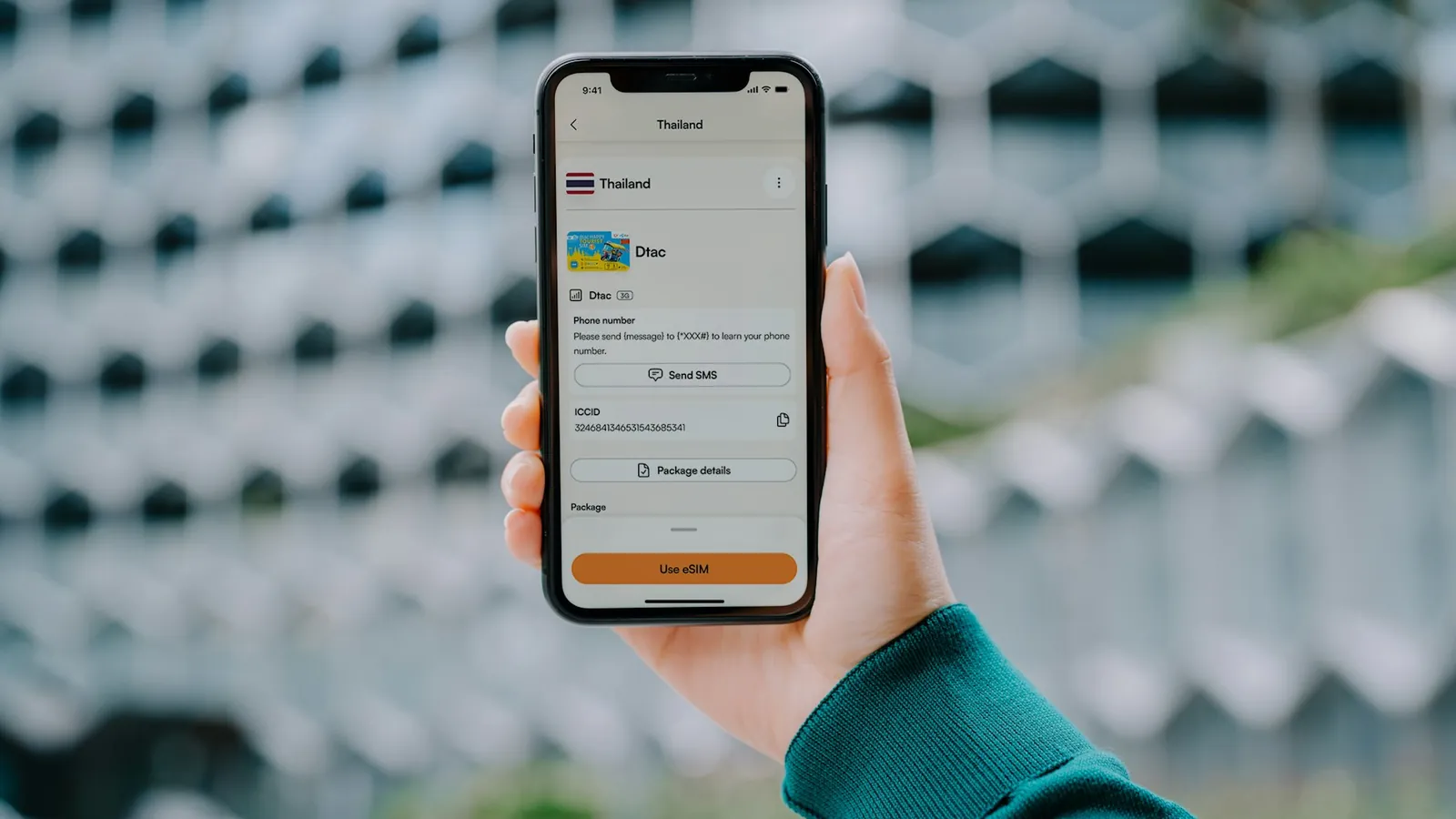
Airalo's help center says installing an eSIM requires a stable internet connection, and that when you buy your eSIM in advance you can plan when to install it. The validity period does not start until the eSIM is installed or connects to a network. The help center also describes an offline mode in the app for an eSIM that is already installed; installing one still needs internet. Get the app on the App Store and Google Play.
Holafly says the same in its setup guide: the setup step is completed before you travel and needs a stable Wi-Fi connection, and it is recommended to install the eSIM before your trip and activate it once you arrive. For the steps, read our guide to setting up an eSIM before flying and our Airalo review.

6. Omio: tickets you can open offline
Omio
The Omio help center says: there is no need to worry about internet access as mobile tickets are available offline. The App Store text says you can compare more than 3,000 transport companies across 45 and more countries and receive mobile tickets directly on your phone. Get the app on the App Store and Google Play.
Buy the ticket, open it once while you have a signal and check that it is there. For routes and which operator to pick, see our guide to train and bus travel in Europe.
7. AirHelp: save the papers first
AirHelp
The AirHelp page says its standard fee is 35% of the compensation it secures, with no win, no fee. It names the documents it asks for: the boarding pass, and the passes for alternative flights, and the booking confirmation. Helpful extras are the reason for the disruption, receipts, the final arrival time, airline emails and a photo of your ID. The App Store text says the app is free and without ads. Get it on the App Store and Google Play.
We found no AirHelp statement about offline use. Our advice: take screenshots or save PDFs of those documents before you fly, so that a dead signal at the airport does not leave you without them. See also cheap flights with long layovers.

- The download step needs Wi-Fi, so set every app up at home and test it in airplane mode.
- Google Maps offline gives driving directions only: no transit, bicycling or walking directions and no traffic info.
- Organic Maps' maker says it supports 100% of its features offline and is free.
- Download translation languages on Wi-Fi, and check that camera translation is offered for your language.
- Installing an eSIM needs a stable internet connection, says Airalo, so install it before you travel.
- Omio says mobile tickets are available offline. AirHelp says nothing about offline, so save its documents yourself.

Chenzo, founder of NomadsToolsLab
Wifi that drops is the usual problem, most of all in South America and Asia, and in parts of Europe too. The fix is a backup hotspot on your phone. If that does not work either: go to the beach, grab a coconut and relax.
Where to go next

Looking for flights, stays and money apps? Read our guide to the best travel apps for digital nomads. For data on the road, see our best eSIM guide and our portable wifi hotspot guide. For the first night, read solo travel first night, and for rides, how to avoid taxi scams. On a road trip? Our road trip gear guide lists the gear. And if you work on the move, the active sitting chair guide and the ergonomic mouse guide may help your back and your hand.
FAQ
What are offline travel apps?
Apps that keep working without a connection after you download their data first, such as offline maps, language files and saved tickets. The download step needs Wi-Fi, so do it before you leave.
Does Google Maps work offline?
Yes, for driving directions inside an area you downloaded. Google says that offline, transit, bicycling and walking directions are unavailable and that you get no traffic info or alternate routes. Update downloaded maps before they expire.
Is Organic Maps really free and offline?
Its maker says the app is free for everyone and supports 100% of its features without an active internet connection. The App Store text says it works offline, including search and navigation.

Can I install an eSIM without internet?
No. Airalo says installing an eSIM requires a stable internet connection, and Holafly says the setup step needs a stable Wi-Fi connection. Install before you travel and switch it on when you arrive.
Are Omio tickets available offline?
Omio's help center says mobile tickets are available offline. Open your ticket once while you still have a connection to check that it is there.
How do I download a language in Google Translate?
Connect to Wi-Fi, open the app, select the language at the bottom and tap Download. Google says this lets you translate without an internet connection. Camera translation works for certain languages only.
Watch: six offline navigation apps compared
Video by MK Loves Tech.
Seen enough? The video covers Google Maps and Organic Maps from this guide, with four other navigation apps. Here are the two.
Google Maps
Organic Maps
Affiliate disclosure. This post contains affiliate links. If you click and buy something, this site earns a small commission at no extra cost to you. Picks are based on published information from the makers and independent tests. Read the full affiliate disclosure.
Your next step
 Best Travel Apps Every Digital Nomad Needs in 2026