
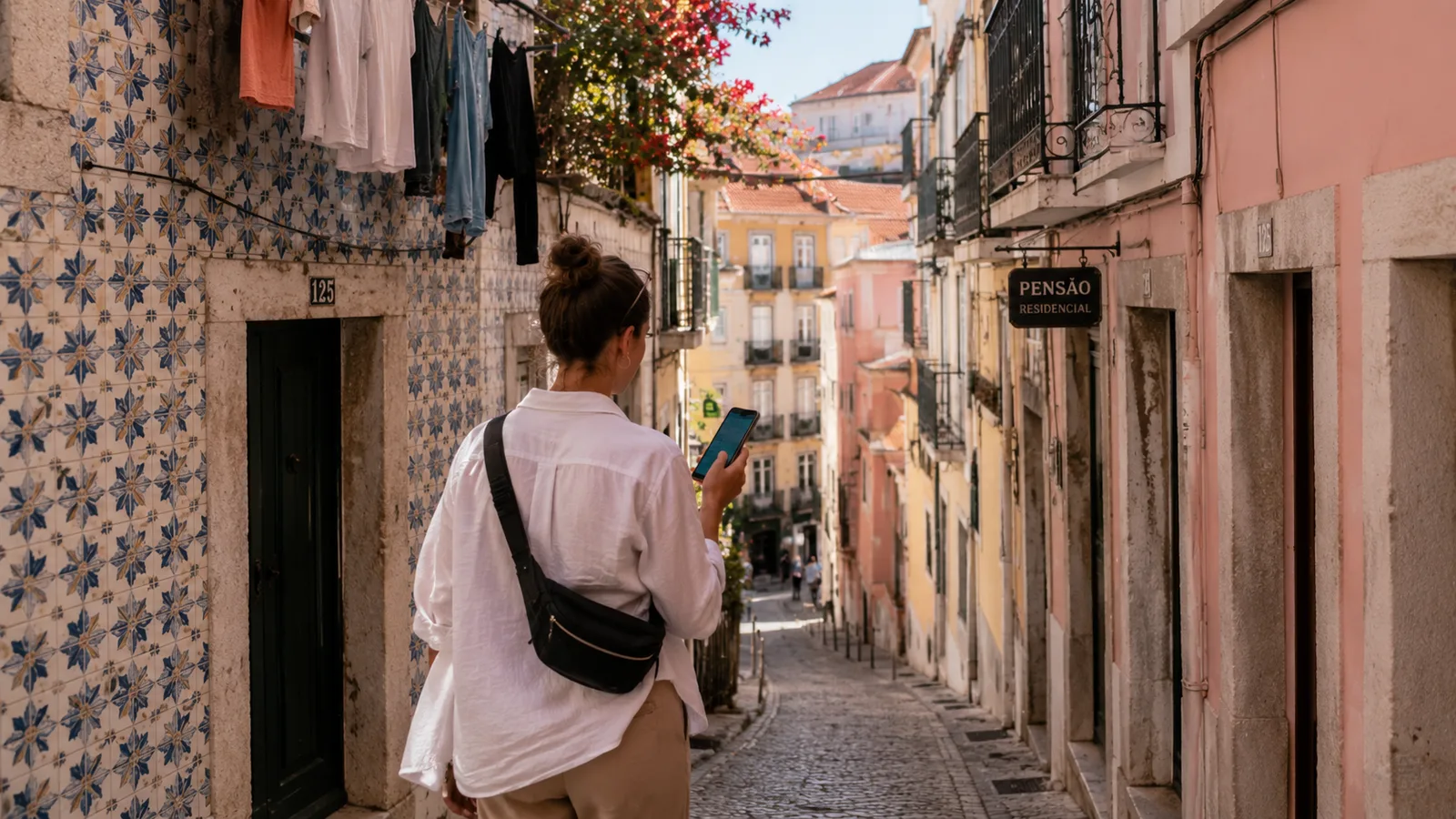
How to Work Remotely While Traveling

As an Amazon Associate I earn from qualifying purchases. Some links on this page earn us a small commission, at no extra cost to you. Full disclosure.
The Ultimate Guide for Beginners
Published for NomadsToolsLab
Rain on the office window, a manager droning on about quarterly targets, cold coffee, an aching back, and a small voice saying: "There has to be another way." For a lot of people, that is where learning how to work remotely while traveling starts.
Working while traveling isn't some impossible fantasy reserved for trust fund kids or luck-blessed entrepreneurs. It's achievable for anyone willing to be intentional about it.
This guide is a practical roadmap for day one and beyond. Whether you're dreaming of escaping the 9-to-5 or you're already committed to remote work, this is your companion for making the transition smooth, sustainable, and actually enjoyable.
Quick answer
Start with stable remote income (an employed remote job or freelance clients), pack light, and never rely on one internet source. Test the WiFi on day one, keep a fixed daily routine, and sort your visa, taxes and money before you leave.
Tools for this guide

Key takeaways
- Start with employed remote work or freelancing, and build content as a side project first.
- Never rely on a single internet source: accommodation WiFi, phone hotspot, eSIM or local SIM, and a travel router if you stay longer.
- The sweet spot is a 6-8 hour time difference, and working asynchronously is the real solution.
- Keep a fixed daily rhythm and close the laptop after work hours.
- Sort visa, taxes and money (Wise, Revolut) before you leave.
Part 1: Finding Your Remote Work Path
The first question everyone asks is: "What kind of remote work should I do?" The answer depends on your skills, your financial cushion, and your risk tolerance. Let us walk you through the most viable paths. For the money side specifically, see our how to make money as a digital nomad guide.
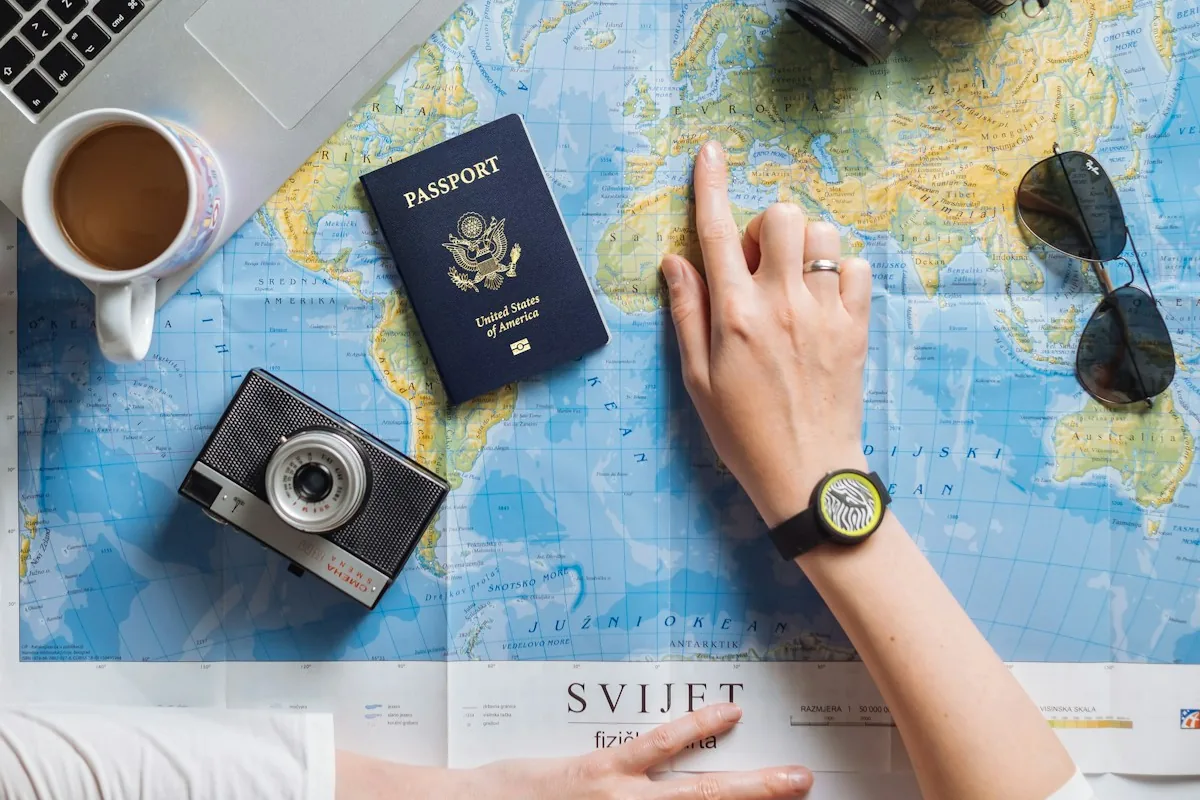
The Employed Remote Route
This remains the safest option. You land a remote position with a company, either by being hired remotely or by negotiating remote work after proving yourself. The beauty here is obvious: steady paycheck, benefits, stability. The catch is that most traditional companies still expect you to work within their time zone (or at least have significant overlap), and some have policies against international relocation.
If this is your path, start your job search at least three months before you want to leave. Use platforms like We Work Remotely, FlexJobs, and Remote.co to find genuinely remote positions. During interviews, be honest about your plans to travel. Many companies won't care as long as you deliver results and make the meetings.
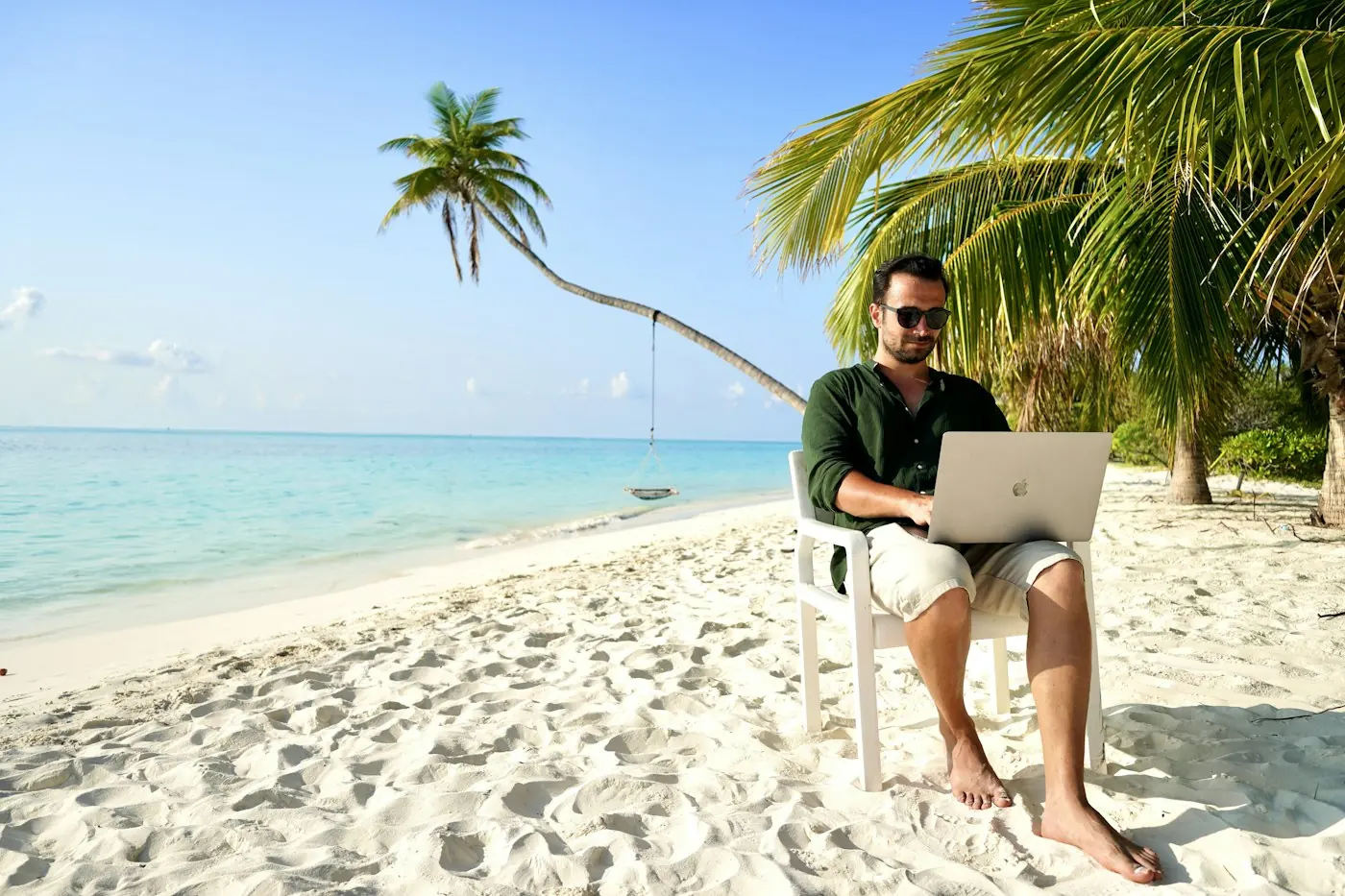
The Freelance Hustle
Freelancing offers complete flexibility and unlimited earning potential, but it comes with trade-offs: feast and famine cycles, no benefits, and the mental burden of always finding the next client.
If you're a writer, designer, developer, marketer, or translator, freelance platforms like Upwork and Fiverr offer immediate access to clients. The rates are lower initially, but you build a portfolio quickly. After three to six months of solid work and five-star reviews, you can raise your rates significantly. Established freelancers can charge far more than beginner rates.
The better path, though, is to build a network of retainer clients, companies or entrepreneurs who pay you a monthly fee for ongoing work. This provides predictability and lets you work fewer hours.
The Creator Economy Path
YouTube, newsletters, podcasts, or online courses take months to monetize, but once they do, they are incredibly scalable. This path requires patience and consistent output before money arrives. Many creators maintain a freelance income for the first year while building their audience.
The recommendation for beginners: start with employed remote work or freelancing to have stable income while traveling. If you want to pursue content creation, do it as a side project first.

Part 2: The Gear That Actually Matters
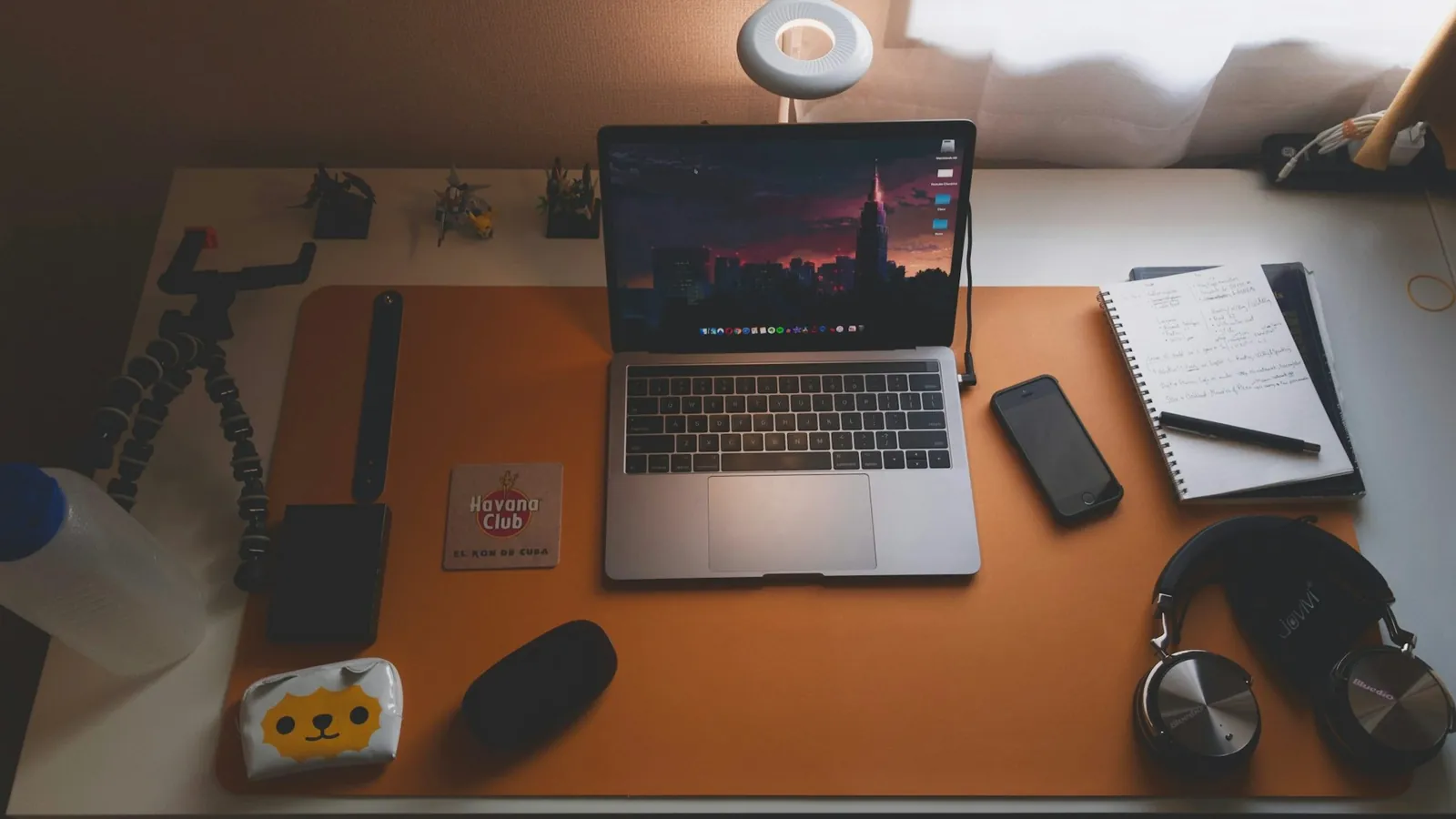
The classic rookie gear mistakes: a cheap laptop that overheats, a full desktop monitor in the luggage, five chargers for two devices.
Your Laptop is Your Lifeline
Invest in a quality device. You will use it 8+ hours a day, every day, for years. For most remote workers, a MacBook Air (M2 or newer) or a Dell XPS 13 offers the perfect balance of power, portability, and build quality. Budget $1,200-1,600.
Prioritize: solid battery life (8+ hours), a keyboard you enjoy, and thermal management. You don't need cutting-edge specs; you need reliability. Bring your charger and one portable backup charger. Done.
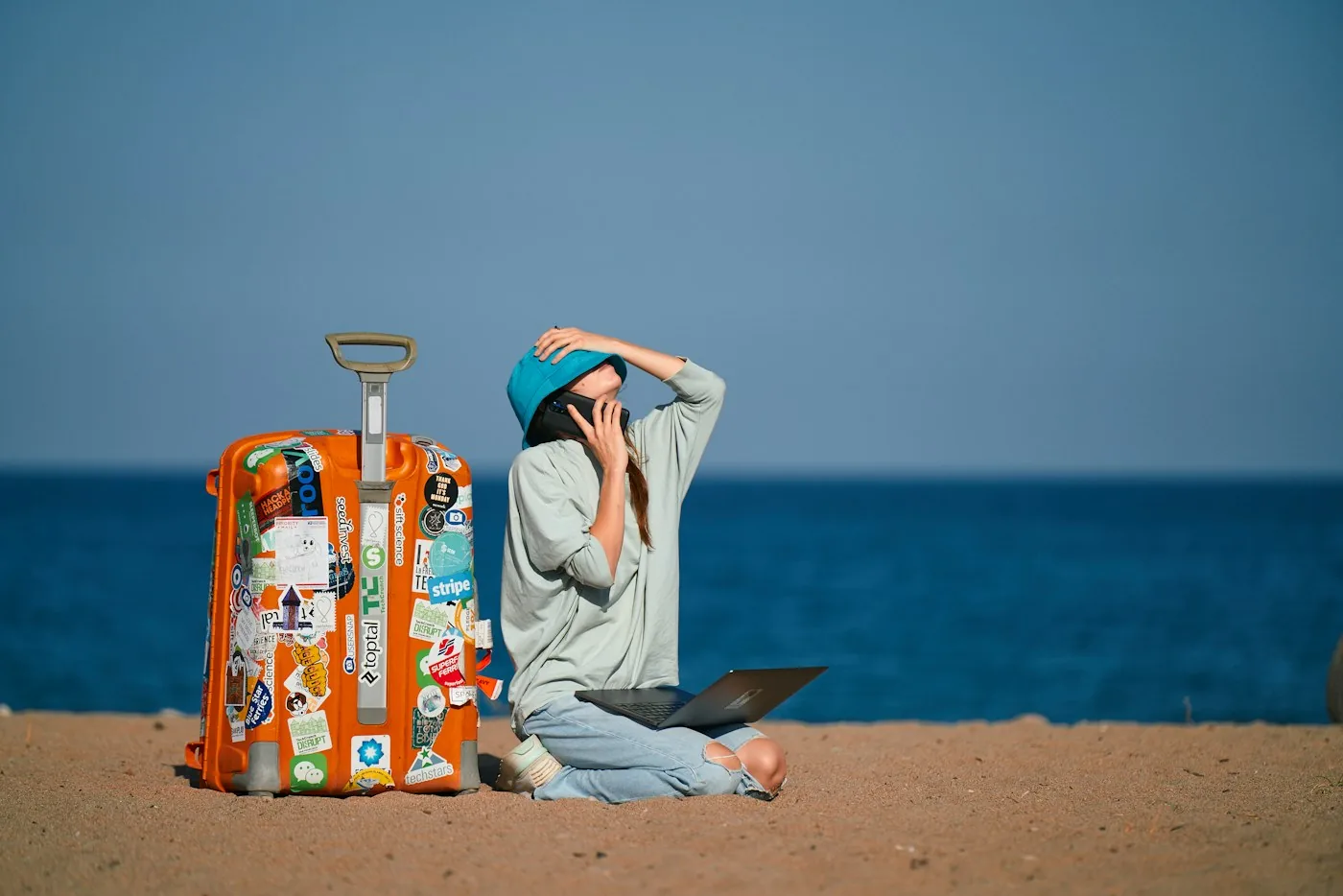
Essential Accessories
What earns its place every day:
Mechanical keyboard (portable): About $60-120. Typing on laptop keys all day wears on your hands. A compact mechanical keyboard like a Keychron takes up minimal space but dramatically improves ergonomics and morale. Yes, morale. When your keyboard feels good, work feels better.
Travel mouse: $25-50. Trackpads are fine for browsing, but if you are doing any detailed design or coding work, a portable mouse saves your sanity. A Logitech MX Master is a good example: rechargeable, and it switches between up to three devices.
USB-C hub: $30-80. Modern laptops have limited ports. A multi-port hub lets you connect external monitors, use wired ethernet (crucial for unstable WiFi), and charge simultaneously.
Portable monitor (optional but life-changing): $300-400. A 13-15" USB-C powered monitor is not light, but it transforms your setup. When you stay somewhere longer, a second screen makes a big difference. Use it for reference materials, Slack, or code review while working on your main screen.
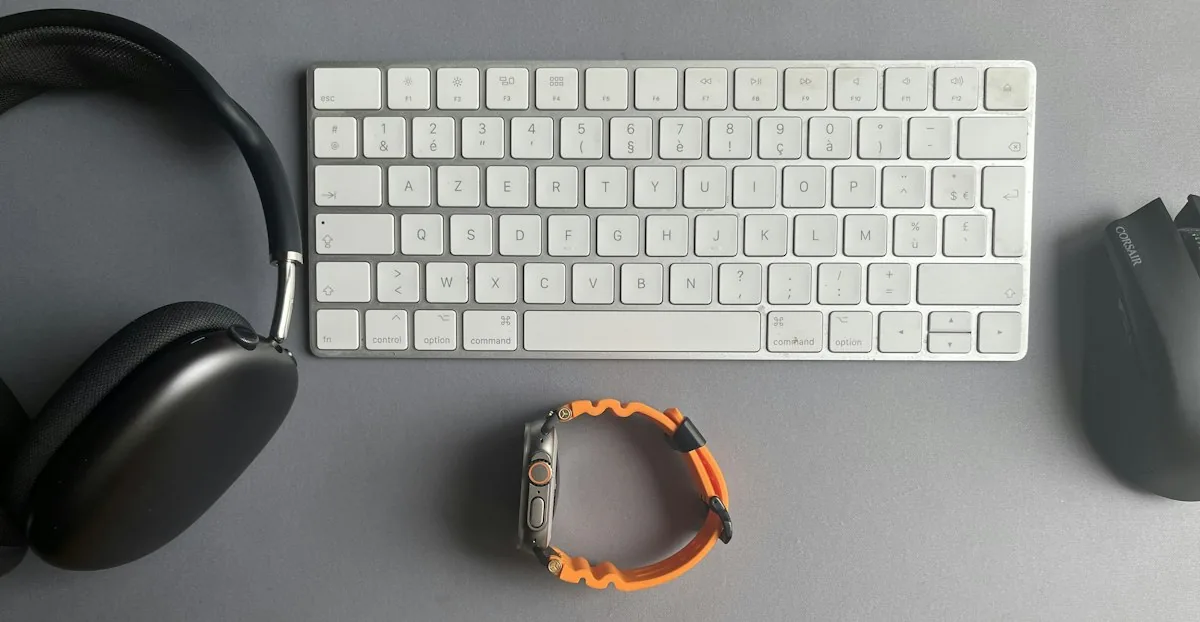
Noise-canceling headphones: $200-400. More important than you would think. Coworking spaces, cafés, Airbnbs, they are all loud. Headphones create a focus bubble and let you take calls without broadcasting your business to everyone nearby. Wireless is essential; the Sony WH-1000XM5 is a strong pick.
Budget tip: a tiny USB light for your laptop
A small USB lamp plugs into your laptop or power bank and lights up your keyboard when the room is dark. Two kinds are worth knowing. The EBYPHAN dimmable USB lamp has a flexible gooseneck, 14 LEDs and three brightness levels. The Kyfreshpower flexible mini USB LED is the smallest option: a bendable strip with six LEDs. Both are powered straight from a USB port, so there is nothing to charge, and they weigh next to nothing in your bag.
What NOT to Pack
Do not bring: a full-size monitor, a printer, a desk lamp (most accommodations have overhead lighting), multiple chargers, or "just in case" tech you have not used in six months. Weight and space are your enemies.
Part 3: Internet Solutions, The Most Critical Part
Let us be honest: bad internet will ruin your experience faster than anything else. It means missed calls and whole days waiting for files to upload. This section is the most important in this guide.
Your Internet Redundancy Plan
Never rely on a single internet source. A simple setup:
Primary: Accommodation WiFi (or coworking space WiFi)
Backup 1: Mobile hotspot from your phone
Backup 2: eSIM or local SIM card (more on this next)
Optional Backup 3: Portable travel router (if staying longer)
Travel SIM Cards and eSIMs
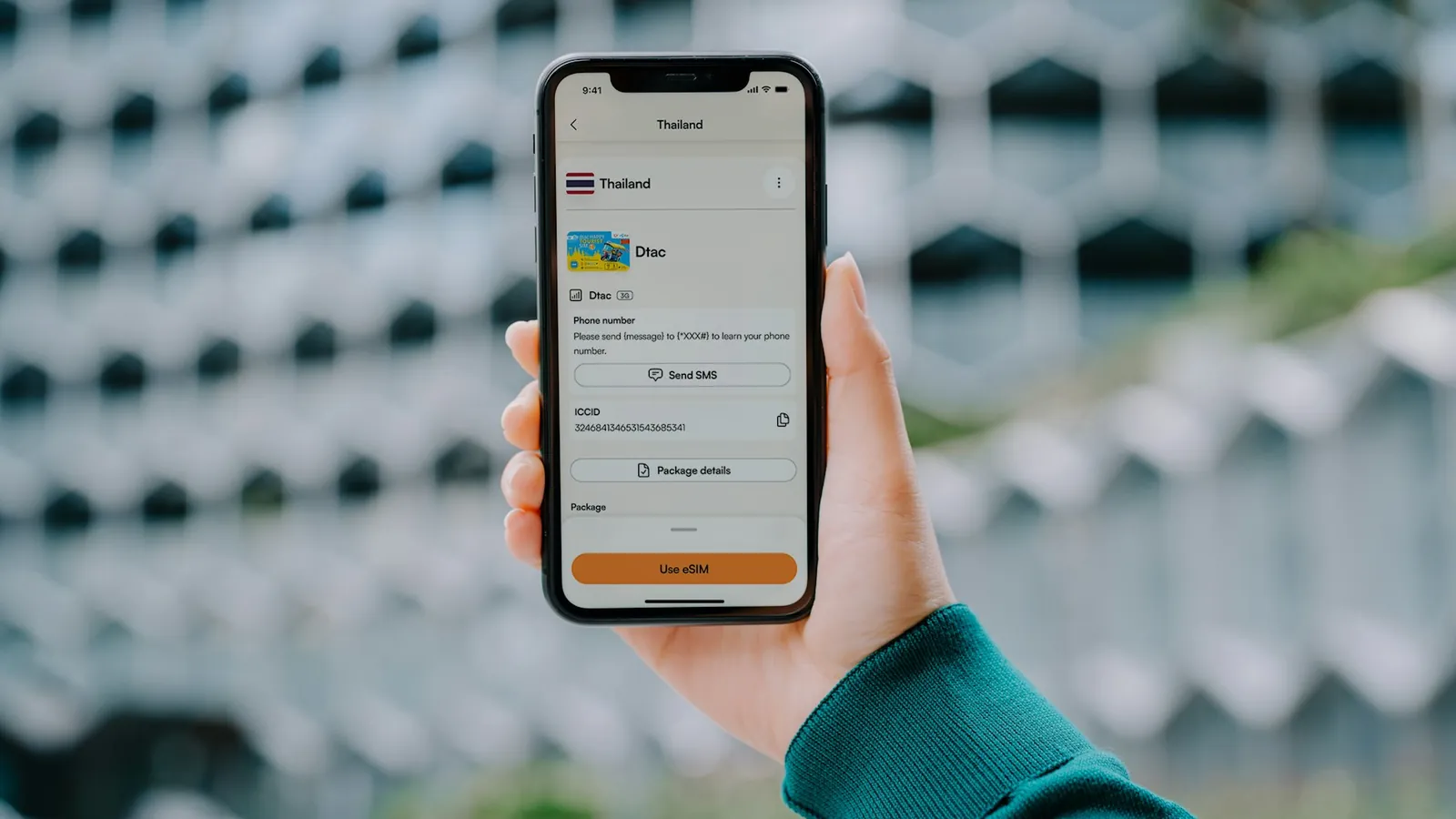
An eSIM lets you switch carriers without changing physical cards. Services like Airalo and Holafly offer coverage in 200+ destinations with country, regional and unlimited plans.

Holafly
Code NOMADSTOOLSLAB gives 5% off at checkout.
Get the eSIM activated before you leave home, test it, and keep your home SIM active as a backup. The peace of mind is worth the extra $5 per month.
Travel Routers
If you are staying in one place for more than a week, a travel router transforms your setup. It creates a private, secure network from whatever connection you have (WiFi or mobile hotspot).
Here is why this matters: coffeeshop WiFi is slow, crowded, and often insecure. By connecting to it with your travel router, you can share that connection across multiple devices securely. This also gives you the ability to run VPN on your router, encrypting everything.
The GL.iNet Beryl AX (GL-MT3000) is the top recommendation: compact, dual-band and with built-in VPN support. If you want a router with its own 4G modem and battery, look at the GL.iNet Puli (GL-XE300).
VPN Services
Use a reliable VPN on any public WiFi. Not just for privacy (though that matters), but because it encrypts your data and helps you access geographically restricted services. ExpressVPN and NordVPN are industry standards at $5-12 per month. Some nomads use Proton VPN or Mullvad for added privacy.
Part 4: Time Zone Management Without Losing Your Mind
When you leave your home time zone, your work schedule becomes a moving target. Working 9am-5pm London time from Bangkok means working from about 3pm or 4pm until 11pm or midnight, depending on the season (6 or 7 hours difference).
Calculate Your Time Zone Impact
Before accepting a role or booking a flight, map out what your working hours will be. If your company operates 9am-6pm Eastern Time and you want to work from Southeast Asia (UTC+7), you are looking at 9pm-6am. That is not sustainable.
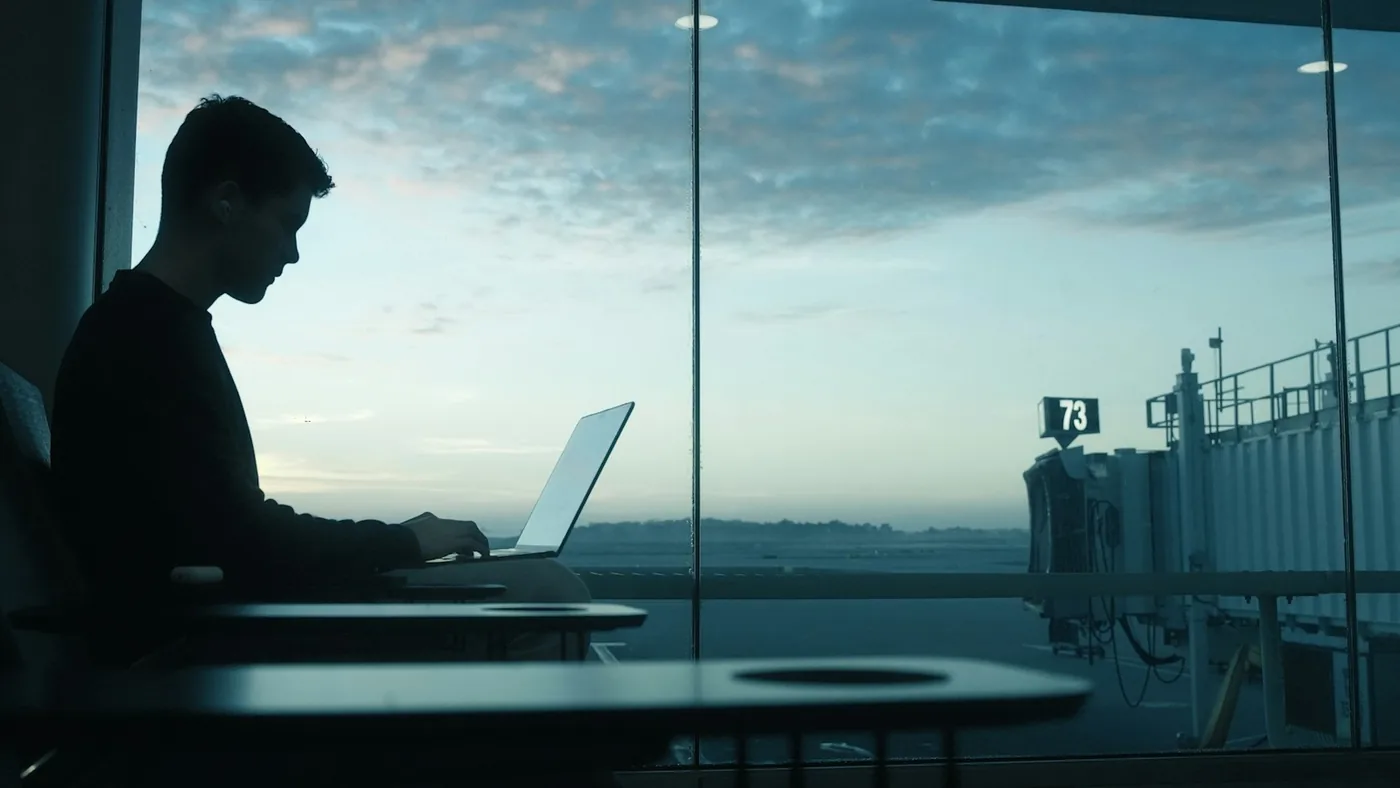
The sweet spot is a 6-8 hour time difference. From there, you can usually find 4-6 productive overlap hours.
Asynchronous Work Philosophy
The real solution is working asynchronously. This means:
Document everything you do. When teammates in different time zones need context, they can read your written updates instead of waiting for a meeting.
Record quick videos or voice messages instead of meetings when possible. A 10-minute Loom video replaces a 30-minute sync call.
Push for decisions and feedback to come in writing through platforms like Slack, so you can respond when it is your work hours.
Companies that embrace asynchronous work attract talent from everywhere and usually have better documentation and communication. If your employer is not open to async work, it is a red flag for remote work compatibility.
Tools We Recommend
Slack: Primary async communication. Set your status to show your time zone and work hours.
Loom: Record quick explanations or walkthroughs instead of typing long emails.
Confluence or a shared docs folder: Central documentation and project tracking.
Time zone converter apps: World Time Buddy or Timezone.io help you schedule the rare critical meetings.
Part 5: Productivity Systems That Travel With You
The hardest part of working while traveling is not internet or time zones. It is maintaining focus when you are surrounded by distractions, or when the urge to explore wins.
The Daily Rhythm
Structure is not the enemy of freedom; it is the foundation. Wake at the same time regardless of location. Spend 30 minutes on a morning routine: coffee, stretching, journaling. Start work at a fixed time, take a short break after a 90-minute focused block, and finish your most important work by noon.

Afternoons are for meetings, admin or secondary tasks. Stop at a fixed time, so evenings and weekends are free to explore.
The ritual is what matters. Same wake time, same work start, same environment (even if that environment changes). Your brain craves predictability.
Choosing Your Work Locations
Not all spaces are equally productive:
Your accommodation: Best for deep work, calls. Most reliable WiFi usually. The downside is being "always at the office."
Coworking spaces: $10-30 per day in most countries. Professional environment, other people, usually excellent WiFi. Worth it 2-3 days per week for mental health and productivity.
Cafes: Good for light work, not for calls. Bring headphones and always buy something.
Distraction Management
Two tools help:
Forest App: You set a focus timer. If you leave the app, your virtual tree dies. Sounds silly, but it works. Free to start, with a paid upgrade.
Cold Turkey: Blocks distracting websites and apps during work hours. Set it and forget it.
Phone goes in another room during deep work blocks. Period.

Part 6: Finding Accommodation With Excellent WiFi
You cannot work well if your WiFi fails three times a day. When evaluating accommodations, WiFi quality is non-negotiable.
Another place to look for a bed is ZenHotels, where you can search and compare hotels, hostels and apartments.
Compare hotel prices on ZenHotels
Where to Look
Airbnb: Filter by "fast WiFi" and always read the reviews for internet comments. Book properties with 4.9+ ratings and 20+ reviews. Message hosts before booking to confirm bandwidth and get WiFi password.
Nomad House and similar coworking residence chains: These cater specifically to remote workers. Higher cost ($800-2,000/month vs $400-700 for regular Airbnb), but WiFi, coworking space, and community are built-in.
Serviced apartments: Usually better for stays 1-3 months. More reliable than Airbnb.
Staying somewhere remote? Ask about wifi and power before you book; our eco stay guide covers it.
Testing Before You Commit
When you first arrive, immediately test your internet speed using Speedtest.net. You need minimum 10 Mbps download for video calls. 25 Mbps is comfortable. Under 5 Mbps is basically unusable.
Do a full video call during your first day. If it fails, contact your host immediately. Most are accommodating with quick fixes (router restart, WiFi password reset) or will help you find better WiFi elsewhere.
Desk Space Requirements
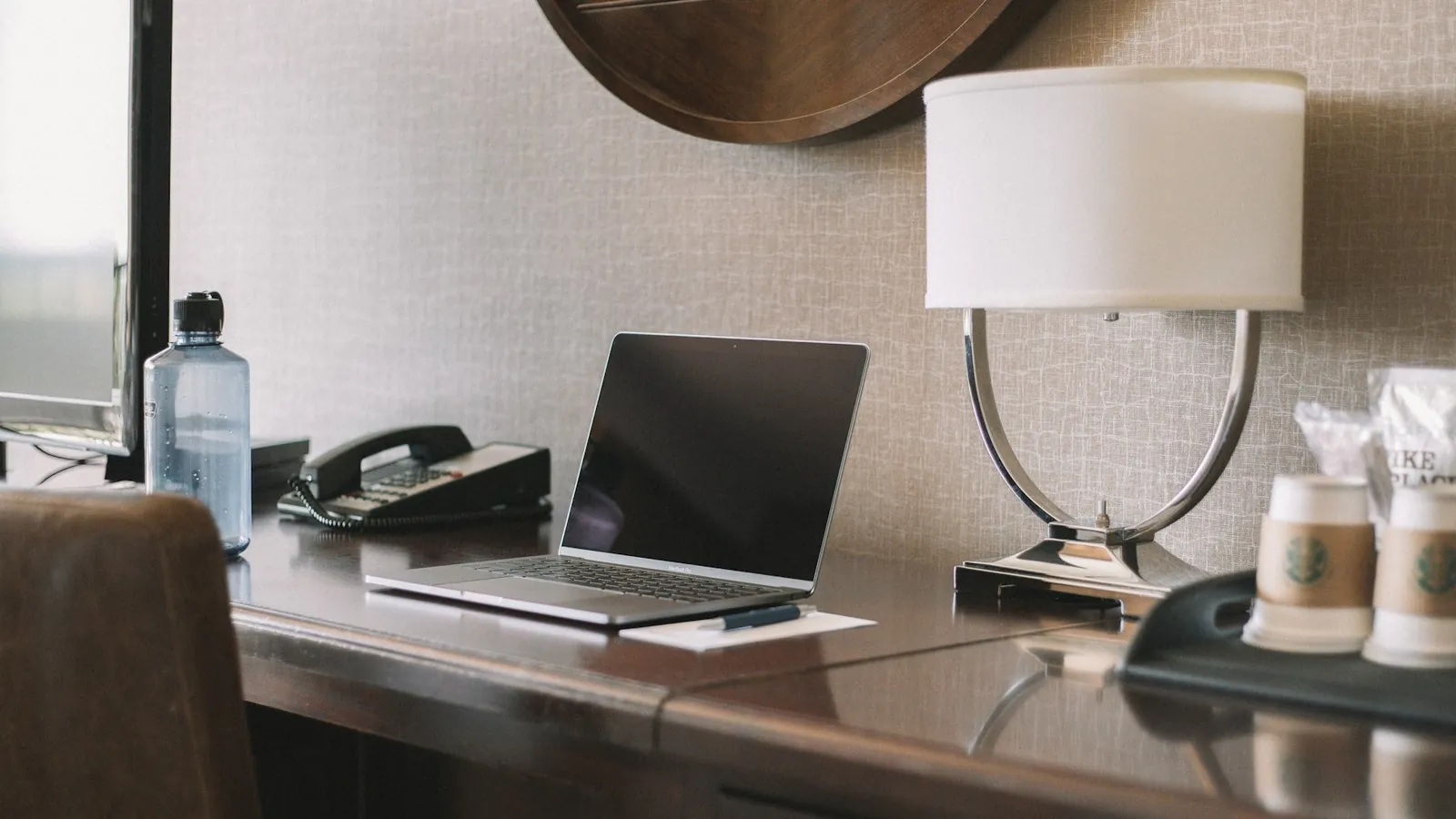
Beyond WiFi, you need: a dedicated desk or table, a chair that does not destroy your back, and natural light. Working from a bed is temporarily fine; it is not a sustainable solution. Look for photos showing a proper work setup in listings.
Part 7: Building a Routine in a Changing World
Working remotely while traveling is unique because two parts of your life that usually feel separate, work and adventure, now overlap. The key is intentional boundaries.
The Morning Ritual (Non-Negotiable)
Make coffee and stretch for 10 minutes before you touch your laptop. This is not productivity hacking, it is mental health.
Many successful remote workers have similar rituals: meditation, running, journaling, or yoga. It does not matter what you do. What matters is that you do it consistently, and it prepares you mentally for work instead of jumping into urgent Slack messages.
Separating Work and Adventure
Work hours are 8am-5pm (or whatever you set). After 5pm, your laptop closes. If you work late, you will burn out in months. The magic of traveling is that every evening can be an adventure. Guard that time fiercely.
Weekends are for exploring, not for catching up on work. If you are always working, you are paying for accommodation in a place you are not enjoying. That defeats the purpose entirely.
Community and Combating Loneliness
The loneliness of working alone, even in a cool city, is real. Combat it by:
Working from coworking spaces 2-3 days per week. The water cooler chats are necessary.
Joining local meetups or nomad groups. Facebook groups like "Digital Nomads in [City]" exist for every major city.
Scheduling regular calls with family and close friends back home. Not work calls. Real calls.
Staying in cities for 4-6 weeks minimum. Two-week sprints do not give you time to build real friendships.

Part 8: Legal, Taxes, and Money Management for Digital Nomads
This section is not exciting, but it is important. Visa and tax mistakes are expensive, so it pays to get the basics right.
Visa Situations
Different countries have different rules. Tourist visas generally allow you to be in the country, but not to work for foreign clients while receiving income.
The legal gray area: Most countries do not enforce this rule for remote workers. The reality is that millions of digital nomads work remotely on tourist visas without issue. However, it is technically risky.
The safe option: Look for countries with specific digital nomad visas. Portugal, Spain, Croatia, Colombia and Malaysia, among others, offer visas or permits specifically for remote workers. Requirements and costs differ, but it is worth it for longer stays.
Remote worker visas at a glance, checked on 9 October 2026 against the official sources named in each guide (immigration agencies, MDEC, Thai embassies, a Mexican consulate, the Portuguese minimum wage). Rules change, so confirm with the authority you apply to.
| Country | Visa | Money requirement | Details |
|---|---|---|---|
| Portugal | D8 | At least 3,680 EUR a month (4 times the 920 EUR minimum wage) | Portugal D8 guide |
| Malaysia | DE Rantau pass | More than 24,000 USD a year (tech and digital roles), more than 60,000 USD (eligible non-tech roles) | Malaysia DE Rantau guide |
| Japan | Digital nomad visa (Designated Activities) | At least 10 million yen a year, plus health insurance of at least 10 million yen | Japan guide |
| Thailand | Destination Thailand Visa (DTV) | At least 500,000 THB in financial assets | Thailand guide |
| Mexico | Temporary Resident Visa | At least 4,049 USD a month for six months, or 68,241 USD saved over twelve months (Mexican consulate in San Diego, 2026 list) | Mexico guide |
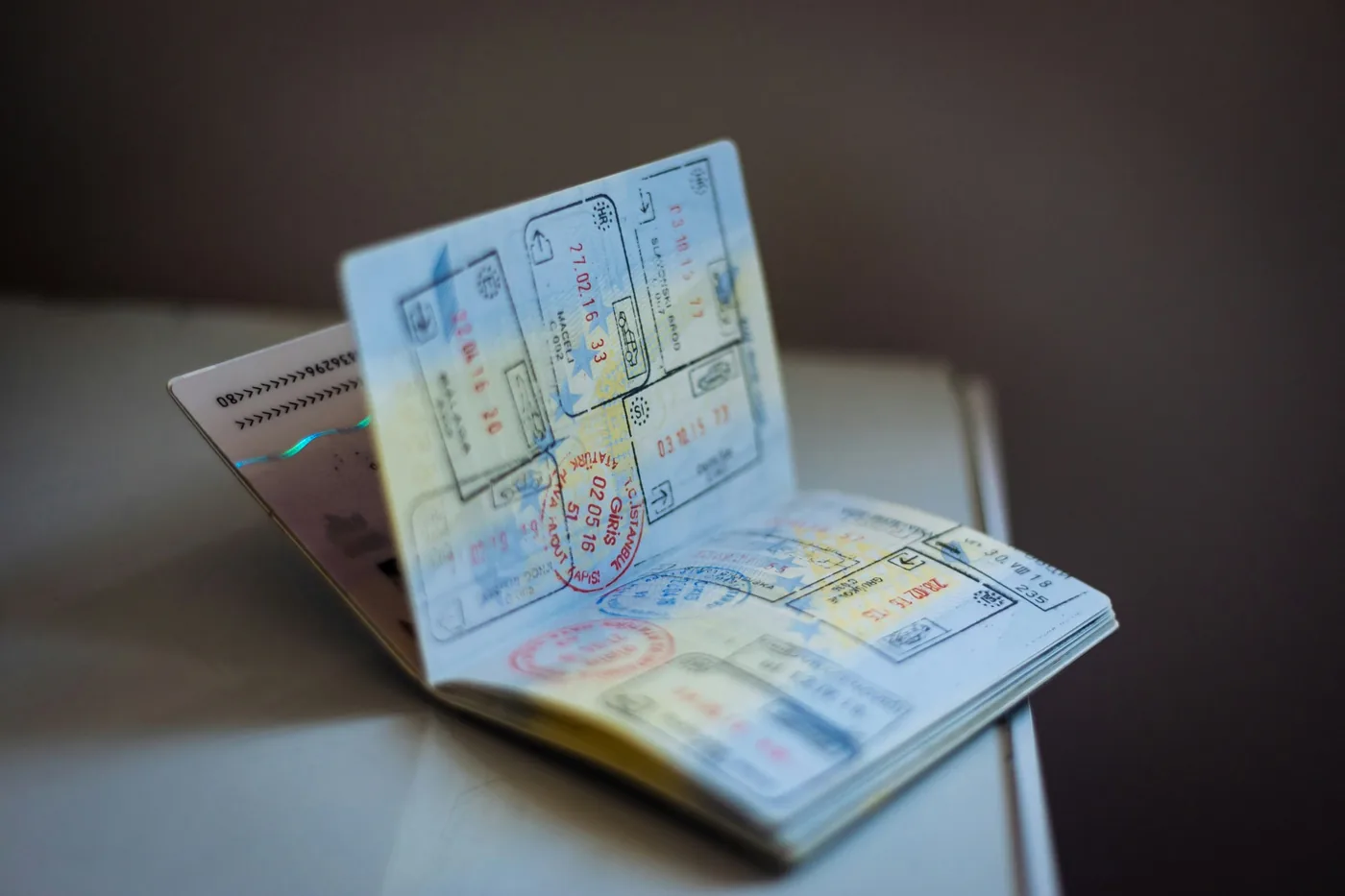
Research before you go, and always check the official immigration website of the country you're visiting.
Tax Obligations
Your tax situation depends on your citizenship and employment status. If you are a US citizen, you are required to file taxes no matter where you live. If you are freelancing, you need to report income everywhere.
The Foreign Earned Income Exclusion (for US citizens) lets you exclude up to $132,900 of foreign earned income for tax year 2026 from US income tax (IRS Revenue Procedure 2025-32, checked on 9 October 2026). This is a game-changer.
Hire a tax professional who understands digital nomads. The $200-500 cost is worth the peace of mind.
Basics: Keep meticulous records. Know the tax year cutoffs for where you are. File on time. Being proactive avoids problems later.
Money Management on the Road
Opening a bank account in every country is tedious. Instead, use digital banking solutions:
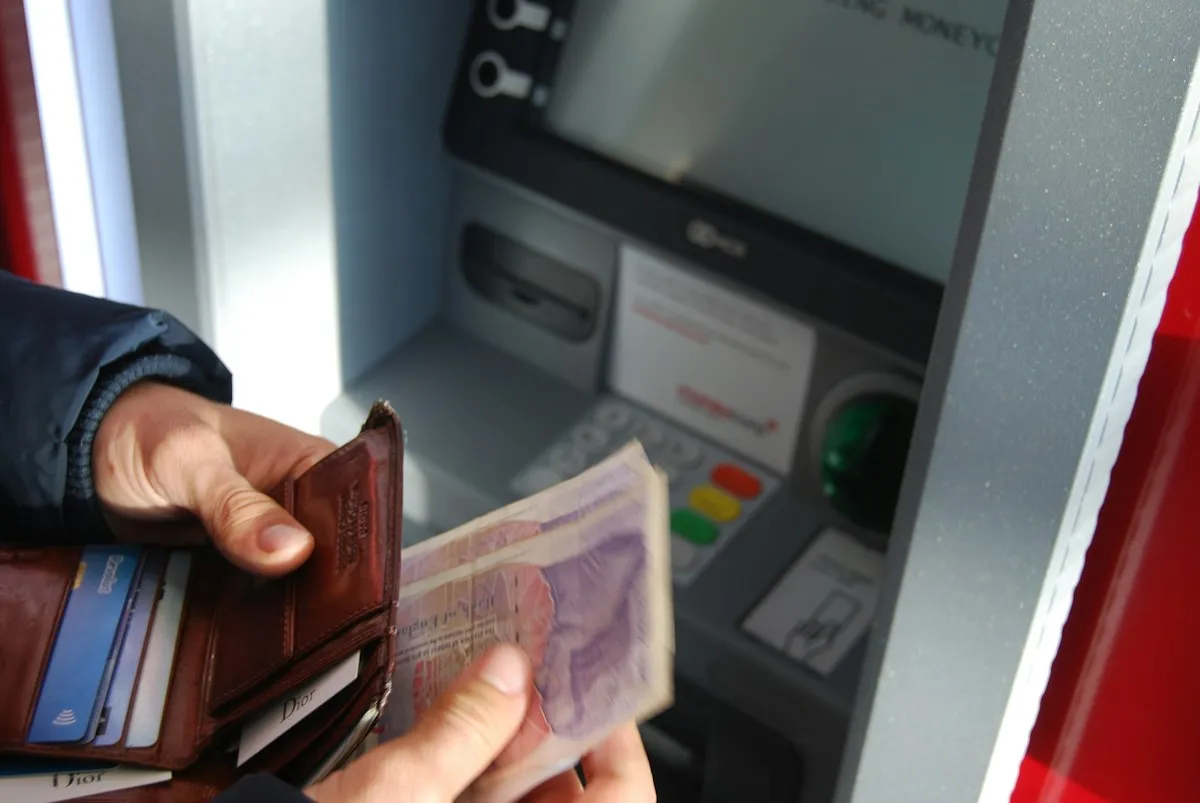
Wise (formerly TransferWise): Holds money in multiple currencies, sends international transfers cheaply, and offers a debit card. Essential for managing income in multiple currencies without getting destroyed by exchange rates.
Revolut: Similar to Wise but with higher limits and real-time FX rates. Great for spending in different countries.
Stripe or PayPal: Accept payments from clients internationally.
Strategy: Receive income in your home currency (or a stable one), hold it in Wise, and spend in local currency using the Wise debit card. You avoid currency conversion fees and always get fair exchange rates.
Part 9: Your First 30 Days, A Practical Checklist
Ready to start? Here is a month-by-month breakdown of what to handle:

Before You Leave (Month -1)
Secure remote employment or establish freelance client base.
Get an eSIM plan activated and tested.
Open a Wise account (the account itself is free). Set up PayPal or Stripe for income.
Consult a tax professional about your situation.
Buy essential gear (laptop, keyboard, mouse, headphones).
Research visa requirements for your first destination.
Week 1: Arrival
Immediately test WiFi speed and do a test video call.
Establish your morning routine and start your first work day.
Activate your eSIM.
Find one backup coworking space or cafe for work.
Week 2-3: Settle In
Establish a regular coworking schedule (2-3 days/week).
Join a local nomad group or meetup.
Test your productivity system. Does it work? Adjust.
Week 4: Reflect
After a month, reflect: Is work going well? Are you enjoying the location? Is your routine sustainable? Adjust accordingly. If things are not working, the beautiful part about traveling is that you can move.

The Honest Truth
Working remotely while traveling is incredible. You wake up to a new city, you explore at night, you build a life with genuine freedom. But it is not a permanent vacation. It is a lifestyle that requires discipline, intentionality, and honestly, some sacrifice.
There will be nights when you are working late because WiFi failed all afternoon. There will be times when the time zone difference feels impossible. You will get lonely sometimes. Your productivity will not always be 100%.
But you will also experience something most people only dream about. You will develop deep skills because you work remotely. You will build friendships across the world. You will discover strength you did not know you had. You will learn that your circumstances do not define your happiness, your mindset does.
It is not that traveling is better than "normal" life. It is that you choose it, and that choice can change everything.
This guide is your first step. Now go take it.
Happy travels, and enjoy the work.
Updated:
Affiliate disclosure. This post contains affiliate links. If you click and buy something, this site earns a small commission at no extra cost to you. Picks are based on published specs, independent reviews and manufacturer information, and we only recommend what we would use ourselves. As an Amazon Associate I earn from qualifying purchases. Read the full affiliate disclosure. Amazon and the Amazon logo are trademarks of Amazon.com, Inc. or its affiliates.


2 Comments