The Complete Digital Nomad Tool Stack (2026 Edition, 30+ Tools)
As an Amazon Associate I earn from qualifying purchases. Some links on this page earn us a small commission, at no extra cost to you. Full disclosure.
Quick answer
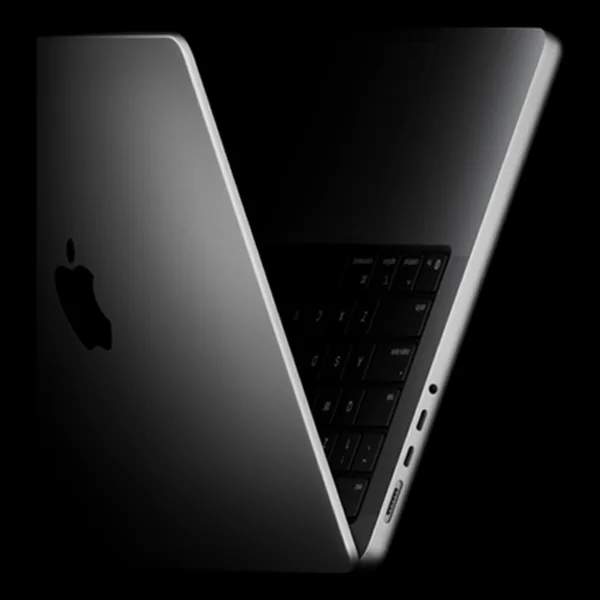
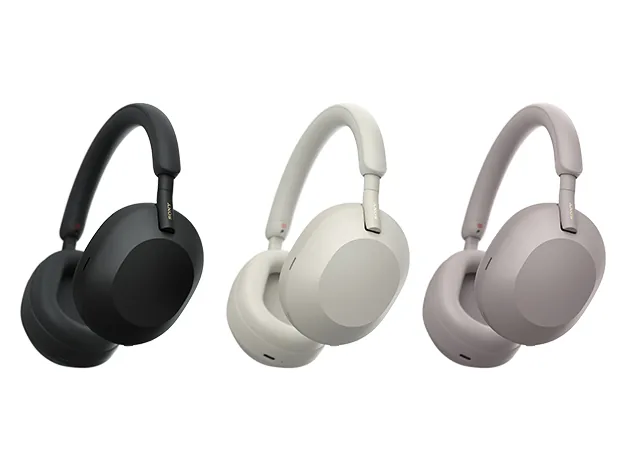
The hardware side of this digital nomad tool stack: a GL.iNet Beryl AX router for stable hotel wifi, plus a MacBook Pro 14 inch M-series, Sony WH-1000XM headphones and an Anker Laptop Power Bank (25K, 165W).
Our top picks
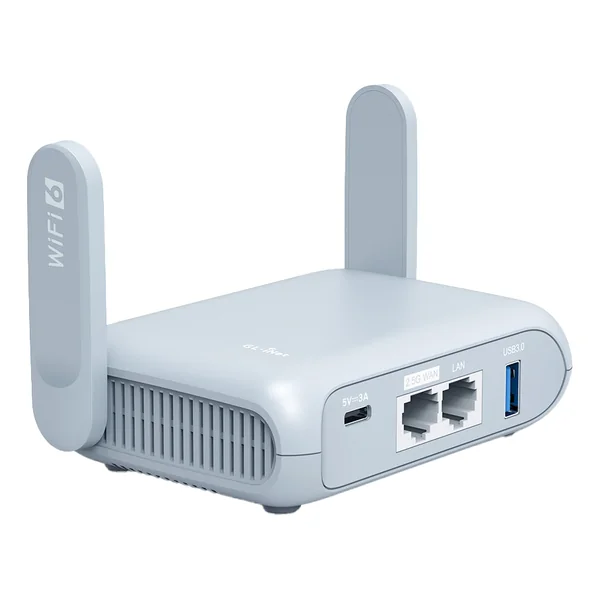
Anker Laptop Power Bank (25K, 165W)
Keeps the laptop and phone charged on the move Read more
This is the master list: the tools, apps, services and platforms that cover the whole digital nomad setup in 2026, grouped by what they do.
The list below is organized by function, not by hype. Nothing here is included because it pays the best commission. Each pick earned its spot because it kept working, month after month, in real conditions: spotty hotel wifi, a laptop that has to survive a backpack, and a schedule that changes country every few weeks. If a tool only works well in one setting, that is called out. The goal is not to overwhelm you with 30 apps, it is to give you a stack that just works so you can get back to the actual job.
- The stack is grouped by function: banking, connectivity, insurance, travel booking, tours, productivity and hardware.
- Connectivity gets a backup for every layer: an eSIM, a physical SIM, a travel router and a VPN.
- Nothing is included because it pays the best commission; each pick kept working in real conditions.
- Rough cost: 3,500-5,000 EUR for hardware once, 80-150 EUR a month for software and 45-90 EUR a month for insurance.
Banking and Money (5)
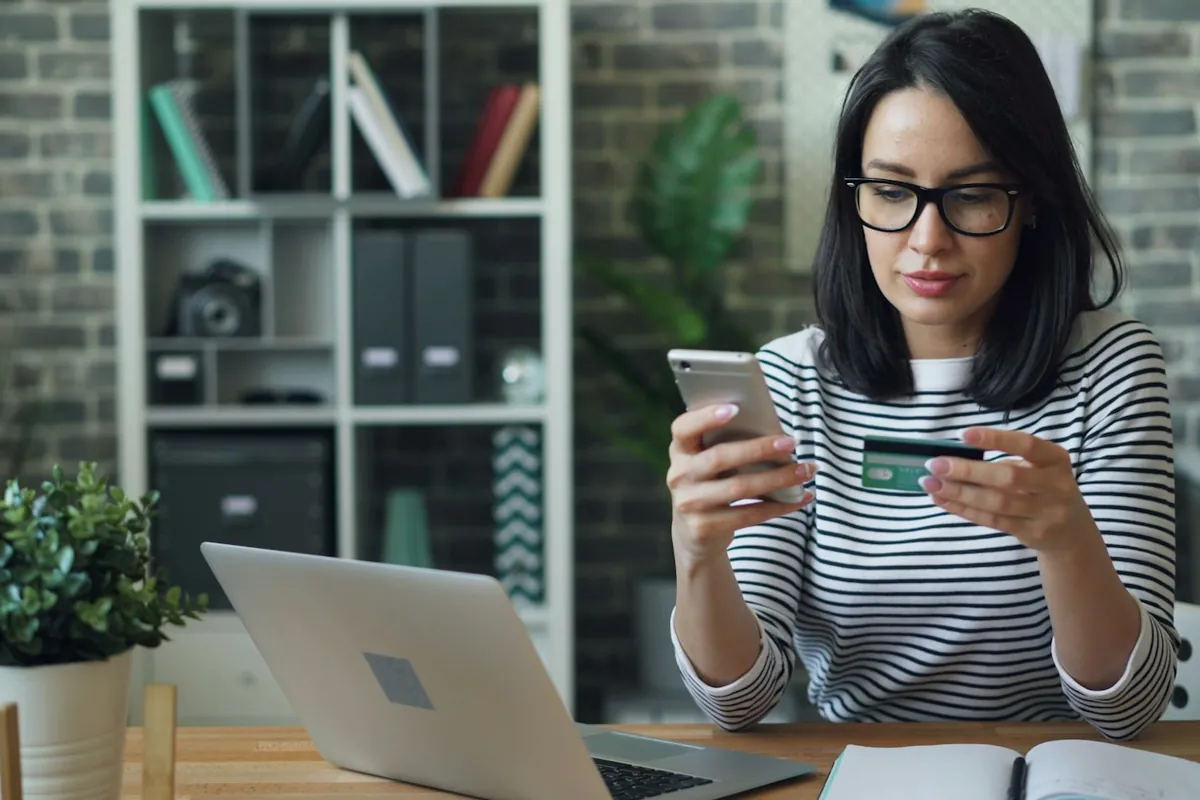
Money is the category where nomads get burned most often: dead cards at an ATM in a new country, a bank that freezes an account over a foreign login, or fees that quietly eat 3 percent of every transaction. This set covers daily spending, receiving client payments, and a backup in case one provider has an outage.
- Revolut: Primary multi-currency card for daily spending
- Wise: Receiving client payments with local account numbers
- N26: A full German bank account with a European IBAN
- Crypto card (Crypto.com): Backup payment method
- PayPal: Quick freelance payments
Internet and Connectivity (4)
A dead connection is the one failure that stops work outright, so this category gets a backup for every layer: a primary eSIM data plan, a physical SIM as a fallback where eSIM coverage is patchy, a travel router to turn any hotel or Airbnb wifi into a private, stable network, and a VPN for public networks.
- Airalo eSIM: 200+ countries, primary data plan
- DrimSim: Physical SIM backup
- GL.iNet Beryl AX router: Hotel wifi converter
- NordVPN: Security on public networks
Insurance and Health (3)
- SafetyWing: Monthly nomad insurance baseline
- World Nomads: Thorough trip insurance
- AirHelp: EU flight delay compensation
If you want to compare more insurers side by side, HelloSafe is an independent comparison of 40+ insurers, and the certificate is instant once you pick a plan.
HelloSafe
Travel Booking (5)
Booking on the move is different from booking a single annual holiday. Flexibility matters more than the lowest possible fare, because plans change with visa runs, weather, and work deadlines. The tools below cover flight search, ground transport, and lodging, with an emphasis on providers that make changes and cancellations easy rather than punishing.
- Google Flights: Flight searches
- Skyscanner: Budget carrier coverage
- DiscoverCars: Car rentals (1,000+ suppliers compared)
- GetTransfer: Airport transfers (180+ countries)
- Booking.com: Hotel bookings
Another place to look for a bed is ZenHotels, where you can search and compare hotels, hostels and apartments.
Compare hotel prices on ZenHotels
Tours and Activities (3)
This category is optional but worth having ready, especially for weekend trips squeezed between work weeks. A city pass or a pre-booked activity saves the planning time you do not have when you only get two free days a week.
- Klook: Asia tours and activities
- Tiqets: European museum tickets
- GoCity Pass: City attraction passes
Productivity Software (8)
This is the layer most nomads either over-build or ignore completely. The honest answer is that you need one place for notes and plans, one place for communication, and one place that keeps your passwords and logins safe when you are working from a different cafe every week.
- Obsidian: Knowledge management, notes (local markdown files)
- Trello: Project and task management (kanban boards)
- Slack: Team communication
- Google Workspace: Email, calendar, docs
- Loom: Async video communication
- 1Password: Password management
- Calendly: Meeting scheduling
- Forest: Focus timer
For AI assistants, meeting notes and translation, see our guide to the best AI tools for digital nomads.
Hardware (8)
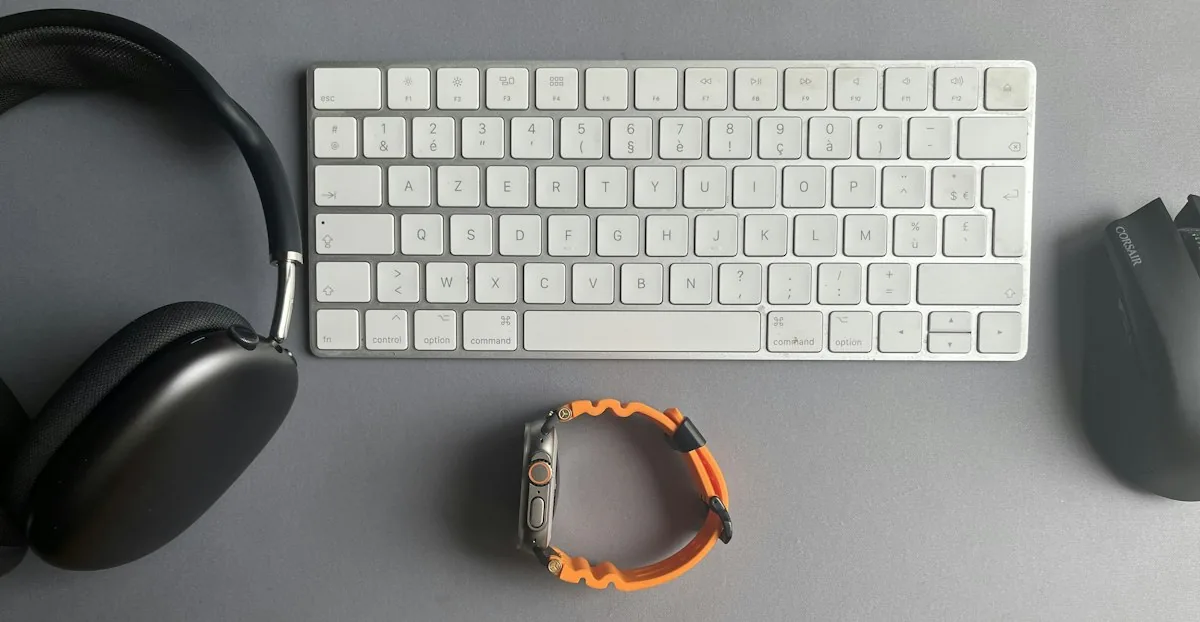
- MacBook Pro 14 inch M-series (Get yours on Amazon)
- Portable USB-C monitor
- Mechanical 60% travel keyboard
- Sony WH-1000XM headphones (Get yours on Amazon)
- Travel router (GL.iNet) (Get yours on Amazon)
- Anker Laptop Power Bank (25K, 165W) (Get yours on Amazon)
- Carry-on backpack
- Phone with eSIM support
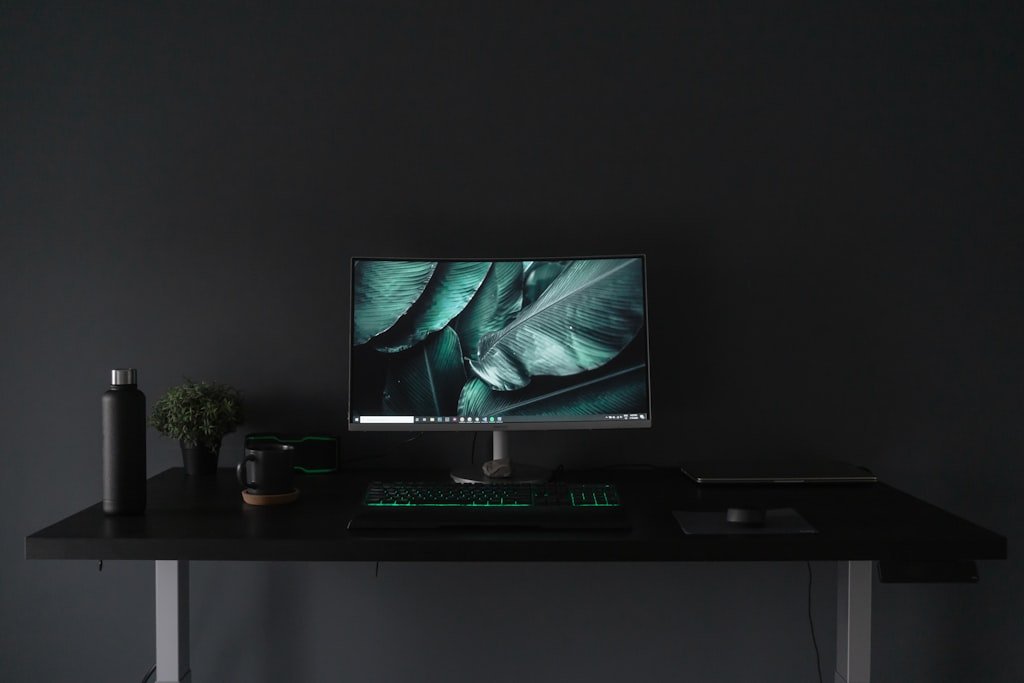
Our remote work setup
The gear guides we compare for working from cafes, coliving rooms and rentals:
Total Cost
Rough estimates:
Hardware: 3,500-5,000 EUR one-time (replace every 4-5 years)
Monthly software subscriptions: 80-150 EUR
Monthly insurance: 45-90 EUR
Per-trip travel costs: variable
| Category | Typical cost |
|---|---|
| Hardware (one-time, replace every 4-5 years) | 3,500-5,000 EUR |
| Software subscriptions | 80-150 EUR/month |
| Insurance | 45-90 EUR/month |
| Travel costs | Variable per trip |
If you want our full setup guide as a PDF with deep dives on each tool, grab the Free Digital Nomad Setup Guide.
Updated:
Affiliate disclosure. This post contains affiliate links. If you click and buy something, this site earns a small commission at no extra cost to you. Picks are based on published specs, independent reviews and manufacturer information, and we only recommend what we would use ourselves. As an Amazon Associate I earn from qualifying purchases. Read the full affiliate disclosure. Amazon and the Amazon logo are trademarks of Amazon.com, Inc. or its affiliates.