Logitech MX Keys S vs Apple Magic Keyboard for Travel
As an Amazon Associate I earn from qualifying purchases. Some links on this page earn us a small commission, at no extra cost to you. Full disclosure.
Quick answer
Pick the Logitech MX Keys S if you want a full-size keyboard with a number pad that works on Windows, Mac, Linux and Android. Pick the Apple Magic Keyboard if you live in the Apple ecosystem and want a keyboard that weighs 0.239 kg. We compare them on the maker spec pages, because the weight difference is the first thing you notice in a carry-on.
Our picks

Logitech MX Keys S
Full size with a number pad, USB-C charging and Bolt or Bluetooth. Read more

Apple Magic Keyboard (USB-C)
0.239 kg, 27.89 cm wide, charges over USB-C and pairs by Bluetooth. Read more
A keyboard is one of the cheapest upgrades for a laptop you work on every day. The MX Keys S and the Magic Keyboard sit at opposite ends of the choice: one is a full-size board for every platform, the other a compact one for Apple devices. We compare them on the Logitech and Apple spec pages, read on 16 November 2026. For more options, see our guide to the best travel keyboards.
MX Keys S vs Magic Keyboard at a glance
| Logitech MX Keys S | Apple Magic Keyboard (USB-C) | |
|---|---|---|
| Size | 430.2 x 131.6 x 20.5 mm | 27.89 cm wide, 11.49 cm deep, 0.41 to 1.09 cm high |
| Weight | 810 g (keyboard only) | 0.239 kg |
| Connection | Logi Bolt receiver or Bluetooth LE | Bluetooth, USB-C port |
| Works with | Windows, macOS, iOS, iPadOS, Android; basic use on Linux and ChromeOS | Mac, iPad, iPhone, Apple Vision Pro |
| Battery | 1500 mAh, five months with backlight off | About a month or more per charge |
| Backlight | Yes | Not listed |
| Number pad | Yes | No |

The two keyboards
1. Logitech MX Keys S: best full-size keyboard
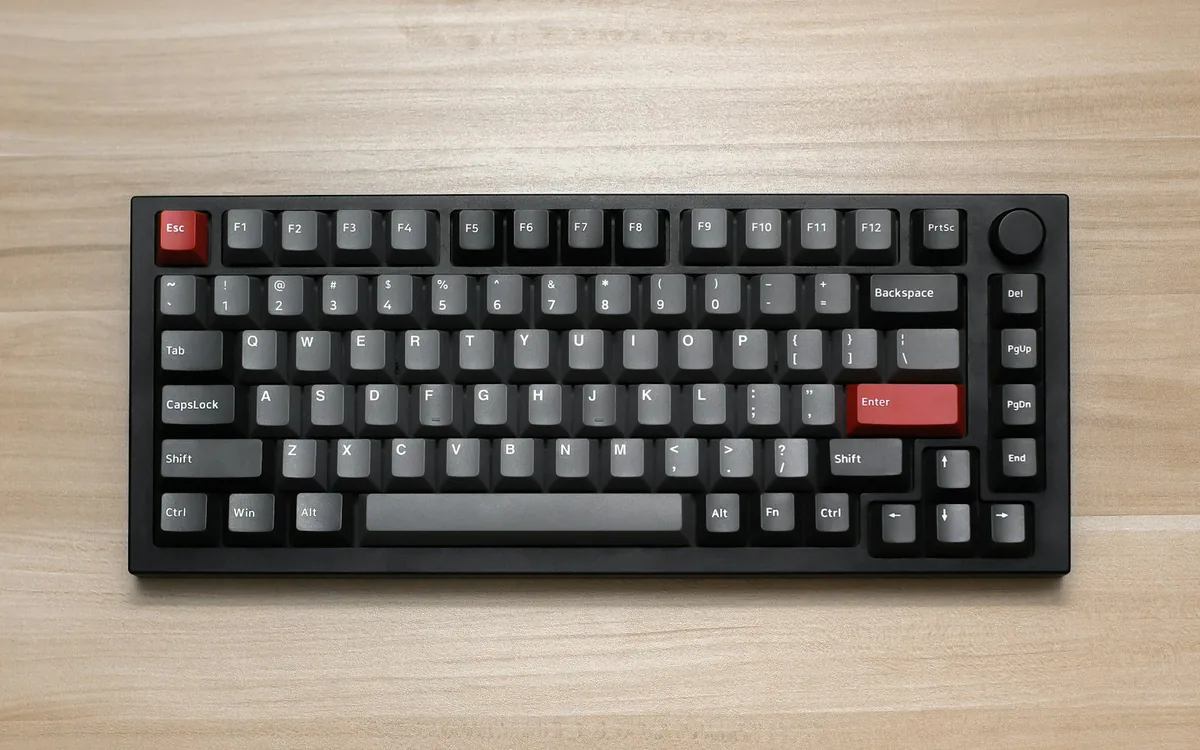
Logitech MX Keys S
Logitech's spec page lists the MX Keys S at 430.2 mm long, 131.6 mm wide and 20.5 mm high, weighing 810 g without the palm rest. It has scissor keys with 1.8 mm of travel, a backlight, a 1500 mAh battery charged over USB-C, and connects with the Logi Bolt receiver (10 m range, included) or Bluetooth LE. Logitech says it runs on Windows 10 and 11, macOS 11 or later, iOS 14 or later, iPadOS 14 or later and Android 9 or later, with basic functions on Linux and ChromeOS. The Amazon listing says you can switch between 3 devices.
What we like
A full-size layout with a number pad, a backlight, USB-C charging and support for Windows, Mac, Android and more.
What could be better
At 810 g and nearly 43 cm long it is a lot to pack. Logitech also sells a Mac version whose spec sheet lists Bluetooth only, so check which version you order.
2. Apple Magic Keyboard (USB-C): best light compact keyboard
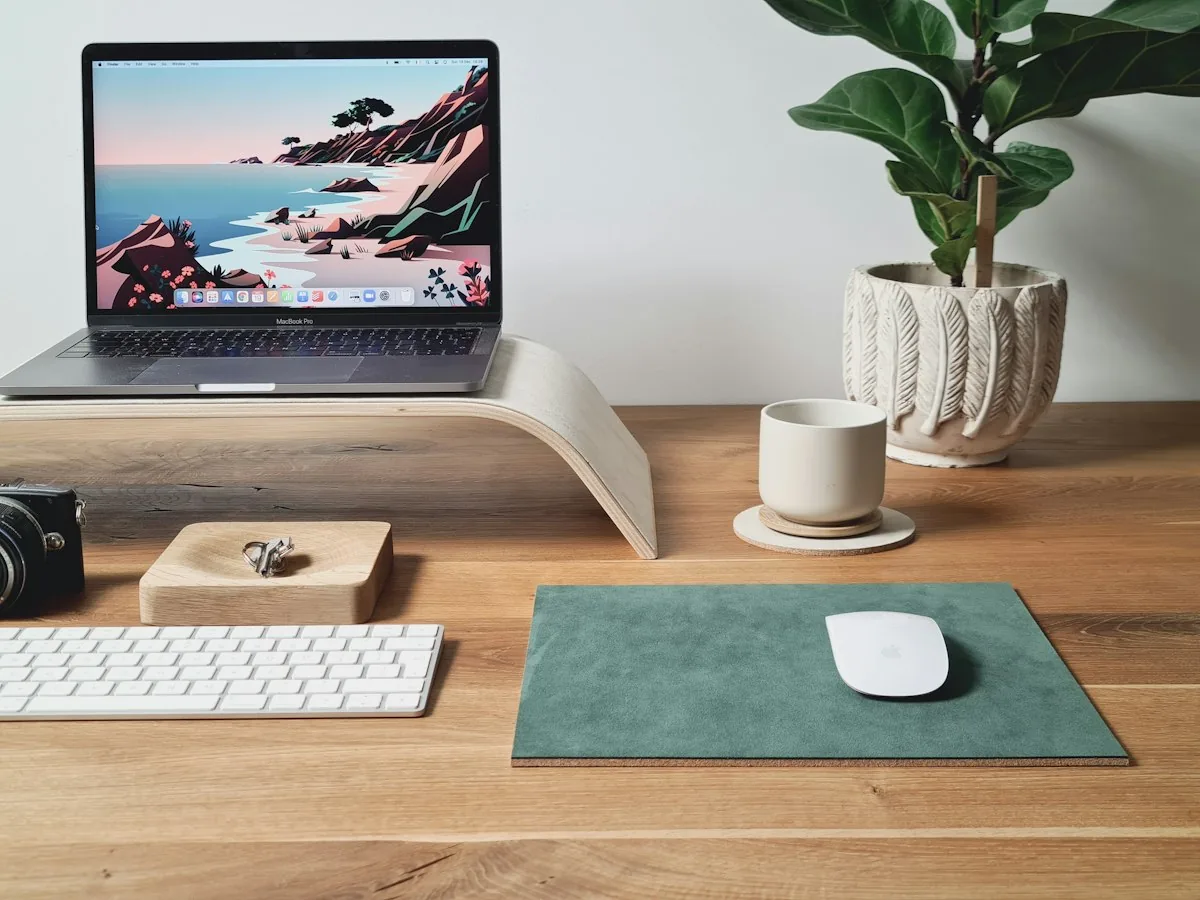
Apple Magic Keyboard (USB-C)
Apple lists the Magic Keyboard (USB-C) as 27.89 cm wide and 11.49 cm deep, between 0.41 and 1.09 cm high, at 0.239 kg. It has a rechargeable internal battery that lasts about a month or more between charges, a USB-C port, and Bluetooth. It works with a Mac on macOS 15.1 or later, an iPad on iPadOS 14.5 or later, an iPhone on iOS 14.5 or later, and Apple Vision Pro. The box holds the keyboard and a USB-C charge cable.
What we like
Very light and compact, about a month per charge, and it pairs with your Mac, iPad and iPhone.
What could be better
It is built for Apple devices, there is no number pad, and Apple's spec page does not list a backlight. Apple sells a separate model with Touch ID and a numeric keypad if you need those.
How to choose
- Your devices. The Magic Keyboard is for Apple devices. The MX Keys S also works with Windows, Android and Linux.
- Weight and size. 0.239 kg and 27.89 cm against 810 g and 43 cm. If you carry it every day, this is the biggest difference.
- Number pad. If you work in spreadsheets, the MX Keys S has one and the Magic Keyboard does not.
- Light. The MX Keys S has a backlight. Apple does not list one for the Magic Keyboard.
- Battery. Logitech lists five months with the backlight off. Apple says about a month or more per charge. Both charge over USB-C.

How we picked
We compared the keyboards on the Logitech support page and the Apple support page, plus the Amazon listings, read on 16 November 2026. We left out prices and star ratings because they change. We chose a full-size keyboard and a compact one, so the choice comes down to platform and weight.
Key takeaways
- Want a full-size board for Windows, Mac and Android: the Logitech MX Keys S.
- Want the lightest keyboard for Mac, iPad and iPhone: the Apple Magic Keyboard.
- The MX Keys S weighs 810 g, the Magic Keyboard 0.239 kg.
- The Magic Keyboard has no number pad or backlight listed.
FAQ
Is the Logitech MX Keys S or the Apple Magic Keyboard better for travel?
The Magic Keyboard is far lighter and more compact at 0.239 kg. The MX Keys S is a full-size board at 810 g that also works with Windows and Android. Choose by weight and platform.
Does the MX Keys S work with a Mac?
Yes. Logitech lists macOS 11 or later and iOS 14 or later. Logitech also sells a Mac version, so check which one you order.
Does the Magic Keyboard work with Windows?
Apple lists Mac, iPad, iPhone and Apple Vision Pro as compatible. It does not list Windows.
How long does the battery last?
Logitech lists five months for the MX Keys S with the backlight off. Apple says the Magic Keyboard lasts about a month or more per charge.
Affiliate disclosure. This post contains affiliate links. If you click and buy or book something, this site earns a small commission at no extra cost to you. Product descriptions are based on the Amazon product pages and the manufacturers' own sites, and product details come from the makers' own pages and the Amazon product pages, read on 16 November 2026. As an Amazon Associate I earn from qualifying purchases. Read the full affiliate disclosure. Amazon and the Amazon logo are trademarks of Amazon.com, Inc. or its affiliates.
Your next step