Travel Power Strip: 5 Charging Stations Compared
As an Amazon Associate I earn from qualifying purchases. Some links on this page earn us a small commission, at no extra cost to you. Full disclosure.
A travel power strip can look useful when your hotel desk has one socket and several devices waiting to charge. Before choosing one, check whether you need more wall sockets or just more USB ports. That distinction matters when charging abroad. Four options have US AC outlets rated for 125 V AC, while the Anker Travel Charging Station A1A05 has only USB ports and accepts 100-240 V input. Quick answer Checked on 19 October 2026. For North American outlets, pick the Anker Nano for a compact desk setup, the Prime for more shared USB power, or the Belkin models for an extra socket or an attached cable. For USB charging abroad, the Anker Travel Charging Station lists a 100-240 V input range; use a suitable plug adapter and follow its instructions. None of the models with AC sockets has confirmed support here for use on a 230 V supply. All 5 picks at a glance Anker Nano Charging Station 6-in-1 67W Adds wall sockets and USB ports in a small footprint. Read more Anker Prime 6-in-1 Charging Station 140W Offers the higher USB power budget of the two Anker models with AC sockets. Read more Anker Travel Charging Station 6-in-1 150W Supports the stated international input range without adding AC sockets. Read more Belkin 3-Outlet Charging Station 70W Provides three AC sockets alongside separate USB-C and USB-A ports. Read more Belkin 2-Outlet Charging Station 70W Keeps a USB-C cable attached to the station. Read more
How we compared them
The NomadsToolsLab team read the Anker and Belkin product pages on 19 October 2026 and checked each Amazon US listing with a US address. The comparison covered socket counts, AC outlet ratings, input voltage and total USB output. The key distinction was input versus outlet rating, because broad input support does not confirm that the AC sockets support a higher voltage.
125 V sockets, input voltage and USB-only charging abroad
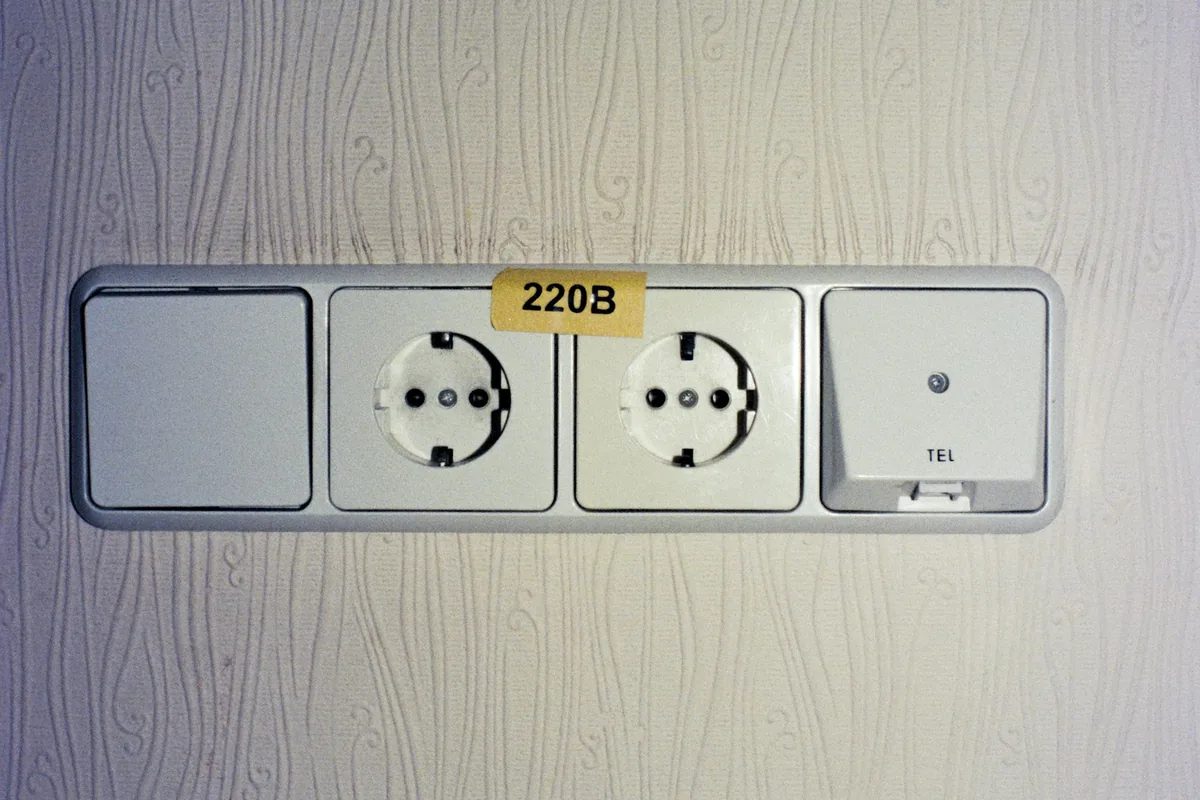
The Nano and Prime list an international input range, but their AC outlets are labelled 125 V. Do not treat that input specification as permission to connect those strips to a 230 V supply. Plug types and voltages per country are listed on IEC World Plugs.
The Belkin pages do not list input voltage, so use outside North America remains unconfirmed. For Europe, the UK or Asia, choose the USB-only Anker station with a suitable plug adapter and stay within its stated input range.
The five stations side by side
| Station | AC outlets | USB ports | USB output (total) | Input / AC outlet rating |
|---|---|---|---|---|
| Anker Nano 67W (A9129) | AC outlets: 2 | USB ports: 2 USB-C + 2 USB-A | USB output (total): 67 W | Input / AC outlet rating: 100-240 V in; outlets 125 V AC |
| Anker Prime 140W (A9128) | AC outlets: 2 | USB ports: 2 USB-C + 2 USB-A | USB output (total): 140 W shared | Input / AC outlet rating: 100-240 V in; outlets 125 V AC |
| Anker Travel 150W (A1A05) | AC outlets: 0 | USB ports: 4 USB-C + 2 USB-A | USB output (total): 150 W max | Input / AC outlet rating: 100-240 V in; no AC outlets |
| Belkin 3-Outlet (SRZ001) | AC outlets: 3 | USB ports: 2 USB-C + 2 USB-A | USB output (total): 70 W max | Input / AC outlet rating: Not listed |
| Belkin 2-Outlet (SRZ002) | AC outlets: 2 | USB ports: 1 USB-C + 2 USB-A + attached USB-C cable | USB output (total): 70 W max | Input / AC outlet rating: Not listed |
From the makers' pages, read on 19 October 2026: Anker Nano, Anker Prime, Anker Travel, Belkin 3-Outlet and Belkin 2-Outlet.
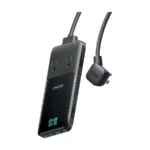
Anker Nano Charging Station
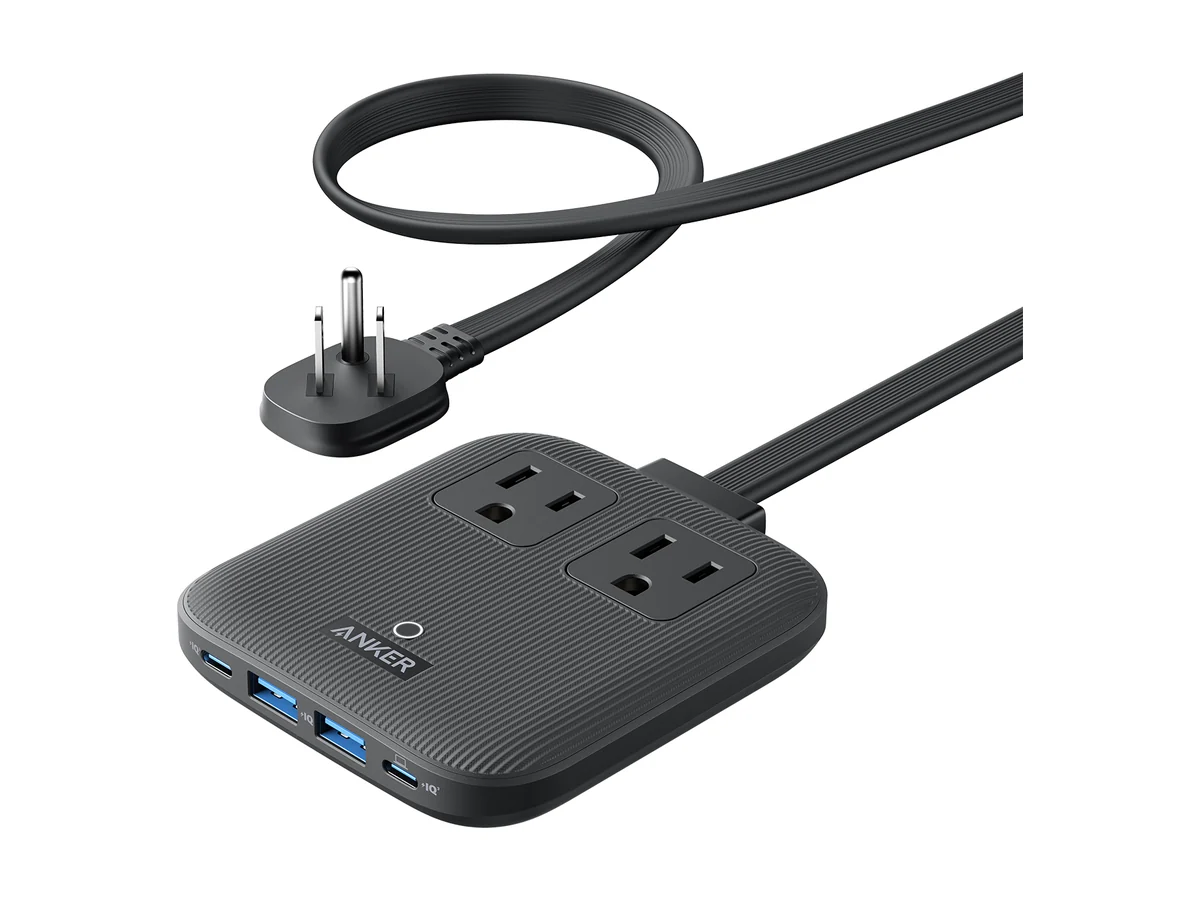
Anker Nano Charging Station 6-in-1 67W
Pick the Anker Nano Charging Station if you want sockets and USB charging in a small desk block, because it combines both without a large footprint. The limitation is its 125 V AC outlets, which rule out treating it as a general international power strip.
Anker lists over-voltage and short-circuit protection. Its product page does not mention surge protection, so those features should not be read as a surge-protection claim.
Anker Prime Charging Station
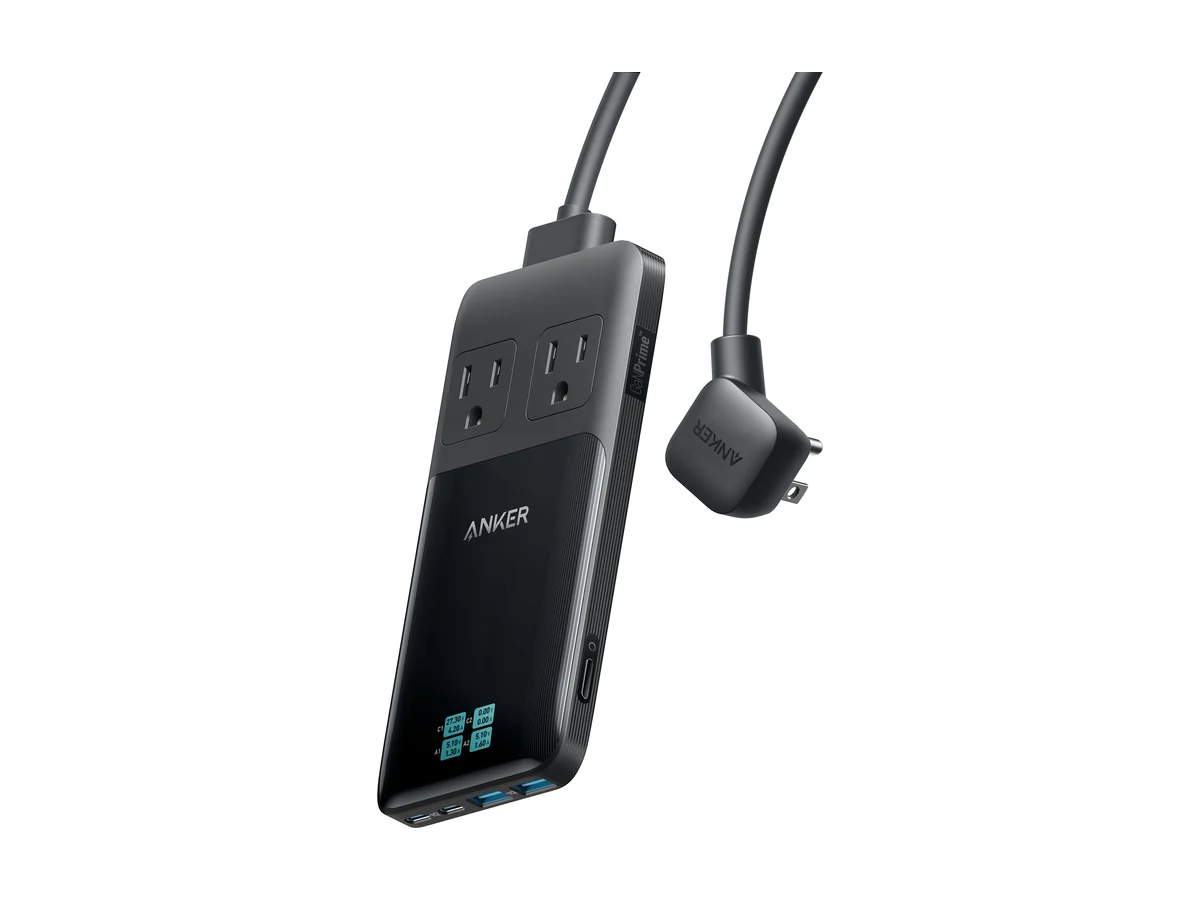
Anker Prime 6-in-1 Charging Station 140W
Pick the Anker Prime Charging Station if your desk needs more shared USB output, because its power budget is higher than the Nano's. That output is shared across the ports, and the AC sockets remain limited to their North American rating.
The detachable cord may matter when deciding how to pack the station. Anker explicitly states that this model has no surge protection, so choose it for its charging arrangement rather than that feature.
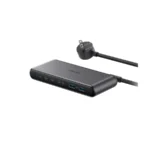
Anker Travel Charging Station
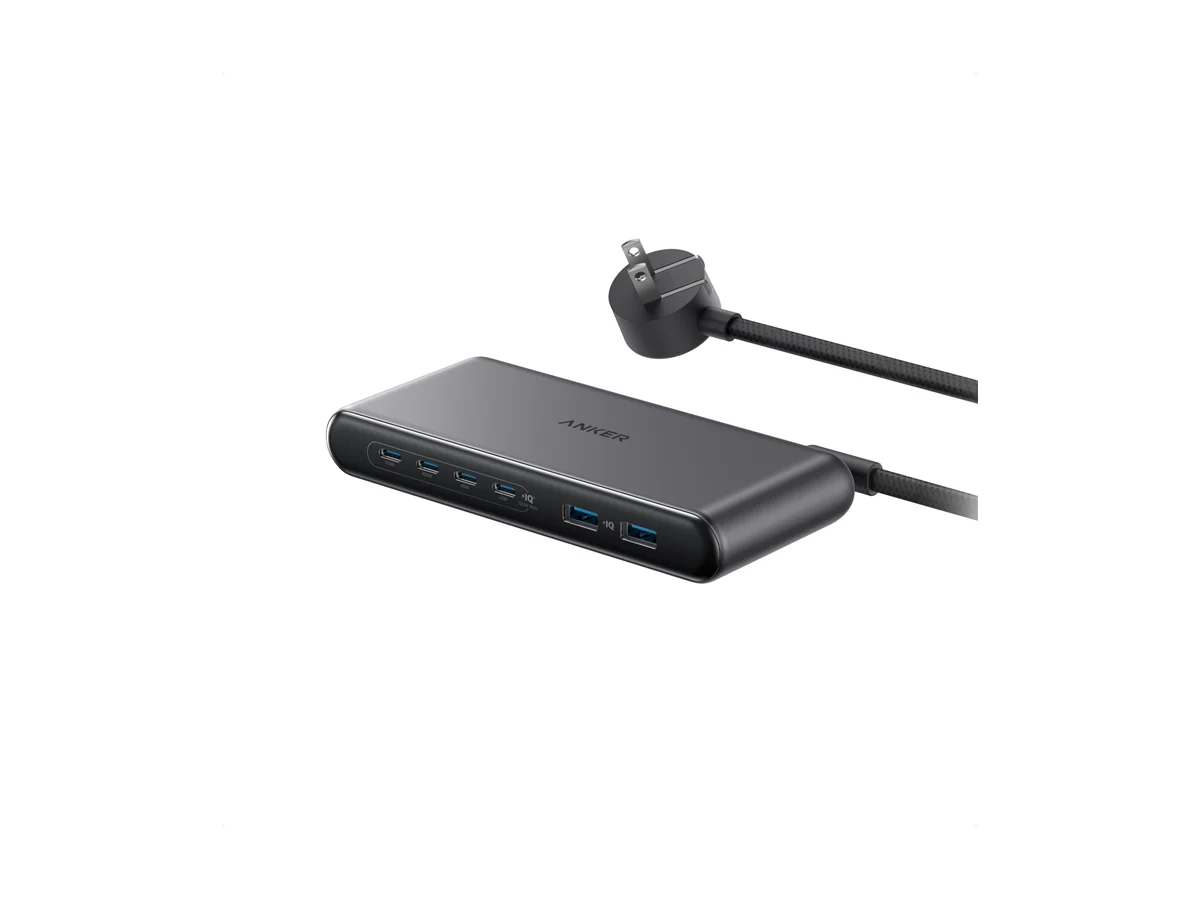
Anker Travel Charging Station 6-in-1 150W
Pick the Anker Travel Charging Station if your devices charge through USB, because its stated input range supports charging abroad with a suitable plug adapter. The consequence is no extra AC sockets, so a lamp or monitor with a wall plug needs another outlet.
Its maximum total output is shared, and the USB ports have different individual limits. Choose which device goes into which port instead of assuming every port supplies the same power.
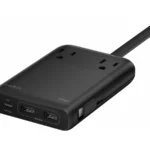
Belkin 3-Outlet Charging Station
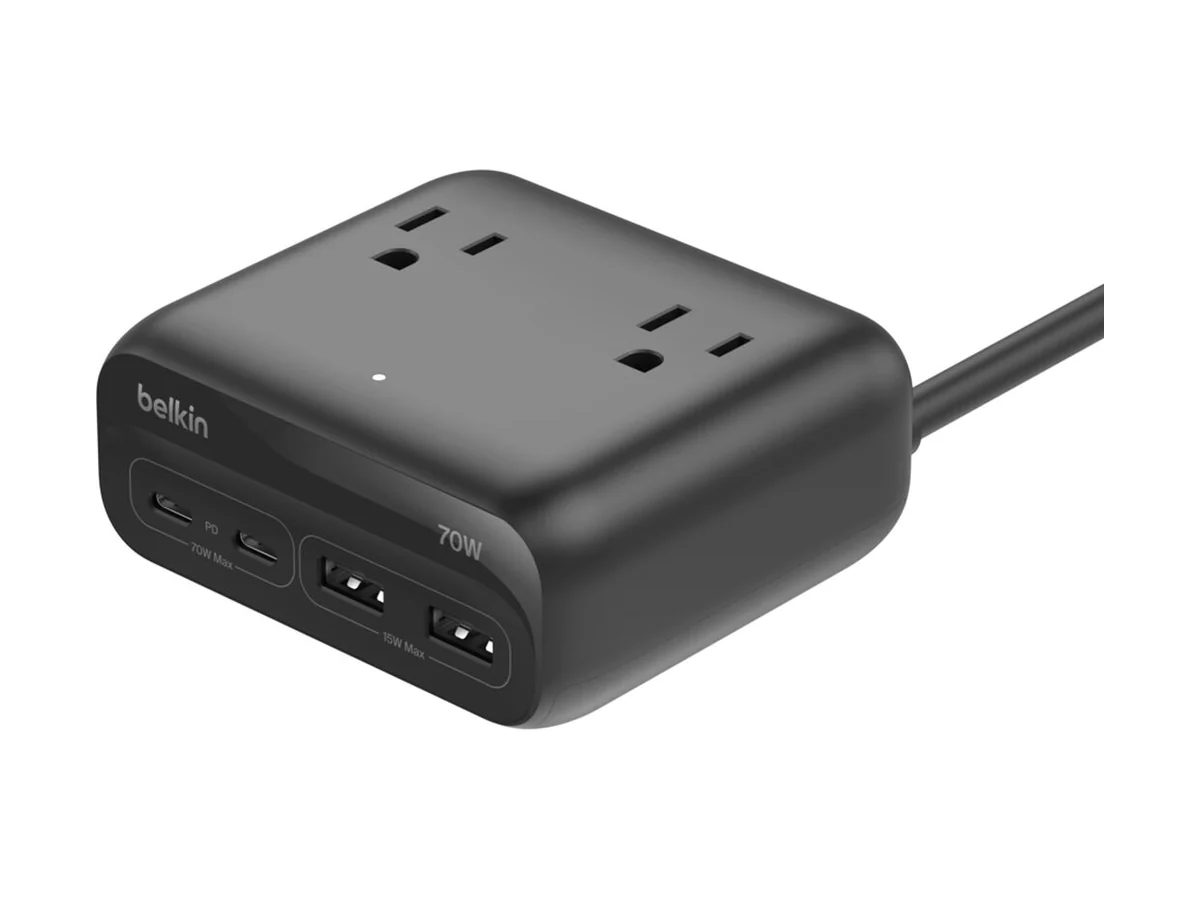
Belkin 3-Outlet Charging Station 70W
Pick the Belkin 3-Outlet Charging Station if your North American desk needs more wall-plug connections, because it offers an extra AC socket compared with the other strips here. The limitation is unconfirmed input voltage, so the product page does not support recommending it for use abroad.
The separate USB ports let you choose your own charging cables. Belkin does not list surge protection on its product page, so do not assume that protection is included.
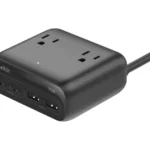
Belkin 2-Outlet Charging Station
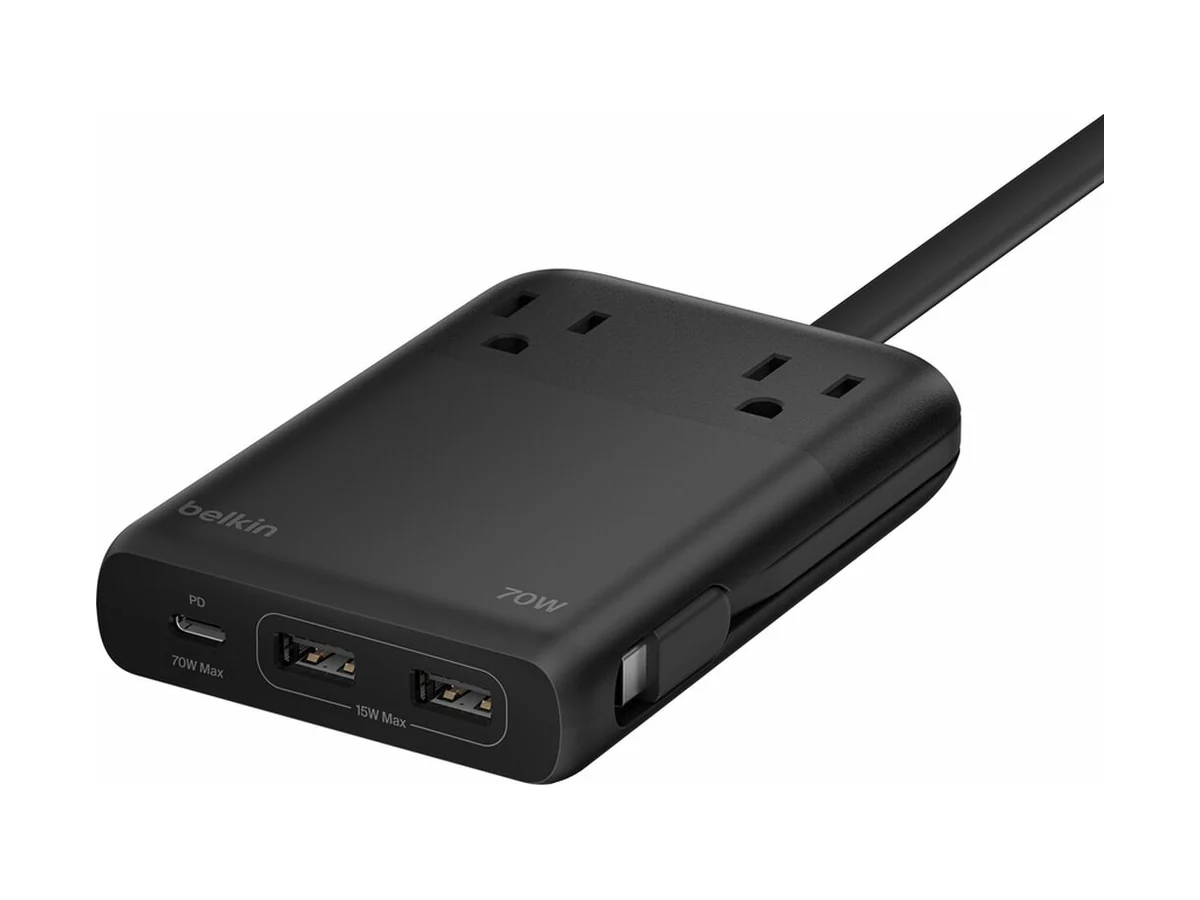
Belkin 2-Outlet Charging Station 70W
Pick the Belkin 2-Outlet Charging Station if you prefer keeping a USB-C cable attached, because that cable is part of the charging setup. The limitation is missing regional voltage details, so its page does not establish suitability for international mains supplies.
Belkin calls this model safe to bring onboard cruise ships. That maker statement does not establish permission from every cruise operator, so confirm the rules for your sailing.
Choose for your destination and your devices
For a North American hotel desk, start with how many devices actually need an AC socket. Choose the Nano for a compact setup, the Prime for more shared USB power, or the larger Belkin socket arrangement when wall-plug connections take priority.
For charging abroad, choose the USB-only Anker station if all your devices can charge through USB. Its stated input range supports that role with a suitable plug adapter, while the attached-cable Belkin suits a different preference but lacks confirmed international voltage details. For the wall side, see our universal travel adapters and the GaN chargers for travel.
- An international input range does not confirm international compatibility for the AC outlets.
- The USB-only Anker station is the choice for charging abroad within its stated input range.
- Choose your AC socket count before comparing total USB power.
- Surge protection is explicitly absent on the Prime and is not mentioned for the other AC models here.
Watch: the two Anker stations from the maker
A short look at the product from the maker: Anker Charging's “Anker Nano Charging Station (6-in-1, 67W)”.
Video by Anker Charging.
See the Anker Nano 67W on Amazon.
A short look at the product from the maker: Anker Charging's “Ultra-Slim Power - Anker Prime 6-in-1 Charging Station”.
Video by Anker Charging.
See the Anker Prime 140W on Amazon.
FAQ
Can I use these travel power strips on a 230 V supply?
None of the models with AC sockets has confirmed support here for that use. The Anker sockets are labelled 125 V, while the Belkin pages do not provide voltage details.
Which station should I choose for USB charging abroad?
Choose the USB-only Anker Travel Charging Station within its stated 100-240 V input range, with a suitable plug adapter. It cannot provide an AC socket for a lamp, monitor or other wall-plug device.
Do these charging stations include surge protection?
Anker explicitly says the Prime has no surge protection. The makers' pages do not mention it for the Nano or either Belkin model.
Which model does Belkin describe as suitable for cruise ships?
Belkin calls the SRZ002 safe to bring onboard cruise ships. Confirm your cruise operator's rules before packing it, since the maker's statement does not establish approval for every sailing.
Affiliate disclosure. This post contains affiliate links. If you click and buy something, this site earns a small commission at no extra cost to you. Picks are based on published specs, independent tests and manufacturer information. As an Amazon Associate I earn from qualifying purchases. Read the full affiliate disclosure. Amazon and the Amazon logo are trademarks of Amazon.com, Inc. or its affiliates.
Your next step