

The Complete Digital Nomad Setup Guide 2026
As an Amazon Associate I earn from qualifying purchases. Some links on this page earn us a small commission, at no extra cost to you. Full disclosure.
The Complete Digital Nomad Setup Guide 2026
Quick answer
The short version: a laptop, a second screen and a travel router carry most of the setup. The Asus ZenScreen MB16AC is the portable monitor that adds the most on a monthly stay, and the GL.iNet Beryl AX turns any hotel wifi into your own protected network. The full eight part setup, in the order to build it, is below.
Checked on 9 October 2026: the MacBook Air, Asus ZenScreen, SafetyWing, Wise, Calendly, Google Workspace and Proton VPN details against the official pages.
Our top picks
MacBook
Long battery life, light, and powerful enough for everything except heavy video editing Read more
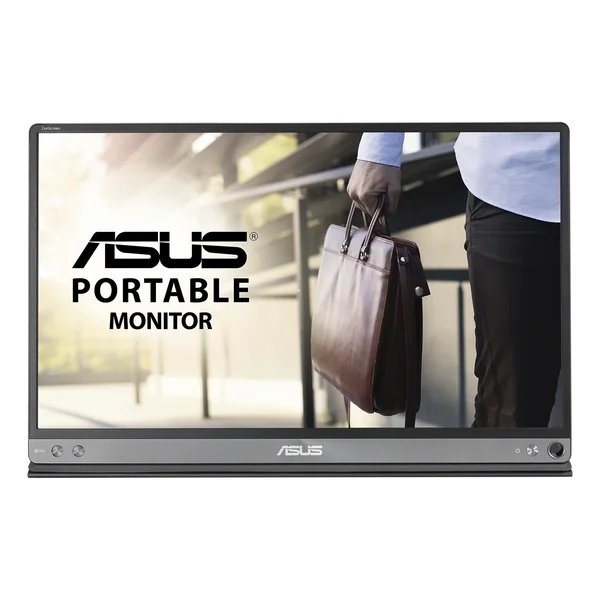
Asus ZenScreen MB16AC
USB C second screen, the upgrade that improves productivity most on monthly stays Read more
INNOCN 15.6-inch portable monitor
The other portable monitor in this guide, 15.6 inches and budget friendly Read more
Show 4 more picks
TESSAN universal adapter
One universal adapter instead of a bag full of plugs Read more
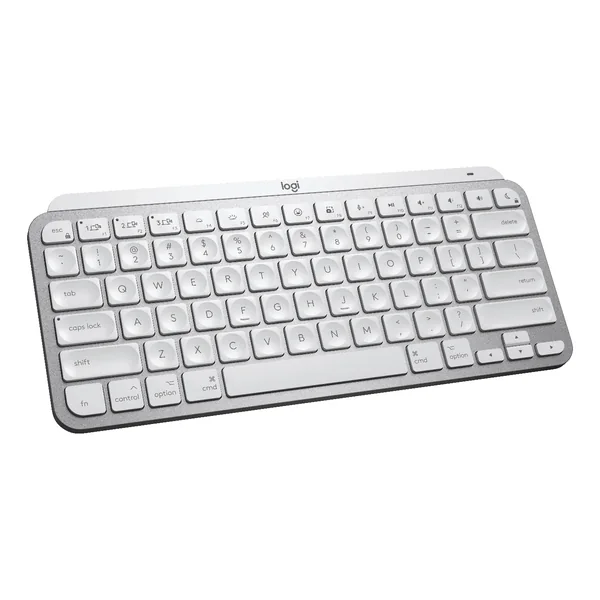
Logitech MX Keys Mini
Small external keyboard, the other half of a laptop stand setup Read more

MailerLite
Free up to 250 subscribers, clean editor, automations and landing pages included
The gear in one table
| Gear | What it is for | Shop |
|---|---|---|
| MacBook | Laptop | Get yours on Amazon |
| Second screen | Get yours on Amazon |
| INNOCN 15.6-inch portable monitor | Second screen | Get yours on Amazon |
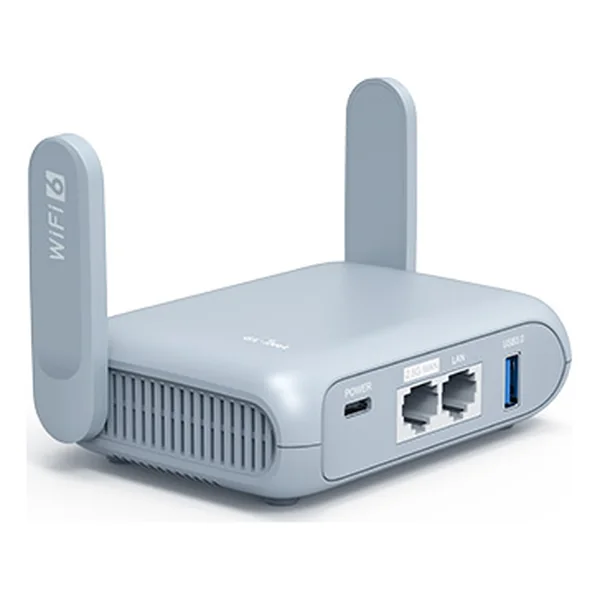 | Travel router | Get yours on Amazon |
 | Power bank | Get yours on Amazon |
| Sony WH 1000XM5 | Headphones | Get yours on Amazon |
| TESSAN universal adapter | Travel adapter | Get yours on Amazon |
 | Laptop stand | Get yours on Amazon |
| Keyboard | Get yours on Amazon |
The Setup In One Picture
A complete nomad setup has eight parts. Get all eight right and the lifestyle is sustainable. Get any one wrong and the friction adds up fast.
1
Hardware: laptop, phone, monitor, accessories
2
Internet: VPN, eSIM, portable router, backup hotspot
3
Software: project management, communication, scheduling, password manager
4
Money: multi currency banking, payment platform, accounting
5
Safety: travel insurance, health insurance, document backup
6
Logistics: booking systems for flights, accommodation, activities
7
Productivity: workspace, ergonomics, focus tools
8
Community: where you meet other nomads, where you get advice
The rest of this guide is one section per piece, with the specific tools we recommend, what they cost, and the order to set them up.
1. Hardware: The Gear You Actually Need
The gear list is shorter than most guides suggest. Carry less, move easier. For the exact kit, item by item, see this remote work gear setup for long-term nomads.
Laptop
The MacBook Air M5 (13 or 15 inch) is what most working nomads land on. Long battery life, good keyboard, lightweight, and powerful enough for everything except heavy video editing. Apple lists the 13 inch at 2.7 pounds (1.23 kg) with up to 18 hours of video streaming battery life. Pricing starts at a reasonable point for the 13 inch.
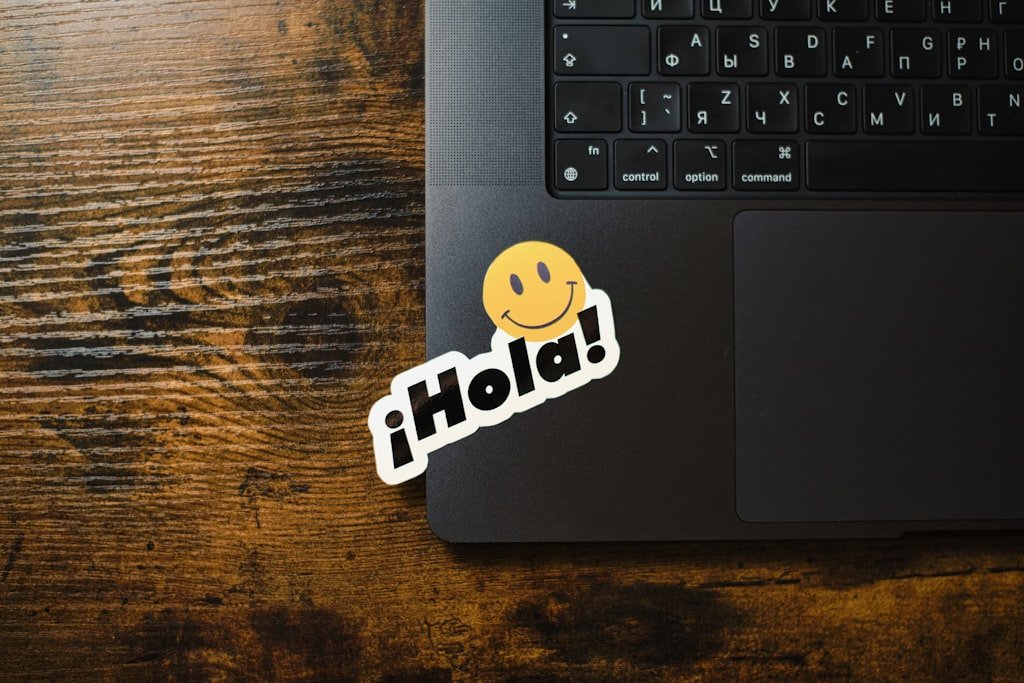
MacBook: Check price on Amazon
If you are on Windows, the Dell XPS 13 or Lenovo ThinkPad X1 Carbon are the strongest picks. Framework laptops are a newer option for nomads who want repairability and upgradeability.
For deeper picks see our best laptops for digital nomads guide.
Portable Monitor
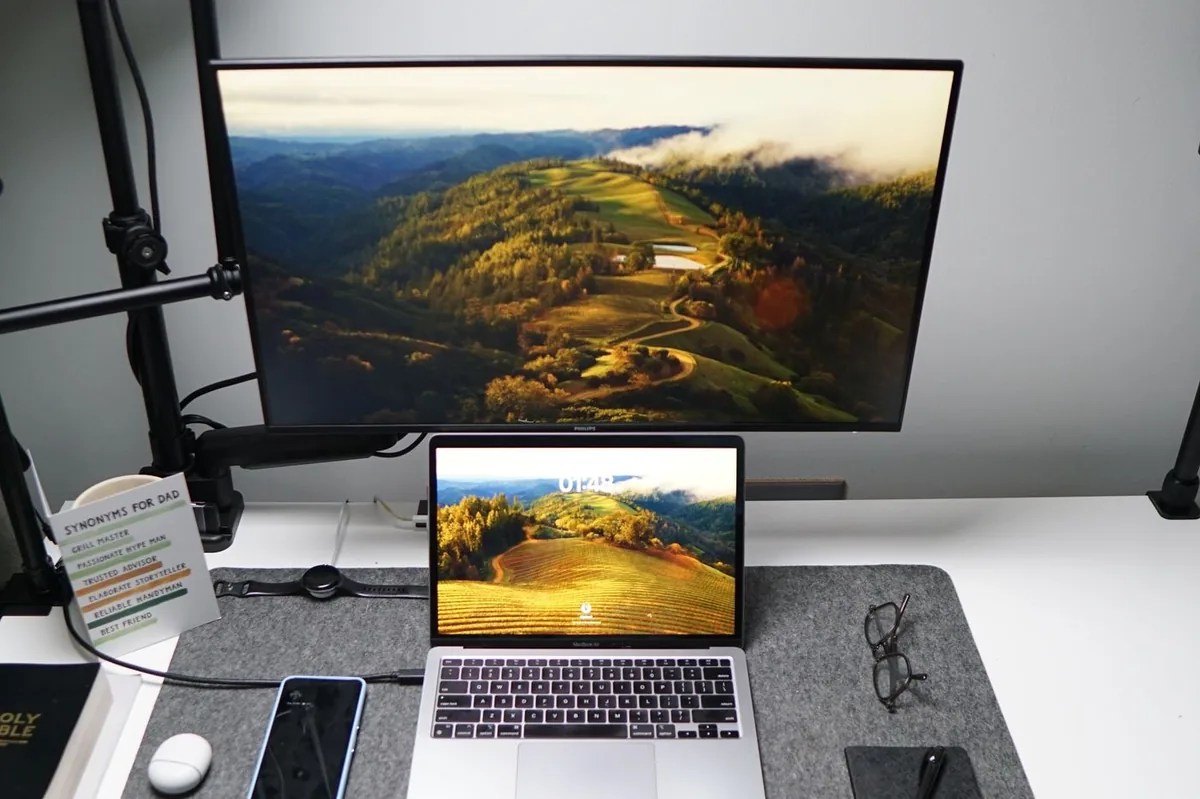
One screen is fine for short trips. For monthly stays, a portable monitor is the upgrade that improves your productivity the most. The Asus ZenScreen MB16AC and the INNOCN 15.6-inch portable monitor are the two we keep recommending. 15.6 inches, USB C, budget friendly.

Asus ZenScreen MB16AC: Check price on Amazon
INNOCN 15.6-inch portable monitor: Check price on Amazon
Our portable monitor comparison covers the full breakdown.
Phone
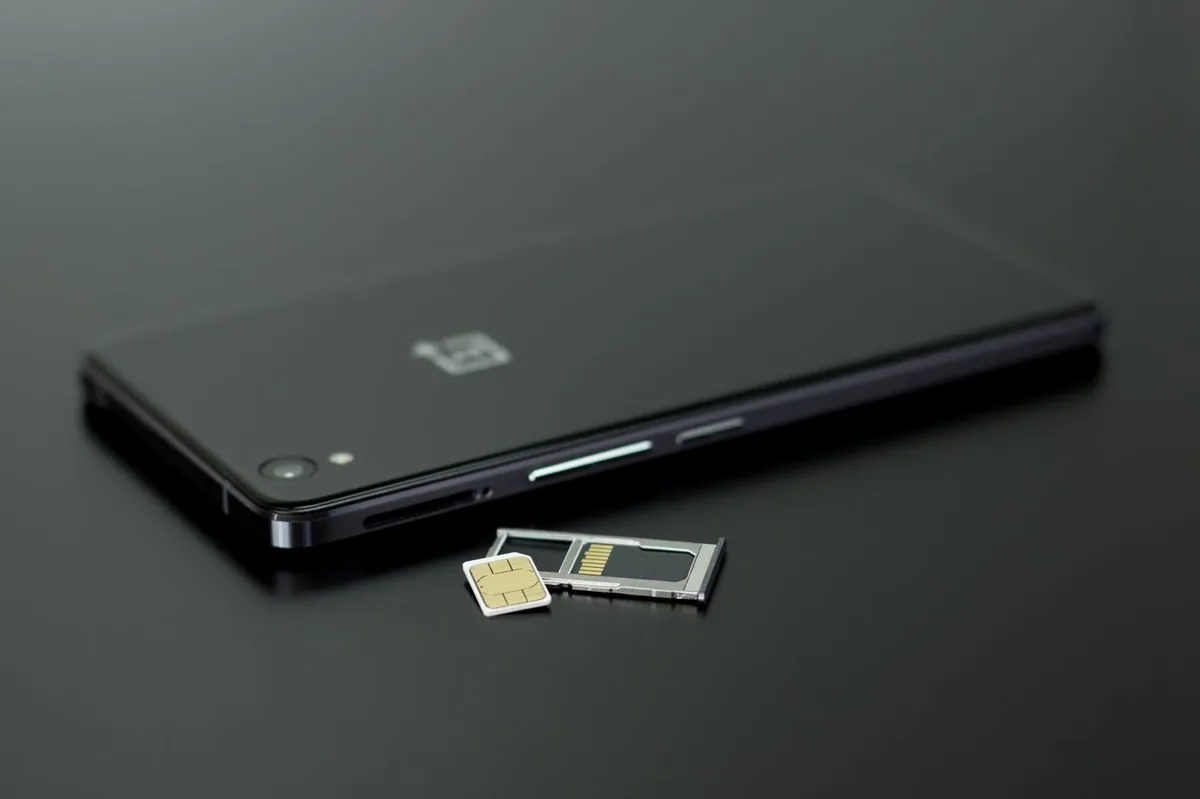
Pick a phone that supports eSIM, which is the modern way to get data abroad. iPhones from the XS and XR onwards and Google Pixel phones from the Pixel 3a onwards support eSIM, but some regional versions do not (for example iPhones sold in mainland China), so check your exact model before you fly.
Accessories That Matter
- Travel router: GL.iNet Beryl AX, turns any wifi into a private VPN protected network. Get yours on Amazon
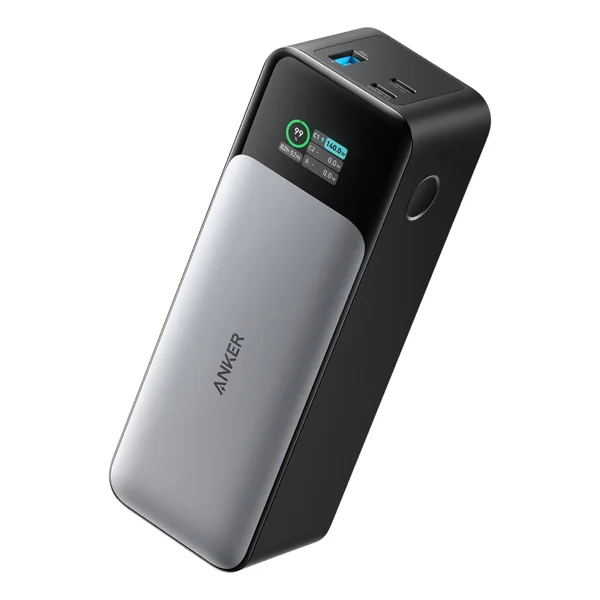
- Power bank: Anker 737, 24000 mAh, can charge a laptop. Get yours on Amazon
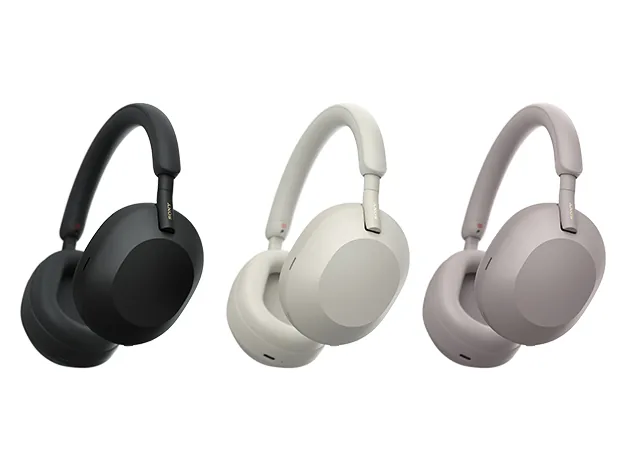
- Noise cancelling headphones: Sony WH 1000XM5 or AirPods Pro 2. Get yours on Amazon
- Universal adapter: TESSAN universal adapter or any quality international adapter. Get yours on Amazon
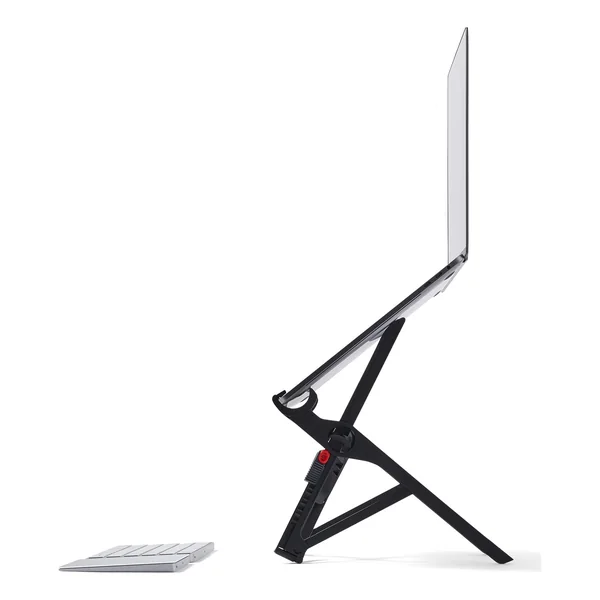
- Laptop stand: Roost or Nexstand, both fold flat. Get yours on Amazon
- External keyboard and mouse: Logitech MX Keys Mini and MX Anywhere 3. Get yours on Amazon
2. Internet: Stay Online Anywhere
This is where nomads lose the most work hours. A bad internet day is a bad work day. The four layer approach that works:
Layer 1: Local apartment or coworking wifi. Always test before committing to a long stay. Ask hosts for Speedtest screenshots.
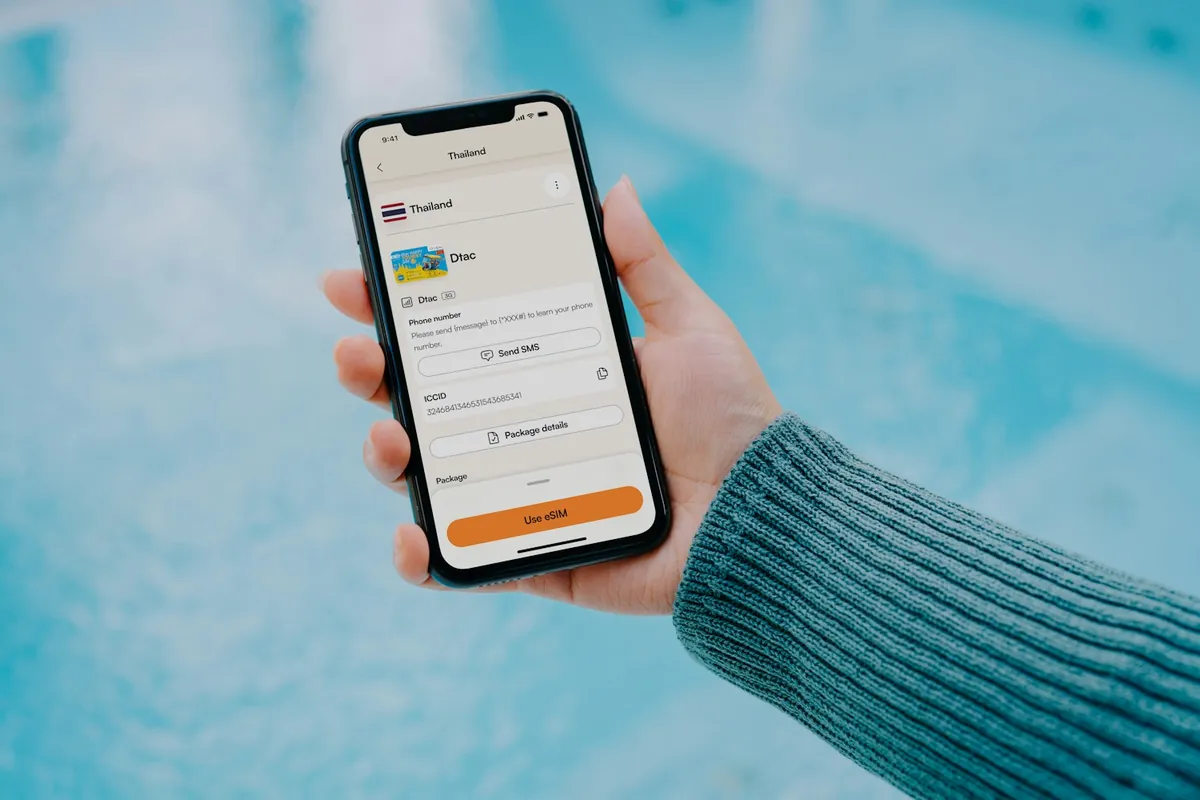
Layer 2: Local SIM or eSIM. Airalo is the best eSIM for short stays and the first 24 hours in any country. Local physical SIMs are cheaper for monthly stays. See our Airalo review for the full picture.
Layer 3: VPN. NordVPN is a solid all rounder. ExpressVPN if streaming geo content is your thing. Proton VPN if you want a genuinely useful free tier and Swiss-based privacy. Full breakdown in our VPN comparison.
Layer 4: Portable wifi router. A GL.iNet Beryl AX turns any wifi into a private VPN protected network for all your devices. Travel router guide is here.
3. Software: The Stack That Runs The Business
The software side does not need to be complicated. The tools that matter:
| Purpose | Tool | Cost |
|---|---|---|
| Project management | Trello or Obsidian | 0-15 USD/mo |
| Communication | Slack | Free plan, paid plans available |
| Scheduling | Calendly | Standard from 10 USD per seat/mo |
| Password manager | 1Password | Paid plan, check current price |
| Cloud storage | Google Workspace | Business Starter 7 USD per user/mo |
| Async video | Loom | Free plan, paid plans available |
| Email marketing | ConvertKit or MailerLite | 0-15 USD/mo |
Prices as listed on the Calendly and Google Workspace pricing pages in Sept 2026; plans change often, so check before you sign up. Many of these tools have free plans that are enough when you start.
4. Money: Banking and Payments
The bank you used at home will not serve you on the road. The setup that works:
Multi currency account: Wise is the default. Real exchange rates, low fees, lets you hold and use 40 currencies. Revolut is the alternative with a slicker app and crypto features. N26 is a strong third for European nomads.
Payment platform: For contractors getting paid by foreign companies, Deel is the cleanest option. PayPal still works for small invoices but loses on exchange rates.
Travel credit card: Pick one with no foreign transaction fees. Chase Sapphire Preferred and Capital One Venture are popular in the US. The Wise card is a debit card, not a credit card, but it also avoids heavy foreign fees.
Full breakdown in our Wise vs Revolut vs N26 comparison.
5. Safety: Insurance and Document Backup
Travel and health insurance: SafetyWing is a popular choice for younger nomads (the Essential plan starts at about 63 USD per 4 weeks for ages 18 to 39, Sept 2026). World Nomads is another well known option. Genki is a newer alternative worth checking. Read our SafetyWing review or the SafetyWing vs World Nomads comparison.
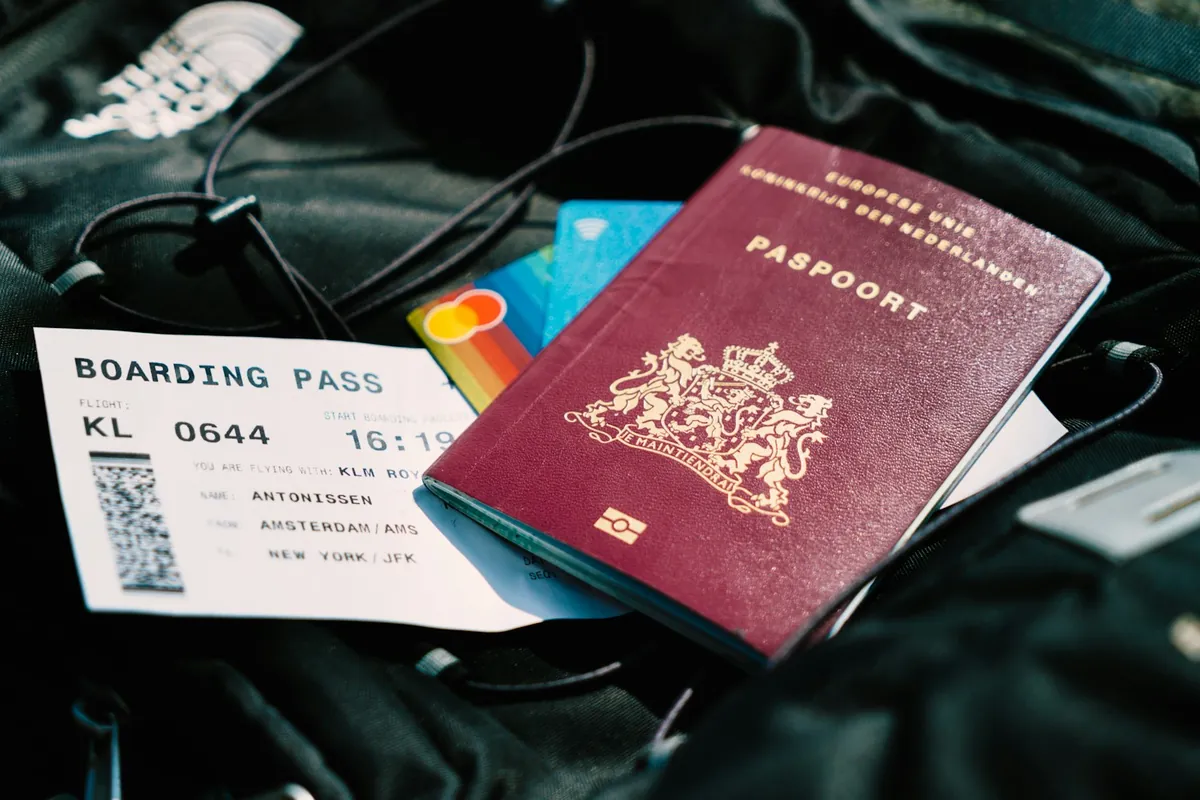
Document backup: Take photos of your passport, ID, vaccination card, insurance card and a credit card front and back. Store in an encrypted cloud folder (1Password or iCloud). If your passport gets lost or stolen, having a clear digital copy speeds up the replacement dramatically. See our password manager comparison if you are choosing one.
Emergency contacts: One trusted person at home who knows your itinerary. Share a Google Doc with your flights and where you are staying. Update it weekly.
If you want to compare more insurers side by side, HelloSafe is an independent comparison of 40+ insurers, and the certificate is instant once you pick a plan.

HelloSafe
6. Logistics: Flights, Accommodation, Activities
Use the right platform for the right job:
- Flights: Skyscanner for the Everywhere search, see our Skyscanner hacks guide
- Hotels short stays: Booking.com for flexibility, Hotels.com for stamps
- Apartments long stays: Airbnb for monthly discounts, then direct rentals once you arrive
- Asia specific: Trip.com for hotels, see our Trip.com review
- Activities: GetYourGuide in Europe, Klook in Asia, Viator everywhere else
Compare all three platforms for every booking. Loyalty to one costs you money.
Another place to look for a bed is ZenHotels, where you can search and compare hotels, hostels and apartments.
Compare hotel prices on ZenHotels
Eco stays need an extra check: see our guide to real versus fake eco claims.
7. Productivity: Workspace and Focus
Working from your apartment all the time burns most people out. The setup that holds up:
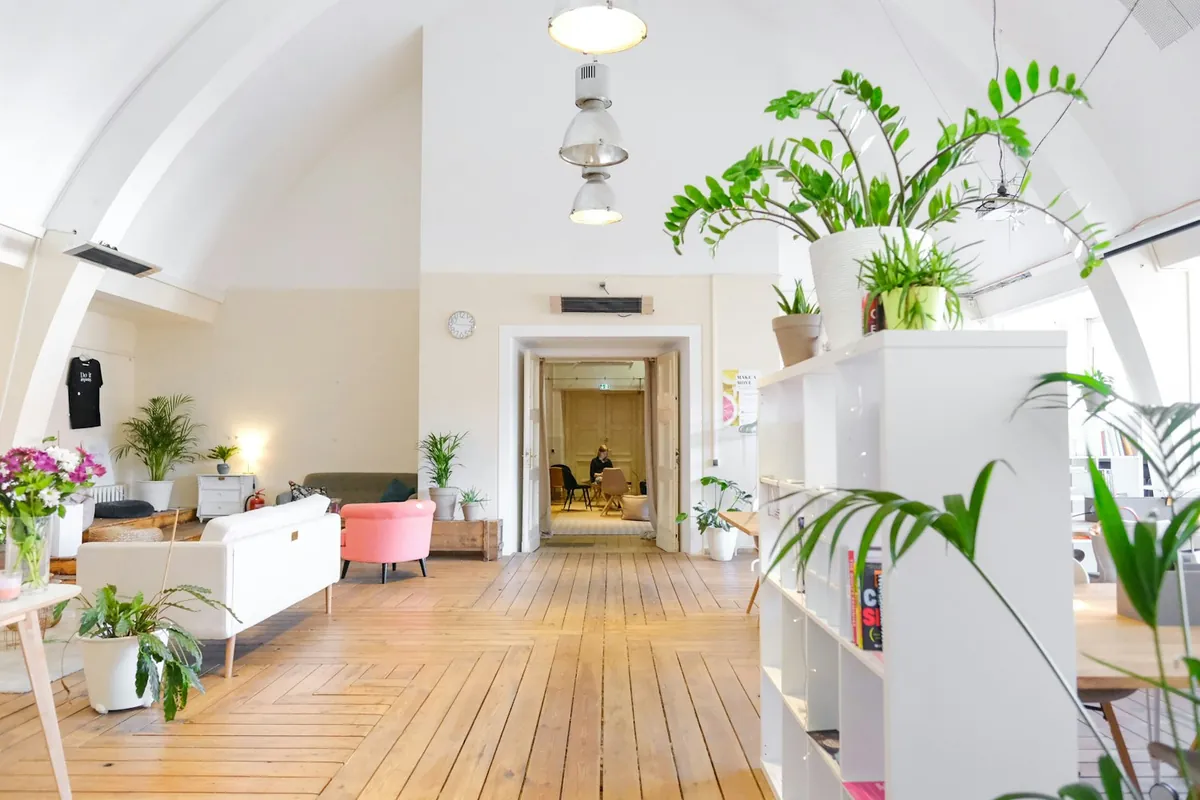
- Coworking 2 to 4 days a week for focus and social connection
- Cafes 1 to 2 days a week for variety
- Apartment desk 1 to 2 days a week for deep work or video calls
For coworking, see our city specific guides: Lisbon, Mexico City, Chiang Mai.
For focus tools, the basics work. Focusmate for accountability, Forest for phone discipline, Freedom for blocking distracting sites. None of these are required but each one helps.
8. Community: Where You Find Your People
The lifestyle is lonely if you do not invest in community. The places that work:
- Nomads.com (formerly Nomad List): still the biggest paid community of long term nomads
- Coliving spaces: coliving companies such as Outsite have built in communities
- Coworking spaces: the easiest way to meet people in any new city
- Facebook groups: city specific groups (Chiang Mai Digital Nomads, Bali Digital Nomads etc) are surprisingly active
- Meetup and events: Bansko Nomad Fest, 7in7 and local meetups (check dates each year)

The Order To Set It All Up
If you are starting from scratch, the order that works:
1
Month 1: open multi currency bank account (Wise or Revolut), buy laptop and accessories, pick coworking software stack
2
Month 2: set up travel insurance, get one good credit card with no foreign transaction fees, book your first trip
3
Month 3: do a one month test trip somewhere with a strong nomad scene (Lisbon, Mexico City, Chiang Mai are the easiest starts)
4
Month 4+: refine based on what worked and what did not
The mistake most new nomads make is trying to optimize everything before leaving home. The reality is you will learn what you actually need in the first three months on the road. Get the basics right and adjust as you go.
Cost of The Complete Setup
| Category | One Time | Monthly |
|---|---|---|
| Hardware | 1500-3000 USD | - |
| Software stack | - | 50-80 USD |
| VPN, eSIM, router | 200 USD | 10 USD |
| Insurance | - | 50-100 USD |
| Banking | - | 0-10 USD |
| Total | 1700-3200 USD | 110-200 USD |
About 110 to 200 USD per month on top of the one time gear cost. Compared to the cost of a fixed apartment lease in a Western capital, the math works fast.
What Most New Nomads Get Wrong
Three common mistakes.
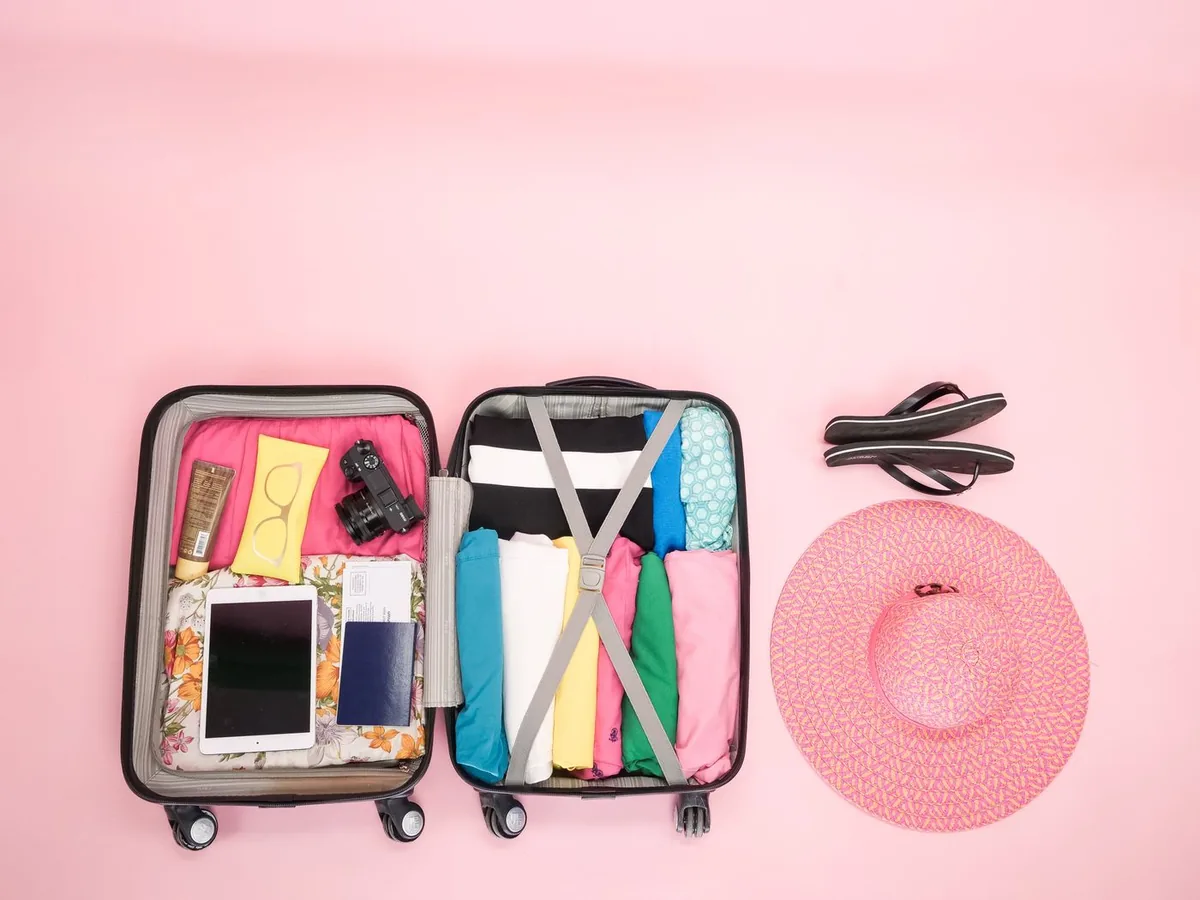
First, packing too much. In the beginning most people carry far more than they need, and the longer you travel, the shorter your packing list gets. Less stuff, more freedom.
Second, moving too fast. New nomads often try to see five cities in two months. By month three they are exhausted and ready to quit. Slow down. Spend a month in each city. Build a routine. The lifestyle is sustainable when you stay long enough to feel at home.
Third, neglecting health and fitness. Travel disrupts routines. The nomads who last build a portable fitness habit (bodyweight training, running, a yoga app like Down Dog) and prioritize sleep over chasing every social event. A standing desk for travelers is a small addition that keeps you moving during the workday too.
Final Take
The complete digital nomad setup is not about having the perfect gear. It is about having a reliable system that catches you when something fails. A second internet option for when wifi dies. A second bank for when one freezes your card. A second city you can move to when the first one is not working.
Build the system. Test it on short trips. Refine it. The lifestyle that looks effortless from outside is the result of a setup that has been quietly improved many times over.
For the rest of the system, all our deep dive guides are linked above and across the site. Start with whichever piece is weakest in your current setup. That is where the next biggest gain is.
Our remote work setup
The gear guides we compare for working from cafes, coliving rooms and rentals:
Still have questions? Our FAQ answers the most common ones.
FAQ
What do I actually need to start as a digital nomad?
A laptop, a phone, a multi currency bank account, travel insurance and a job that pays remotely. Everything else is optimization.
How much does the complete nomad setup cost?
One time costs of 1700 to 3200 USD for gear, plus 110 to 200 USD per month for software, internet, insurance and banking. Then your lifestyle costs (accommodation, food, transport) on top.
What is the most important piece of the setup?
Reliable internet. Without it nothing else works. Layer your internet with apartment wifi plus a local SIM plus a VPN plus a backup hotspot, and you will never lose a workday to connection issues.
Do I need health insurance as a digital nomad?
Yes. SafetyWing and World Nomads are two well known options. Coverage and price differ per plan and age, so compare what each plan covers for medical care, evacuation, luggage and gear (at SafetyWing, electronics theft is an add-on).
Should I keep my home country bank account?
Yes for backup, plus a multi currency account like Wise or Revolut for daily use. Two account minimum is the rule.
Does SafetyWing cover a stolen laptop?
In SafetyWing's price calculator, theft cover for electronics is an optional add-on, so check it when you build your quote. Our SafetyWing review goes through what the plan covers.
How much does a MacBook Air weigh?
Apple lists the 13-inch MacBook Air with the M5 chip at 2.7 pounds (1.23 kg) and the 15-inch model at 3.3 pounds (1.51 kg).
Why this matters
Most digital nomad setup guides online are written by people who have lived the lifestyle for six months and have advice for everyone. Here is the complete setup that actually works. The gear that survives the wear and tear. The software that scales. The banking, insurance and internet pieces that catch you when something fails. The system, in one place.
If you are starting out, read this top to bottom. If you have been at it a while, skim for the parts where you might be leaking time or money.
Updated:
Affiliate disclosure. This post contains affiliate links. If you click and buy something, this site earns a small commission at no extra cost to you. Picks are based on published specs, independent reviews and manufacturer information, and we only recommend what we would use ourselves. As an Amazon Associate I earn from qualifying purchases. Read the full affiliate disclosure. Amazon and the Amazon logo are trademarks of Amazon.com, Inc. or its affiliates.



3 Comments