

Best Webcam for Remote Work: 3 Picks for Video Calls
As an Amazon Associate I earn from qualifying purchases. Some links on this page earn us a small commission, at no extra cost to you. Full disclosure.
Quick answer
The best webcam for digital nomads? For most nomads the Logitech C920S Pro is the pick: it covers Full HD client calls well and packs far better than the two flagships. Want 4K and HDR for bad light? Go for the Logitech Brio 4K, or the Elgato Facecam 4K if your laptop is USB-C only. The C920S also has built-in microphones, which the Elgato does not.
Checked on 5 October 2026: the Logitech specs below against the Logitech product pages (C920S and Brio 4K).
Our top picks
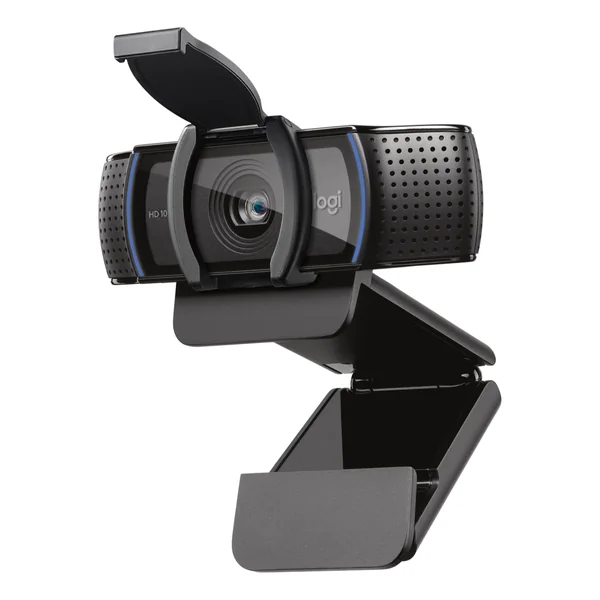
Logitech C920S Pro
Covers basic Full HD client calls and packs far better than either flagship Read more
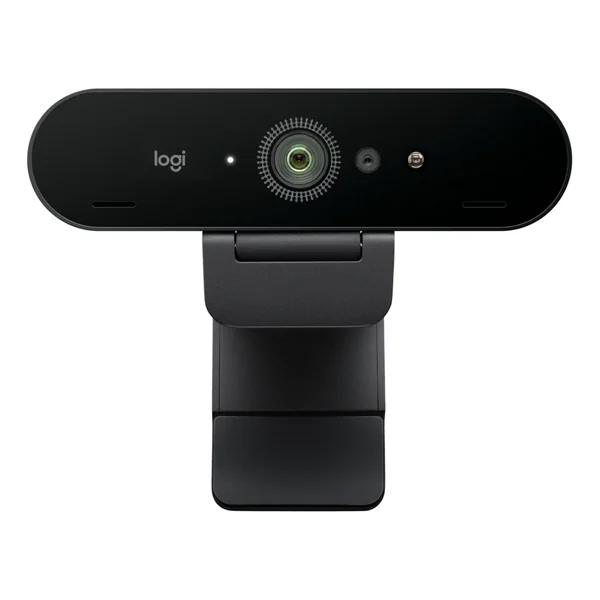
Logitech Brio 4K
4K/30fps, RightLight 3 with HDR for low light, autofocus with 5x HD zoom Read more
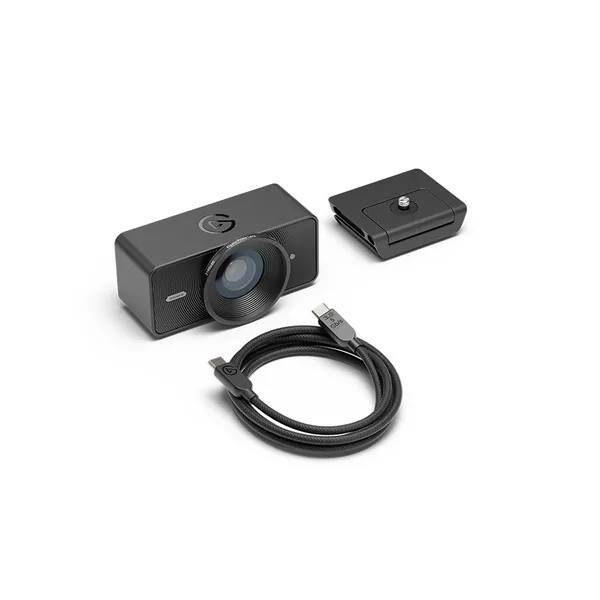
Elgato Facecam 4K
USB-C, 4K at 60fps and a Sony STARVIS 2 sensor, no built-in microphone Read more
Quick comparison
| Webcam | Best for | Video, connection | Shop |
|---|---|---|---|
| Travel and tight budgets | Full HD | Get yours on Amazon |
| 4K and HDR | 4K/30fps, USB-A cable | Get yours on Amazon |
| Elgato Facecam 4K | USB-C laptops | 4K/60fps, USB-C | Get yours on Amazon |
Our 3 picks in detail
Logitech C920S Pro
What we like
- Covers basic Full HD video calls well enough for most client work
- Packs far better than either flagship, the right call if you optimize for backpack weight
- Autofocus, a privacy shutter and built-in stereo microphones (Logitech product page)
What could be better
- Weaker low light performance than the Brio 4K and the Facecam
Logitech Brio 4K
What we like
- 4K/30fps with a 90 degree field of view
- RightLight 3 + HDR for low light
- Autofocus with 5x HD zoom
- Also records 1080p at 60fps, and the field of view can be set to 90, 78 or 65 degrees
- Built-in dual microphones and an attachable privacy shutter (Logitech product page)
What could be better
- The included cable is USB-A, so budget for an adapter if your laptop is USB-C only
- Not small or light if backpack space is tight
Elgato Facecam 4K
What we like
- USB-C connection, with a detachable USB-C to USB-C cable in the box
- Sony STARVIS 2 sensor behind Elgato's Prime Lens, 90 degree field of view
- 4K at 60fps, and HDR up to 4K at 30fps (Elgato)
What could be better
- No built-in microphone at all, you need a separate mic
- Fixed focus, no autofocus (Elgato lists 30 to 120 cm at 4K)
- Heavier than the Brio: 112 g against 65 g, mounts and cables not counted
Logitech Brio 4K vs Elgato Facecam 4K
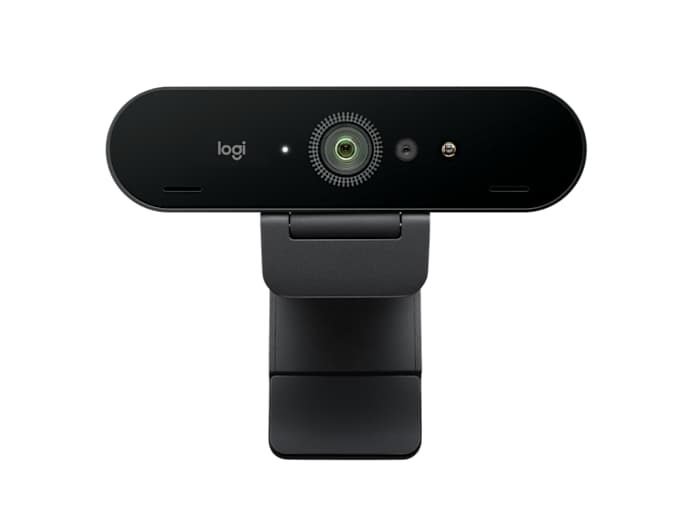
| Feature | Logitech Brio 4K | Elgato Facecam 4K |
|---|---|---|
| Resolution | 4K/30fps | 4K/60fps (30fps with HDR) |
| Field of view | 65, 78 or 90 degrees | 90 degrees |
| Low light | RightLight 3 + HDR | Sony STARVIS 2 sensor, Elgato Prime Lens |
| Autofocus | Yes, 5x HD zoom | No, fixed focus |
| Connection | USB-A cable included (needs an adapter for USB-C) | USB-C |
| Approx. price | Check price on Amazon | Check price on Amazon |
What could be better
The Brio’s included cable is USB-A at the laptop end (Logitech lists USB-C only with a third-party adapter, not included), an annoying miss for anyone traveling with a USB-C-only laptop, so budget for an adapter. The Facecam has no built-in microphone at all, so you need a separate mic regardless. Neither is tiny: if backpack space is tight, a budget 1080p option like the Logitech C920S is the more travel-friendly compromise, at the cost of low-light performance.
For tight budgets, the Logitech C920S Pro covers basic Full HD video calls well enough for most client work and packs far better than either flagship above. It is the right call if you are optimizing for backpack weight over image quality. Not sure the extra 4K is worth it? See Logitech C920 vs Brio.
Ready to stop looking washed out on calls? Worth a look: the Logitech Brio 4K or the Elgato Facecam 4K.
Logitech Brio 4K: Check price on Amazon
Elgato Facecam 4K: Check price on Amazon
Logitech C920S Pro: Check price on Amazon
- The Logitech C920S Pro is the pick for most nomads: it covers Full HD client calls well and packs far better than the two flagships.
- Want 4K and HDR for bad light? Go for the Logitech Brio 4K, or the Elgato Facecam 4K if your laptop is USB-C only.
- The Brio ships with a USB-A cable, so budget for an adapter if your laptop is USB-C only.
- The Facecam has no built-in microphone at all, so you need a separate mic.
- Built-in laptop cameras are usually 720p and perform terribly in mixed, low lighting.
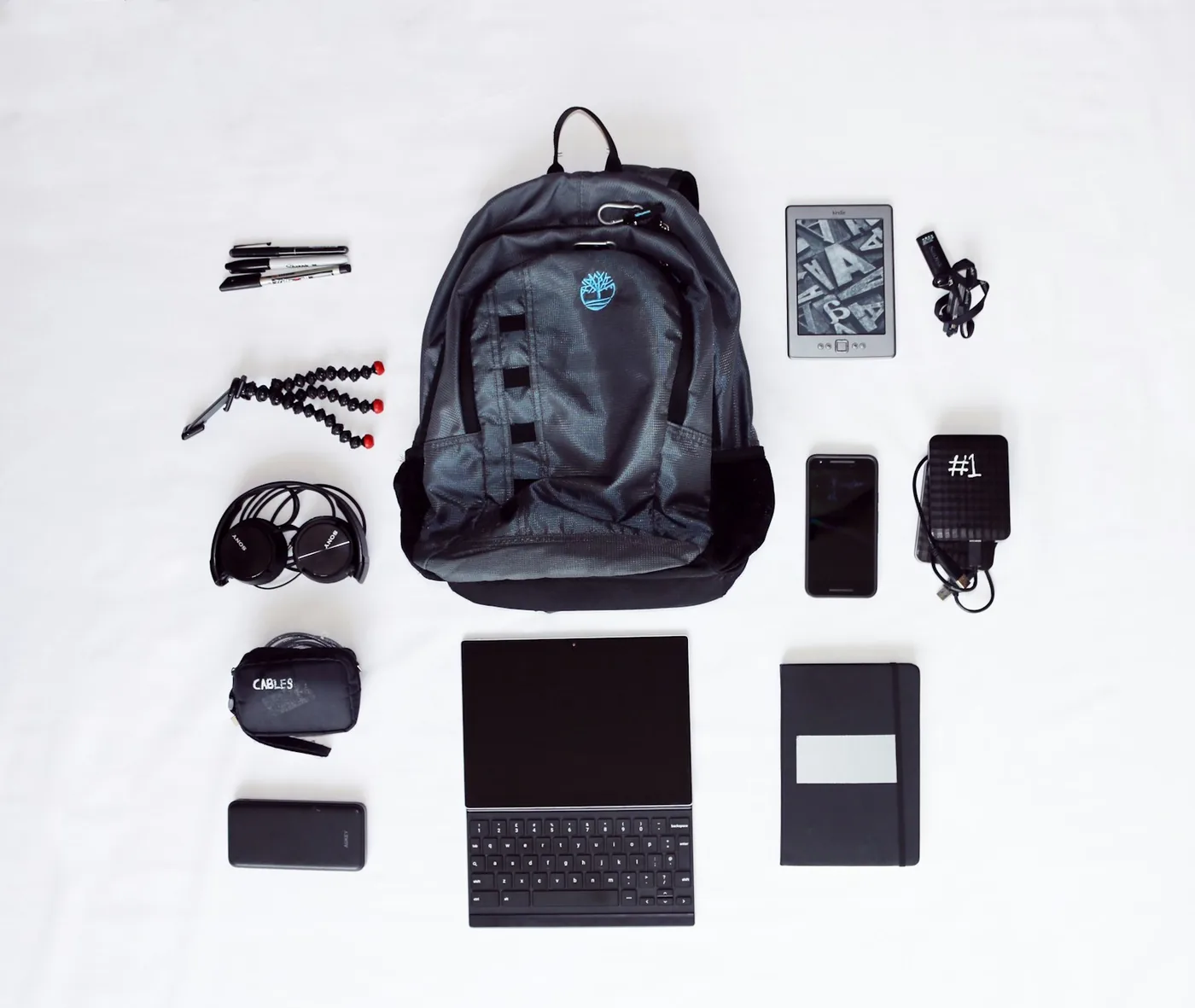
Our remote work setup
The gear guides we compare for working from cafes, coliving rooms and rentals:
Why this matters
Finding the best webcam for remote work is different from picking whatever tops a general best-webcams list, because nomads deal with inconsistent lighting, no dedicated office, and a laptop that moves between a beach hut and a coworking booth every few weeks.
Why your laptop camera isn’t enough
Built-in laptop cameras are usually 720p, fixed at a bad low angle, and perform terribly in the kind of mixed, low lighting most guesthouses and cafes actually have. A dedicated webcam with a better sensor makes client calls look noticeably more professional without needing a full lighting setup.
Client calls from a coworking space rarely have ideal lighting, backlit windows, fluorescent overheads, or both at once. A webcam with real low-light handling, not just megapixels, is the difference between looking washed out and looking put together.
Related watching: Elgato Facecam vs Logitech Brio: In-Depth Comparison
More from NomadsToolsLab: Best Noise Cancelling Headphones for Digital Nomads and Best Mechanical Keyboard for Digital Nomads.
Frequently Asked Questions
What is the best webcam for digital nomads?
For most nomads the Logitech C920S Pro: it covers Full HD client calls well, has autofocus, a privacy shutter and built-in stereo microphones, and packs far better than the two flagships (Logitech product page, checked 5 October 2026). It is weaker in low light than the Brio 4K and the Facecam 4K.
Logitech Brio 4K or Elgato Facecam 4K?
The Brio 4K records 4K at 30fps with RightLight 3 and HDR for low light, autofocus with 5x HD zoom and a field of view you can set to 90, 78 or 65 degrees. The Elgato Facecam 4K records 4K at 60fps (30fps with HDR), uses a Sony STARVIS 2 sensor behind Elgato's Prime Lens, and has a fixed 90 degree field of view and fixed focus.
Does the Elgato Facecam 4K have a microphone?
No. It has no built-in microphone at all, so you need a separate mic. The Logitech C920S Pro and the Brio 4K both have built-in microphones.
Which webcam works with a USB-C only laptop?
The Elgato Facecam 4K connects over USB-C and ships with a detachable USB-C to USB-C cable. The Brio 4K's included cable is USB-A at the laptop end, and Logitech lists USB-C only with a third-party adapter that is not included, so budget for one.
Why not just use the built-in laptop camera?
Built-in laptop cameras are usually 720p and perform terribly in mixed, low lighting. Nomads work in a beach hut one week and a coworking booth the next, so an external webcam gives a far more consistent picture on client calls.
Affiliate disclosure. This post contains affiliate links. If you click and buy something, this site earns a small commission at no extra cost to you. Picks are based on published specs, independent reviews and manufacturer information, and we only recommend what we would use ourselves. As an Amazon Associate I earn from qualifying purchases. Read the full affiliate disclosure. Amazon and the Amazon logo are trademarks of Amazon.com, Inc. or its affiliates.


One Comment