Best Portable Monitors for Digital Nomads (2026 Guide)
As an Amazon Associate I earn from qualifying purchases. Some links on this page earn us a small commission, at no extra cost to you. Full disclosure.
Quick answer
Here are the best portable monitors for digital nomads. For most nomads the ASUS ZenScreen MB16ACV is the pick: reliable, no driver issues, works everywhere. Packing ultralight? The ARZOPA S1 Tablet is built for that (it is no longer sold on Amazon, so there is no buy button). On a budget? The AOC 16T20 gives most of the experience for less.
Our top picks
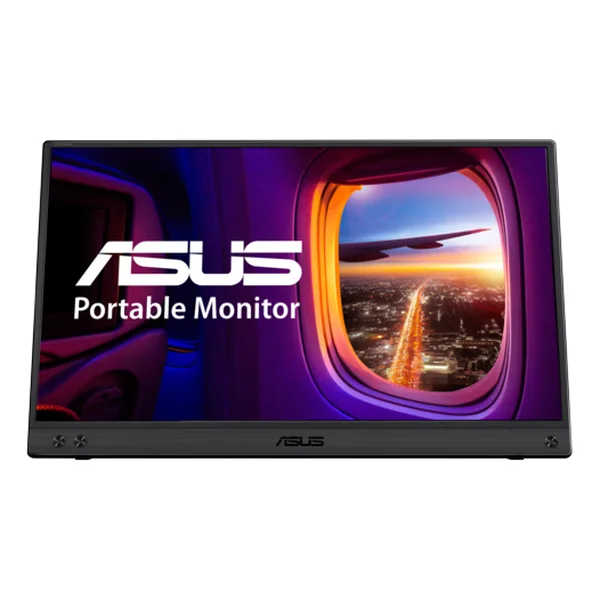
ASUS ZenScreen MB16ACV
Serious remote workers who want the most reliable, no-fuss experience Read more
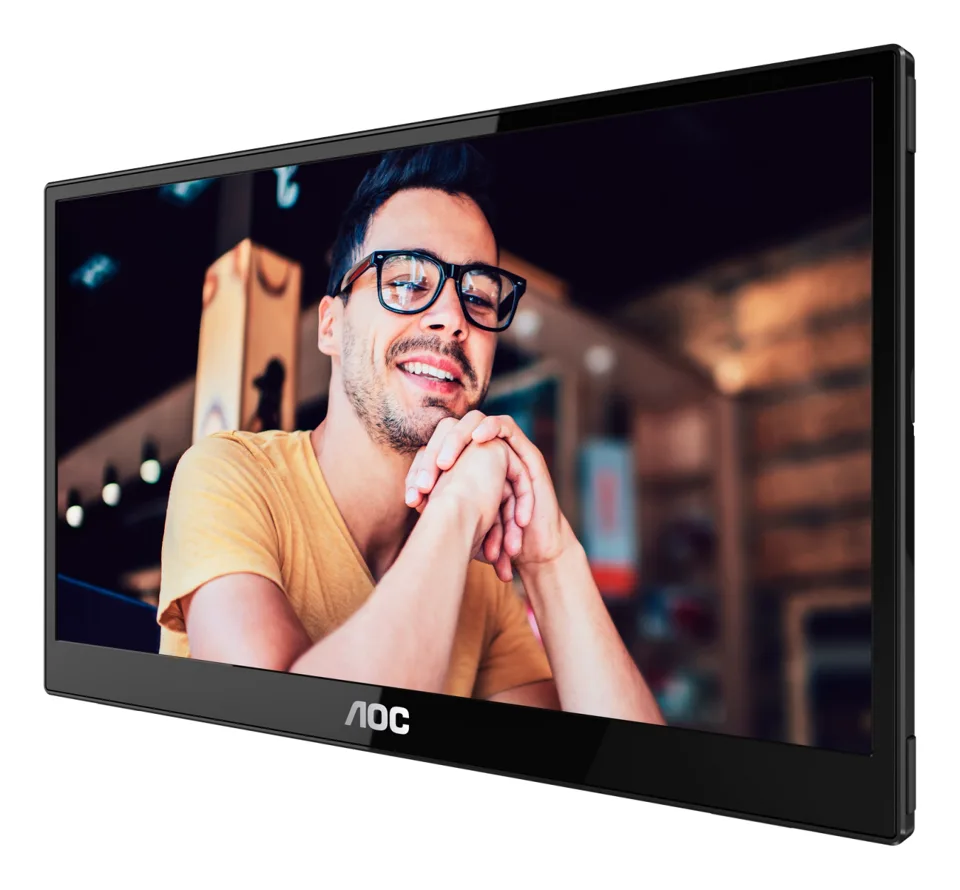
AOC 16T20
Budget-conscious nomads who don't want to sacrifice too much quality Read more
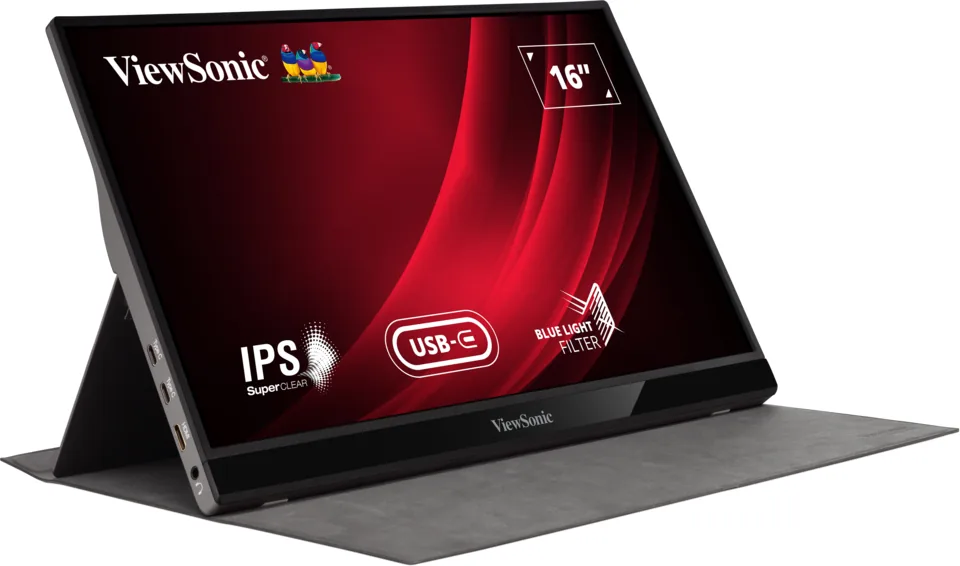
ViewSonic VG1655
People who spend all day in video calls and presentations Read more
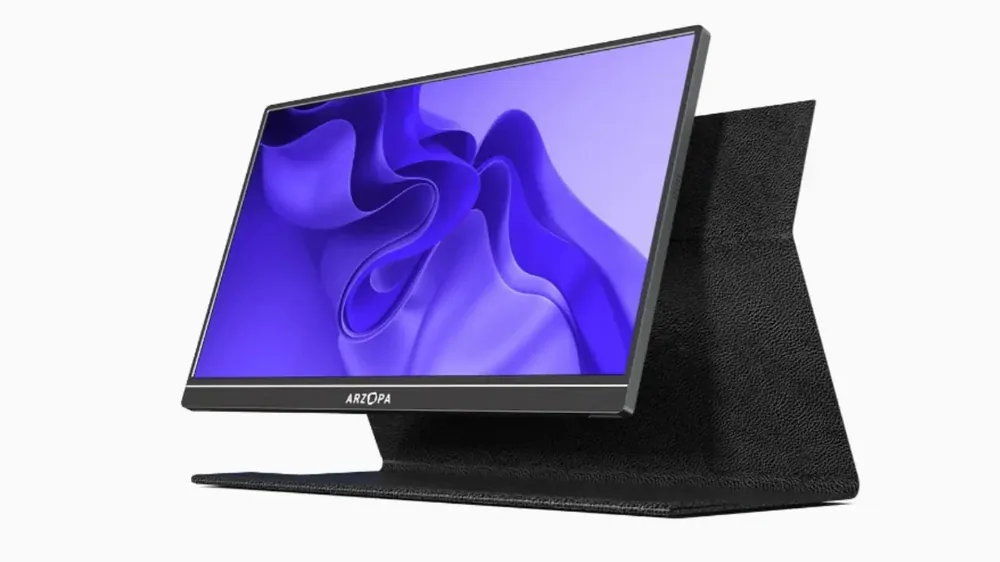
ARZOPA S1 Tablet
Digital nomads who prioritize weight above everything else Read more
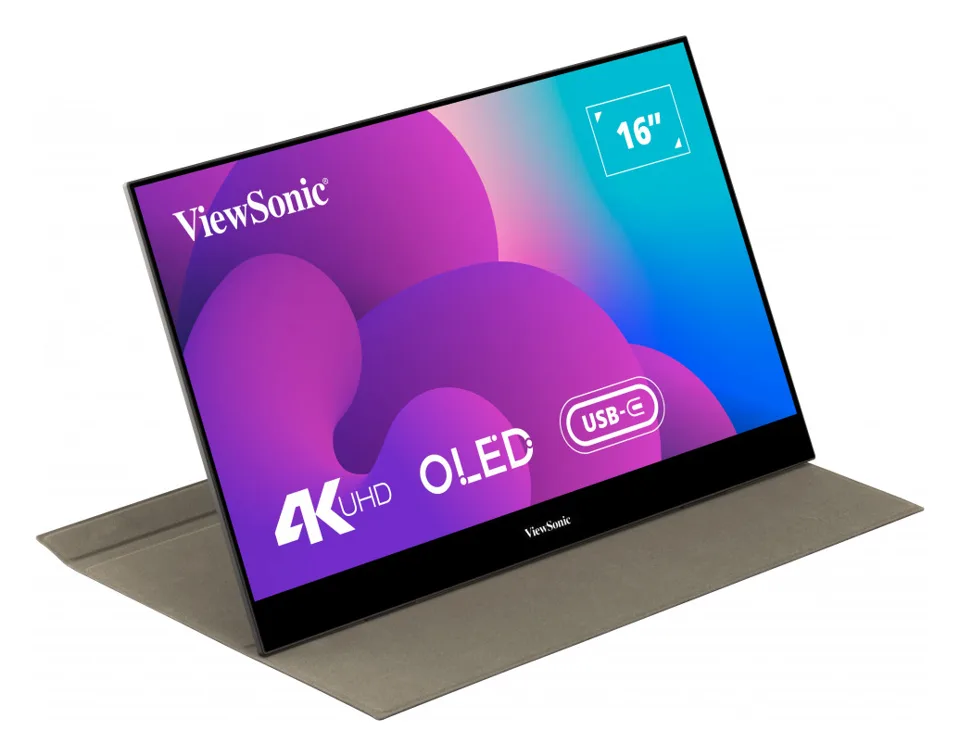
ViewSonic VX1655-4K-OLED
Photo and video editors and anyone who wants the best picture on the road Read more
Quick Comparison Table
| Monitor | Best for | Weight | USB-C | Shop |
|---|---|---|---|---|
| Reliability | 1.98 lbs | Yes | Get yours on Amazon |
| AOC 16T20 | Budget | 1.5 lbs | Yes | Get yours on Amazon |
| ViewSonic VG1655 | Business | 1.8 lbs | Yes | Get yours on Amazon |
| ARZOPA S1 | Ultralight | 1.2 lbs | No | |
| ViewSonic VX1655-4K-OLED | Display Quality | 1.5 lbs | Yes | Get yours on Amazon |
1. ASUS ZenScreen MB16ACV, Best Overall
ASUS ZenScreen MB16ACV
Pros
- Reliable build quality
- One USB-C cable powers everything
- Thin bezels
- Great warranty support
Cons
- Heavier than competitors
- More expensive
- No built-in speakers
- Limited color accuracy
Best for: Serious remote workers who want the most reliable, no-fuss experience
The ASUS ZenScreen is the easy recommendation. It's built like a tank and it just works. No weird driver issues. No flickering. Just plug it in via USB-C, and you've got a second monitor.
The stand is solid. We appreciate that it doesn't feel cheap when you flip it open. The bezels are thin enough that it doesn't feel dated. And the 15.6-inch 1080p screen is plenty sharp from normal working distance.
The downside? It's not the lightest option, and it's on the pricier side. If you're really trying to ultralight pack, there are better choices. Also, it has no built-in speakers (ASUS lists none), but honestly, we use headphones anyway, so that's never bothered me.
| Feature | Specs |
|---|---|
| Screen Size | 15.6 inches |
| Resolution | 1920 x 1080 (60Hz) |
| Weight | 1.98 lbs (0.9 kg) |
| Connectivity | USB-C (single cable) |
| Price Range | Check price on Amazon |
Why We Put This List Together

Chenzo, founder of NomadsToolsLab
Chenzo has been on the road for 27 years, including 11 years backpacking through South America. He keeps his setup light on the road: laptop, charger, phone, and sometimes a second screen when the workload calls for it.
2. AOC 16T20, Best Budget Option
AOC 16T20
Pros
- Very affordable
- USB-C ports on both sides, plus mini-HDMI
- Built-in speakers
- Lightweight
Cons
- Modest brightness (250 cd/m²)
- Plain 1080p at 60 Hz
- Less premium feel
Best for: Budget-conscious nomads who don't want to sacrifice too much quality
The AOC 16T20 is the budget pick from a real monitor maker. You get a 15.6-inch 1080p IPS screen with 178-degree viewing angles and a 1200:1 contrast ratio, according to AOC. The colors aren't ASUS-level, but for the money they are respectable.
The strong point is flexibility. AOC puts USB-C ports on two sides, so one cable can carry video, data and power from a laptop or phone that supports it, and there is a mini-HDMI port for everything else. Two 1 W speakers are built in.
The catch? Brightness. AOC rates it at 250 cd/m², which is fine indoors but not exceptional. If you're working in direct sunlight, you might struggle a bit. It is also a plain 60 Hz office screen, not a display for color work.
| Feature | Specs |
|---|---|
| Screen Size | 15.6 inches |
| Resolution | 1920 x 1080 (60Hz) |
| Weight | 1.5 lbs (0.7 kg), without stand |
| Connectivity | USB-C (two sides), mini-HDMI |
| Price Range | Check price on Amazon |
3. ViewSonic VG1655, Best for Business
ViewSonic VG1655
Pros
- Built-in professional stand
- Bright display
- Excellent for video calls
- Strong warranty
Cons
- Heavier
- Less portable
- Average color accuracy
- Bulkier in a bag
Best for: People who spend all day in video calls and presentations
The ViewSonic is the only monitor on this list with a built-in kickstand that feels like an actual stand. On a desk it looks like a real monitor setup.
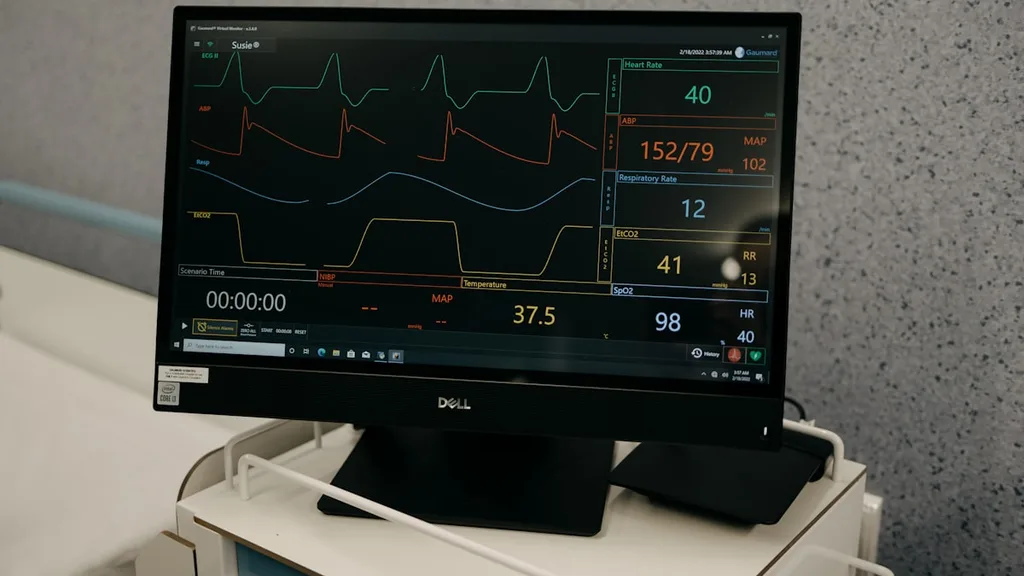
The 1080p display is bright and clean. Text is razor-sharp, which matters when you're doing back-to-back Zoom calls.
The USB-C connectivity is solid, and it powers most laptops (not the biggest gaming rigs, but most remote work devices). The design is professional, it wouldn't look out of place in an actual office.
The tradeoff is that it's not the most portable. It's heavier than the AOC and not as sleek as the ASUS. If you're the type to move around multiple times per week, this might feel like a burden. But if you're settling into a place for a month or longer, the build quality is worth it.
| Feature | Specs |
|---|---|
| Screen Size | 15.6 inches |
| Resolution | 1920 x 1080 (60Hz) |
| Weight | 1.8 lbs (820g) |
| Connectivity | USB-C, mini-HDMI, 3.5mm jack |
| Price Range | Check price on Amazon |
4. ARZOPA S1 Tablet, Best for Ultralight Travel
ARZOPA S1 Tablet
Pros
- Incredibly lightweight
- Affordable
- Bright display
- Very portable
Cons
- Flimsy stand
- Thick bezels
- Less durable feeling
- Lower color accuracy
Best for: Digital nomads who prioritize weight above everything else
The ARZOPA is surprisingly light for a monitor. It fits in a day backpack next to a laptop. (Update 5 October 2026: the S1 Tablet is no longer sold on Amazon, so we took the buy button off.)
The screen is bright enough for outdoor cafes, which we really appreciated. The colors look good. It's responsive and doesn't have any weird lag. It can make a tiny Airbnb room feel like a workspace.
But here's the honest part: it's not as premium as the ASUS. The stand is flimsy compared to the others. It feels like it could snap if you're not gentle. The bezels are thick. And there's something about the build quality that feels more like a tablet stand than a serious monitor. For short-term ultralight travel? Perfect. For a long-term setup? You might want something sturdier.
| Feature | Specs |
|---|---|
| Screen Size | 15.6 inches |
| Resolution | 1920 x 1080 (60Hz) |
| Weight | 1.2 lbs (540g) |
| Connectivity | USB-C, mini-HDMI |
| Price Range | Check price on Amazon |
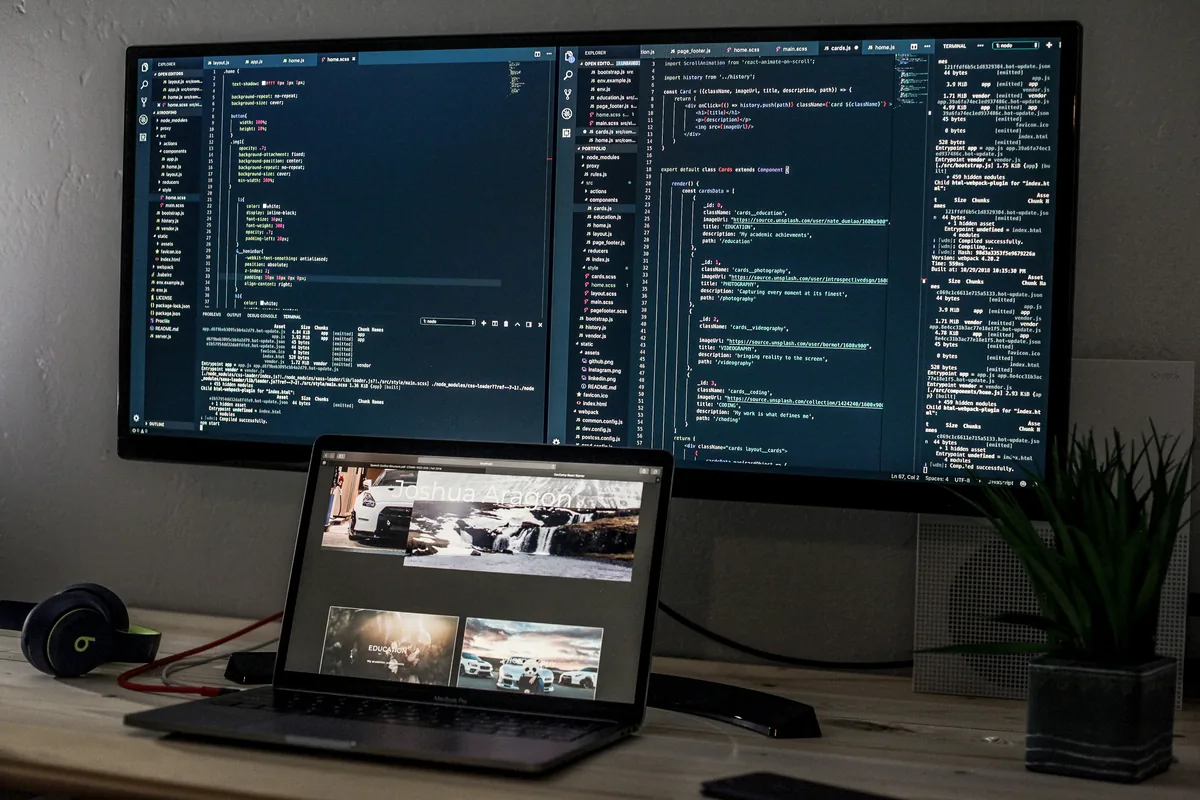
5. ViewSonic VX1655-4K-OLED, Best Display Quality
ViewSonic VX1655-4K-OLED
Pros
- 4K OLED display
- 100% DCI-P3 coverage
- Vibrant colors
- Two USB-C ports, up to 60W charging
Cons
- Most expensive option
- OLED burn-in considerations
- Glossy screen surface
Best for: Photo and video editors and anyone who wants the best picture on the road
If picture quality matters for your work, the ViewSonic VX1655-4K-OLED is the one to get. It uses a 4K OLED screen. The blacks are pure. ViewSonic lists 100% DCI-P3 coverage, 400 cd/m² typical brightness and HDR500 support.
When you're editing photos or video, a wide-gamut 4K panel shows you far more than a 1080p screen does.
The downside is the price tag. It's the most expensive on this list. The screen surface is glossy, and OLED screens require a bit more care, you have to be mindful of burn-in if you leave static images on screen for hours. Not a dealbreaker, but it's something to know. And honestly, if you're just writing code or doing spreadsheets, you don't need this. Save your money.
| Feature | Specs |
|---|---|
| Screen Size | 15.6 inches |
| Resolution | 3840 x 2160 (4K OLED, 60Hz) |
| Weight | 1.5 lbs (0.68 kg) |
| Connectivity | 2x USB-C (up to 60W charging), mini-HDMI |
| Price Range | Check price on Amazon |
What to Look For When Buying a Portable Monitor
Screen Size and Resolution: Most of the monitors we've listed come in at 15.6 inches with 1080p (the ViewSonic OLED is 4K), which is the sweet spot for nomads. Bigger screens are harder to carry. Smaller screens feel cramped. 1080p is sharp enough from a normal working distance.
Weight Matters More Than You Think: If you're moving between places constantly, every half-pound counts.
USB-C Power: This is huge. If a monitor can power your laptop through USB-C, that's one less cable. One less adapter. One less thing in your bag. It's worth paying more for.
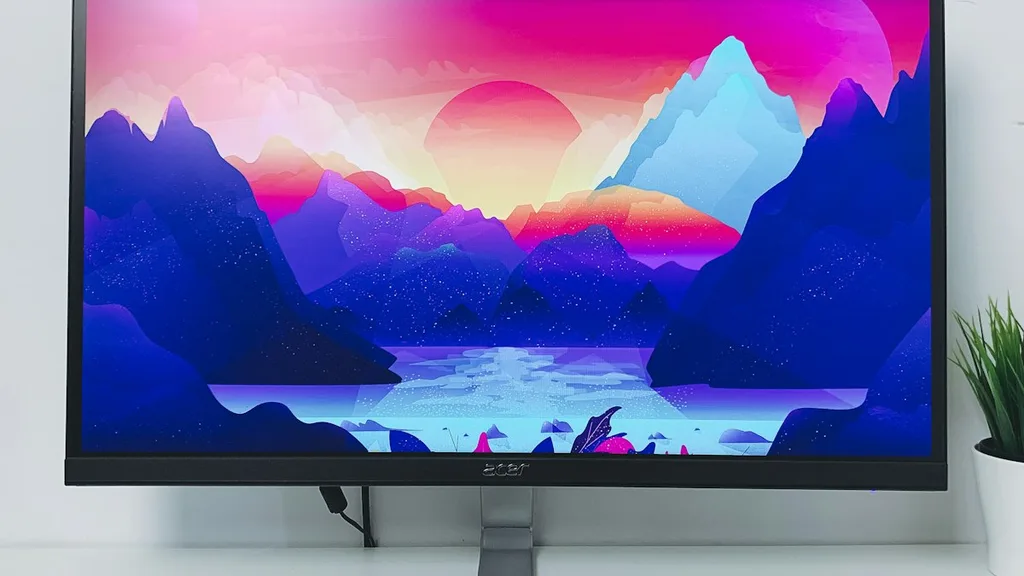
Stand Quality: You'll use this monitor on different surfaces, desks, cafe tables, tiny Airbnb shelves. A flimsy stand drives you crazy fast. The ASUS and ViewSonic have the best stands.
Connectivity Options: USB-C is great for modern laptops. But mini-HDMI gives you flexibility. The monitors with both are more adaptable.
Brightness: If you ever work outdoors or by windows, brightness matters. The ViewSonic OLED is rated at 400 cd/m² typical and the AOC at 250 cd/m², so the AOC is the one to keep out of direct sunlight.
Check your laptop before you buy: ASUS lists the ZenScreen MB16ACV with a USB-C port that supports DisplayPort Alt Mode, powered at 5V 3A, and a brightness of 250 cd/m2 (asus.com, read 5 October 2026). A USB-C port that only charges will not carry video, so confirm that yours supports video output, and treat 250 cd/m2 as an indoor screen rather than one for direct sun.

Our remote work setup
The gear guides we compare for working from cafes, coliving rooms and rentals:
Frequently Asked Questions
Do I really need a portable monitor if I'm just traveling short-term?
Honestly? If you're traveling for more than two weeks and working the whole time, yes. Even a one-month trip is long enough to feel the productivity boost. For a week? Maybe not.
Will a portable monitor slow down my laptop?
No. It's just an external display. The performance hit is negligible.
Can I use a portable monitor with my phone or tablet?
Yes, but it's not ideal. Most nomads use their phones for everything else. The monitors work fine with phones via mini-HDMI with an adapter, but it's not the main use case.
How do I protect a portable monitor when traveling?
Get a case. Seriously. A padded laptop sleeve that fits the monitor horizontally prevents a lot of accidents.
Will USB-C power work with all laptops?
Most, but not all. Gaming laptops often draw too much power. Check the specs of your specific laptop before assuming.
Does my laptop need a special USB-C port for a portable monitor?
Yes, for the single-cable setup. ASUS lists its ZenScreen MB16ACV with USB-C (DisplayPort Alt Mode and USB 3.2), so your laptop's USB-C port must support video output, not only charging. If it does not, use a model with a mini-HDMI input.
The Bottom Line
For a six-month trip, the ASUS ZenScreen is the safe pick. It's not the cheapest, and it's not the lightest, but it's the one that works without fuss. You plug it in over USB-C and it works.
But that's our workflow. If you want the best picture, get the ViewSonic OLED. If you're trying to pack ultralight, the ARZOPA was the one, but it is no longer sold on Amazon. If you're on a budget, the AOC won't let you down. They're all solid choices depending on what matters most to you.
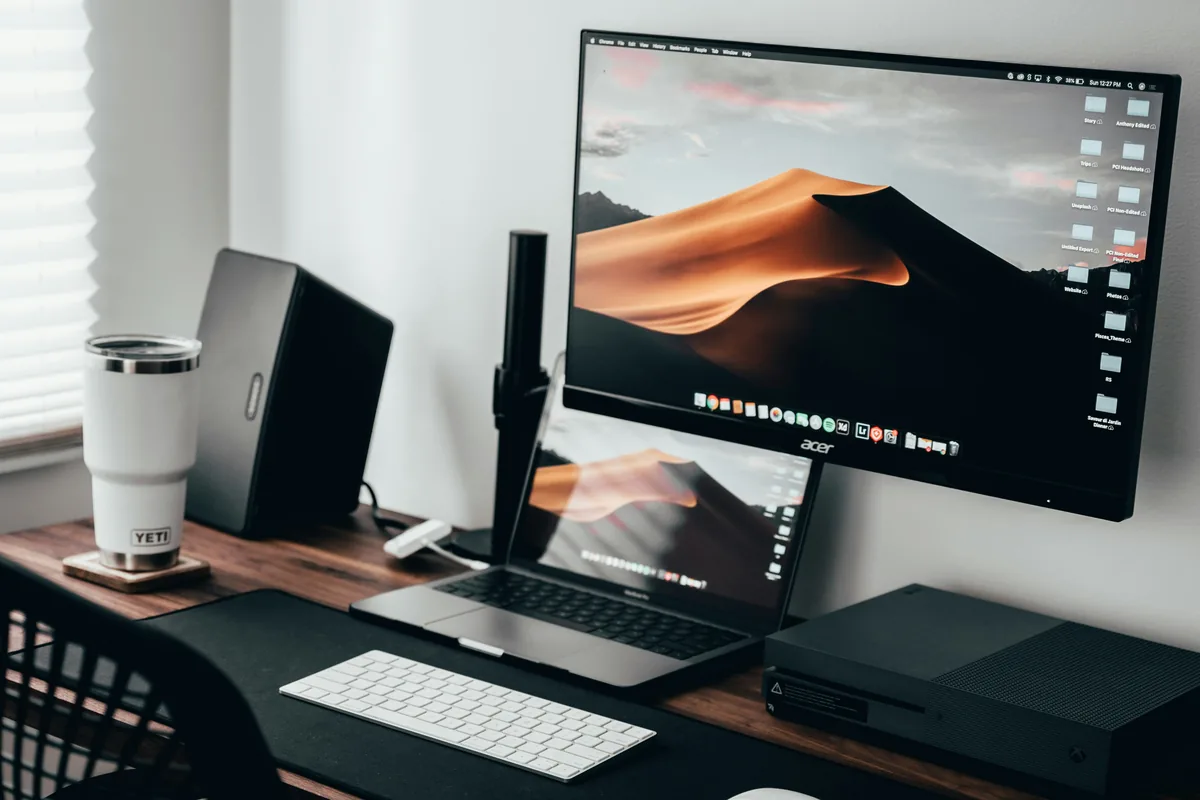
The real truth? A portable monitor is one of the better investments for nomad work. It made remote work feel less like scrappy hustle and more like an actual setup. That's worth something.
Why this matters
Working on a spreadsheet on a small laptop screen in a cramped Airbnb strains your eyes fast. That is why so many digital nomads won't travel without a portable monitor.
A 15.6-inch second screen lets you keep documentation on one screen and your work on the other, and video calls stop feeling cramped. Here is which ones are worth the luggage space.
If you're a remote worker, freelancer, or digital entrepreneur bouncing between countries and coworking spaces, this guide breaks down exactly which portable monitor fits your nomadic lifestyle. It covers what each one is best for, and which one to pick for a six-month trip.
Why Digital Nomads Actually Need a Portable Monitor
Here's the thing: working from a single laptop screen sounds fine in theory. But in practice, it's brutal on your productivity and your back. You're hunched forward, eyes straining, toggling between windows instead of seeing everything at once.

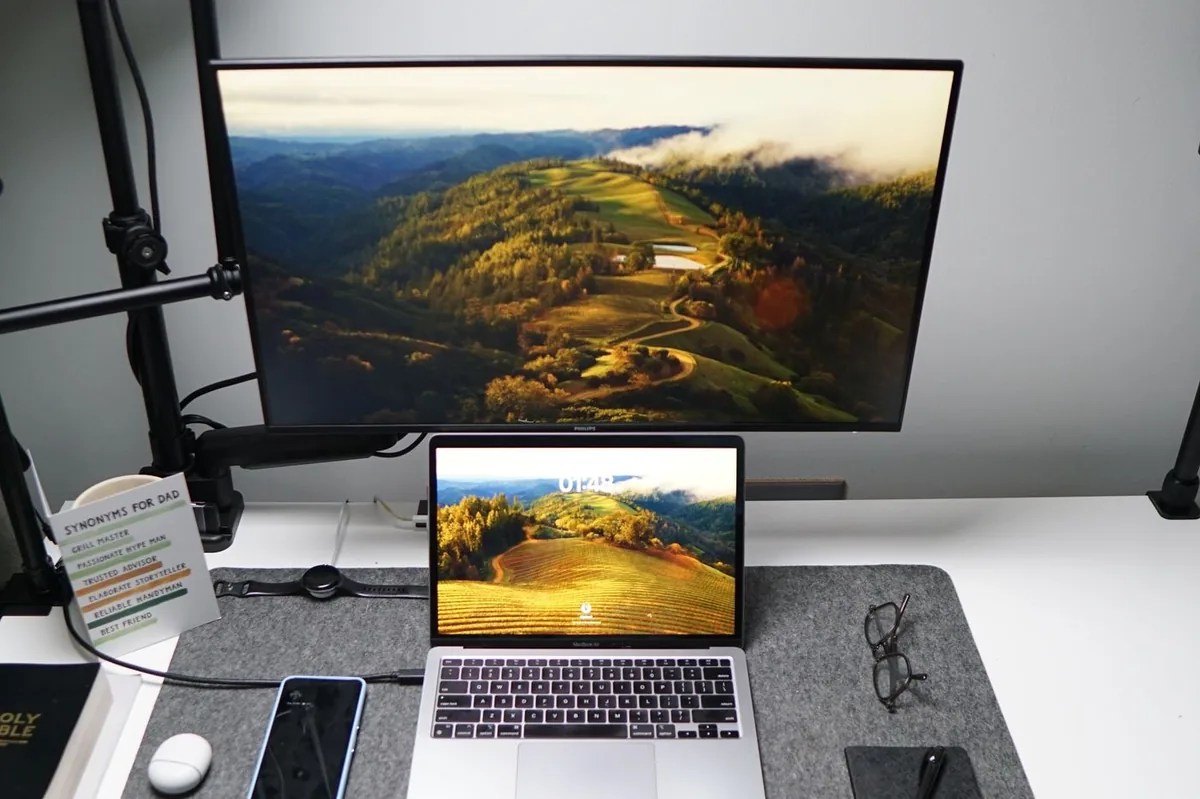
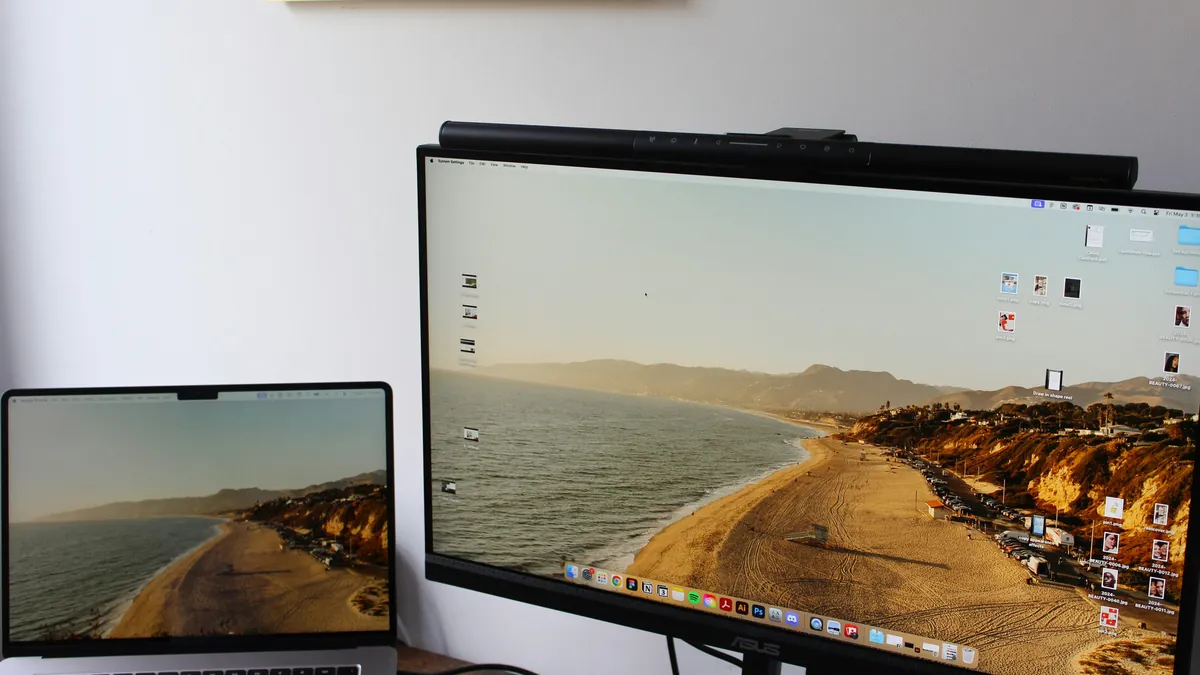
A portable monitor fixes that. You get a second screen, suddenly you can have your email open while coding, or your presentation alongside your notes. Cafes, Airbnbs, co-working spaces, airport lounges, they all become actual workspaces instead of squeeze-your-eyes-at-a-tiny-screen situations.
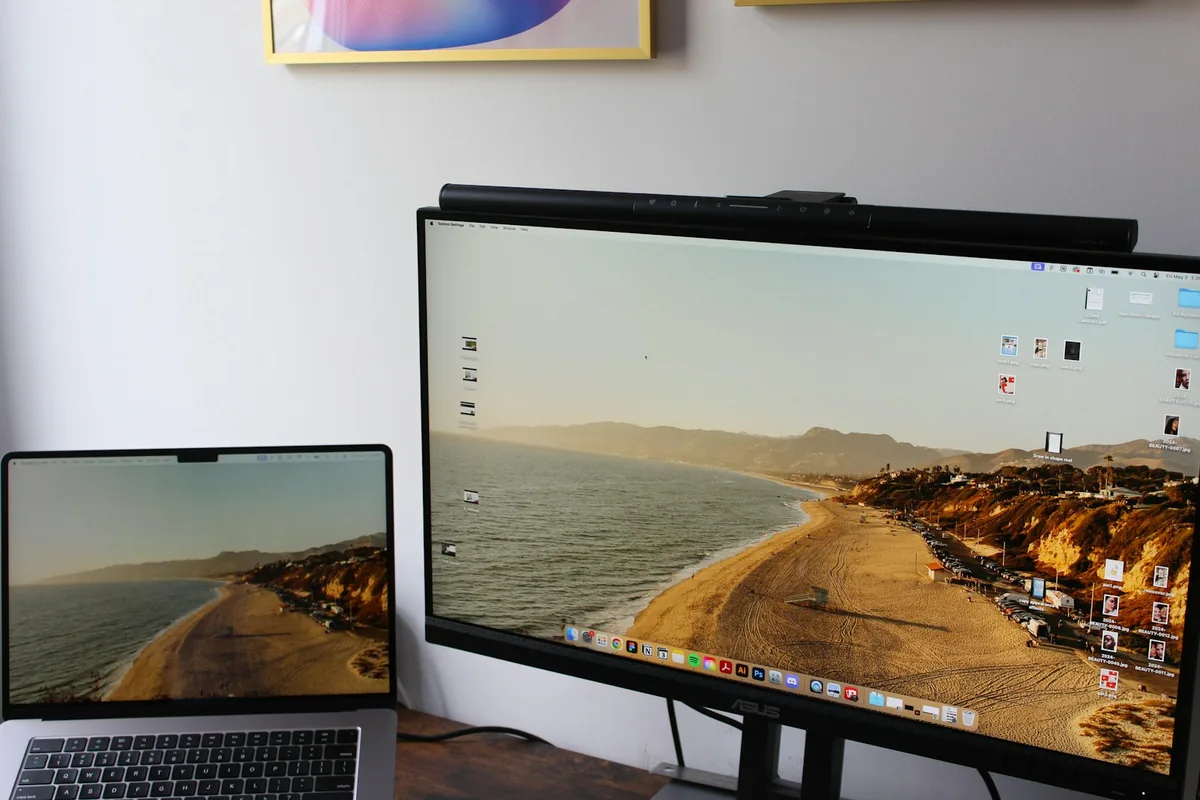
The other thing nobody talks about? The psychological effect. Having a real setup, even if it's temporary, makes you feel like you're running a real business, not just hustling from your backpack. That matters more than you'd think.
Typing a lot on the road? See our guide to the best travel keyboards for digital nomads. Want the full setup in one place? Grab the Free Digital Nomad Setup Guide.
The Nomad Toolkit
Tools We Recommend on the Road
These four cover the boring but essential parts of nomad life. These are the four we recommend first for most nomads:
- SafetyWing, monthly nomad insurance, subscribe once, keeps running as you move country to country
- Airalo, eSIM for 200+ countries, activate before you land, no more SIM card hunting
- Revolut, multi-currency account with real exchange rates, my daily card abroad
- DiscoverCars, best car rental prices worldwide, filter for automatic and unlimited km
Updated:
Want to see the ASUS ZenScreen next to a rival? ASUS ZenScreen vs ARZOPA sets it against the ARZOPA Z1FC on ports, speakers and weight. Looking at budget screens instead? Uperfect vs ARZOPA compares a 15.6 inch Uperfect with the ARZOPA Z1FC.
Affiliate disclosure. This post contains affiliate links. If you click and buy something, this site earns a small commission at no extra cost to you. Picks are based on published specs, independent reviews and manufacturer information, and we only recommend what we would use ourselves. As an Amazon Associate I earn from qualifying purchases. Read the full affiliate disclosure. Amazon and the Amazon logo are trademarks of Amazon.com, Inc. or its affiliates.
Your next step