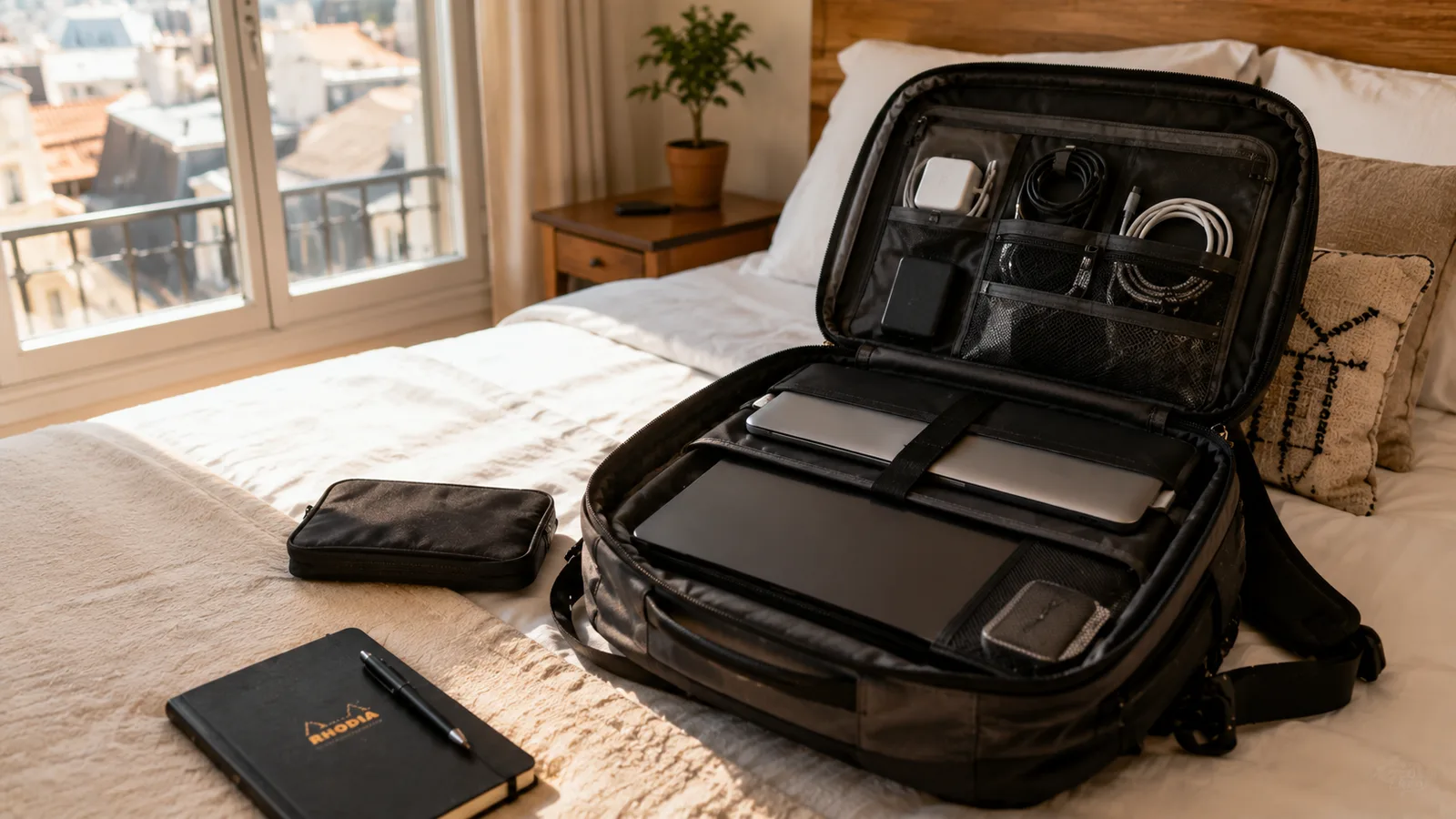
Best Travel Routers for Digital Nomads (2026 Guide)
As an Amazon Associate I earn from qualifying purchases. Some links on this page earn us a small commission, at no extra cost to you. Full disclosure.
Quick answer
Here are the best travel routers for digital nomads at a glance. For most solo nomads working from hotels, cafes, and Airbnbs, the GL.iNet Beryl AX is the pick: WiFi 6 speed with VPN built in. On a tight budget without VPN needs, the TP-Link TL-WR902AC is unbeatable for the price. Running a team house or coliving setup? Go for the GL.iNet Flint 2.
Our top picks
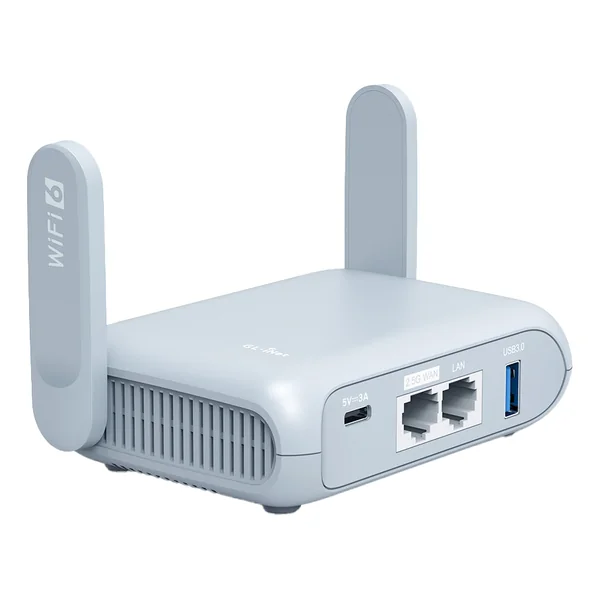
GL.iNet Beryl AX
Serious remote workers who need WiFi 6 speed, VPN built-in, and reliable performance across any destination Read more
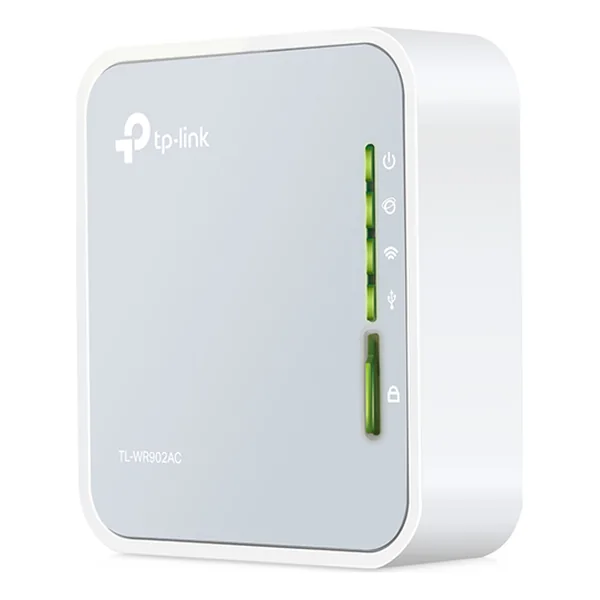
TP-Link TL-WR902AC
Budget-conscious travelers who need basic reliability and do not require VPN features Read more
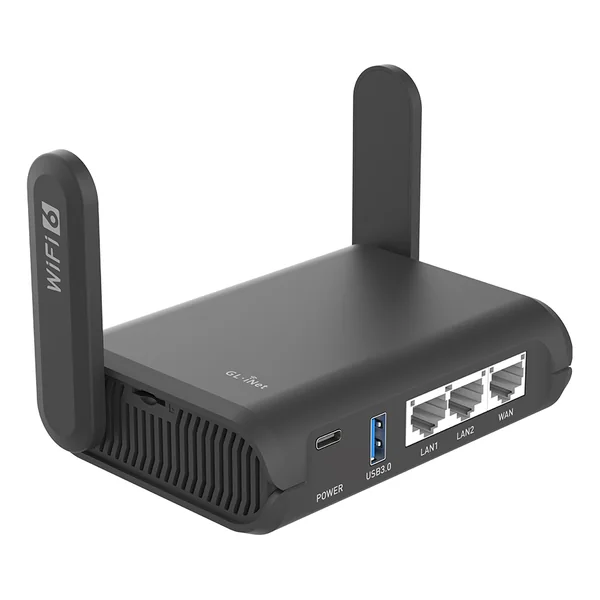
GL.iNet Slate AX
Developers, creatives, and anyone who needs more processing power and advanced networking Read more
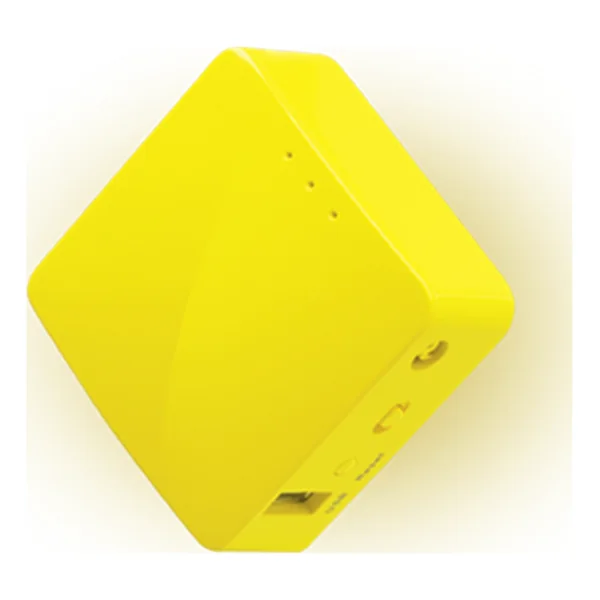
GL.iNet Mango
Ultralight travelers who prioritize weight over features, and budget conscious adventurers Read more
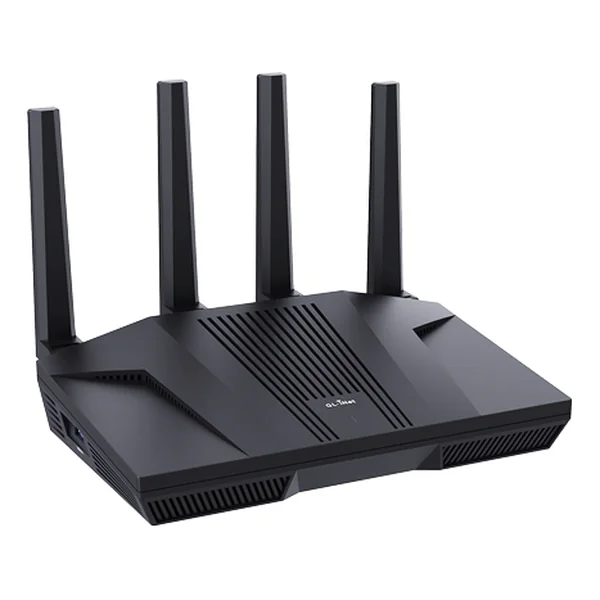
GL.iNet Flint 2
Coworking spaces, team houses, coliving arrangements, and anyone with multiple connected devices Read more
Key takeaways
- For most solo nomads working from hotels, cafes and Airbnbs, the GL.iNet Beryl AX is the pick: WiFi 6 speed with VPN built in.
- On a tight budget without VPN needs, the TP-Link TL-WR902AC is unbeatable for the price.
- Running a team house or coliving setup? Go for the GL.iNet Flint 2.
- Setting up takes about five minutes: plug it in, connect to its WiFi, open the admin panel and pick your WiFi source.
Quick Comparison
| Router | WiFi | VPN | Shop |
|---|---|---|---|
| WiFi 6 | Yes | Get yours on Amazon |
| WiFi 5 | No | Get yours on Amazon |
| WiFi 6 | Yes | Get yours on Amazon |
| WiFi 4 | Yes | Get yours on Amazon |
| WiFi 6 | Yes | Get yours on Amazon |
A comprehensive guide to choosing the right portable router for remote work anywhere
1. GL.iNet Beryl AX (GL-MT3000) , Best Overall
GL.iNet Beryl AX
Pros
- Fast WiFi 6
- Excellent VPN integration
- USB-C powered
- Reliable across different networks
- Mobile app is clean and intuitive
Cons
- Higher price point
- Slight learning curve on VPN setup
Best for: Serious remote workers who need WiFi 6 speed, VPN built-in, and reliable performance across any destination
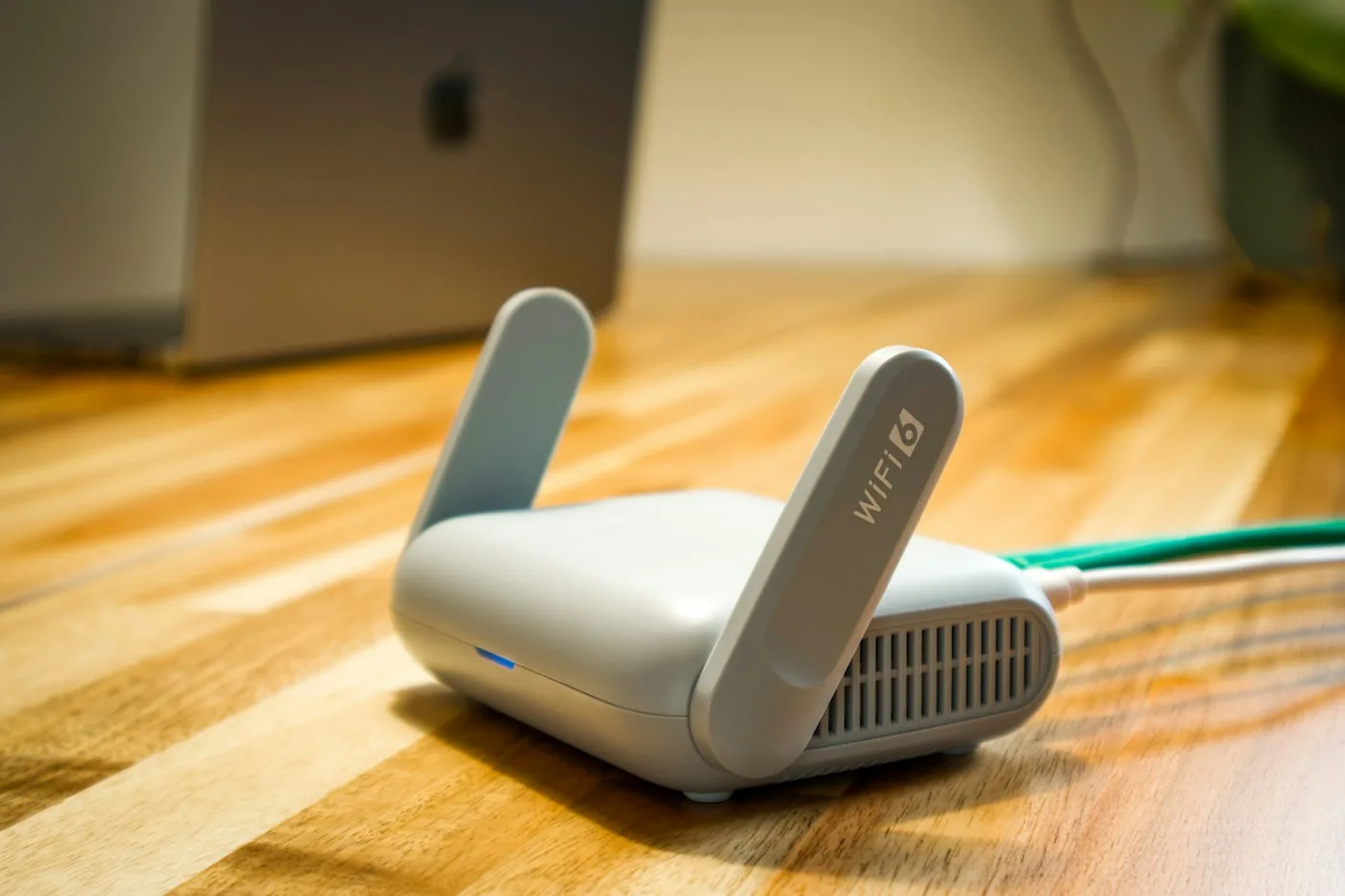
The Beryl AX is small enough to live in your backpack next to your laptop charger.
The typical use: a cafe or hotel with WiFi that keeps dropping. The Beryl AX connects to that network and gives your own devices one stable network to join.
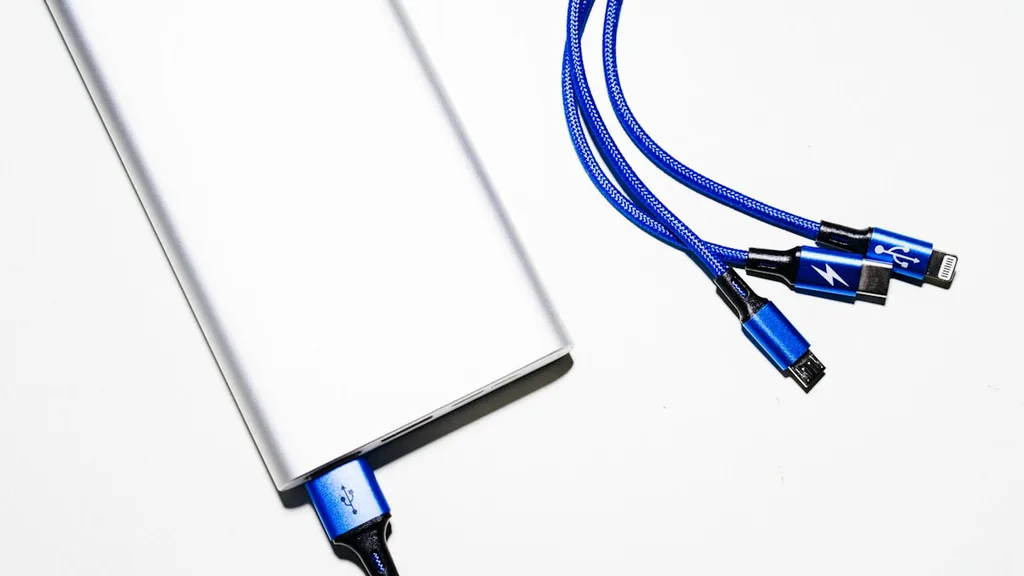
The WiFi 6 speed is legit. GL.iNet lists AX3000 speeds (574 Mbps on 2.4GHz, 2402 Mbps on 5GHz), plenty for video calls and streaming, although your real speed depends on the network you connect to. The built-in VPN support is excellent, you can run your VPN on the router itself, which means every device connected to it automatically gets the VPN encryption. That's huge for security on open networks.
It's also fast to set up. Literally plug it in, scan the QR code with your phone, and you're live. Takes about 90 seconds. It runs on USB-C power, the same plug as your phone. It has no built-in battery.
The only real downside? It's a bit pricier than budget options. Also, the interface is somewhat technical, not difficult, but if you're completely non-technical, you might need 10 minutes to figure out the VPN setup.
| Specification | Details |
|---|---|
| WiFi Standard | WiFi 6 (802.11ax) |
| VPN Support | Yes, OpenVPN & WireGuard |
| Ports | 2x Ethernet (WAN is 2.5G), 1x USB 3.0, USB-C power |
| Size | 120 x 83 x 34 mm |
| Weight | 196 g (6.9 oz) |
| Price | Check price on Amazon |
2. TP-Link TL-WR902AC , Best Budget Option
TP-Link TL-WR902AC
Pros
- Extremely affordable
- Tiny and portable
- Simple setup
- Reliable range
- USB port for sharing files or charging
Cons
- No VPN support
- WiFi 5 only
- Needs external power (adapter or USB)
Best for: Budget-conscious travelers who need basic reliability and don't require VPN features
You might not expect much from a budget router, but the TP-Link does the basic job well in hostels and cheap Airbnbs.
It's tiny (74 x 67 x 22 mm), so it fits in any bag pocket, and the range is fine for a room or small apartment. It supports WiFi 5, which isn't bleeding-edge, but it's more than enough for video calls, streaming, and regular work.
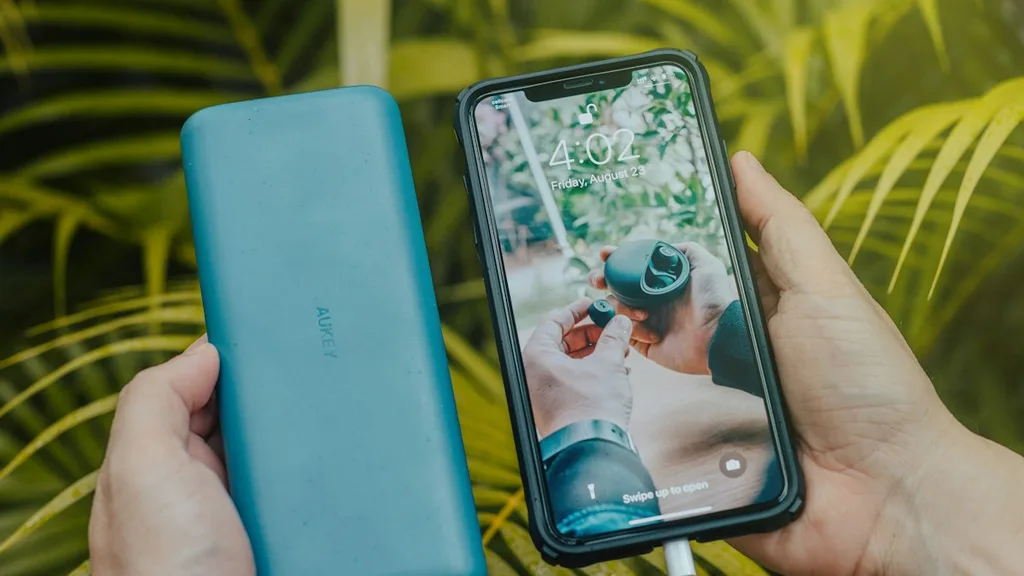
The setup is brain-dead simple. Plug it in, press a button, done. No app needed. Everything is handled through a basic web interface.
Why so affordable? Because it's missing some premium features. No VPN support built-in (you'd need to add VPN on your individual devices). It has no battery, so it needs power from the included adapter or a USB port. The WiFi 5 speed is solid but not as fast as WiFi 6 routers.
For the price, it is a solid entry-level travel router.
| Specification | Details |
|---|---|
| WiFi Standard | WiFi 5 (802.11ac) |
| VPN Support | No |
| Ports | 1x Ethernet, 1x USB 2.0, micro-USB power |
| Size | 74 x 67 x 22 mm |
| Weight | 56.7 g (2.0 oz) |
| Price | Check price on Amazon |
3. GL.iNet Slate AX (GL-AXT1800) , Best for Power Users
GL.iNet Slate AX
Pros
- More processing power
- Advanced VPN support
- USB 3.0 port and microSD slot
- WiFi 6
- Excellent for multi-user setups
- Robust build quality
Cons
- Higher price
- Overkill for most solo travelers
- More complex interface
Best for: Developers, creatives, and anyone who needs more processing power and advanced networking
If the Beryl AX is the reliable daily driver, the Slate AX is the sports car. It's got more RAM, faster processing, and handles complex VPN configurations without breaking a sweat.
Its extra processing power helps when many people share one connection, or when you run several VPN connections at once.
The interface is also more powerful. You get access to advanced settings that power users actually want: custom VPN configurations, advanced firewall rules, traffic prioritization. If you're a developer or someone who understands networking, this thing opens up possibilities.

The build quality is noticeably better than the budget options.
The catch? You're paying for that extra power. It's more expensive than the Beryl AX, and honestly, most nomads don't need what this offers. But if you're tech-savvy and want a router that can handle anything you throw at it, this is it.
| Specification | Details |
|---|---|
| WiFi Standard | WiFi 6 (802.11ax) |
| VPN Support | Yes, OpenVPN & WireGuard |
| Ports | 1x WAN, 2x LAN, 1x USB 3.0, USB-C power, microSD slot |
| Size | 125 x 82 x 36 mm |
| Weight | 245 g (8.6 oz) |
| Price | Check price on Amazon |
4. GL.iNet Mango (GL-MT300N-V2) , Best Ultra-Portable
GL.iNet Mango
Pros
- Extremely lightweight
- Cheap
- VPN support
- Runs on any USB power source
- Perfect backup device
Cons
- Limited range
- Slower performance (WiFi 4, 300 Mbps)
- Not suitable as primary router
Best for: Ultralight travelers who prioritize weight over features, and budget conscious adventurers
The Mango is what we call a "minimalist's router." At 40 g it weighs basically nothing and takes up no space.
Don't let the budget price fool you, it actually supports VPN, which sets it apart from other cheap routers. The signal isn't the strongest, but for basic browsing and email it is adequate.
Setup is quick. It has no battery: power it from any USB charger or power bank (micro-USB). It's the kind of router you bring on a weekend trip to a remote location, not the one you'd rely on for your main workstation.
It works best as a backup router for emergencies: if your main router dies, the Mango keeps you online until you get a replacement. For that purpose, it's perfect.
| Specification | Details |
|---|---|
| WiFi Standard | WiFi 4 (802.11n, 300 Mbps) |
| VPN Support | Yes, OpenVPN |
| Ports | 1x WAN, 1x LAN, 1x USB 2.0, micro-USB power |
| Size | 58 x 58 x 25 mm |
| Weight | 40 g (1.4 oz) |
| Price | Check price on Amazon |
5. GL.iNet Flint 2 (GL-MT6000) , Best for Teams & Coliving
GL.iNet Flint 2
Pros
- WiFi 6 with 2.5G ports
- Dual WAN support
- Excellent for multiple users
- Robust build
- Advanced networking features
- Failover capabilities
Cons
- Expensive
- Overkill for solo travelers
- Larger and heavier
- Complex setup
Best for: Coworking spaces, team houses, coliving arrangements, and anyone with multiple connected devices
The Flint 2 is the professional-grade option. It is a full home router, made for shared houses and small offices rather than for your backpack.
Dual WAN lets you connect two internet sources at once, WiFi 6 gives fast speeds, and there is enough processing power for a small office's worth of devices.
The Flint 2 also has something called "failover" functionality. If your primary internet goes down, it automatically switches to your mobile hotspot or backup connection. For teams, that's invaluable. Your work never stops.
It's also built like a tank. The device feels expensive and durable.
The only reason it's not "best overall" is because most solo nomads don't need dual WAN or a full home router. You're paying for features you won't use. But if you're in a shared space or running a small operation, this thing is incredible.
| Specification | Details |
|---|---|
| WiFi Standard | WiFi 6 (802.11ax) |
| VPN Support | Yes, OpenVPN & WireGuard |
| Ports | 2x 2.5G Ethernet, 4x LAN, 1x USB 3.0, DC power |
| Size | 233 x 137 x 53 mm |
| Weight | 761 g (1.7 lb) |
| Price | Check price on Amazon |
Side-by-Side Comparison

| Router | WiFi | VPN | Price | Best For |
|---|---|---|---|---|
| GL.iNet Beryl AX | WiFi 6 | Yes | Check price on Amazon | Overall best |
| TP-Link TL-WR902AC | WiFi 5 | No | Check price on Amazon | Budget |
| GL.iNet Slate AX | WiFi 6 | Yes | Check price on Amazon | Power users |
| GL.iNet Mango | WiFi 4 | Yes | Check price on Amazon | Lightweight travel |
| GL.iNet Flint 2 | WiFi 6 | Yes | Check price on Amazon | Teams/coliving |
How to Set Up Your Travel Router (5 Minutes)
Here's the process, and it's pretty simple:
1. Plug it in or turn it on: Most travel routers charge via USB or run on batteries. Turn it on and wait 30 seconds for the lights to stabilize.
2. Connect to the router's WiFi: Your phone or laptop will see the router as a new network. Connect to it using the default password (printed on the bottom).
3. Open the admin panel: Type 192.168.8.1 in your browser or open the manufacturer's app. Scan the QR code on the router.
4. Select your WiFi source: The router will show you available networks (your hotel WiFi, café network, etc.). Select the one you want to connect to and enter the password.
5. Set up VPN (optional but recommended): If your router supports VPN, go to the VPN settings and import your VPN configuration. Takes two minutes.
That's it. You're done. Your router is now broadcasting its own network with the VPN running underneath.
Our remote work setup
The gear guides we compare for working from cafes, coliving rooms and rentals:
Frequently Asked Questions
Do I actually need a travel router?
Not absolutely, but it helps a lot. Bad WiFi kills productivity and creates stress. A travel router is basically buying peace of mind for not much money. That's cheap insurance for your digital nomad lifestyle.
Will a travel router make slow WiFi fast?
It'll optimize what's there, but it can't create bandwidth out of nothing. If the source network is 1 Mbps, you'll still get 1 Mbps through the router. What it does is stabilize connections, reduce drops, and let you use the bandwidth more efficiently. It's about reliability, not magic.
Can I use a travel router in every country?
Basically yes. The only caveat is that some countries (looking at you, China) have stricter regulations. Check local laws before traveling, but in most places, a travel router is completely legal and won't cause issues.
Do I need to pay for VPN separately?
Not if your router supports VPN. You can use any VPN service (NordVPN, ExpressVPN, Mullvad, etc.) with the router and run it at the device level. Some routers even come with free VPN trials. Mullvad is a popular privacy-first choice that works well on routers.
What if the router breaks while I'm traveling?
Most travel routers are tough and don't break easily. They're cheap enough to replace quickly. A cheap backup sitting in your bag is solid insurance.
Why this matters

The Hotel WiFi Problem (And the Fix)
Picture a video call from an Airbnb where the host's WiFi drops every 45 seconds: connection, blackout, frozen screen, again and again.
Relying on hotel and Airbnb WiFi as a digital nomad isn't just frustrating, it's a liability. You can't build a sustainable remote business on sketchy internet that cuts out during important calls.
A portable travel router is the fix, but they are not all equal. Some are great, some are not worth the space in your bag.
A good travel router lets you connect to the host WiFi, stabilize it, add a VPN layer for security, and create your own reliable network. Game changer.
Here's how to choose the right travel router.

Chenzo, founder of NomadsToolsLab, working online while traveling.
What Exactly Is a Travel Router?
If you're new to this, a travel router is basically a small device that connects to an existing WiFi network and re-broadcasts it as its own network. Think of it as a middleman between bad hotel WiFi and your laptop.
Why not just connect directly to the hotel network? Because travel routers let you:
Add a VPN layer for security on sketchy public networks Create a stable connection by optimizing signals Connect multiple devices to one network (laptop, phone, tablet) Switch networks without reconnecting every device
Some travel routers (the good ones) also have built-in VPN, USB charging, and even mobile hotspot capabilities. They're basically tiny security blankets for your digital nomad setup.
Final Verdict: Which One Should You Buy?
Here's the honest recommendation:
If you're a solo nomad doing most of your work in hotels, cafes, and Airbnbs, get the GL.iNet Beryl AX. It's the sweet spot between price, performance, and features. You'll use it every single day, and it'll pay for itself in peace of mind alone.
If you're traveling on a tight budget and can live without VPN on the router itself, the TP-Link TL-WR902AC is unbeatable for the price. It works, it's simple, and it'll handle basic nomad needs.
If you're a developer, power user, or running a small team, the GL.iNet Slate AX is worth the extra money. The performance boost is real.
If you're doing ultralight travel and weight matters more than features, grab the Mango. Keep it as a backup.
If you're managing a co-living space or team house, the Flint 2 is the investment that keeps working for you.
Honestly though? No matter which one you pick, you'll be better off than relying on hotel WiFi. They all do the job. Pick the one that fits your lifestyle, and you'll be good.
Your sanity during video calls is worth the investment.
Updated:
On hotel and cafe wifi, a VPN adds a layer of protection: see our NordVPN vs ExpressVPN vs Proton VPN comparison.
Affiliate disclosure. This post contains affiliate links. If you click and buy something, this site earns a small commission at no extra cost to you. Picks are based on published specs, independent reviews and manufacturer information, and we only recommend what we would use ourselves. As an Amazon Associate I earn from qualifying purchases. Read the full affiliate disclosure. Amazon and the Amazon logo are trademarks of Amazon.com, Inc. or its affiliates.
Your next step

 See the full setup guide