Starlink Mini vs Standard for Van Life: Smaller or Faster?
As an Amazon Associate I earn from qualifying purchases. Some links on this page earn us a small commission, at no extra cost to you. Full disclosure.
Starlink Mini vs Standard comes down to power and reach. Starlink's spec sheets list the Mini at 25 to 40 W on average, 1.1 kg and a Wi-Fi 5 router built into the dish, and the Standard at 75 to 100 W, 2.9 kg and a separate Wi-Fi 6 router. We read both spec sheets and both Amazon pages on 5 October 2026.

Quick answer
Checked on 5 October 2026. Choose the Starlink Mini if you move camp or run from a 12 V battery or a power station: it is the smaller, lighter kit and has the router inside. Choose the Standard if you park for weeks, have AC power and want more Wi-Fi reach and faster speeds: testers measured higher speeds on it. Either way you also need a Starlink service plan, and Starlink itself sells both kits on Amazon.
Both, with a buy button each
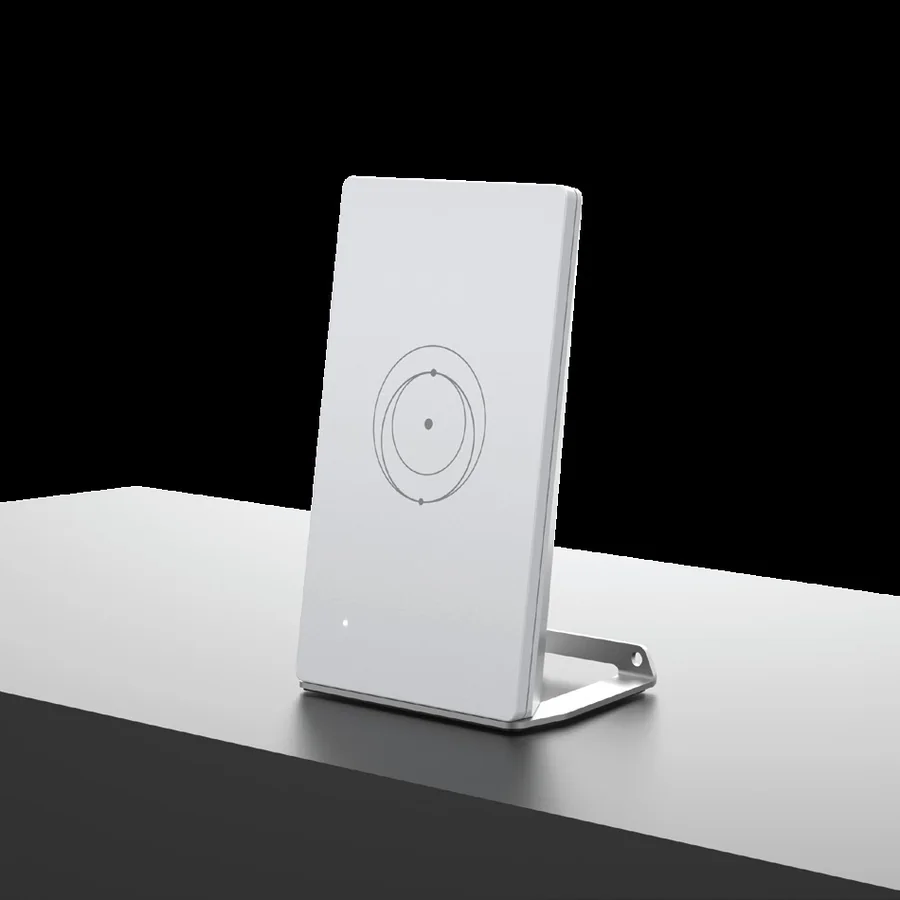
Starlink Mini kit
Lists 25 to 40 W on average, 12 to 48 V DC input, 1.10 kg and a router built into the dish. Read more
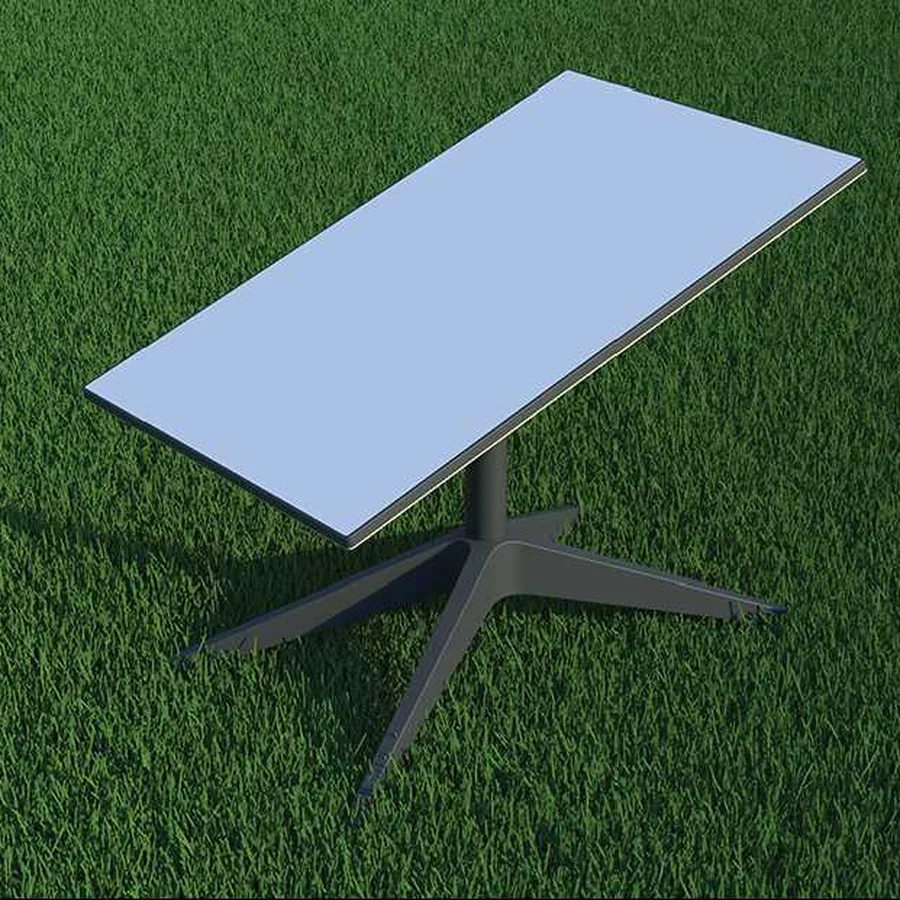
Starlink Standard kit
Lists 75 to 100 W on average, an AC power supply, 2.9 kg and a separate Wi-Fi 6 router. Read more
How we compared them
The NomadsToolsLab team read Starlink's spec sheets for both kits and both Amazon pages with a US address on 5 October 2026, and checked what the top-ranking pages for this search compare: all of them set these two kits against each other, so we do the same. What surprised us: the Standard's spec sheet lists 75 to 100 W on average, yet in January 2026 a tester at DISHYtech saw a Gen 3 Standard drop from about 44 W to about 33 W in the Starlink app after a software update that cut idle power by around a quarter.
Testers at DISHYtech measured up to 191 Mbps down on a Mini and over 300 Mbps down on a Standard. A driver who runs Minis on a truck and an SUV and put a Standard on his house, at the Out of Spec BITS channel, found the Standard faster in May 2026 but called the Mini "perfect for probably 95% of the work I do". Owners also mention the plan terms: he says a Standard supplied with a home plan is tied to that address, so check Starlink's current terms before you plan to travel with one.
Every number in the table comes from Starlink's own spec sheets.

From the road: I spent seven years living and working out of a campervan and caravan, and internet was always about research and comparing. We drove toward the places where the signal was strong, checked our phones before parking, and stopped exactly where the connection held. If money allows, Starlink is worth it now, but it depends where you are.
Starlink Mini vs Standard at a glance
| Pick | Power | Weight | Wi-Fi | Shop |
|---|---|---|---|---|
| Power (avg): 25 to 40 W | Weight: 1.10 kg | Wi-Fi: Wi-Fi 5, router built in | Get yours on Amazon |
| Power (avg): 75 to 100 W | Weight: 2.9 kg | Wi-Fi: Wi-Fi 6, Router 3 included | Get yours on Amazon |
Both dishes list a 110 degree field of view, an operating range of -30 to 50 C and wind resistance of 96 kph and above. Snow melt differs: up to 25 mm an hour for the Mini and up to 40 mm for the Standard. Wi-Fi reach differs too. Starlink lists up to 112 m² and 128 devices for the Mini's router, and up to 297 m² and 235 devices for the Standard's Router 3.
The Mini lists 12 to 48 V DC input at up to 60 W. The Standard kit comes with an AC power cable and power supply. In a 12 V van that means an inverter or a power station with an AC outlet, which our power station guide covers.
1. Starlink Mini: the one for moving around
Starlink Mini kit
The Starlink Mini kit is a 298.5 by 259 mm dish that weighs 1.10 kg, or 1.53 kg with the kickstand and the 15 m cable. Starlink's sheet lists IP67 with the DC cable and plug installed, a Wi-Fi 5 router built in, one Ethernet port and USB-C power delivery at 100 W (20 V, 5 A minimum) when you use Starlink's USB-C to barrel jack cable accessory. It also says the Mini is no longer rated IP67 with a standard RJ45 Ethernet cable.
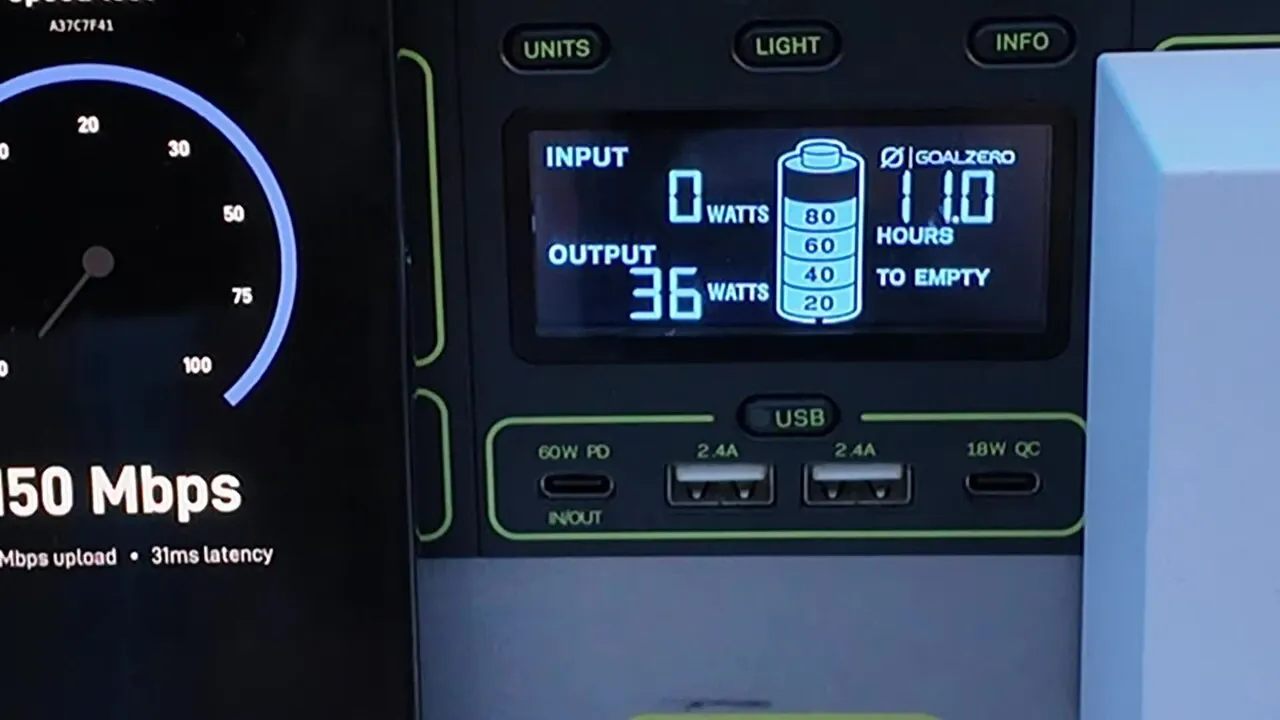
Testers back up the low draw. DISHYtech reports 20 to 40 W for the Mini, usually 20 to 30 W, and a best result of 191 Mbps down and 15 Mbps up. Like every Starlink dish, it needs a clear view of the sky. Read Starlink's Mini spec sheet before you buy. Product images on this page come from Starlink's accessories guides.
2. Starlink Standard: the one for staying put
Starlink Standard kit
The Starlink Standard kit has a 594 by 383 mm dish that weighs 2.9 kg, or 3.8 kg with the kickstand and 15 m cable, plus a Router 3 with tri-band Wi-Fi 6, two Ethernet ports and mesh support. Starlink lists IP67 for the dish and an indoor IP56 rating for the router.
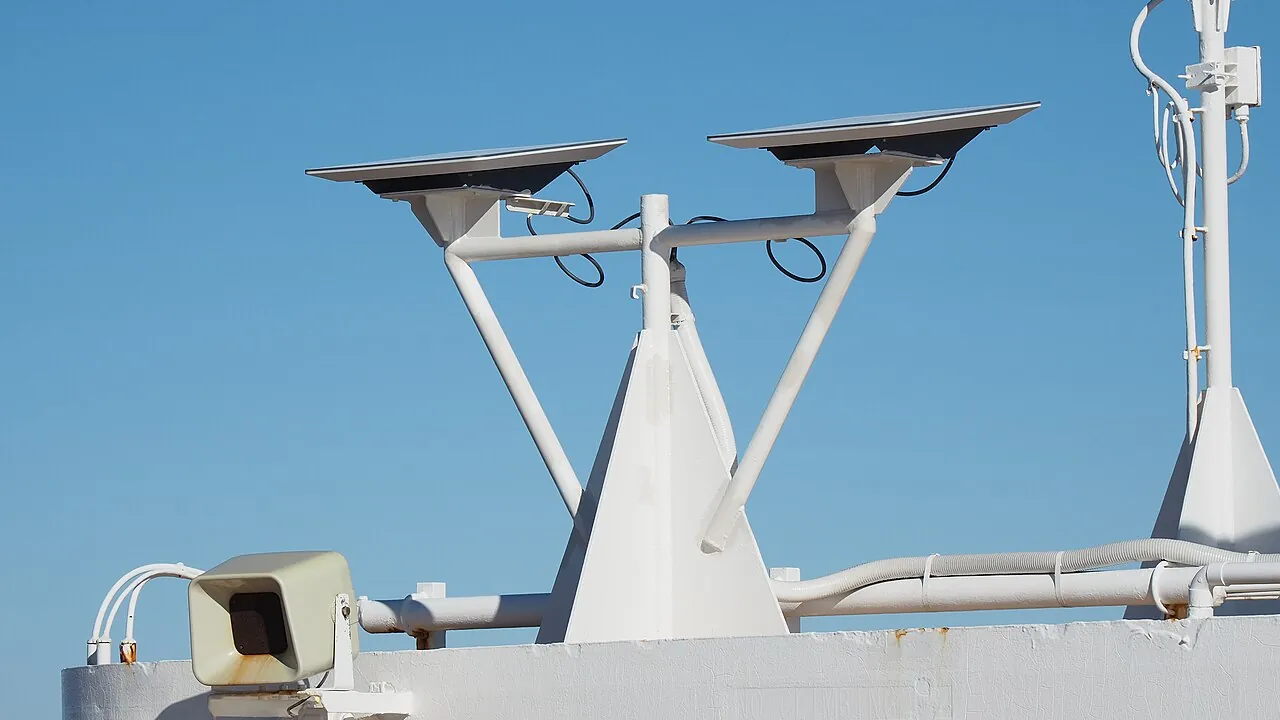
DISHYtech measured over 300 Mbps down and more than 30 Mbps up on a Standard. Out of Spec BITS saw 290 to 350 Mbps at home and said the Standard cut the latency he notices when working remotely. Starlink's Standard spec sheet has the full list.
Power and plans in a van

The spec sheets list averages, and draw changes with the software. DISHYtech reported in January 2026 that a Starlink update cut idle power by about 25 percent, with a Gen 3 Standard moving from roughly 44 W to 33 W in the app. Treat the sheet as the maker's figure and read your own number in the Starlink app.
Reviews also disagree about use while driving: DISHYtech reported highway speeds above 100 Mbps on a Mini, while testers at RV Lifestyle call it designed for stationary use. Read Starlink's current plan terms for use in motion, and for the countries your plan covers, before you mount a dish on a moving vehicle. For a full van setup see our vanlife internet guide.
Which one to pick

Pick the Starlink Mini if
- You change camp often and want a light kit.
- You run from 12 V or a power station.
- You want the router inside the dish.
- One van or room of Wi-Fi is enough.
Pick the Starlink Standard if
- You park for weeks and can leave it mounted.
- You have AC power or an inverter.
- You want more Wi-Fi reach and mesh support.
- You want the faster speeds testers measured.
Beyond Starlink coverage, or when you simply need to message someone, a satellite messenger is a different tool: see our Garmin inReach vs ZOLEO comparison. Building out the rest of the van? Cargo van conversion for beginners and how to wire a camper van cover power and wiring.
Watch: Standard vs Mini side by side
Video by Out of Spec BITS on YouTube.
Get the Mini on Amazon Get the Standard on Amazon
- Starlink Mini: 25 to 40 W on average, 1.10 kg, 12 to 48 V DC input, Wi-Fi 5 router built in.
- Starlink Standard: 75 to 100 W on average, 2.9 kg, AC power supply, separate Wi-Fi 6 Router 3.
- Testers measured faster speeds on the Standard and lower draw on the Mini.
- Both Amazon listings say a Starlink service plan is required. Check Starlink's current terms for travel and use in motion.
Where to go next
Sorting the power side? Start with power stations for van life, then pick a backup hotspot or mobile internet option for when the sky is blocked.
FAQ
Is the Starlink Mini slower than the Standard?
Testers measured the Standard faster: DISHYtech saw up to 191 Mbps down on a Mini and over 300 Mbps down on a Standard.
How much power does a Starlink Mini use?
Starlink's spec sheet lists 25 to 40 W on average, and DISHYtech reports 20 to 30 W as typical. A software update in early 2026 lowered idle draw, so check the Starlink app.
Can the Starlink Mini run on 12 V?
Yes. Starlink lists 12 to 48 V DC input at up to 60 W, or USB-C power delivery at 100 W with its USB-C to barrel jack cable accessory.
Does the Starlink Standard come with a router?
Yes. Starlink lists a Router 3 with Wi-Fi 6, two Ethernet ports and mesh support in the Standard kit. The Mini has its router built into the dish.
Do I need a plan to use a Starlink kit?
Yes. Both Amazon listings say a Starlink service plan is required. Plans and the countries they cover change, so read Starlink's current terms for where you will travel.
Affiliate disclosure. This post contains affiliate links. If you click and buy something, this site earns a small commission at no extra cost to you. Picks are based on published specs, independent tests and manufacturer information. As an Amazon Associate I earn from qualifying purchases. Read the full affiliate disclosure. Amazon and the Amazon logo are trademarks of Amazon.com, Inc. or its affiliates.
Your next step