
Logitech MX Master 4 vs MX Master 3S: Is the Upgrade Worth It?
As an Amazon Associate I earn from qualifying purchases. Some links on this page earn us a small commission, at no extra cost to you. Full disclosure.
MX Master 4 vs 3S: the newer mouse adds a haptic thumb panel, an extra button and 9 g of weight, while Logitech lists the same 8,000 DPI sensor and the same 70-day battery claim for both. We read both Logitech product pages on 9 October 2026.

Quick answer
Checked on 9 October 2026. Choose the MX Master 4 if you want the haptic Actions Ring button and a thumb panel in solid plastic. Choose the MX Master 3S if you want the lighter mouse (141 g against 150 g) with the same sensor, scroll wheel and battery claim. Neither is a small travel mouse: both are full-size.
All 2 picks, with a buy button each
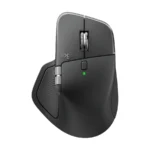
Logitech MX Master 4
Lists 150 g, a haptic Actions Ring button and 70 days per charge. Read more
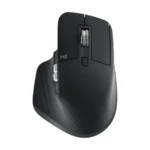
Logitech MX Master 3S (Bluetooth Edition)
Lists 141 g, Quiet Clicks and 70 days per charge, without a USB receiver. Read more
How we compared them
The NomadsToolsLab team read both Logitech product pages, including the specs tabs, and Logitech's support pages for the 3S on 9 October 2026, and checked the Amazon pages with a US address. What surprised us: the 3S that Logitech sells as the Bluetooth Edition comes without a USB receiver, and the Amazon listing we link says it leaves out the charging cable too. The older listing with the Logi Bolt receiver said "Currently unavailable" when we read it, so we did not link it.
Alfred Siew at Techgoondu found the 4 slightly larger and 9 g heavier, with a 650 mAh battery against 500 mAh, and called the upgrade modest. Julie Strietelmeier at The Gadgeteer found the left and right buttons quieter than the 3S and sees no strong reason to upgrade unless you want the haptic Actions Ring. Ángel Aller at Profesional Review says the 4 is not suited to small hands. On Amazon, the summary of reviews for the 4 lists ergonomics as the most mentioned topic, with mixed opinions, and says some reviewers call the haptic button a gimmick. Every number in the table comes from Logitech's own pages.

MX Master 4 vs 3S at a glance
| Mouse | Weight | Size (H x W x D) | Buttons | Battery claim | What is different |
|---|---|---|---|---|---|
| Logitech MX Master 4 | Weight: 150 g | Size (H x W x D): 128.2 x 88.4 x 50.8 mm | Buttons: 8 | Battery claim: Up to 70 days | What is different: Haptic feedback, Actions Ring, 650 mAh battery |
| Logitech MX Master 3S | Weight: 141 g | Size (H x W x D): 124.9 x 84.3 x 51 mm | Buttons: 7 | Battery claim: Up to 70 days | What is different: 500 mAh battery, no haptics |
Both list a Darkfield sensor from 200 to 8,000 DPI, a MagSpeed scroll wheel with SmartShift, a thumb wheel, Bluetooth Low Energy with a range of about 10 m, and a 1-year limited hardware warranty. Figures are Logitech's own, read on 9 October 2026 on the MX Master 4 and MX Master 3S pages and the 3S support page, which gives the 70 days.
1. Logitech MX Master 4: the haptic one
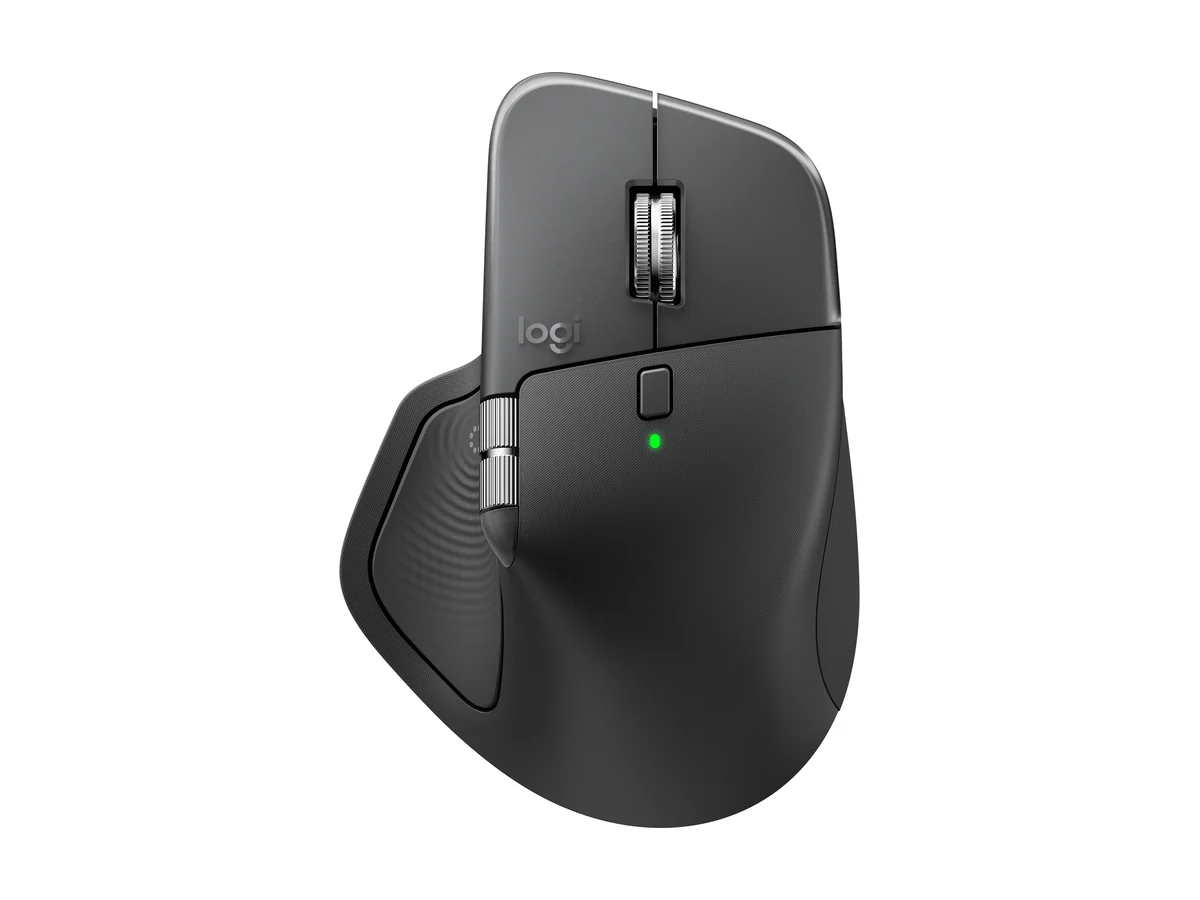
Logitech MX Master 4
Photo: Logitech.
The MX Master 4 adds what Logitech calls a Haptic Sense panel: the mouse vibrates for actions such as snapping, notifications and desktop switching, and the Actions Ring puts shortcuts at your cursor. Logitech says haptics work with Actions Ring, Smart Actions and Gestures, and with plugins for Adobe Photoshop, Lightroom Desktop and Zoom. Its "up to 33% of your time" claim for the Actions Ring comes from Logitech's own study of 37 users, so treat it as the maker's figure.
Logitech lists 8 buttons, a 650 mAh battery, up to 70 days per charge, Bluetooth Low Energy 5.1, and the Logi Bolt receiver for USB-C or USB-A ports. The plastic parts contain 54% certified post-consumer recycled material in graphite. The advanced haptics need the Logi Options+ app on a recent Windows or macOS.

2. Logitech MX Master 3S: the lighter one
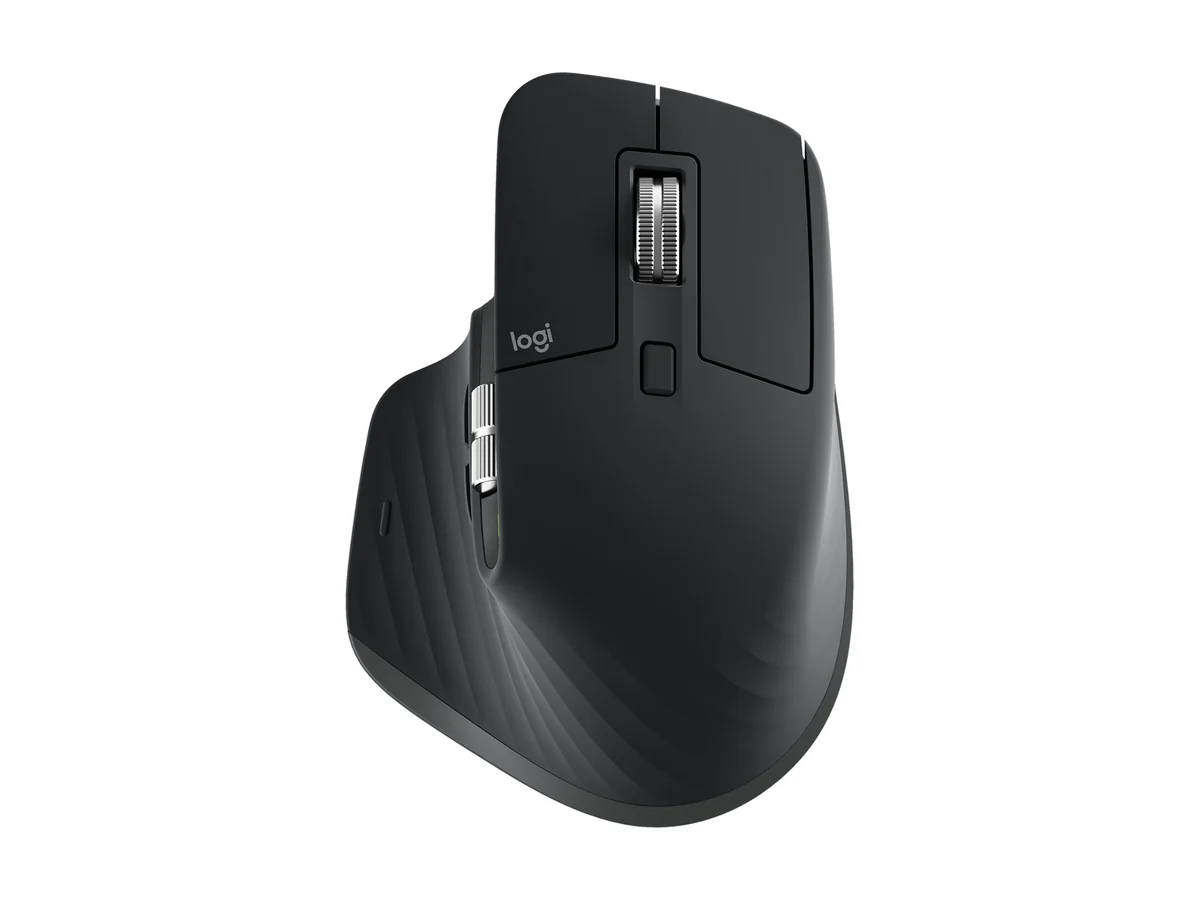
Logitech MX Master 3S (Bluetooth Edition)
Photo: Logitech.
The MX Master 3S Bluetooth Edition lists 141 g, 7 buttons, a 500 mAh battery and Quiet Clicks, which Logitech says make 90% less click noise than the MX Master 3. Its support page says a full charge can last up to 70 days and a minimum of 3 minutes of charging gives a full day of use. It is Bluetooth Low Energy only in this edition; the version with a Logi Bolt receiver is a separate product.
The Amazon listing we link is the Bluetooth Edition, sold by a third-party seller and shipped by Amazon, so ask that seller how the warranty works. It says the mouse comes with no USB receiver and no charging cable, so bring a USB-C cable. Logitech's plastic here has 27% recycled material. The Gadgeteer notes that you can still add an Actions Ring to the 3S and map it to an existing button.
Which one to pick on the road

If you already own a 3S: The Gadgeteer sees no strong reason to upgrade unless your mouse is worn or you want the haptic Actions Ring. The sensor and the battery claim are the same. If you work from many desks: the 3S is 9 g lighter and its Bluetooth connection needs no USB port, which suits a laptop with only USB-C. Logitech lists the 4 for Bluetooth or the Logi Bolt receiver in USB-C or USB-A. If you mainly want the new features: the 4 is the one, but try the shape first, because Profesional Review found it too large for small hands.
Neither is built to fit in a pocket. For a smaller mouse or a different shape, see our guide to the best ergonomic mouse for laptop work on the road, which also covers the MX Anywhere 3S, and for a vertical shape see Logitech Lift vs MX Vertical. For the rest of your desk, read the complete digital nomad setup guide and the MX Keys Mini vs Keychron K3 comparison. Our guide to working remotely while traveling explains how to fit it into a week on the road.
- Logitech lists the same 8,000 DPI sensor and the same 70-day battery claim for both mice.
- The MX Master 4 lists 150 g, 8 buttons, haptic feedback and the Actions Ring; the MX Master 3S lists 141 g and 7 buttons.
- Testers call the upgrade modest: The Gadgeteer sees no strong reason to upgrade from a 3S, and Profesional Review says the 4 is too big for small hands.
- The 3S Bluetooth Edition has no USB receiver, and the Amazon listing says no charging cable either.
Watch: MX Master 4 vs 3S
In the description of this comparison, Adam Talks Tech says he used both mice, including nine months on the MX Master 4.
Video by Adam Talks Tech.
Seen enough? Here is the MX Master 4 from this article.
Logitech MX Master 4
Gary Ruddell reviews the new mouse side by side with his own MX Master 3S, according to his description.
Video by Gary Ruddell.
Seen enough? Here is the MX Master 3S from this article.
Logitech MX Master 3S (Bluetooth Edition)
Hardware Canucks has chapters on the haptics, the Actions Ring, Photoshop and Lightroom, and battery life.
Video by Hardware Canucks. Per the description, Logitech provided the review unit free of charge and the video is sponsored by Thermaltake.
Seen enough? Here is the MX Master 4 from this article.
Logitech MX Master 4
FAQ
Is the MX Master 4 worth upgrading to from the MX Master 3S?
Testers are lukewarm. The Gadgeteer sees no strong reason to upgrade unless your mouse looks worn or you want the haptic Actions Ring, and Techgoondu calls the upgrade modest. Logitech lists the same sensor and battery claim for both.
Does the MX Master 4 have better battery life than the 3S?
Not on paper. Logitech lists up to 70 days for the MX Master 4, and its support page says a full charge of the 3S can last up to 70 days. The 4 has a larger 650 mAh battery against 500 mAh in the 3S.
Which is lighter, the MX Master 4 or the 3S?
The 3S. Logitech lists 141 g for the 3S and 150 g for the 4.
Does the MX Master 3S have haptic feedback?
No. Haptic feedback is a feature of the MX Master 4. The Gadgeteer notes you can add an Actions Ring to the 3S and map it to an existing button.
Does the MX Master 3S come with a USB receiver?
The Bluetooth Edition does not. Logitech sells the Logi Bolt receiver version as a separate product, and the Amazon listing we link says the Bluetooth Edition has no receiver and no charging cable.
Affiliate disclosure. This post contains affiliate links. If you click and buy something, this site earns a small commission at no extra cost to you. Picks are based on published specs, independent tests and manufacturer information. As an Amazon Associate I earn from qualifying purchases. Read the full affiliate disclosure. Amazon and the Amazon logo are trademarks of Amazon.com, Inc. or its affiliates.
Your next step

 The Complete Digital Nomad Setup Guide 2026